



Install Steam
sign in
|
language
简体中文 (Simplified Chinese)
繁體中文 (Traditional Chinese)
日本語 (Japanese)
한국어 (Korean)
ไทย (Thai)
Bahasa Indonesia (Indonesian)
Bahasa Melayu (Malay) BETA
Български (Bulgarian)
Čeština (Czech)
Dansk (Danish)
Deutsch (German)
Español - España (Spanish - Spain)
Español - Latinoamérica (Spanish - Latin America)
Ελληνικά (Greek)
Français (French)
Italiano (Italian)
Magyar (Hungarian)
Nederlands (Dutch)
Norsk (Norwegian)
Polski (Polish)
Português (Portuguese - Portugal)
Português - Brasil (Portuguese - Brazil)
Română (Romanian)
Русский (Russian)
Suomi (Finnish)
Svenska (Swedish)
Türkçe (Turkish)
Tiếng Việt (Vietnamese)
Українська (Ukrainian)
Report a translation problem










 Award
Award






Fix:
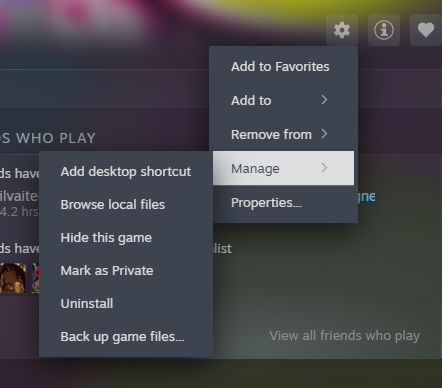
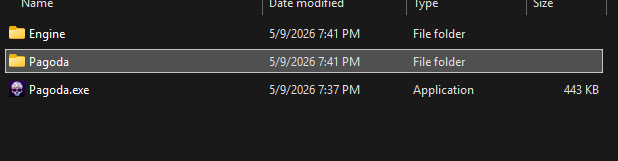
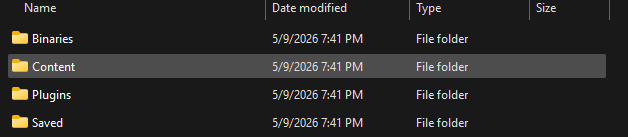
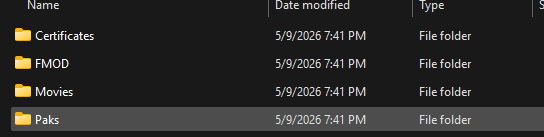
1. Go into ...\Pagoda\Content\Paks\
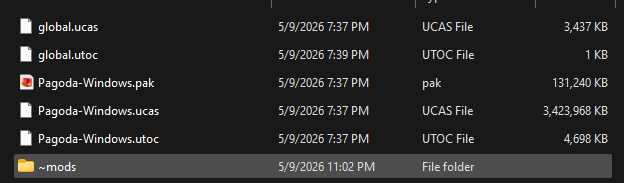
2. Make a new folder there named exactly ~mods (tilde has to be there)
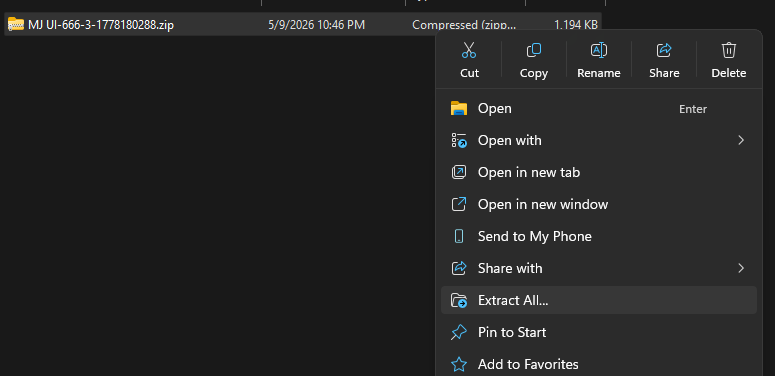
3. Move your .pak, .ucas, and .utoc files directly into that ~mods folder (not inside another subfolder, they need to sit right inside ~mods)
4. Relaunch the game
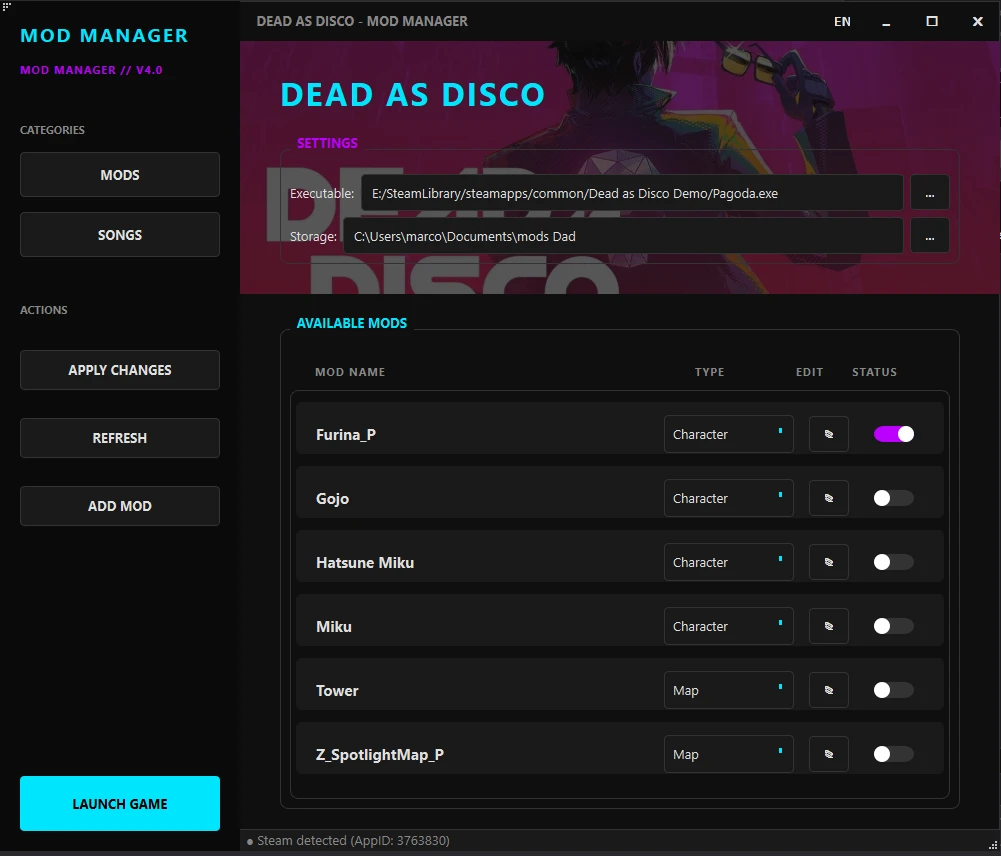
That should make the character model actually change. If it still doesn't work after that, double check you're not also using an old default model file that's overriding it, or try removing other mods temporarily to rule out a conflict.