Team Fortress 2

Team Fortress 2

Not enough ratings
Team Fortress 2 FPS boost
By Galactica
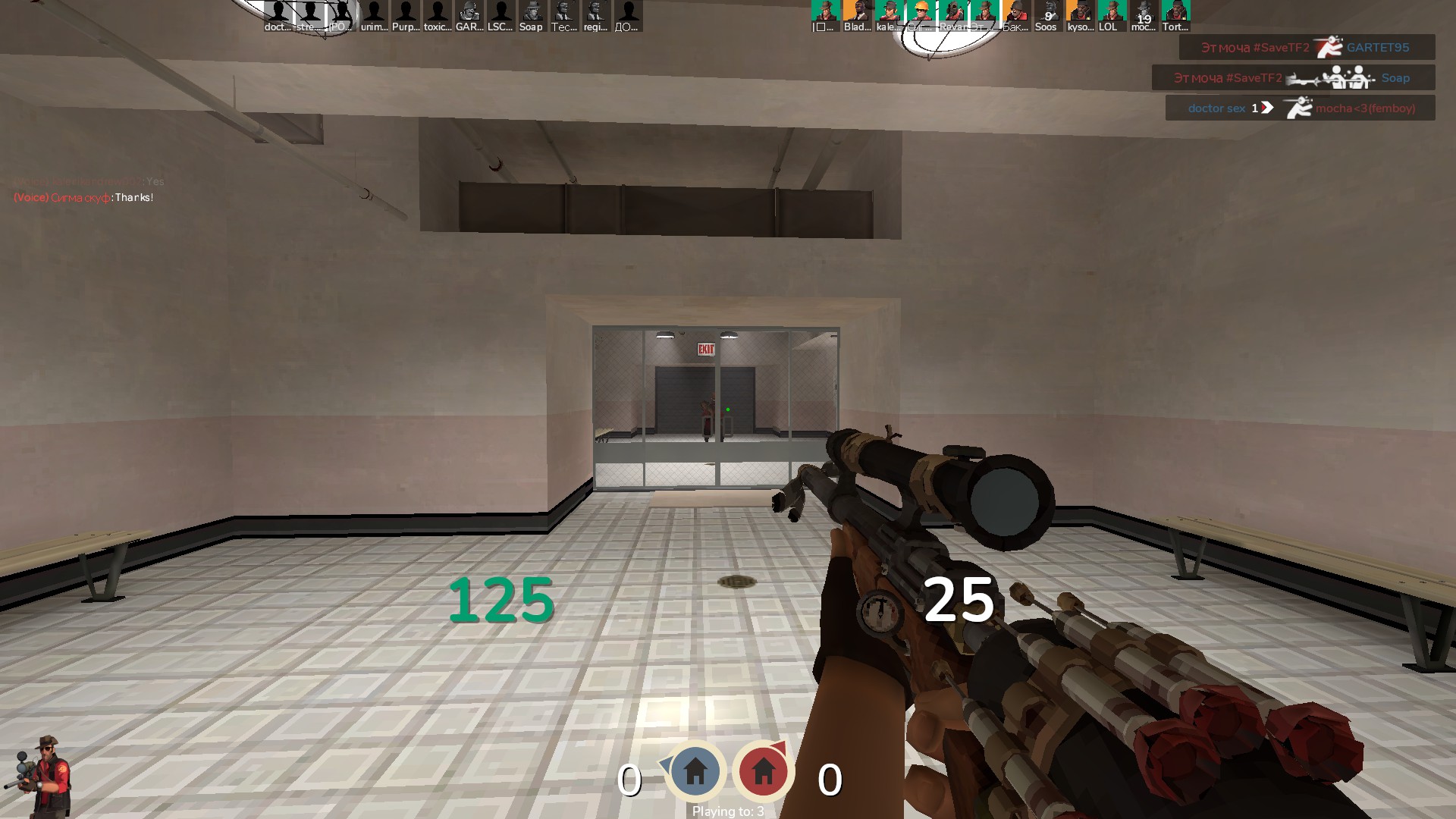
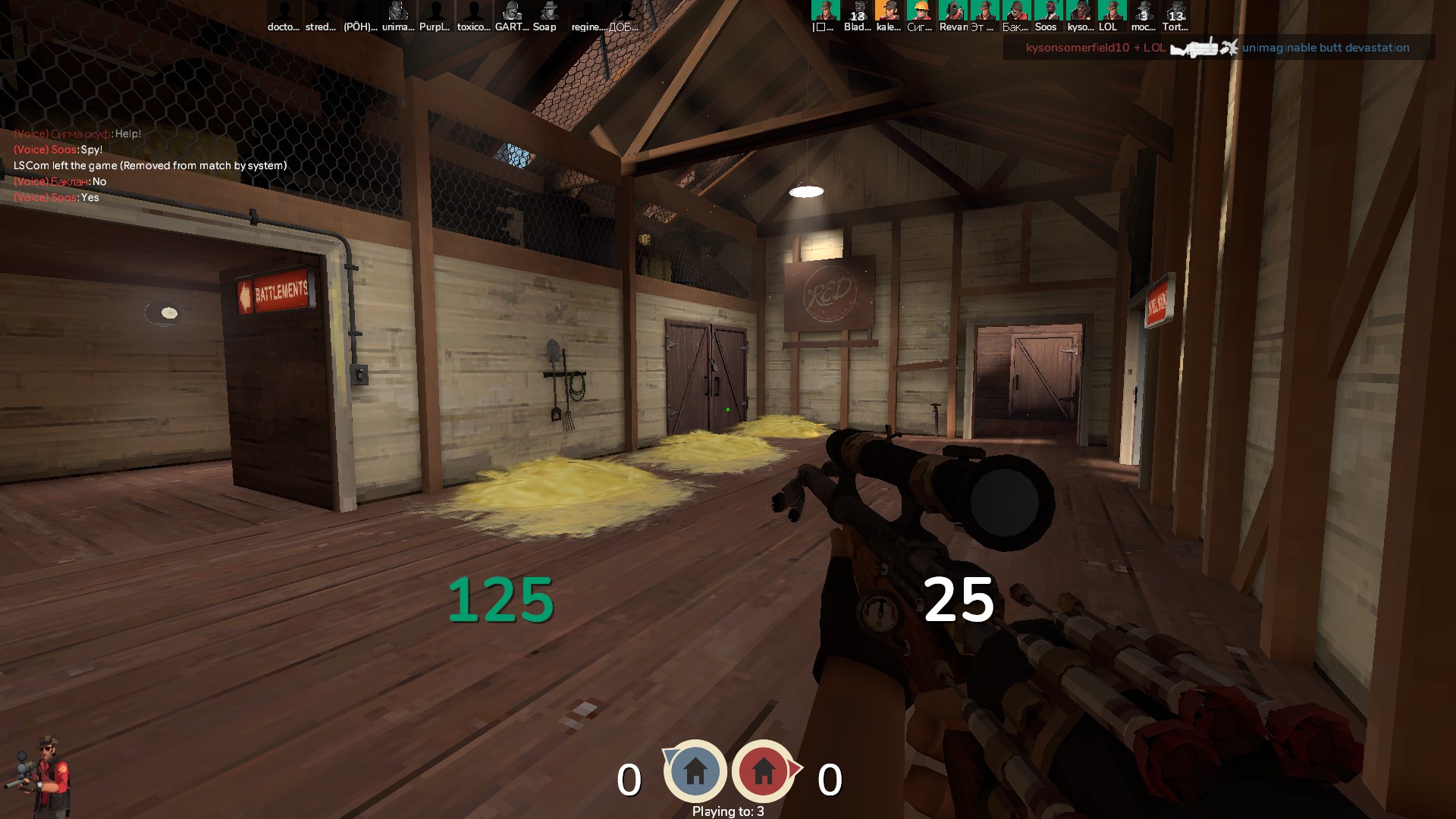
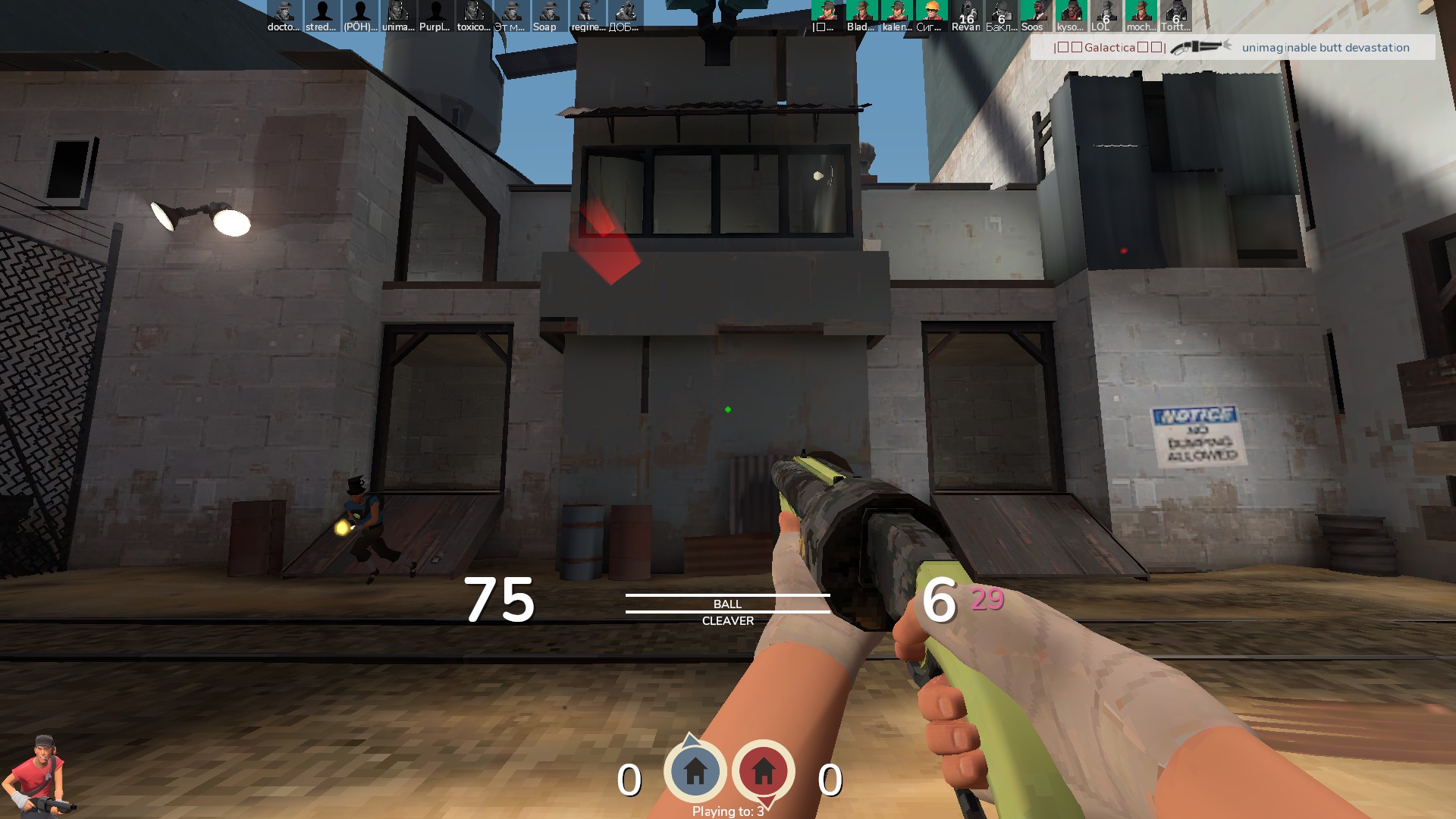
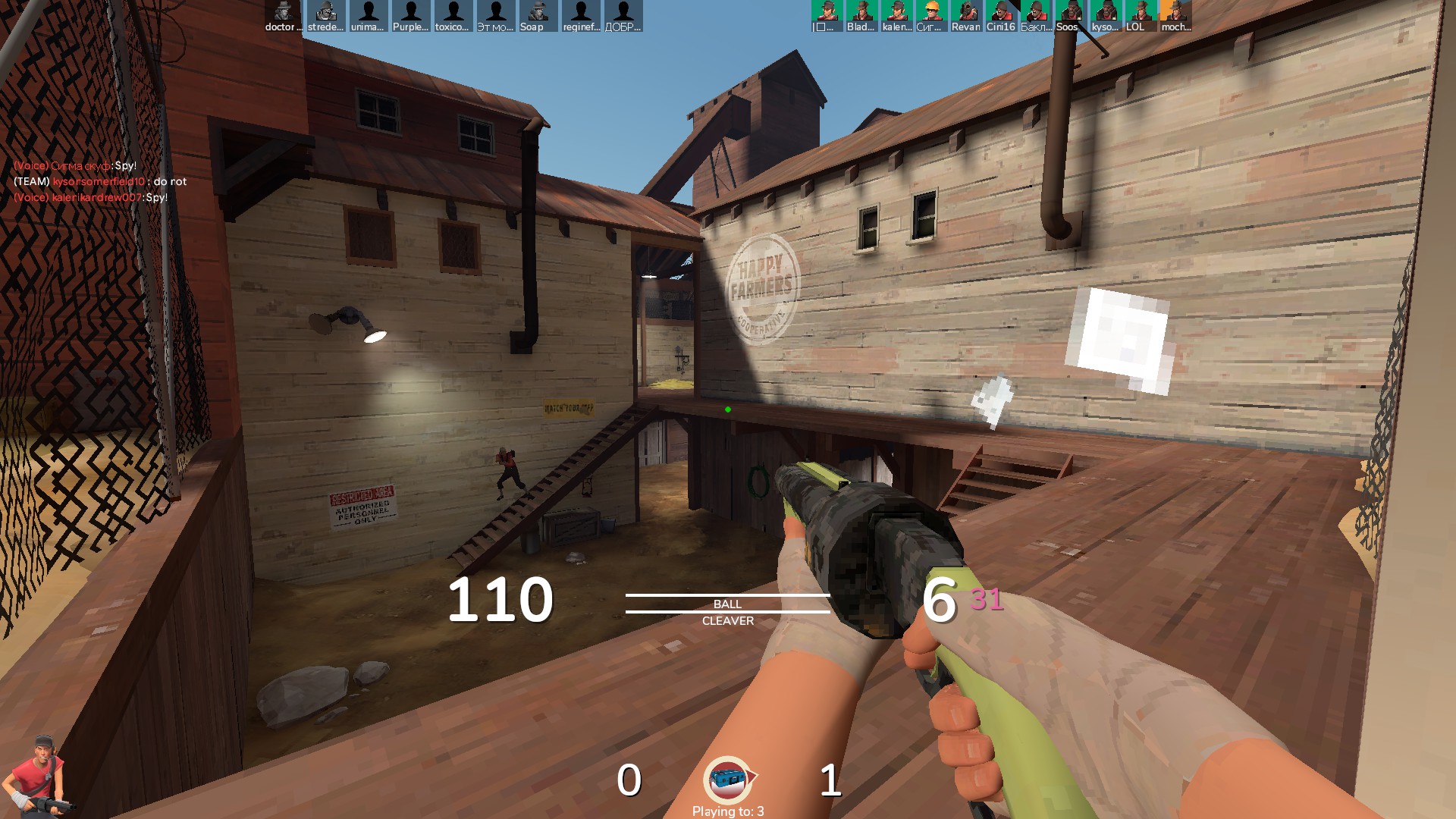
My configurations not only help improve FPS, but also make TF2 look like a console game. No matter how strange it may sound, the game still looks cool
   
Award
Favorite
Favorited
Unfavorite
Team Fortress 2 (Low Poly Pack) FPS boost
🛠️ TF2 FPS BOOST + MODELS PACK GUIDE

✅ Pack Requirements

HUD (optional):
https://gamebanana.com/mods/333929
Or find your best here: https://comfig.app/huds/1/

Models for characters:
https://gamebanana.com/mods/198859

-------------------------------------------------------------------------------------------------
✅ Extra Mods (Optional)

Shooting mod:
https://gamebanana.com/mods/download/12592#FileInfo_392820
Unzip to → Team Fortress 2\tf\custom

Explosions mod:
https://gamebanana.com/mods/12446
Unzip to → Team Fortress 2\tf\custom
-------------------------------------------------------------------------------------------------
⚙️ Graphics Settings

Steam Library → Right-click TF2 → Properties → Launch Options:

+exec autoexec.cfg -novid -nojoy -nosteamcontroller -nohltv -particles 1 -precachefontchars -noquicktime -dxlevel 90

-------------------------------------------------------------------------------------------------

✅ autoexec.cfg Commands

Go to → TF2 folder → tf → cfg → autoexec.cfg
Paste:

r_waterforceexpensive "0" \\ significantly reduces the water quality on the map;
cl_ragdoll_fade_time 0 \\ disables remains;
cl_ragdoll_forcefade 1 \\ disables remains;
cl_ragdoll_physics_enable 0 \\ disables remains;
g_ragdoll_fadespeed 0 \\ disables remains;
g_ragdoll_lvfadespeed 0 \\ disables remains;
ragdoll_sleepaftertime 0 \\ disables sleep;
r_shadows 0 \\ disables shadows in the game, the level is below the minimum in the standard game settings;
mat_hdr_level 0 \\ disables HDR, High Dynamic Range Imaging, used for more expressive image display;
props_break_max_pieces 0 \\ disables debris from broken props on the map;
r_drawdetailprops 0 \\ disables debris from broken props on the map;
tf_enable_glows_after_respawn 0 \\ disables the flow of allied players and minecarts through walls after respawning;
violence_agibs 0 \\ disables remains;
violence_hgibs 0 \\ disables remains;
cl_burninggibs 0 \\ disables burning remains;
cl_hud_playerclass_use_playermodel 0 \\ disables the character model in the HUD;
cl_new_impact_effects 0 \\ prevents the game from using "new" surface impact effects;
tf_particles_disable_weather 1 \\ disables map weather effects;
tf_romevision_skip_prompt 1 \\ disabling Romevision in mvm;
tf_romevision_opt_in 0 \\ disable Romevision in mvm;
mat_colorcorrection "1" \\ enables color correction;
mp_usehwmmodels -1 \\ prevents the game from using better models;
mp_usehwmvcds -1 \\ prevents the game from using higher quality models;
r_drawtracers_firstperson 0 \\ disables drawing tracers from weapon fire;
mat_phong 0 \\ disables shiny surfaces;
mat_picmip 4 \\ reduces the quality of minor details on the map;
mat_filtertextures 0 \\ disables texture filtering, used for normal operation of Flat Textures;
mp_decals 0 \\ reduction in picture quality;
r_lod 2 \\ reduction in picture quality;
r_rootlod 0 \\ reduced picture quality;

-------------------------------------------------------------------------------------------------

✅ Final Step – Mastercomfig
https://comfig.app/app/