Undertale

Undertale

Not enough ratings
Undertale Widescreen Fix
By Twig
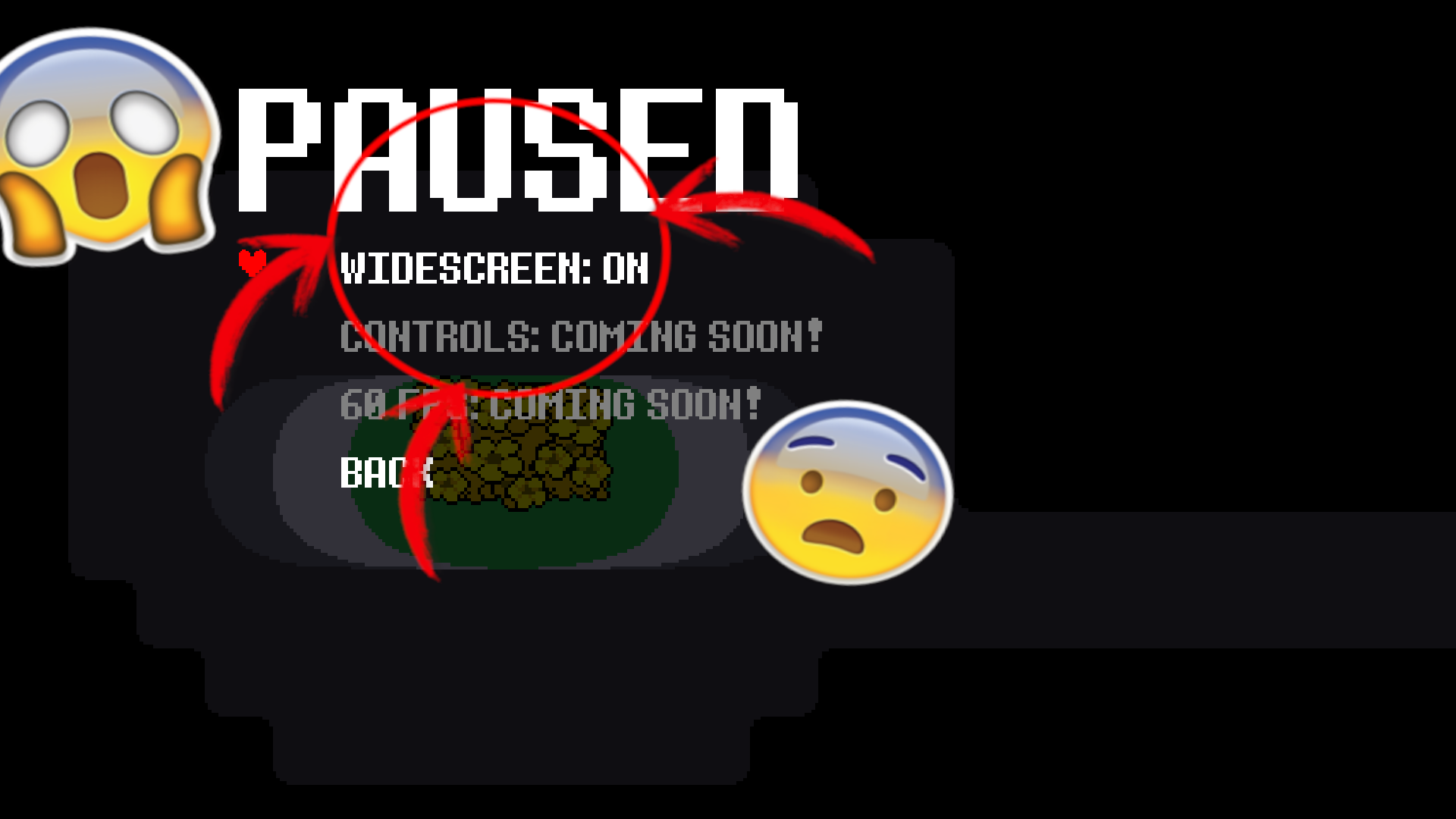
A Community made mod that makes the game run in 16:9 aspect ratio.
   
Award
Favorite
Favorited
Unfavorite
Download (Windows) 🟦
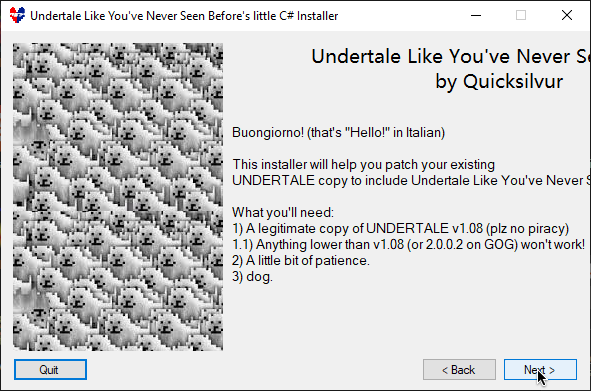
Download the mod from gamejolt and put it into your desktop run the SpaghettiInstaller.exe
and it will probably detect where your game is installed and patch the game
Warning: the following link contains a download. Proceed at your own risk.
DOWNLOAD LINK FOR WINDOWS: https://gamejolt.com/games/utlynsb/626184
Download (Linux) 🐧
If you're on GNU/Linux just install the game from steam follow the instructions below;
Warning: the following link contains a download. Proceed at your own risk.
1.Download this file https://drive.google.com/file/d/1_wQq8fleF8S-0pYzfodRJ7XvuBGlDOYE/view?usp=sharing
2.Open the file with an archive manager of your choice
3.Open up Undertale's file location.
4.Put the game.unx file into "assets" folder
5.Have fun 🎉
How do I enable this tho 🤨?
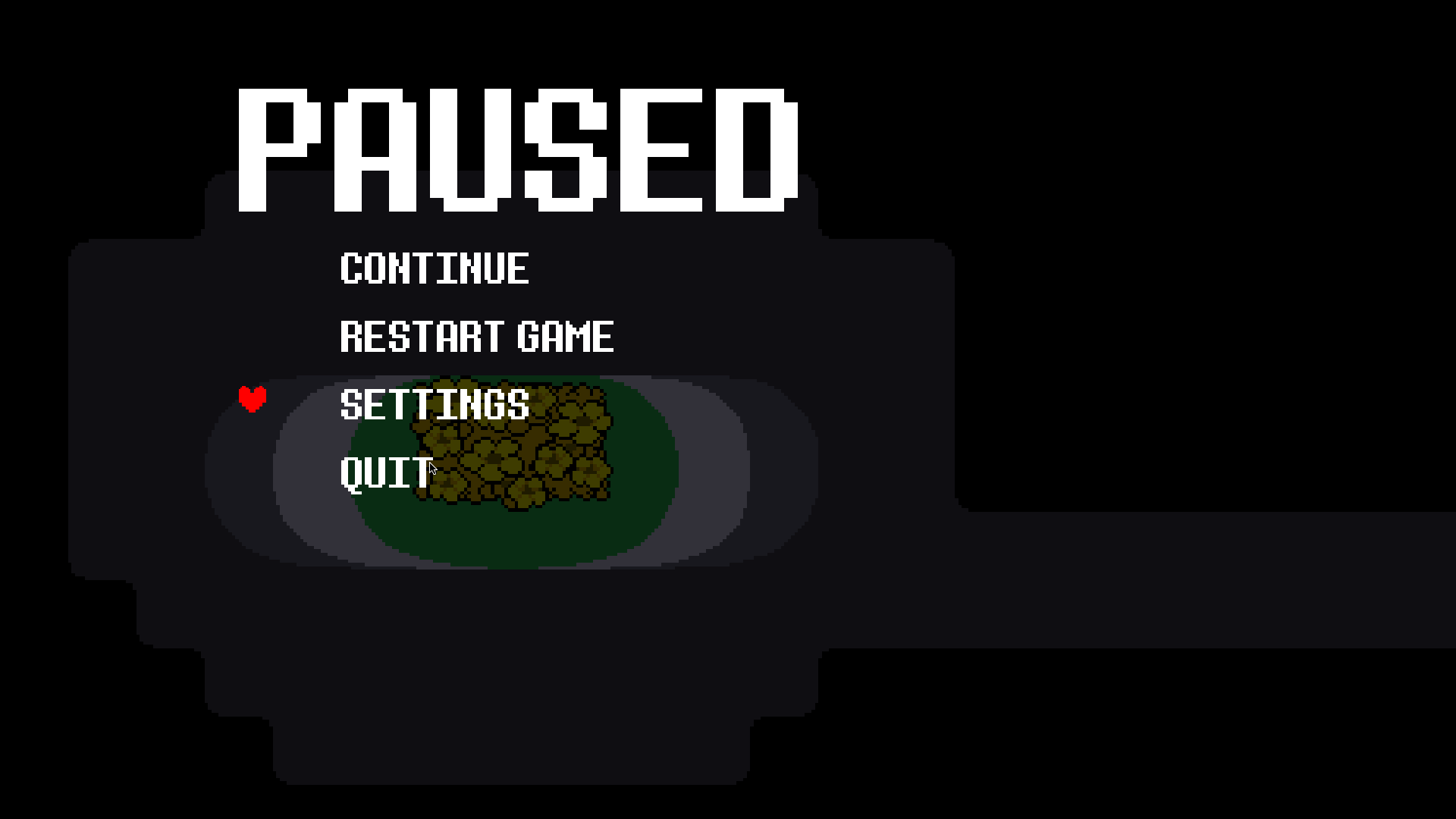
Boot up Undertale and then create a new save file or load one press esc and select settings
🧈Butter dog, Dog with the Butter
🧈🧈🧈
10 Comments
mmmmmmm Sep 21 @ 12:17am 
16:10 support?
Plus_Ultra_HD Feb 13 @ 1:47am 
Update the issue occurd only on Steam Deck, now that that i installed in in fedora, the steps made sense
Plus_Ultra_HD Dec 28, 2024 @ 5:25pm 
@M3|Twig look , i do not know alot about game dev, or linux at that. But if i see in the common file directory of undertale(in linux) a data.win file instead of a game.unx file, idk but it seems kinda wierd. so i'd be right to asume to change the name of your file and place it in the common file directory. And it worked(somehow).


(my grammer isn't the best, my apologies for that)
Twig  [author] Dec 28, 2024 @ 11:32am 
@Plus_Ultra_HD game.unx is for linux
Plus_Ultra_HD Dec 27, 2024 @ 1:01pm 
Bit of a Update i've played around with this mod, gotta say love it.
BUT MAN you need to explain how to install this ♥♥♥♥.
1.Download the file given by the OP
2.Open the file with an archive manager of your choice
3.Open up Undertale's file location.
4. Name the "game.unx" file to "data.win" (now this was my first instinct, I do not know if it would have worked otherwise)
5. place your new file in the Undertale file location
6. now enjoy this beautifully created mod

i've sorta guessed the fourth step by comparing the file sizes. There is that.
Plus_Ultra_HD Dec 27, 2024 @ 12:15pm 
jesus i am stuck on the last step, can you make a guide or smth?
C4bral5c Oct 8, 2024 @ 3:09pm 
my windows detected it as a virus
Meltzero Oct 5, 2024 @ 4:07pm 
from the screen 💻 to the ring 💍 to the pen 🖊️ to the king! 💪 wheres my crown? 👑 thats my bling! 🏅 always drama when i ring
411 Mar 20, 2024 @ 5:52pm 
THATS HARD
storeyliam12 Mar 18, 2024 @ 10:48am 
the last step is realy hard