Cyberpunk 2077

Cyberpunk 2077

Not enough ratings
How to install FSR 2.1 to Cyberpunk 2077
By npocto_krol1k
HOOOOW TO INSTAAALL FSR 2.1?????????????????????
   
Award
Favorite
Favorited
Unfavorite
FSR 2.1
If you doesn't know, FSR 2.1 (FidelityFX™ Super Resolution) it is new technologythat increase frame rates and provide high-quality visuals in a range of high-resolution games without the need for a new graphics card. In general, it's DLSS on not RTX graphics cards.
On a GTX 970 card with 1080p resolution and maximum graphics settings, Cyberpunk works at 30 FPS. On the 5700XT, with average shadow quality, the indicator increased from 50 to 86 FPS.I reckon it's amazing results.
In usual version of Cyberpunk only FSR 1.0 that working too bad.So it is better to install the version 2.1
HOW TO INSTALL:
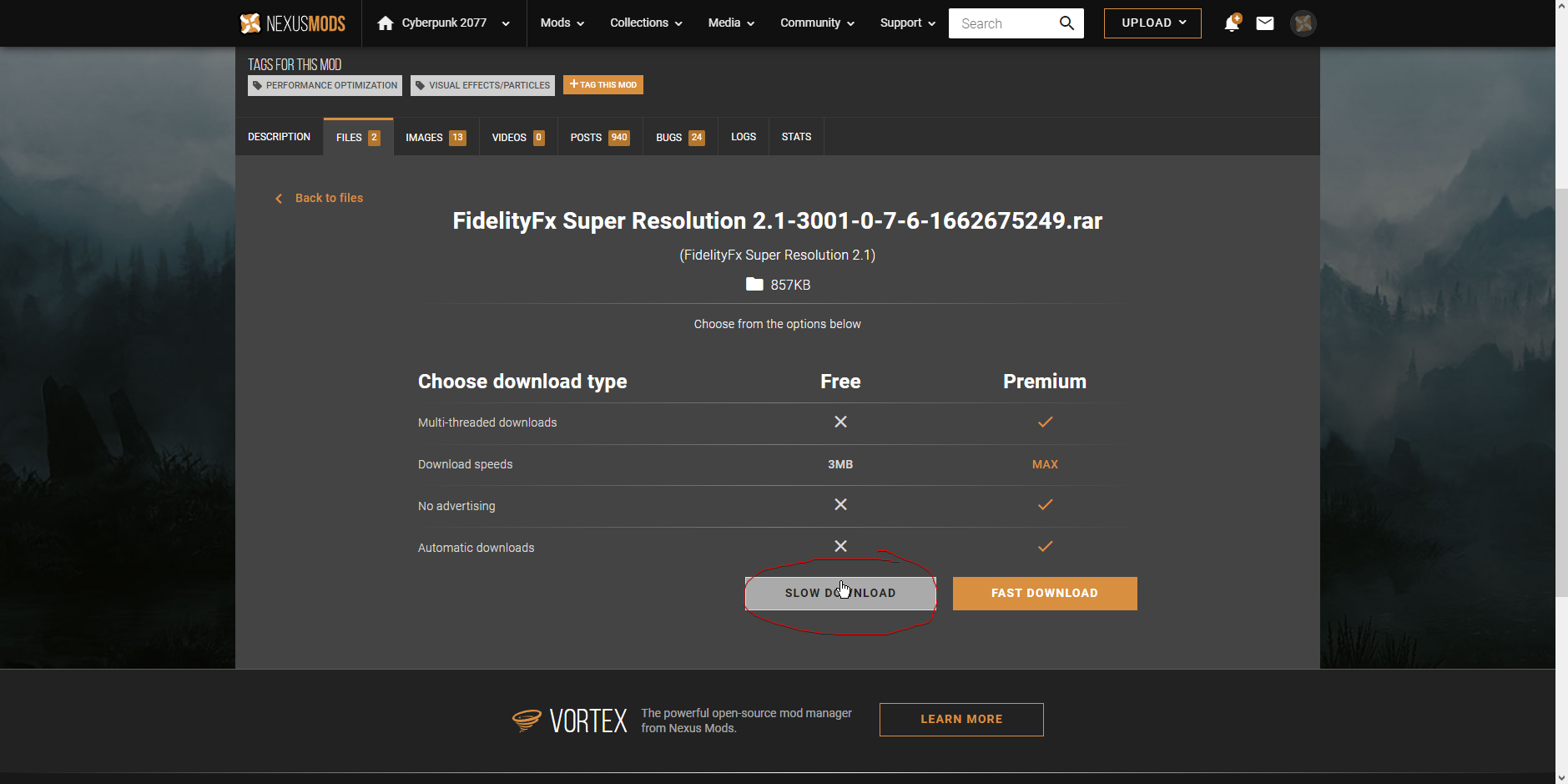
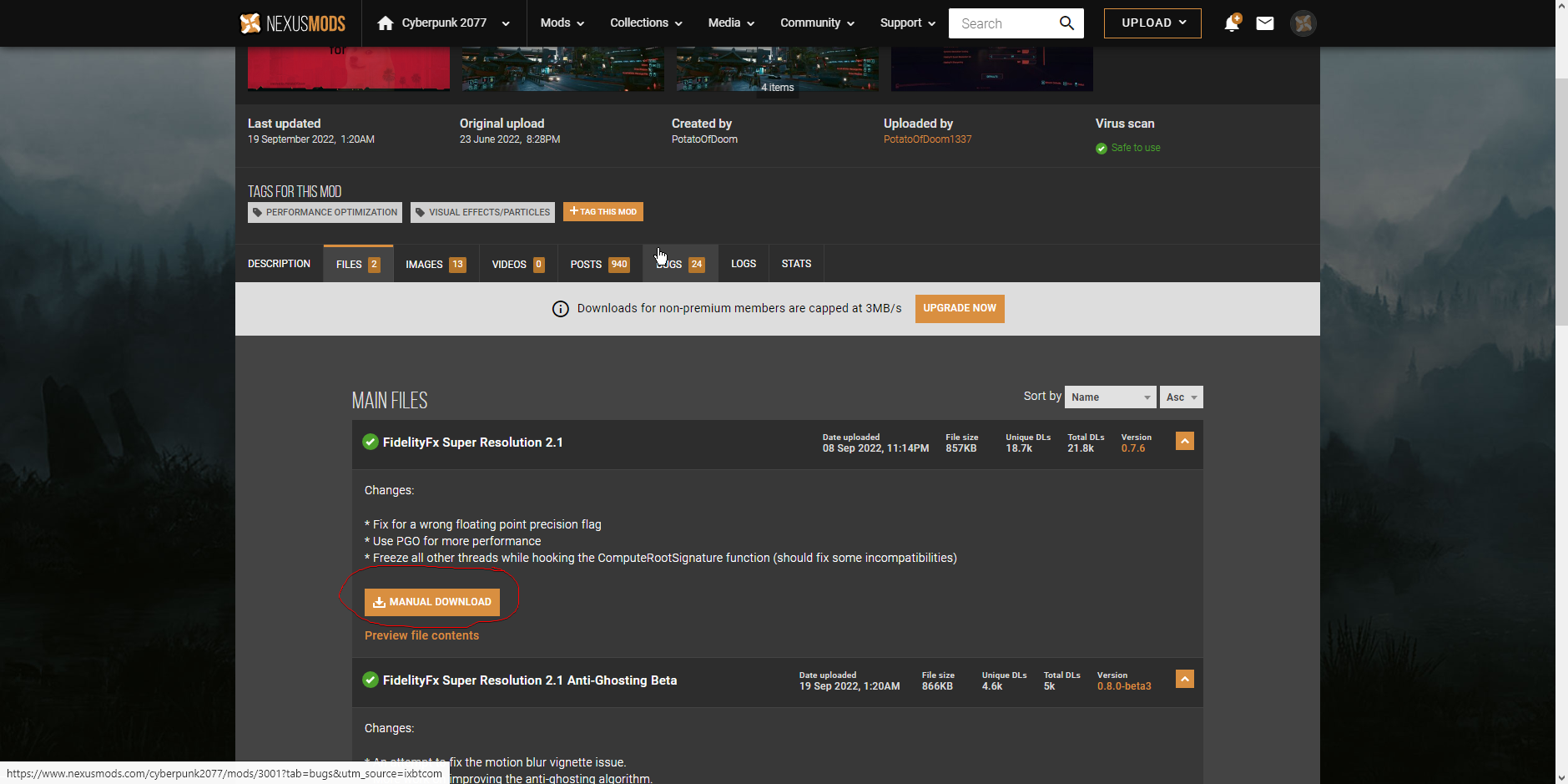
1.Go to this link and download: https://www.nexusmods.com/cyberpunk2077/mods/3001?
2.When you download it, extract the Archive into the Cyberpunk Folder so that the nvngx.dll is in the same folder as the main EXE file.
Usualy it is on folder :SteamLibrary\steamapps\common\Cyberpunk 2077\bin\x64.
3.Very important: Run the included "EnableSignatureOverride.reg" file. (Accept the admin prompt that pops up)
4.Launch the game, go into the graphics options and select a "DLSS" setting and disable motion blur, becouse it have problems. Now author of mod try to fix it. So soon FSR 2.1 on Cyberpunk will be perfect at all.
5.Play the game with FSR 2.0.
1 Comments
Joxemik Sep 29, 2022 @ 1:57pm 
works great for me, good work