



Install Steam
sign in
|
language
简体中文 (Simplified Chinese)
繁體中文 (Traditional Chinese)
日本語 (Japanese)
한국어 (Korean)
ไทย (Thai)
Български (Bulgarian)
Čeština (Czech)
Dansk (Danish)
Deutsch (German)
Español - España (Spanish - Spain)
Español - Latinoamérica (Spanish - Latin America)
Ελληνικά (Greek)
Français (French)
Italiano (Italian)
Bahasa Indonesia (Indonesian)
Magyar (Hungarian)
Nederlands (Dutch)
Norsk (Norwegian)
Polski (Polish)
Português (Portuguese - Portugal)
Português - Brasil (Portuguese - Brazil)
Română (Romanian)
Русский (Russian)
Suomi (Finnish)
Svenska (Swedish)
Türkçe (Turkish)
Tiếng Việt (Vietnamese)
Українська (Ukrainian)
Report a translation problem


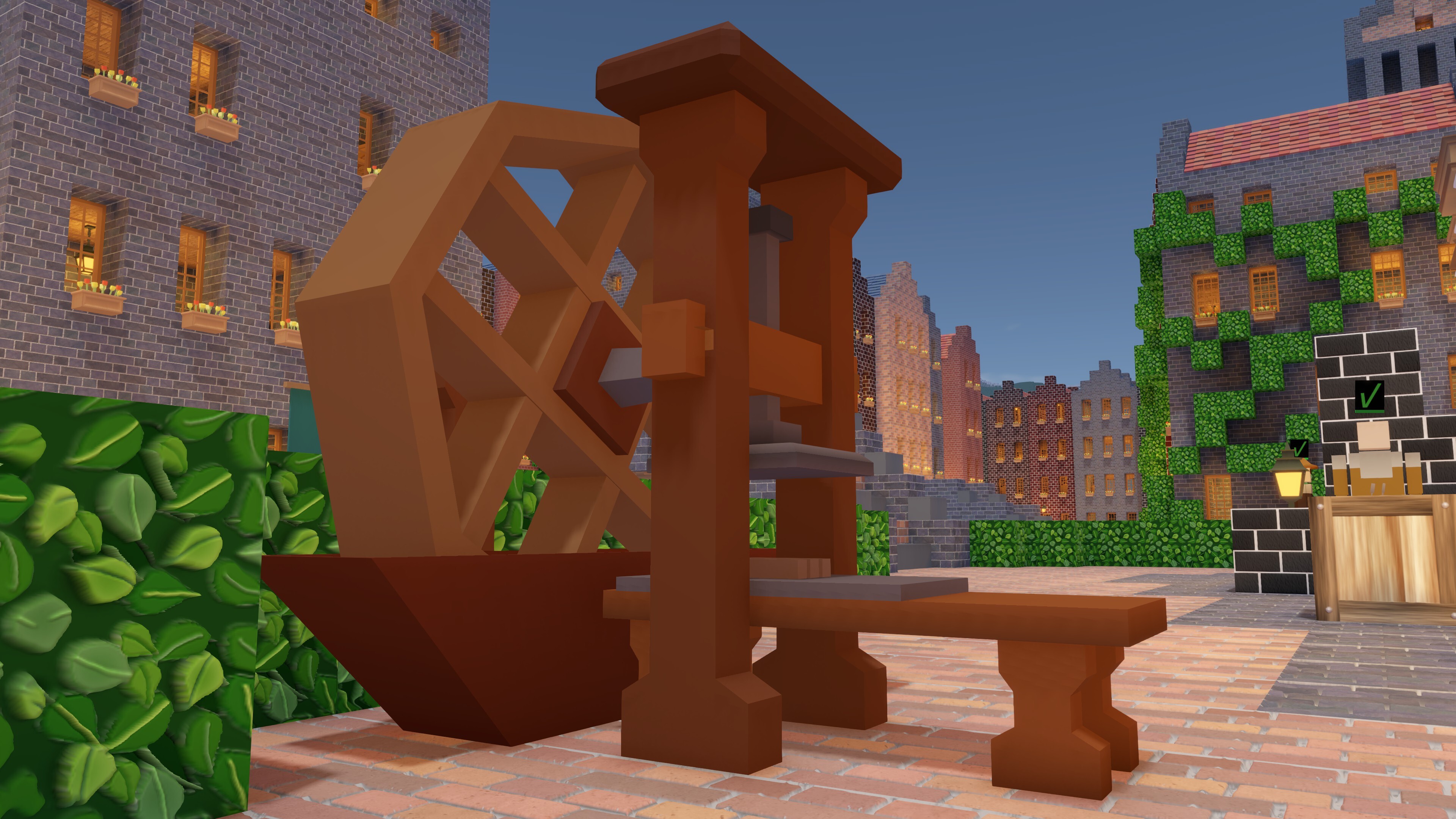
 Update 0.16 is live right now! It adds the Oddity Press, a new automatic crafter that produces mainly decorative items, and new beds. Its content largely matches the content of the Beta, so we’ll refer you to that blog for those details.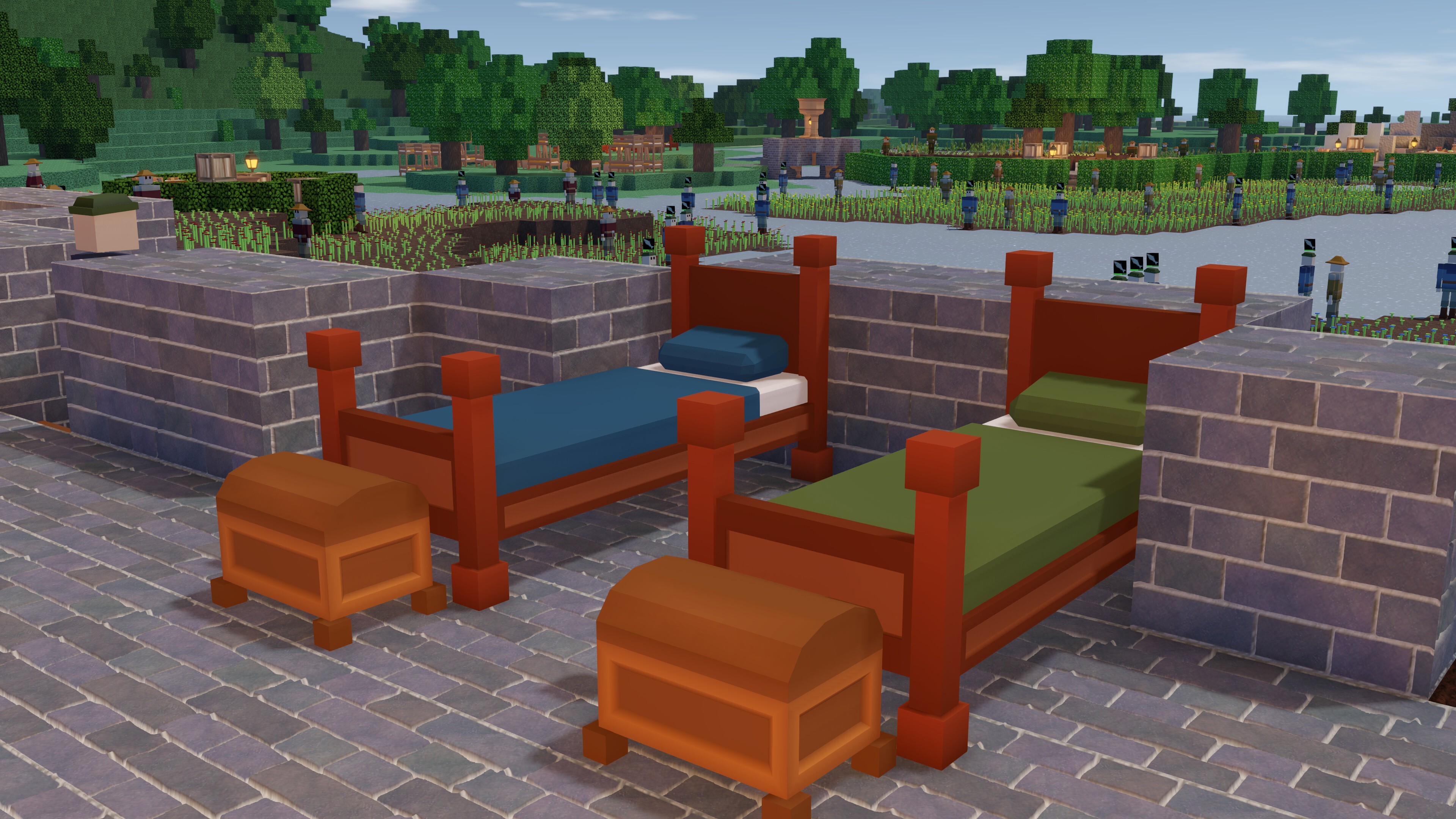



 Award
Award 16
16


 The Basics of Underground Colonies

 0.10 All Commands & Item IDs




 0.9 FAQs


 Biome benefits


 The Beta is live right now! Precise instructions on how to join it appear later in this blog.
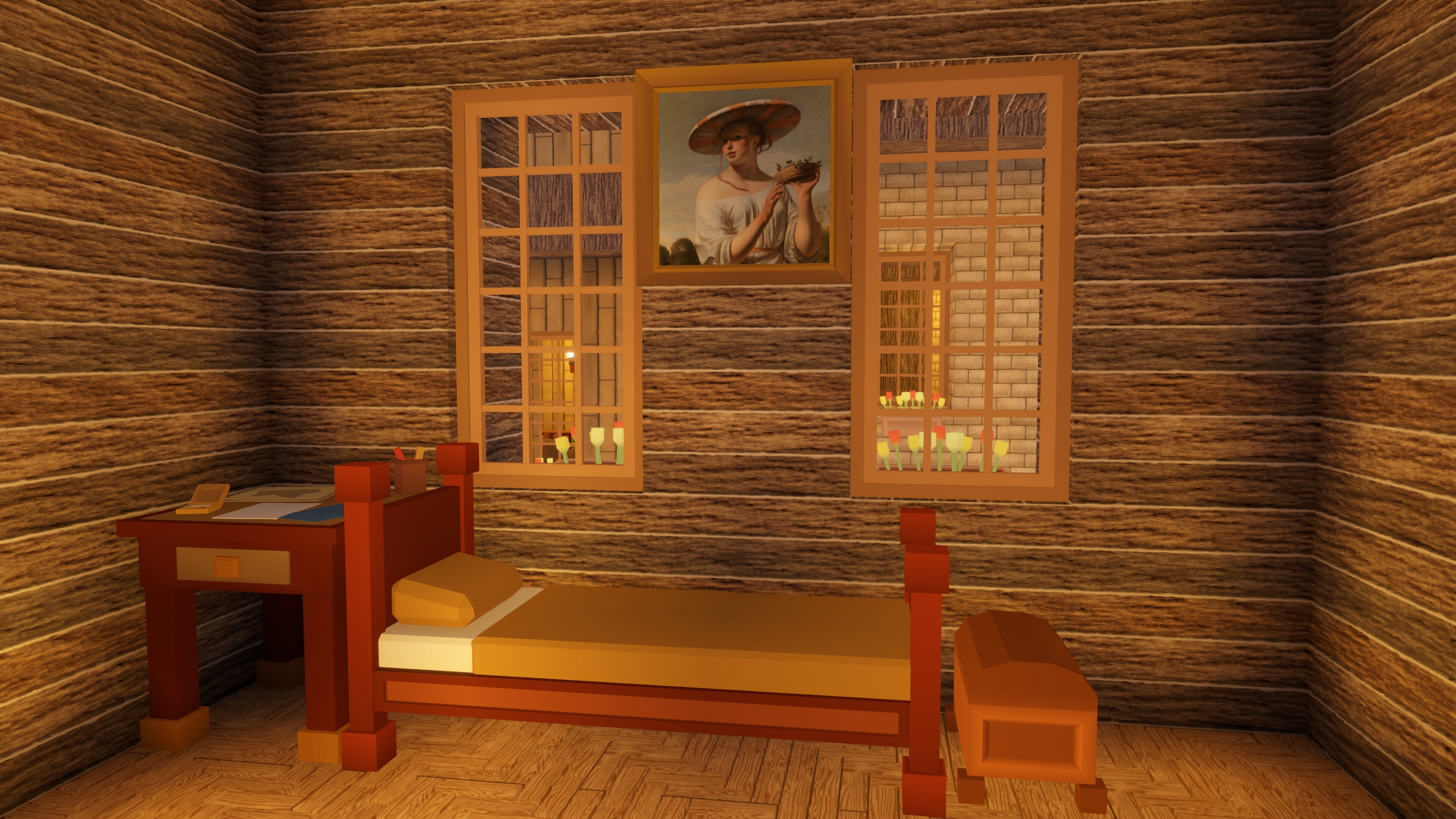
  There’s one exception: there are two new beds. The first is the Luxury Bed. All our colonists are tall and they do not fit properly in a bed where the entire bed frame has to fit within two voxels, or two meters. The Luxury Bed remedies this. It’s a bit longer than two meters, and the remainder of the third voxel is filled with a personal chest for the colonist.
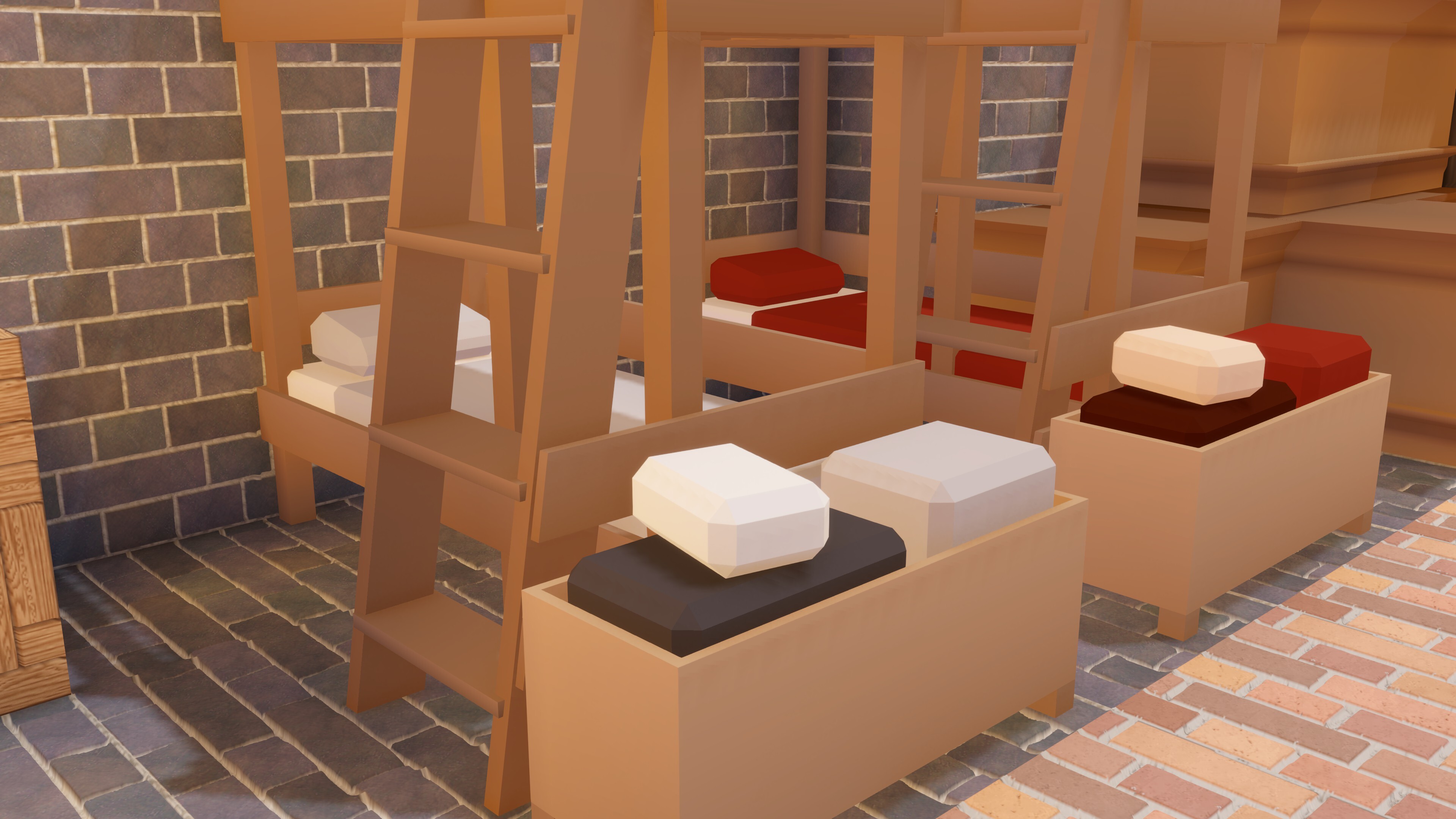
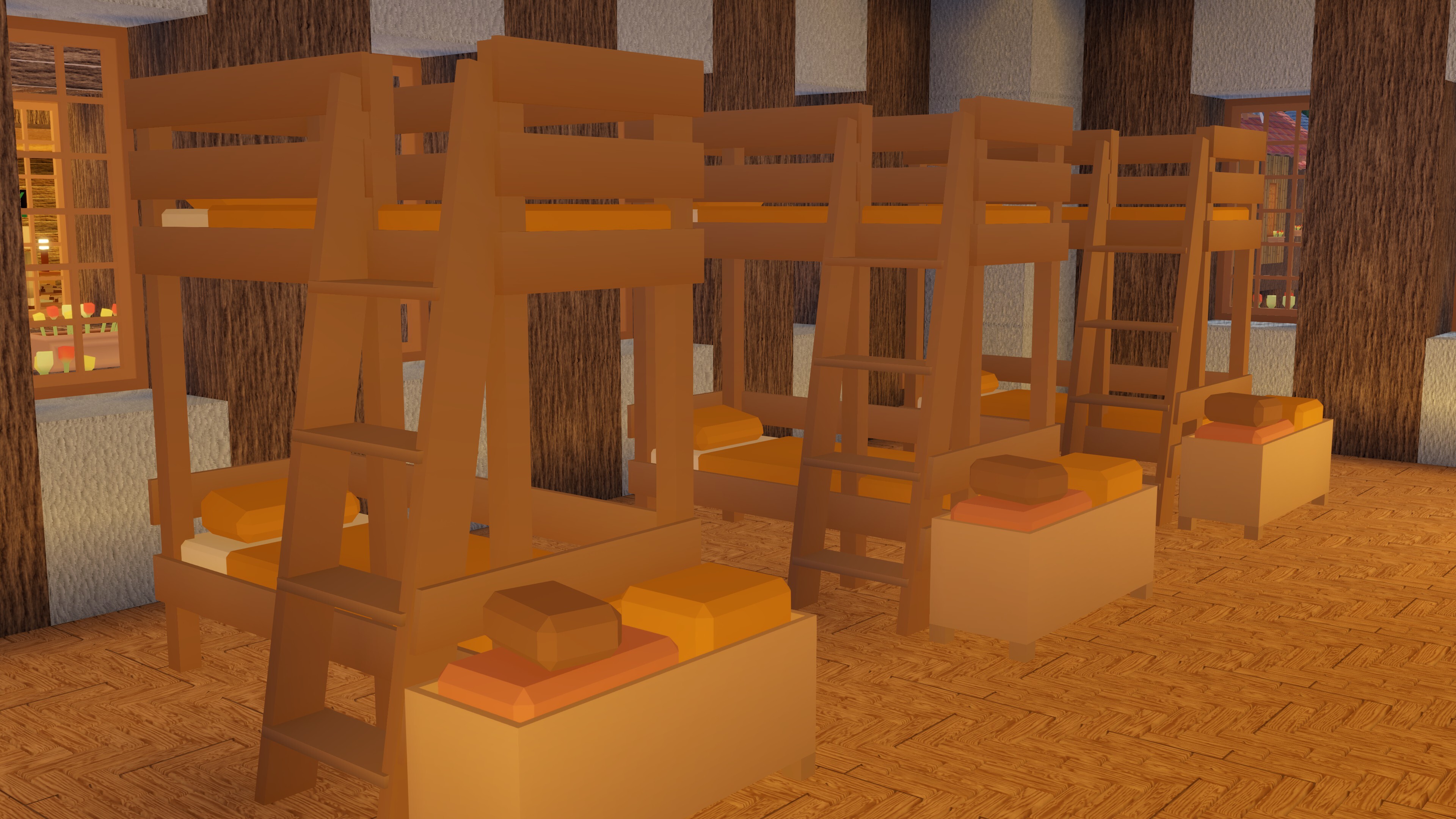
  We’ve also added a Bunk Bed. It stacks two beds, and they can be used by two different colonists simultaneously. Quite the opposite of the Luxury Bed!
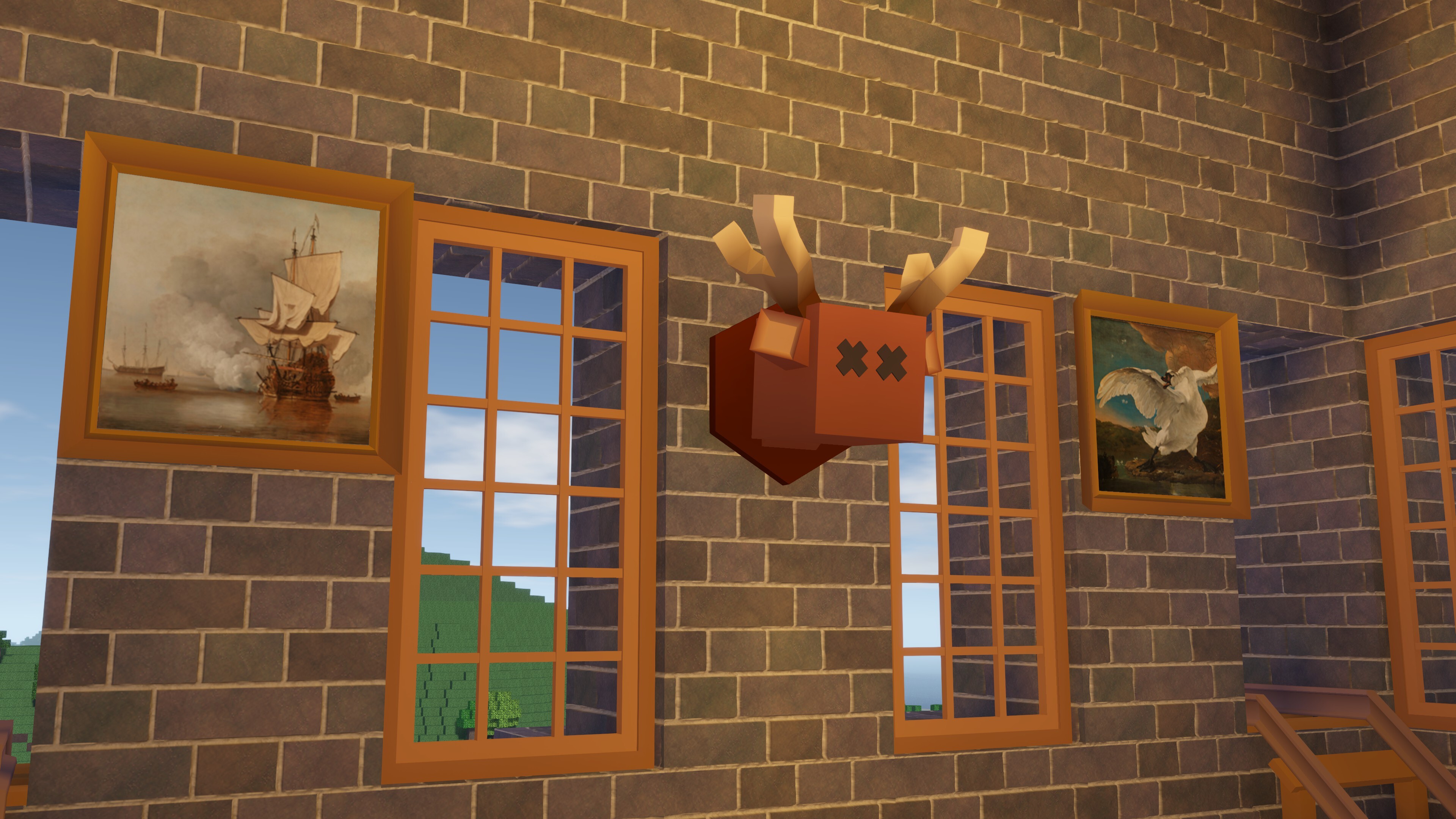
  All the other content is decorative. Furniture, statues, and wall decorations. We did have to make some technical leaps to implement them though.
 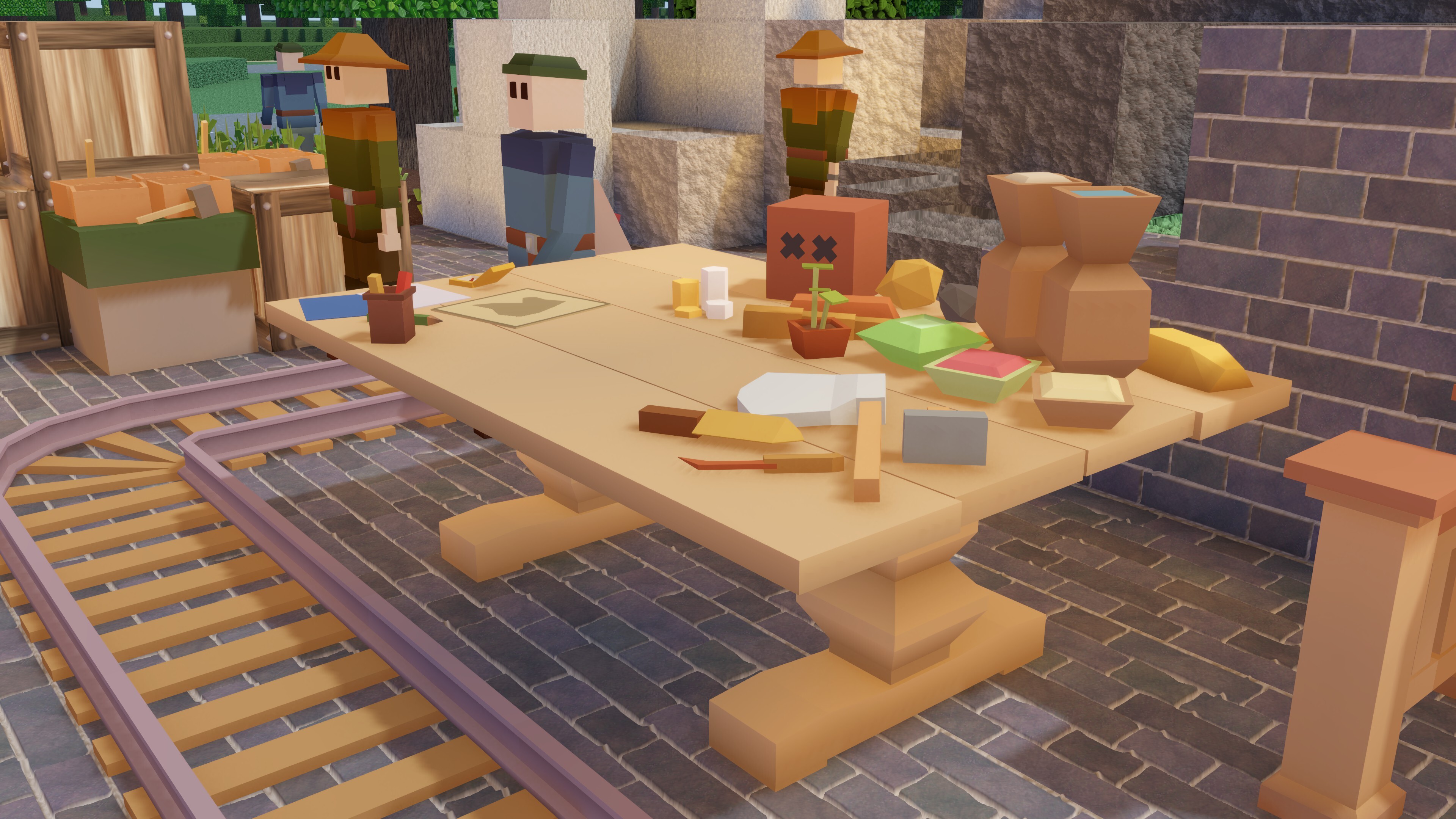 Until 0.15, we had a clear distinction between textured voxel blocks and the vertex-painted mesh-objects that could be placed on them. In general, voxel blocks stack and the mesh-objects seldom did. You can’t place roofs on top of roofs, or job blocks on top of beds.
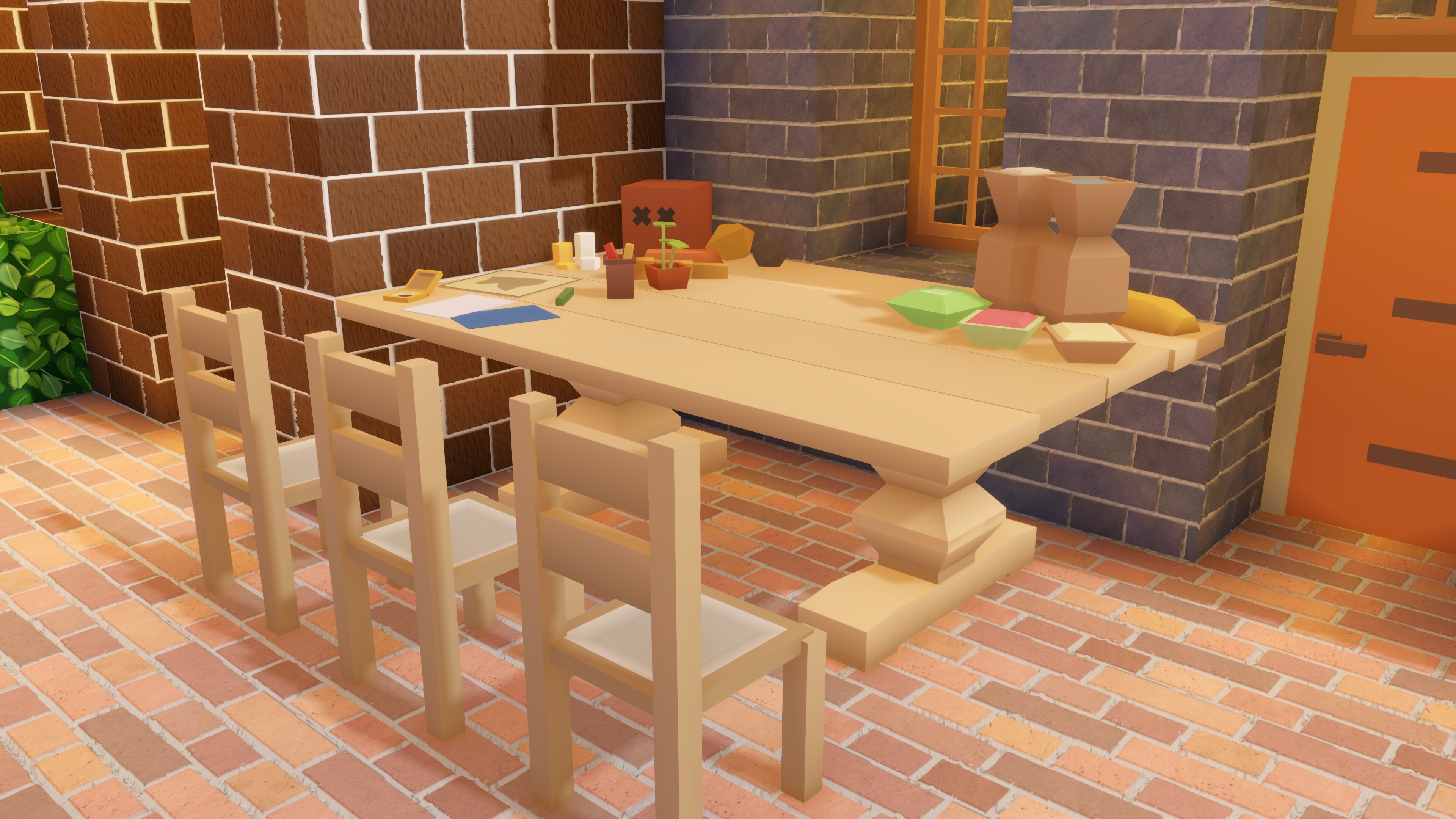
 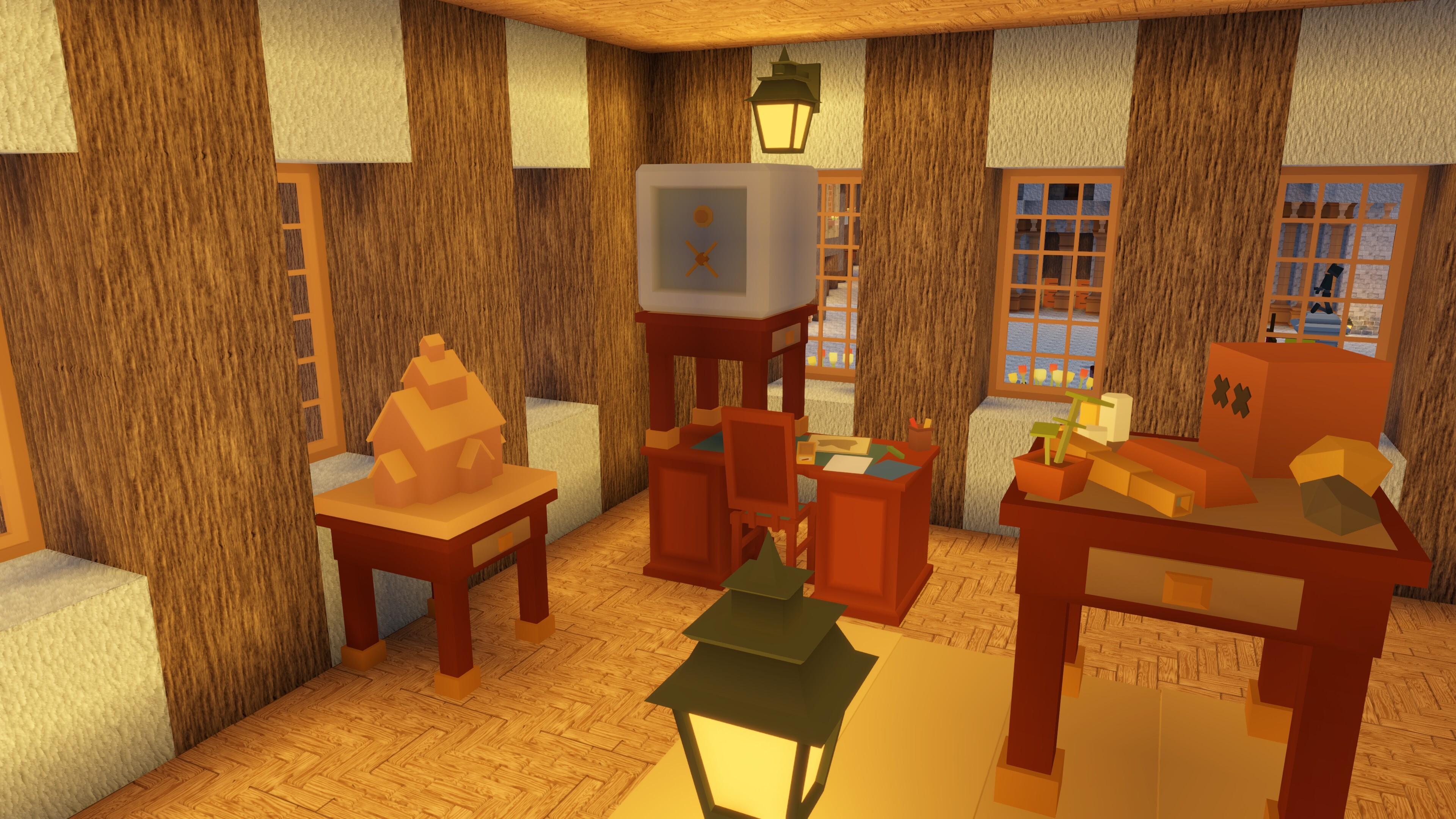 We’ve made “item piles” that deliberately fit into this new system. Groups of food items or trade-related items, etcetera, that can be placed on top of empty desks and tables, or anywhere else in your world. They make your colony look a lot more lively.
  If you want to playtest the Beta: right-click Colony Survival in your Steam Library, click Properties and go to Game Versions & Betas. Enter the access code thanksforyourfeedback. Select the 0.16 branch.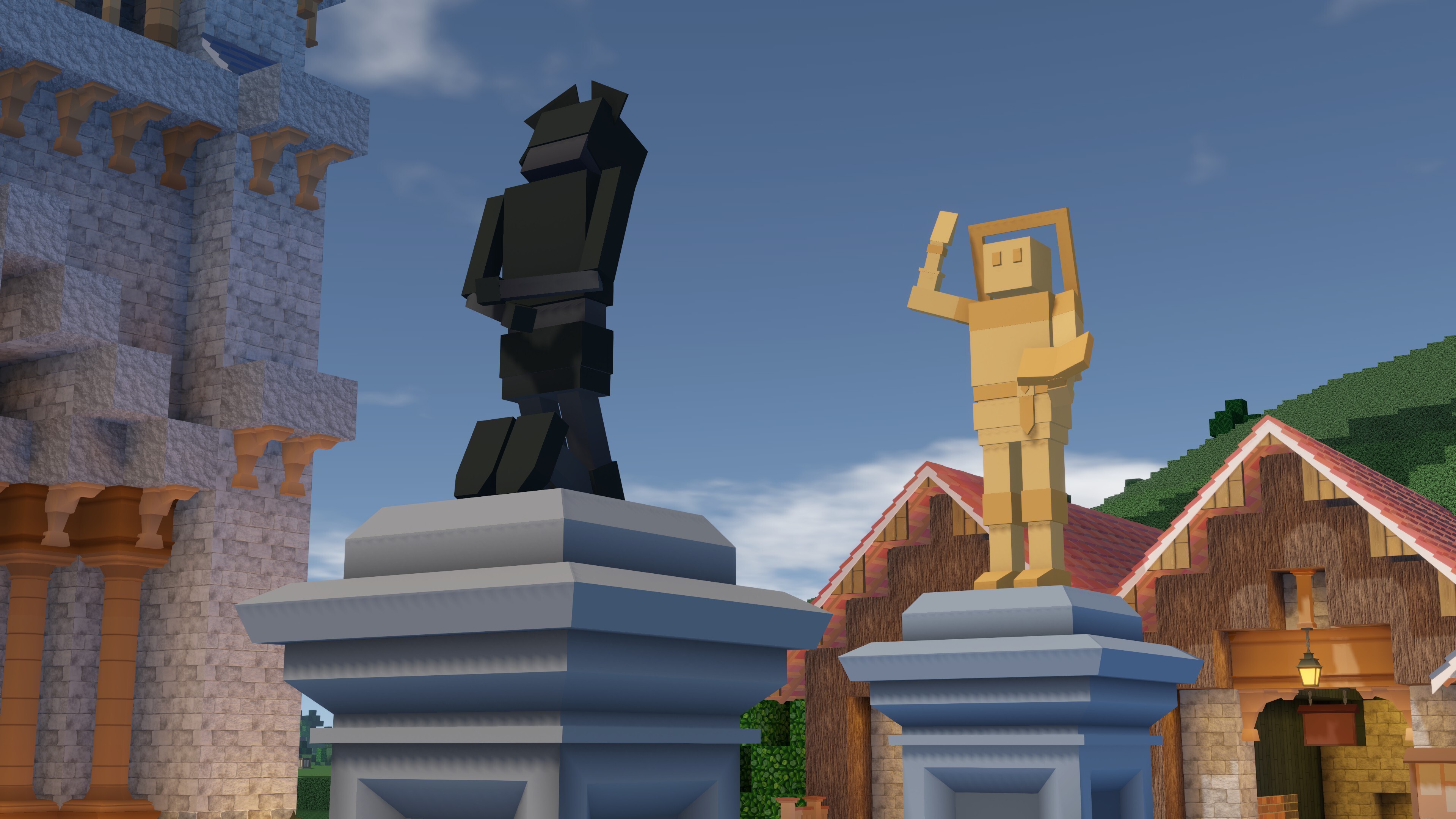
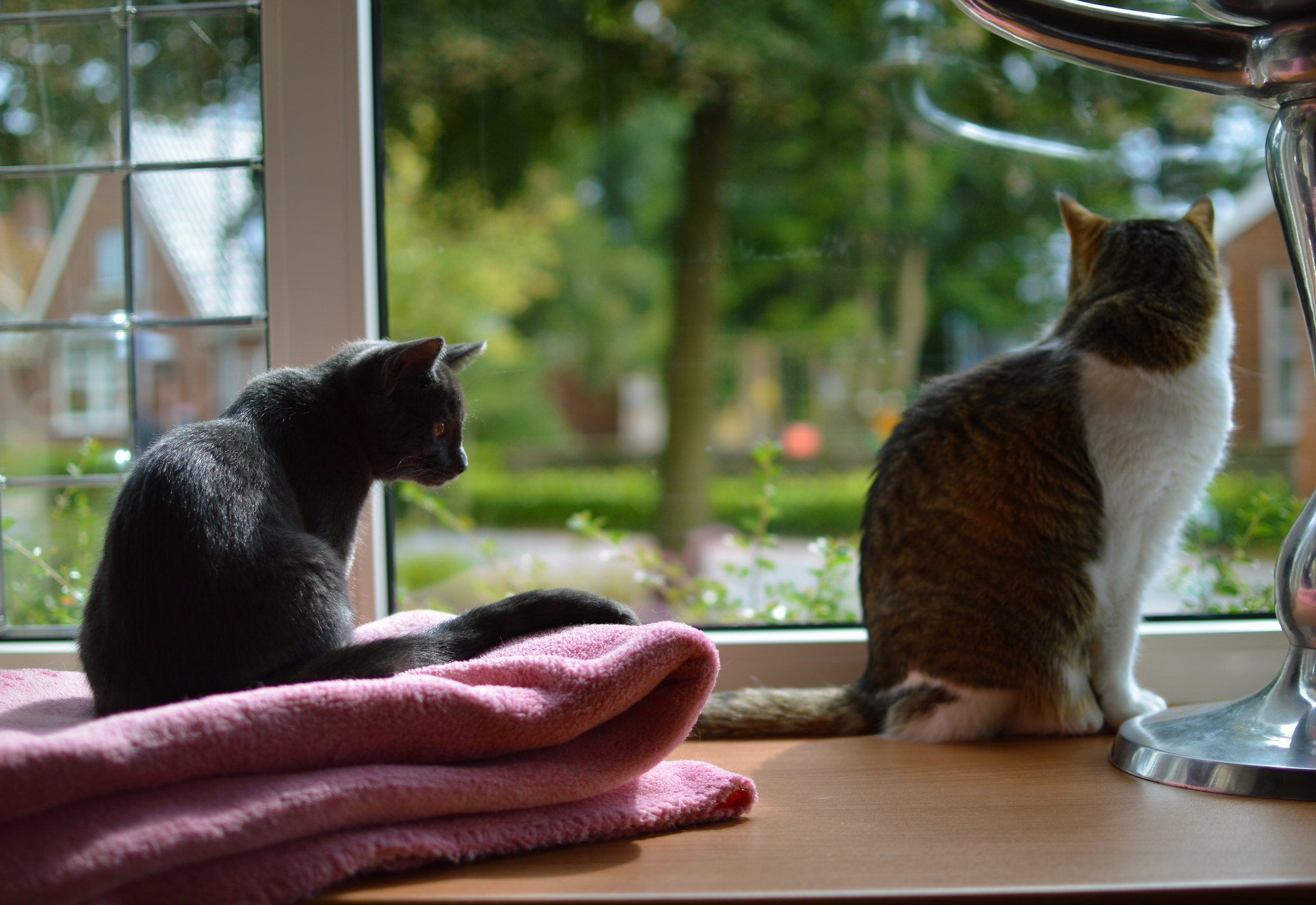 Pip and Lizzy together, 2014
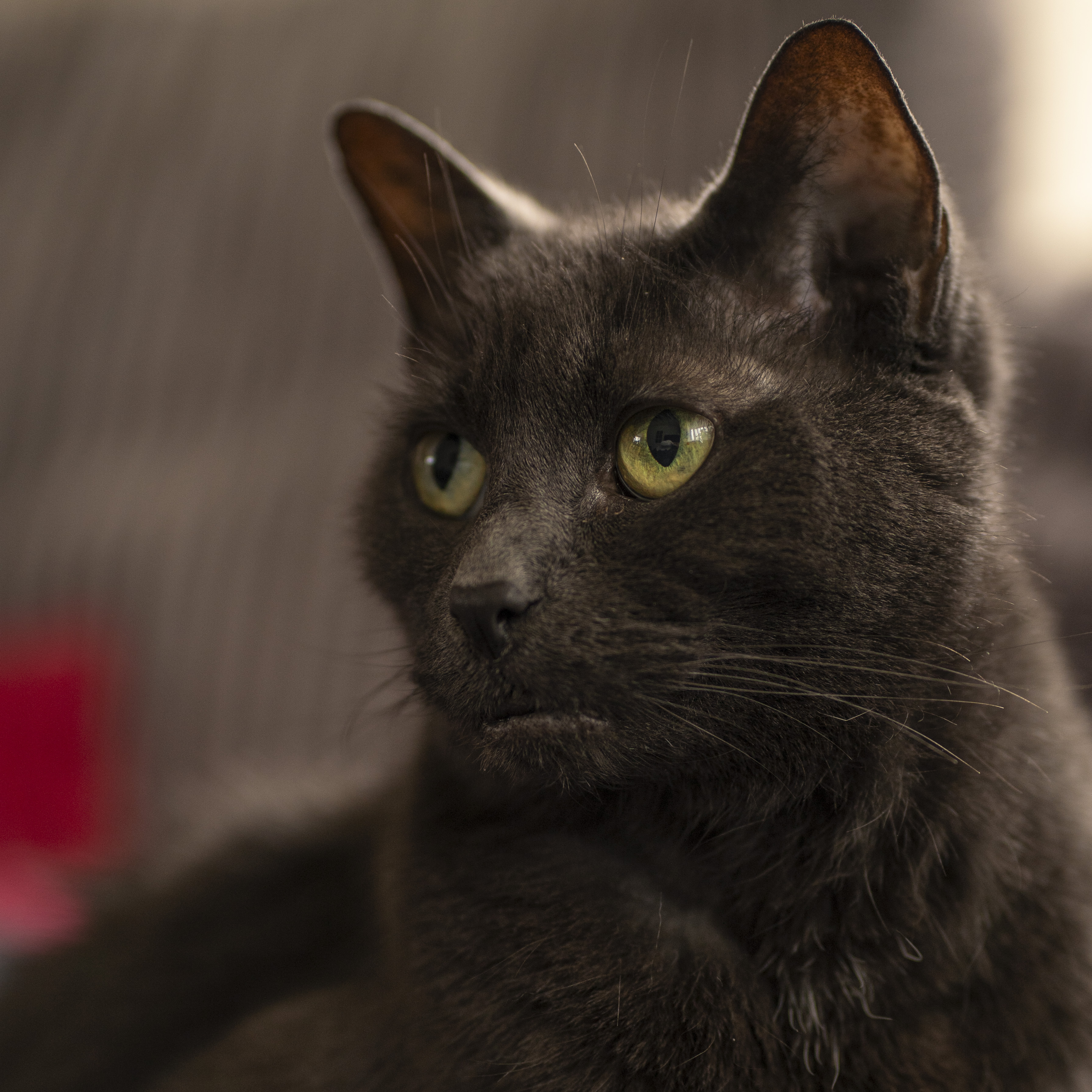 Pip in her final hour
 Farm Size and Numbers Guide (0.8.0


 Loading

