



Install Steam
sign in
|
language
简体中文 (Simplified Chinese)
繁體中文 (Traditional Chinese)
日本語 (Japanese)
한국어 (Korean)
ไทย (Thai)
Български (Bulgarian)
Čeština (Czech)
Dansk (Danish)
Deutsch (German)
Español - España (Spanish - Spain)
Español - Latinoamérica (Spanish - Latin America)
Ελληνικά (Greek)
Français (French)
Italiano (Italian)
Bahasa Indonesia (Indonesian)
Magyar (Hungarian)
Nederlands (Dutch)
Norsk (Norwegian)
Polski (Polish)
Português (Portuguese - Portugal)
Português - Brasil (Portuguese - Brazil)
Română (Romanian)
Русский (Russian)
Suomi (Finnish)
Svenska (Swedish)
Türkçe (Turkish)
Tiếng Việt (Vietnamese)
Українська (Ukrainian)
Report a translation problem


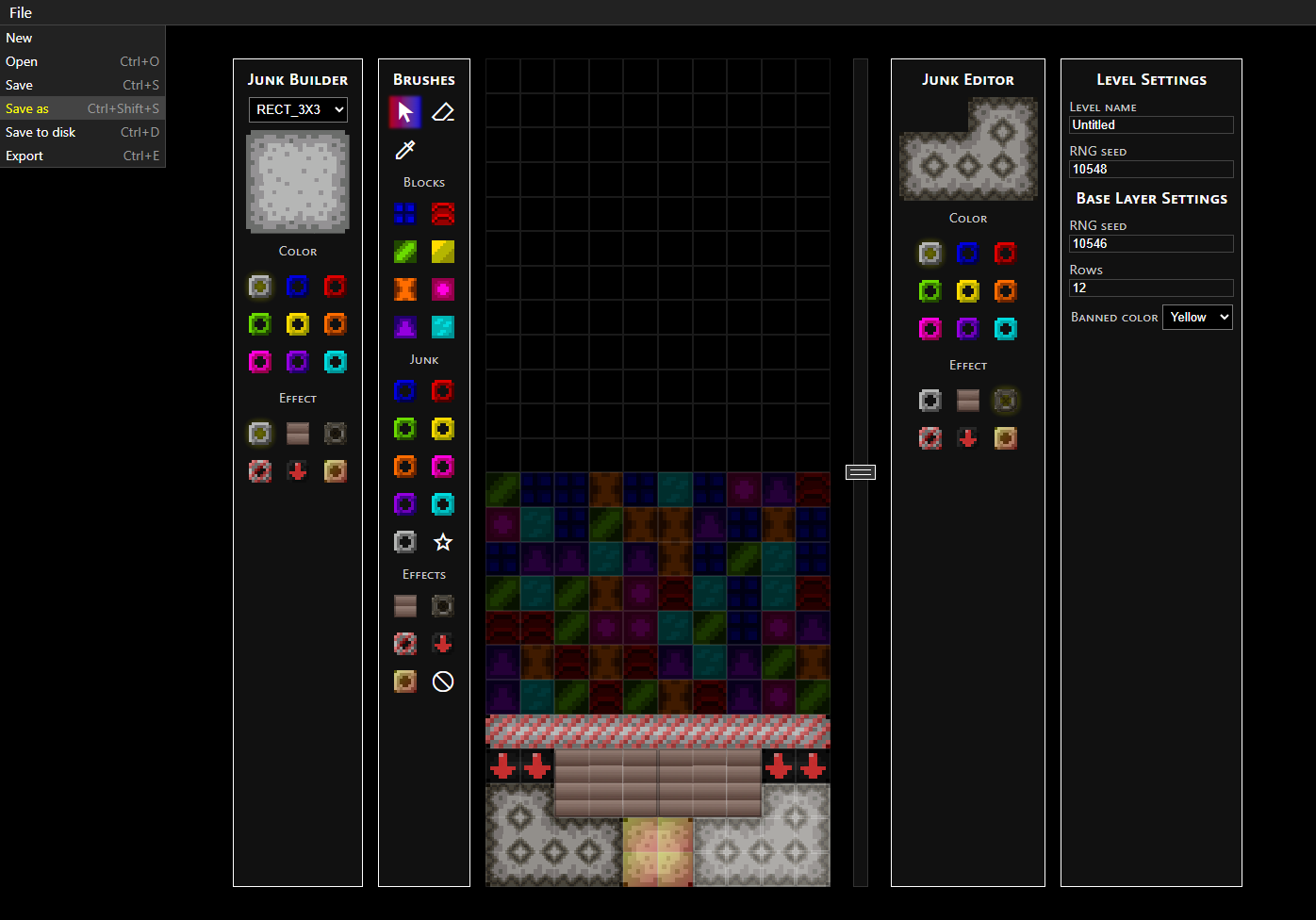 You can see four menus flanking the board in the middle, which have the following functions: creating junk pieces which can be drag-and-dropped into the board; brushes for painting with blocks and single-block junk pieces; editing selected junk pieces; and general level settings.
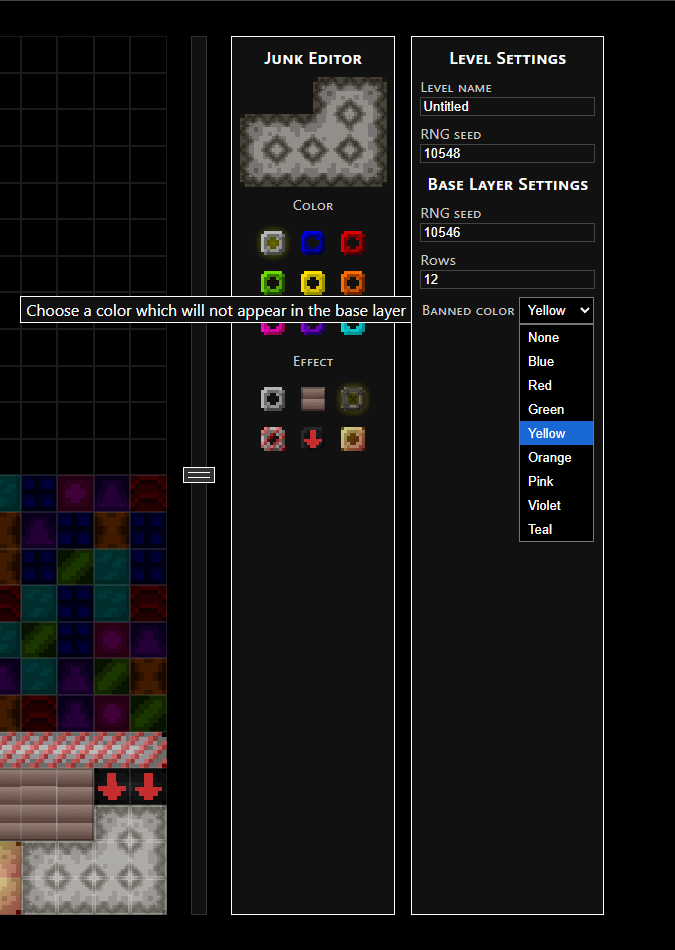 I added this feature because of one of the ideas that's been in the back of my head for making puzzles: if I want to make junk pieces completely indestructible for the sake of a puzzle, I can make the "indestructible" pieces bomb-proof, and make sure the color needed to destroy them with matches isn't anywhere on the board.
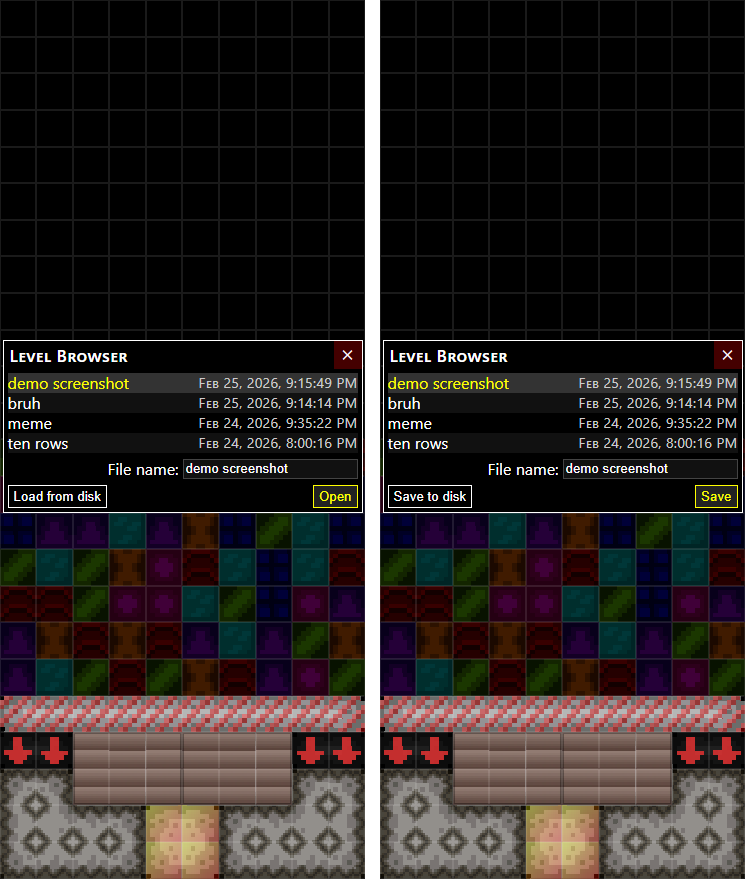 You can save and load multiple levels in your browser (these levels appear in the list in the above screenshots), as well as save and load them to and from your device. You can also export the final level data that will be read by Polymino, which is more compact than normal saved levels because it combines all of the layers into a single board. Of course, all of these file formats are subject to change, but the basic functionality is all there.


 Award
Award 1
1
 How to "Polymino"
  Loading

