



Install Steam
sign in
|
language
简体中文 (Simplified Chinese)
繁體中文 (Traditional Chinese)
日本語 (Japanese)
한국어 (Korean)
ไทย (Thai)
Български (Bulgarian)
Čeština (Czech)
Dansk (Danish)
Deutsch (German)
Español - España (Spanish - Spain)
Español - Latinoamérica (Spanish - Latin America)
Ελληνικά (Greek)
Français (French)
Italiano (Italian)
Bahasa Indonesia (Indonesian)
Magyar (Hungarian)
Nederlands (Dutch)
Norsk (Norwegian)
Polski (Polish)
Português (Portuguese - Portugal)
Português - Brasil (Portuguese - Brazil)
Română (Romanian)
Русский (Russian)
Suomi (Finnish)
Svenska (Swedish)
Türkçe (Turkish)
Tiếng Việt (Vietnamese)
Українська (Ukrainian)
Report a translation problem


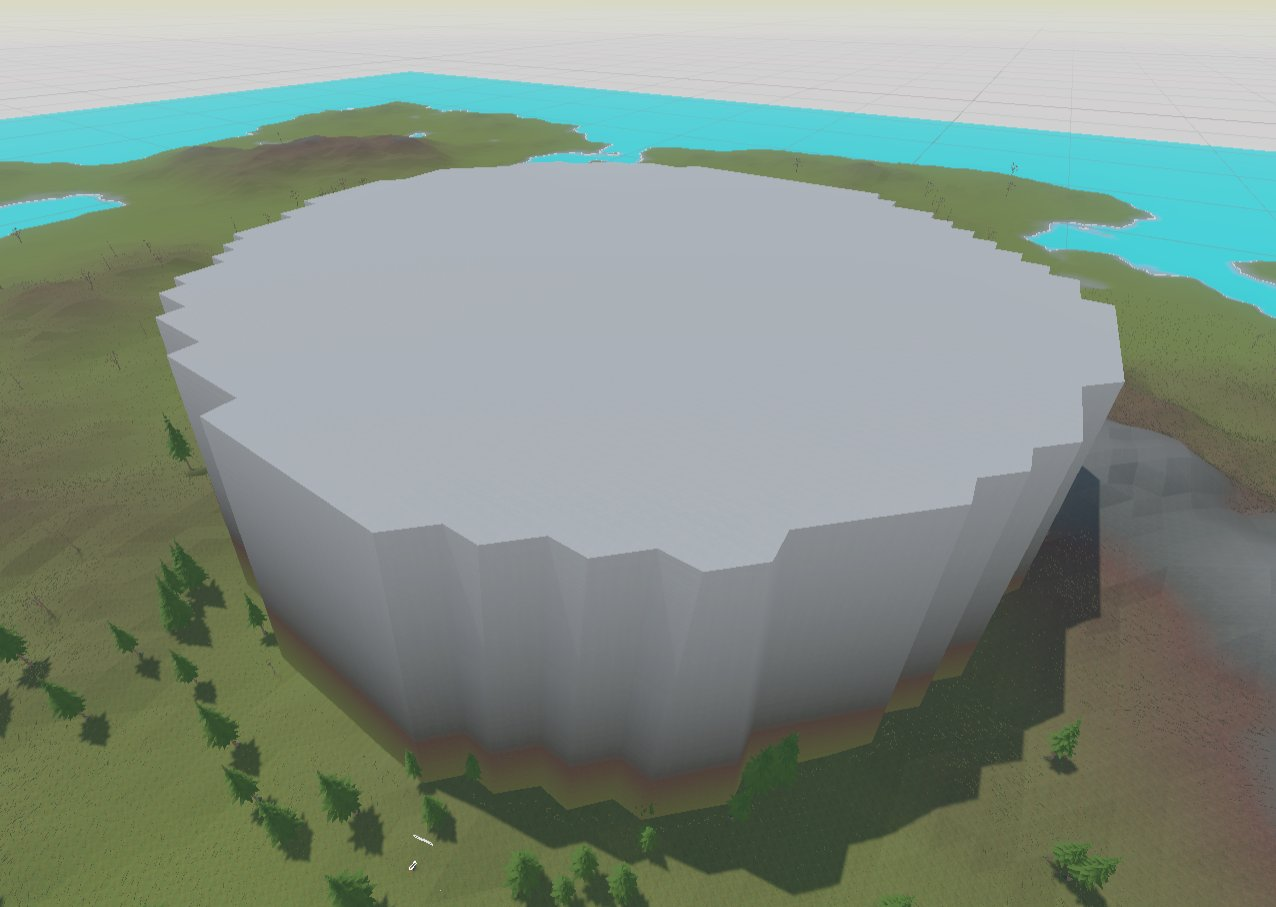 Then, it was in the center but still too tall.
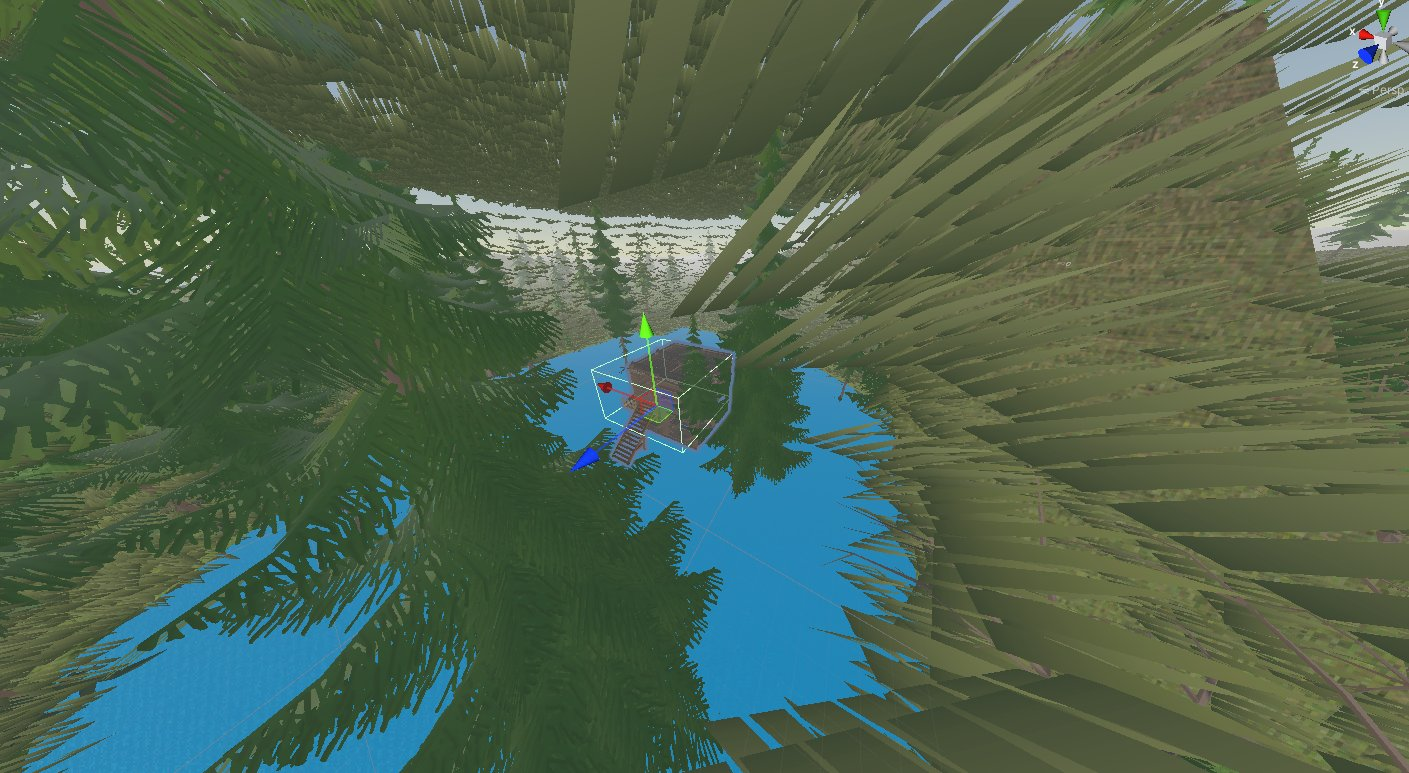 Lastly, everything was just right.
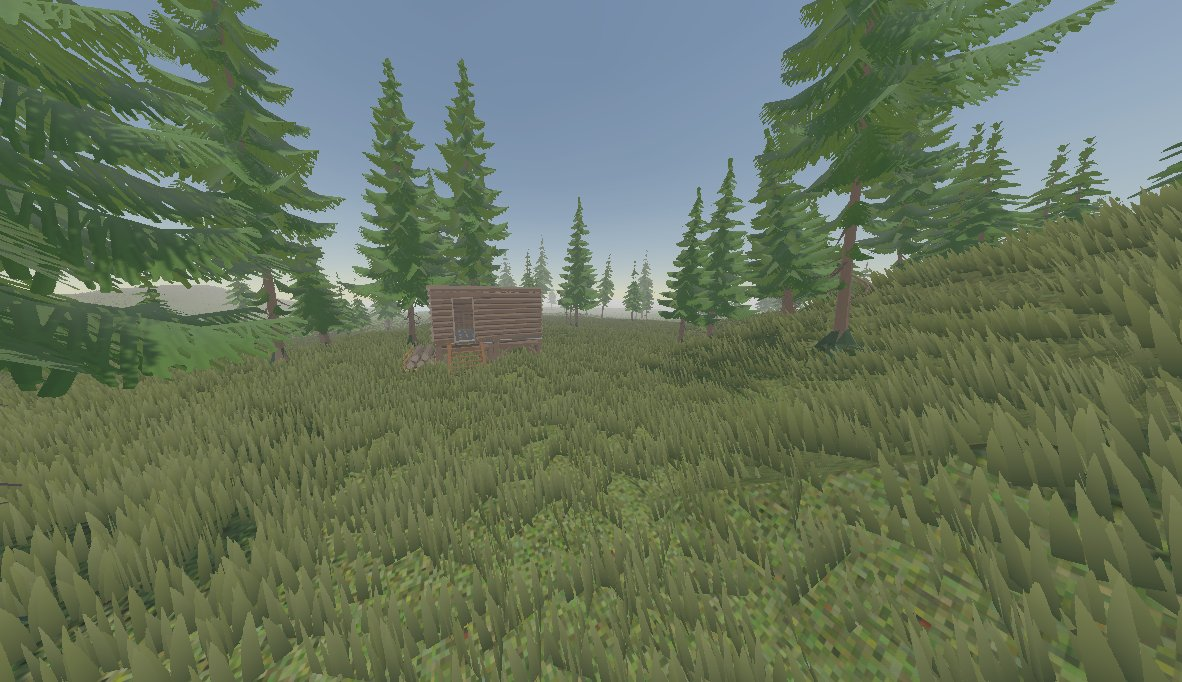 This is the biggest reason for this, as it is impossible to procedurally place landmarks without flattening the ground.
 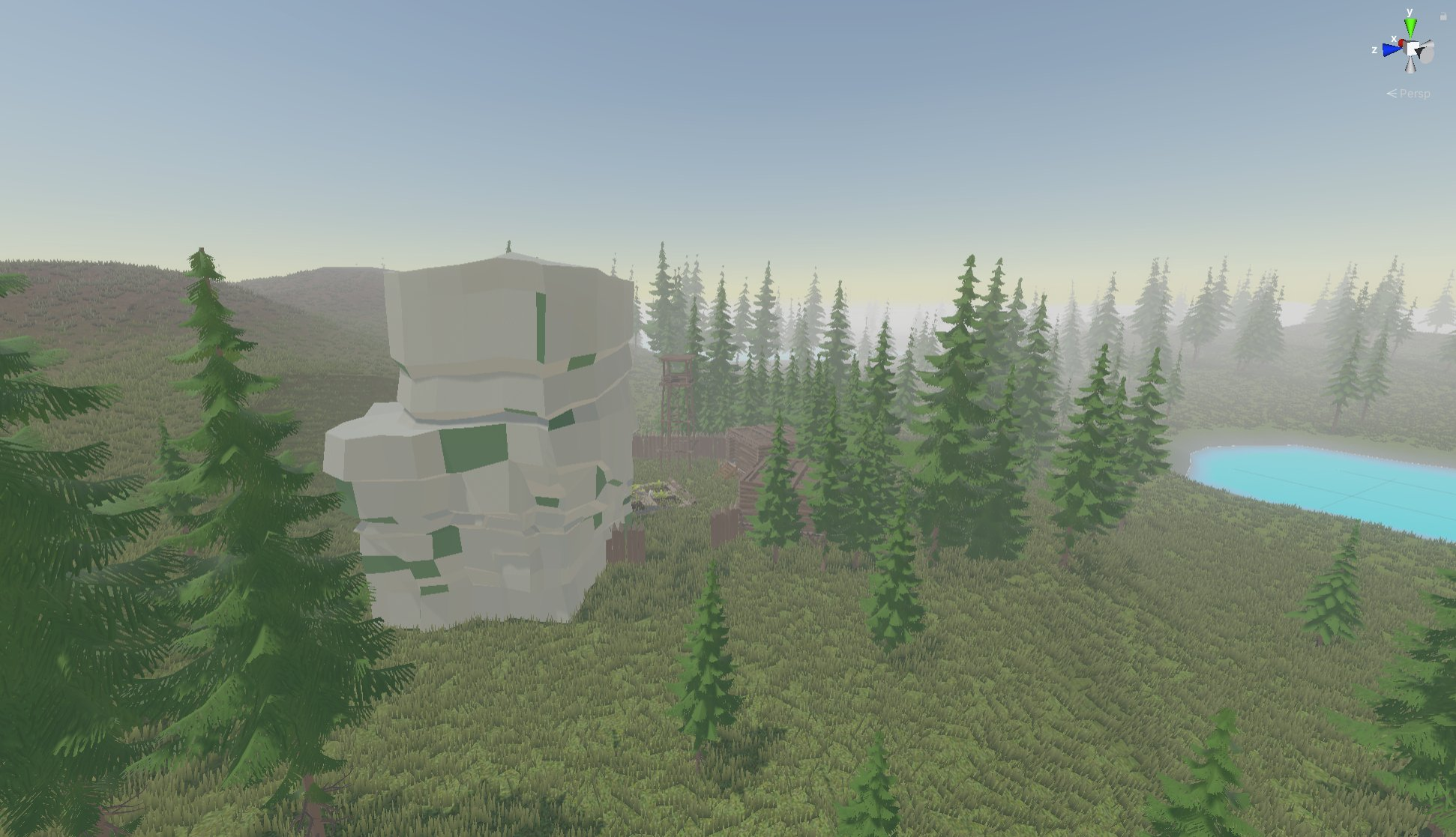 While yes, this game is the VR version of Rust like how Pavlov is the VR version of Counter-Strike, I do not plan on having the same style of monuments (and I want this to be my own game). While there are going to be procedurally placed landmarks, they will be modeled after a more rural area, with likely the "monuments" being either campsites, fake abandoned player buildings, small towns, or homestead-like landmarks.
 "Sundowner Badge logo"
 The badge is mainly for use when putting the logo over screenshots, and I think it would also look better on clothing and merch if I make some. Though it does remind me a bit too much of supreme.


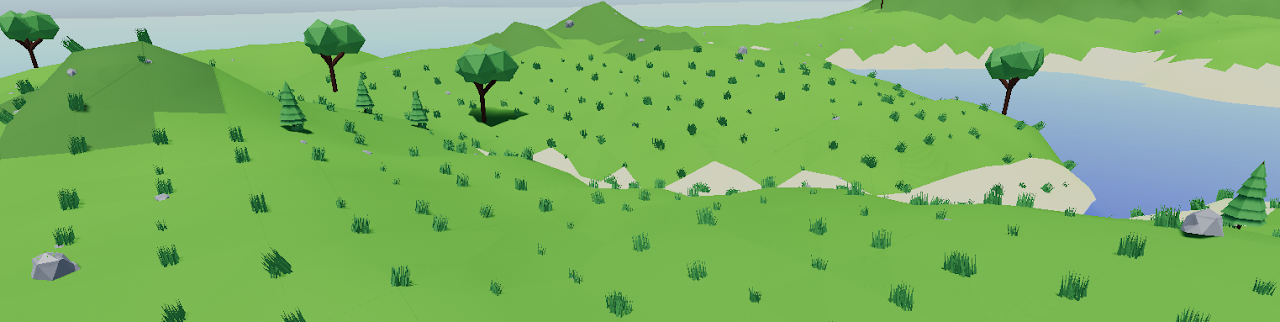 Basically is just spawned one of many natural objects on each vertex of the map mesh. And the map looked like this:
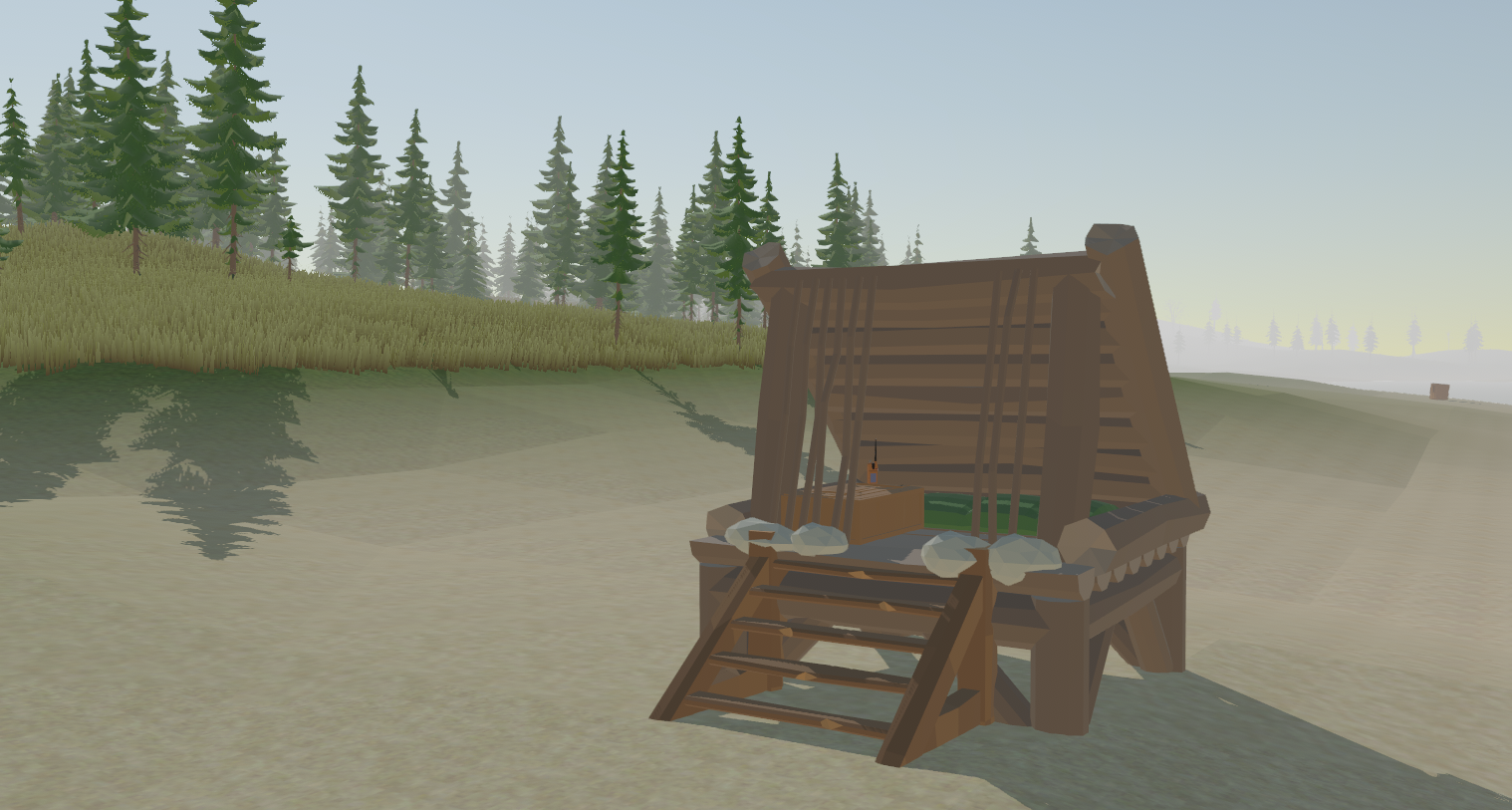
 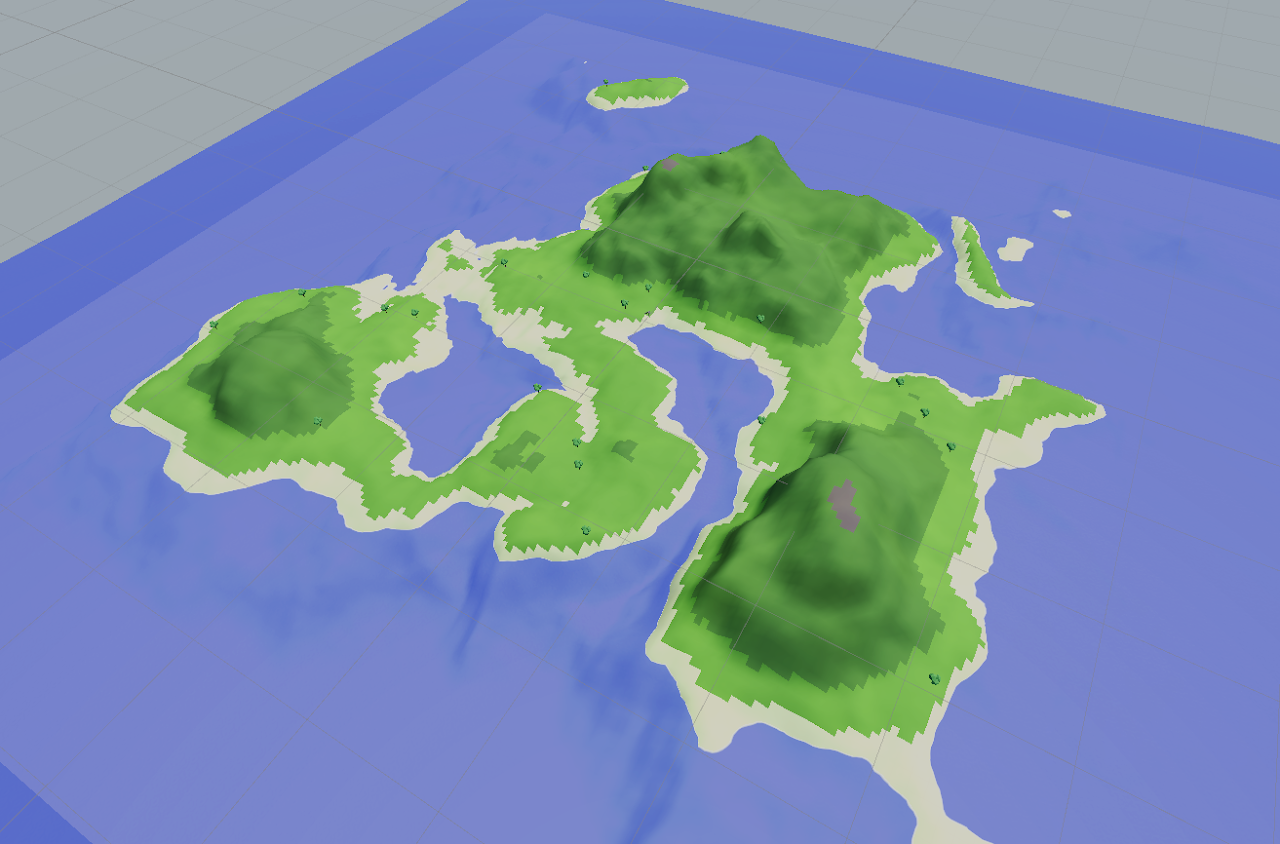 Afterward, I changed up the shaders to give a more toon look, along with that low poly triangle shading, as shown
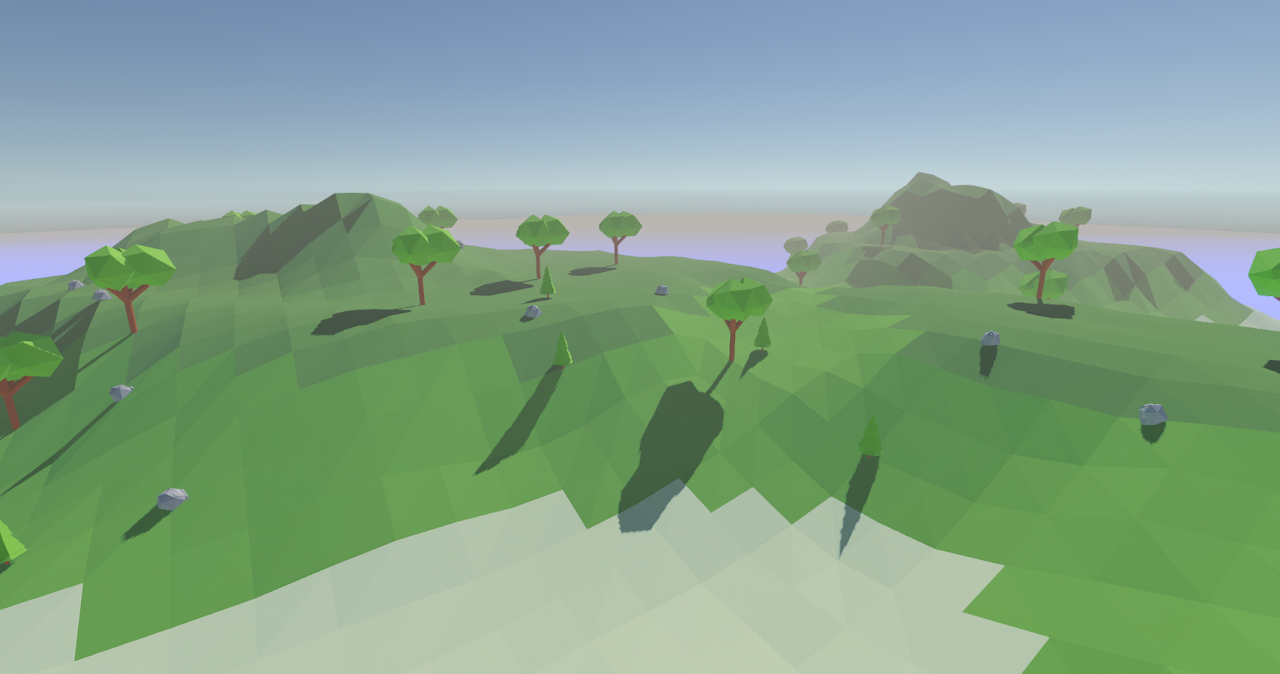 Then I updated the trees that are placed with an asset pack I had bought, along with adding far more variation to the procedural resources and nature that spawned.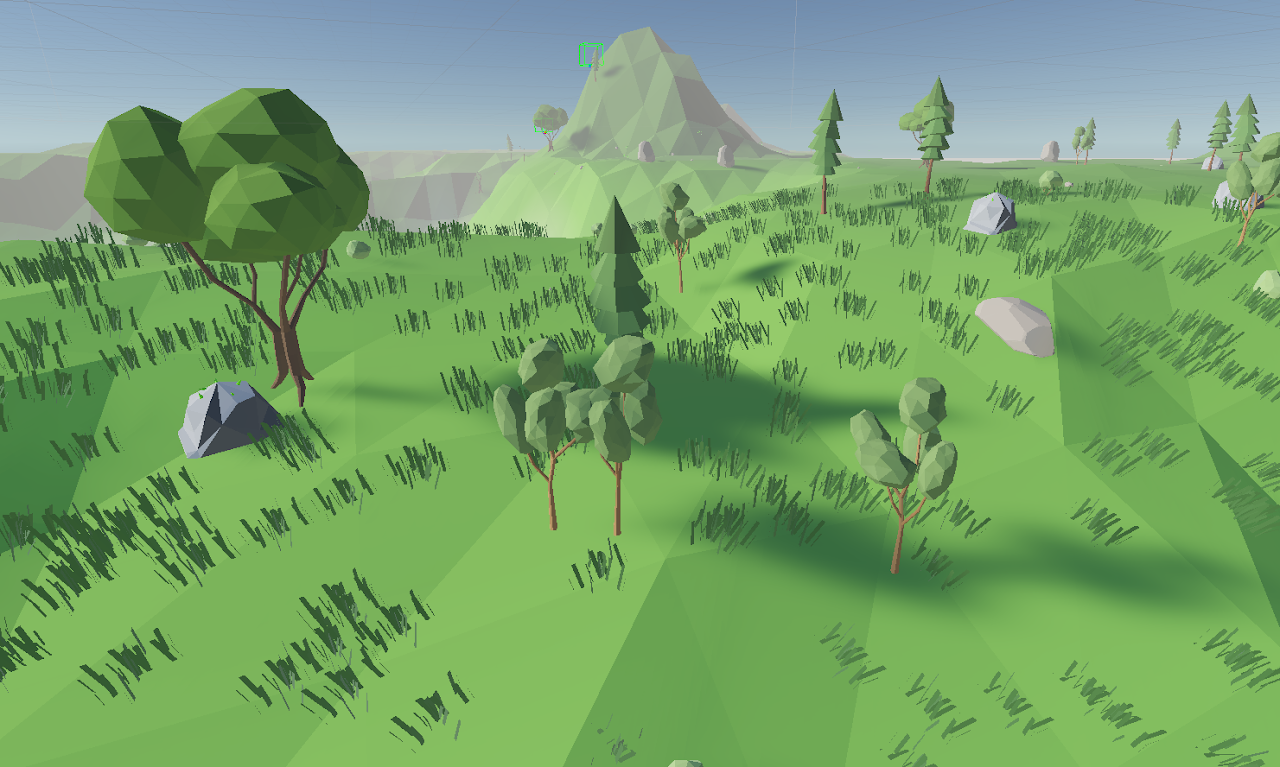
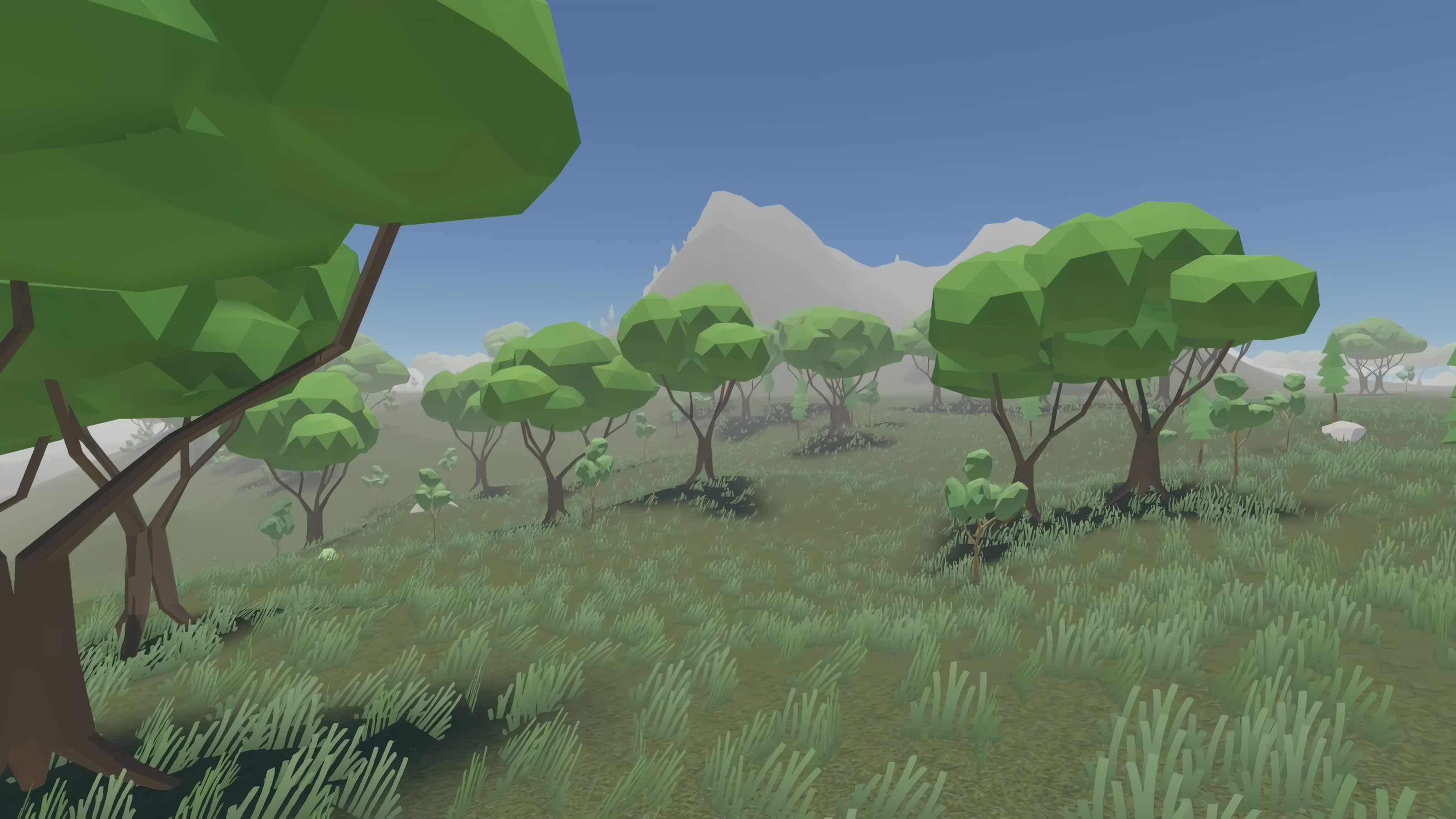 But after polishing with better textures, shaders, new nature, and many new things, it is way better looking!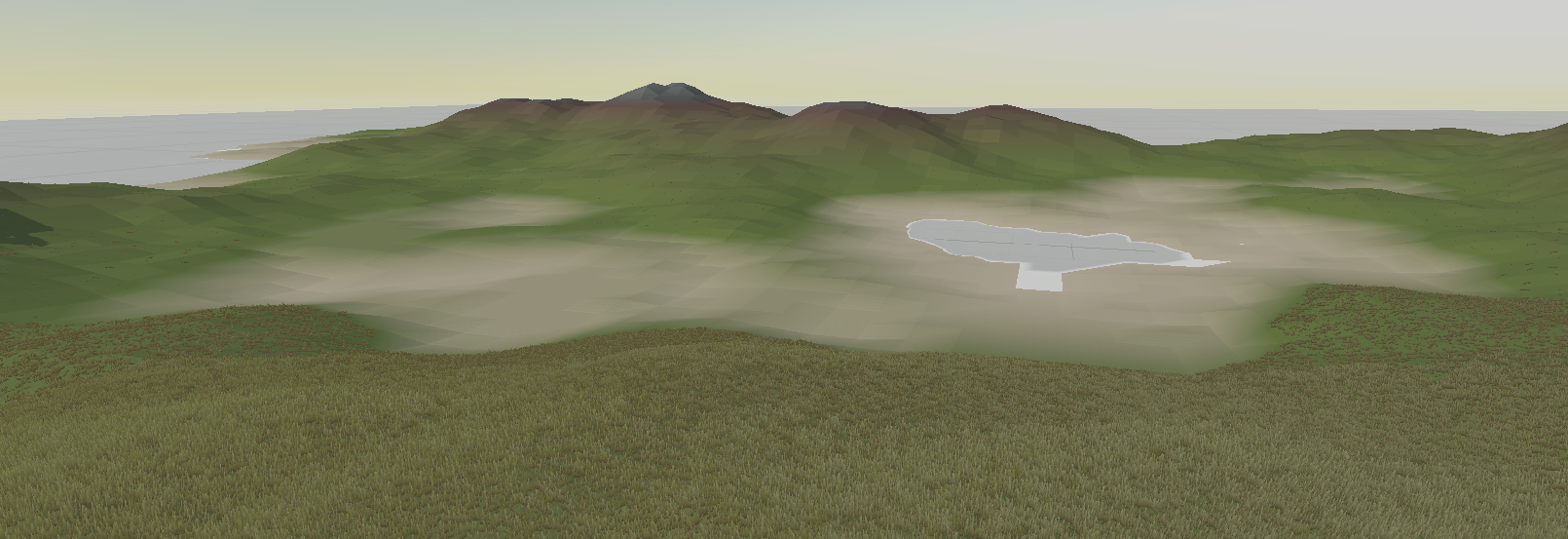
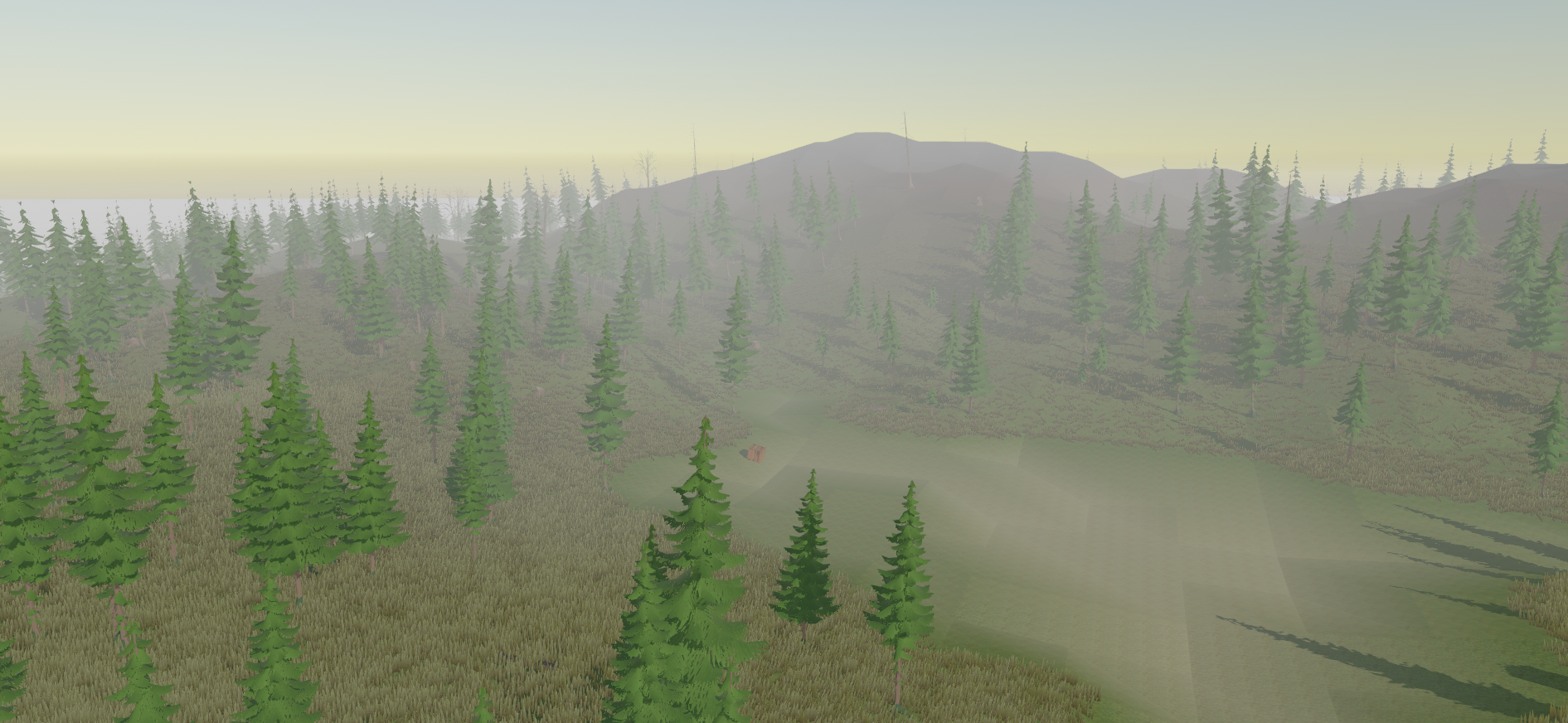
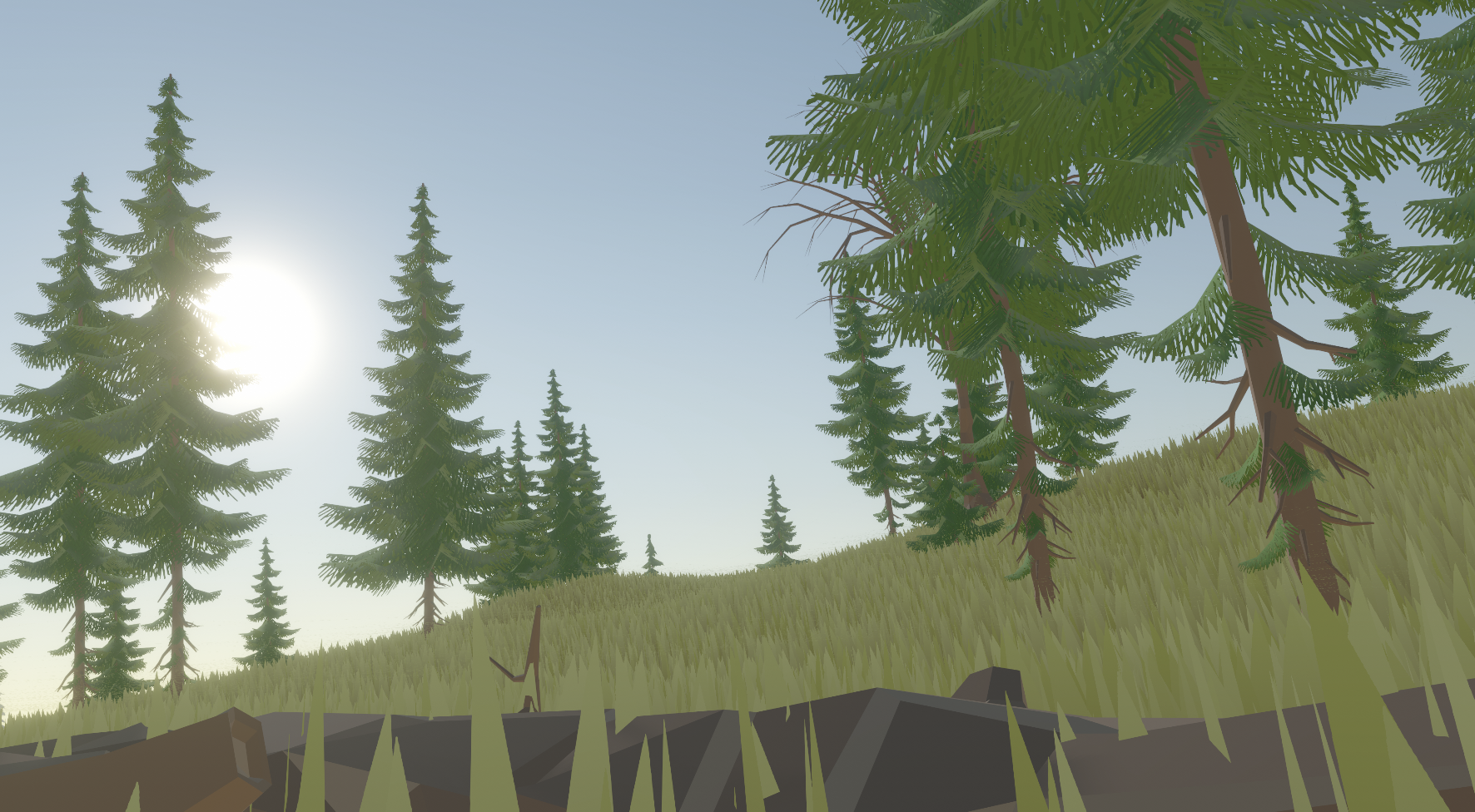
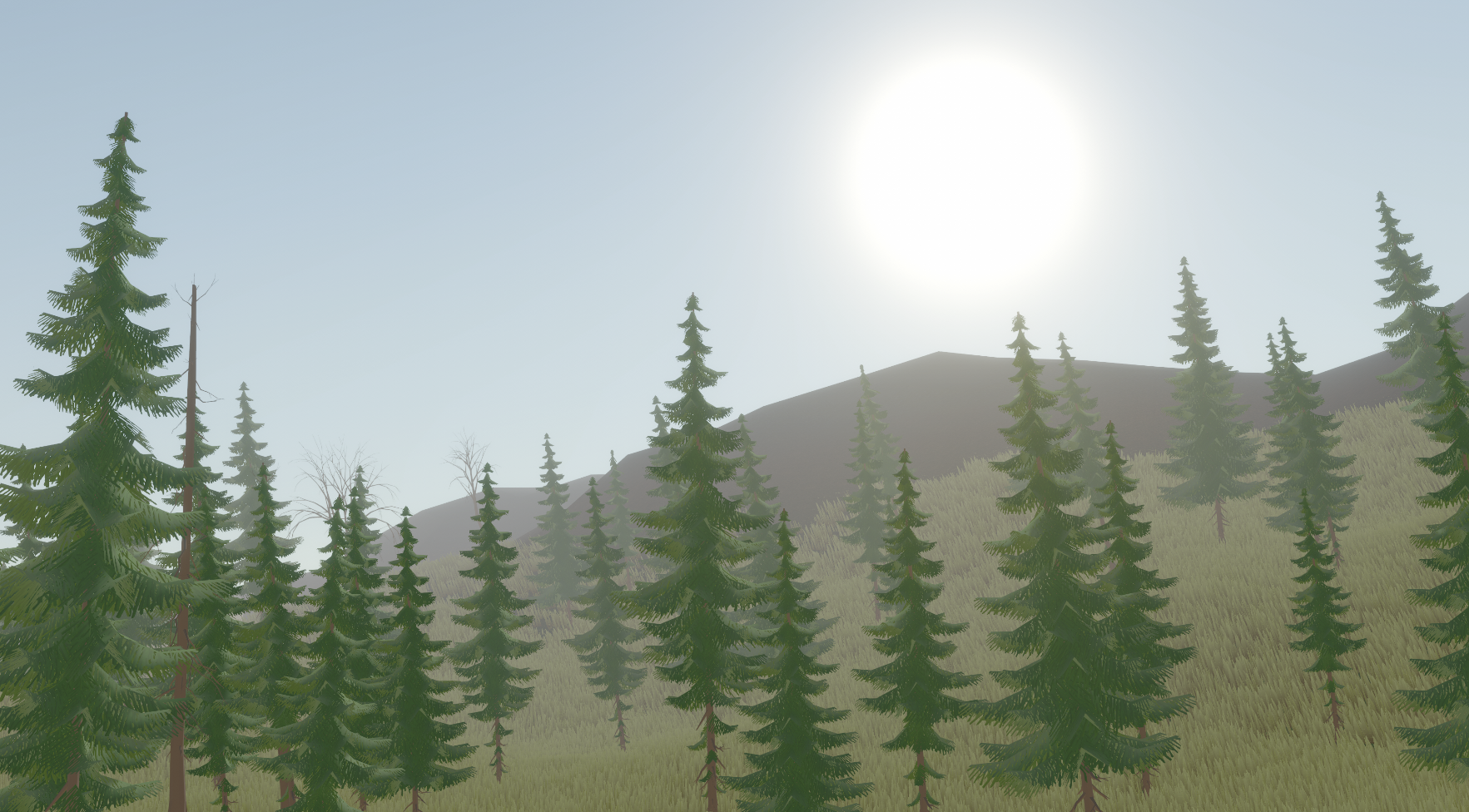
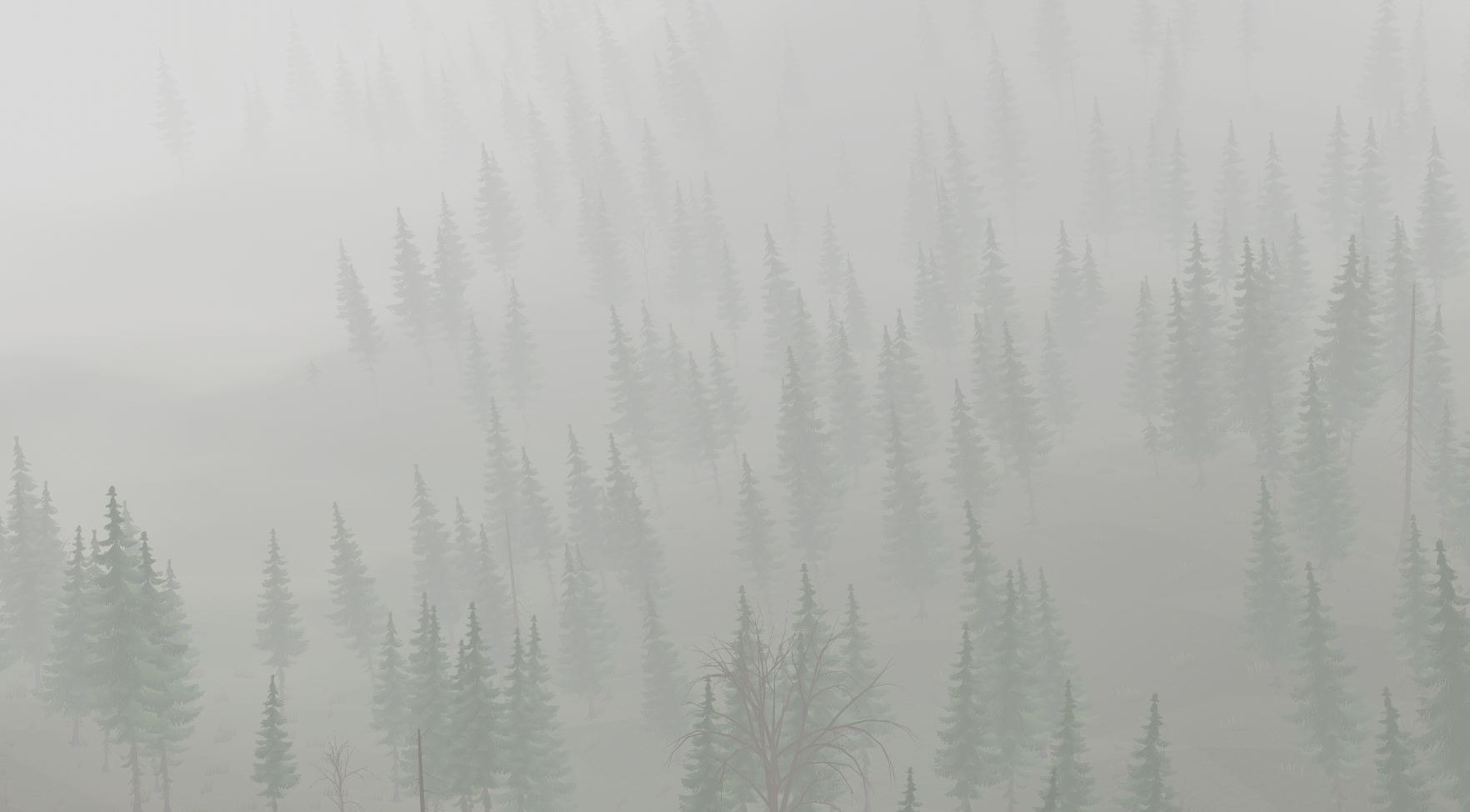
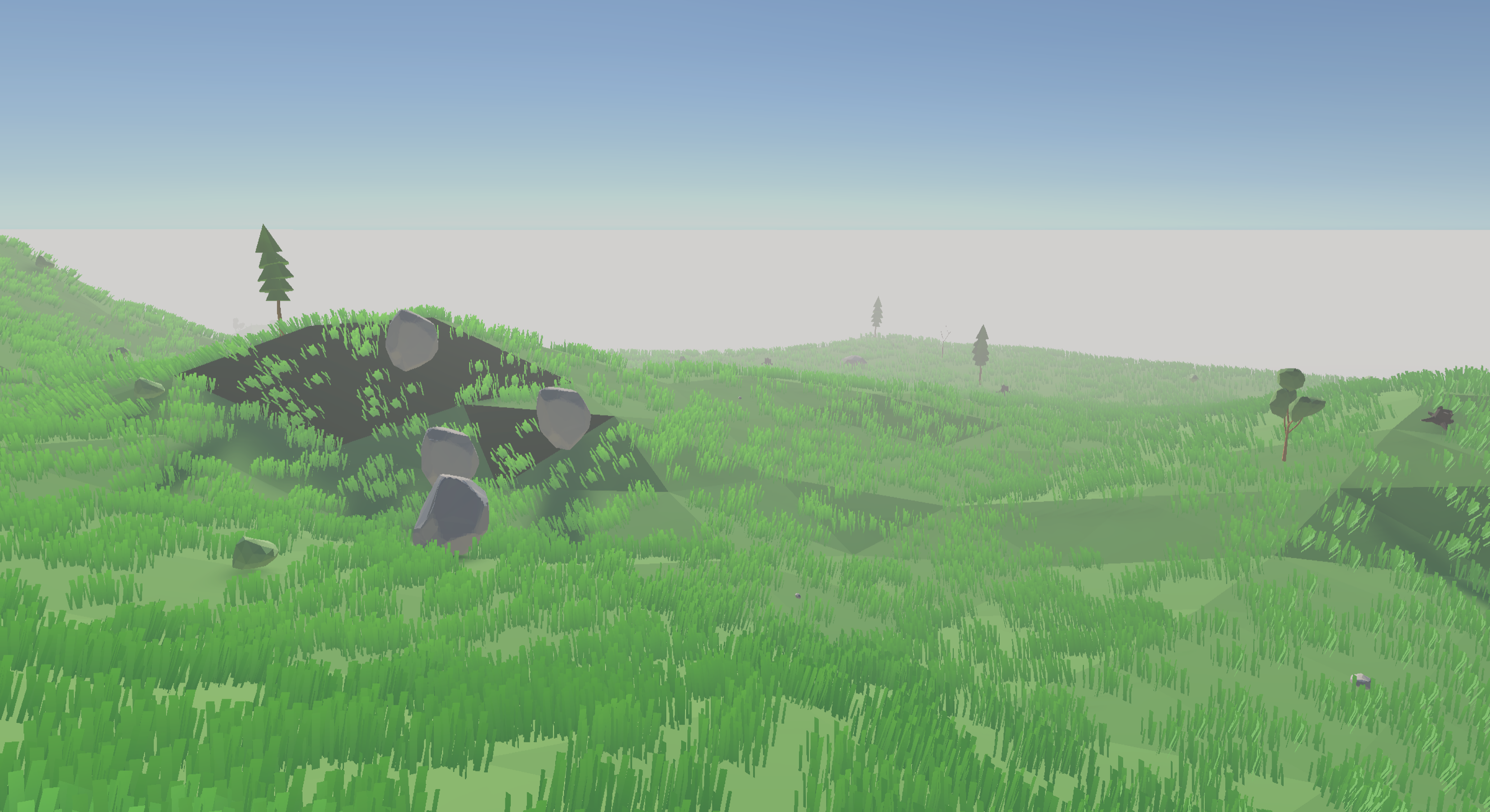 So I tried using a geometry shader.
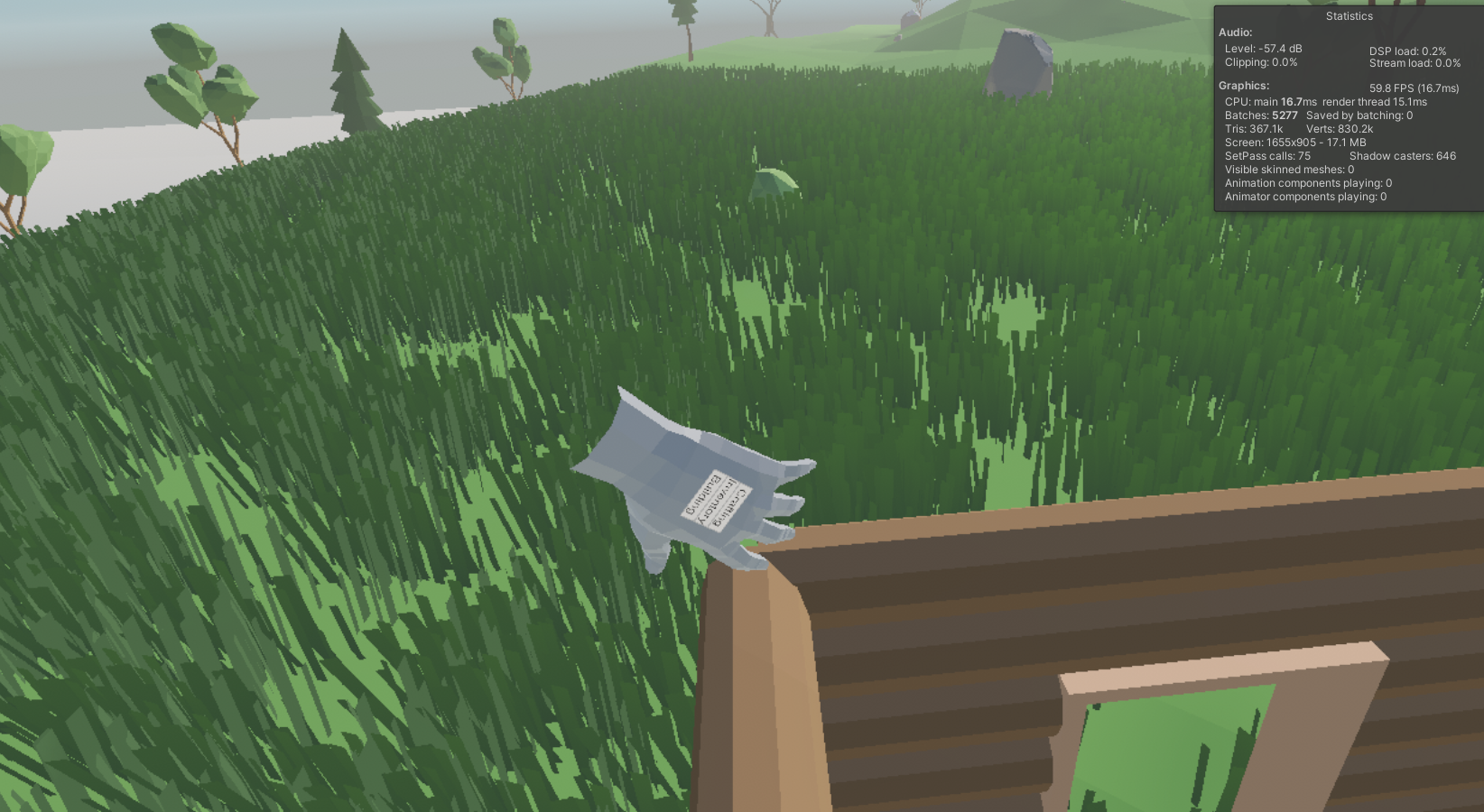
 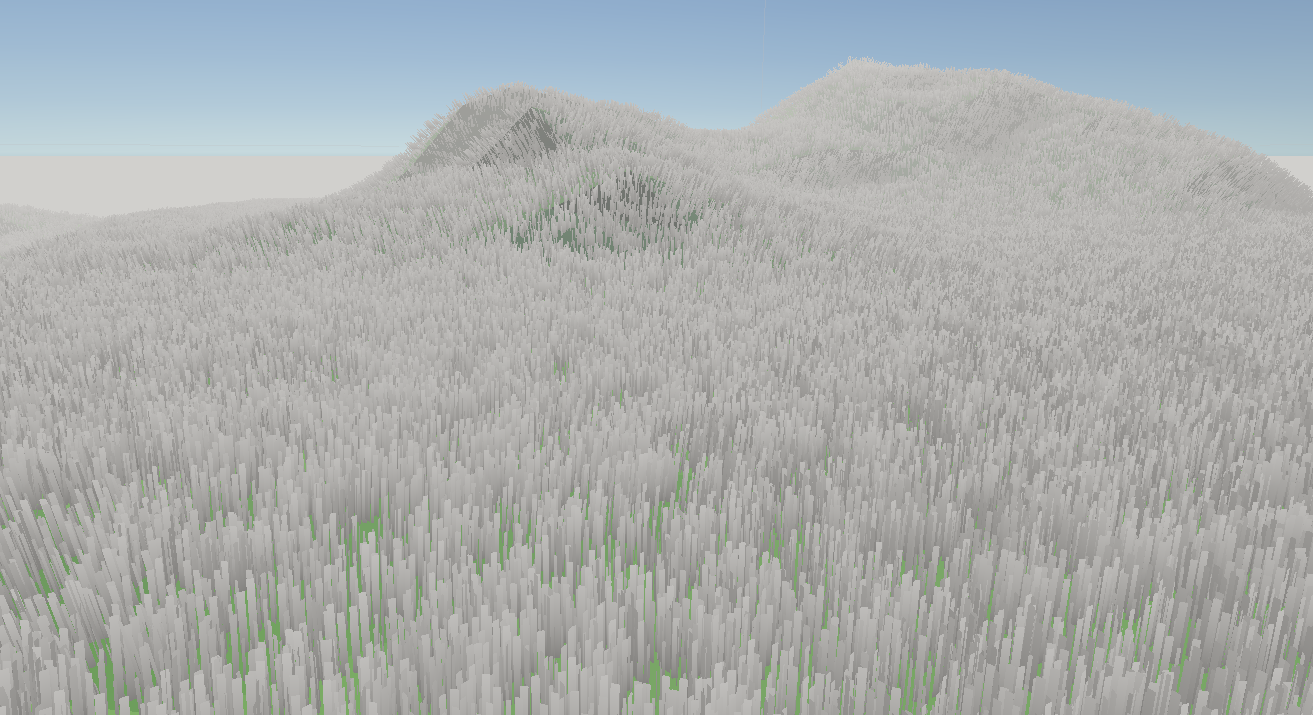 The only issue is that I couldn't control where it was. And then when I could, it was very slow when dense, which if the grass is spare, doesn't look too good. Even when I introduced a draw distance, it still didn't seem to help with the issue. Turns out, the issue was that even though the grass wasn't being rendered, the mesh was still being tessellated, which is the main thing causing issues. With that discovered, now it could run fast!
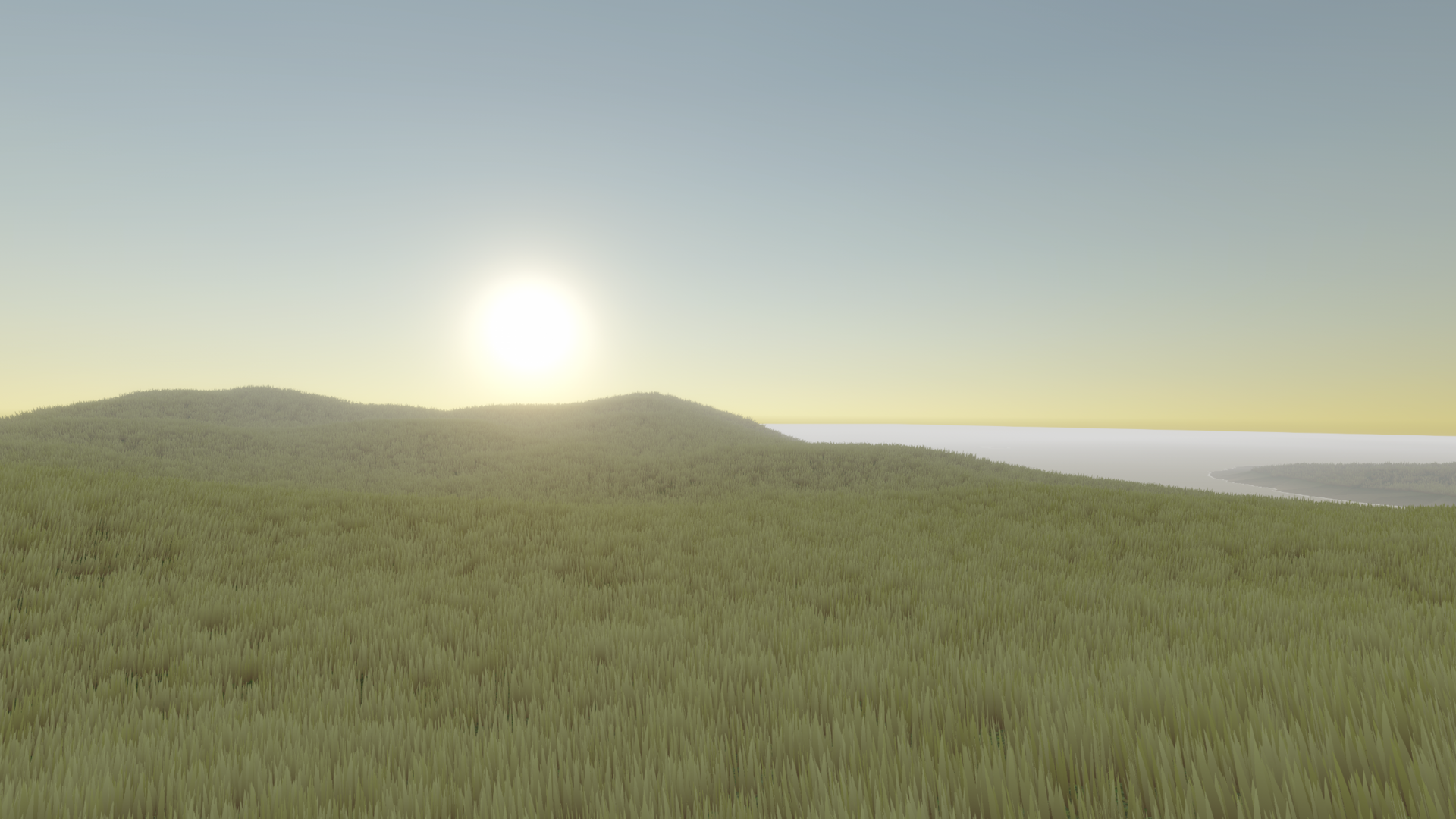 This scene would've run at 30-60fps, in the editor, without VR turned on. Now in the same conditions, it runs at 500fps!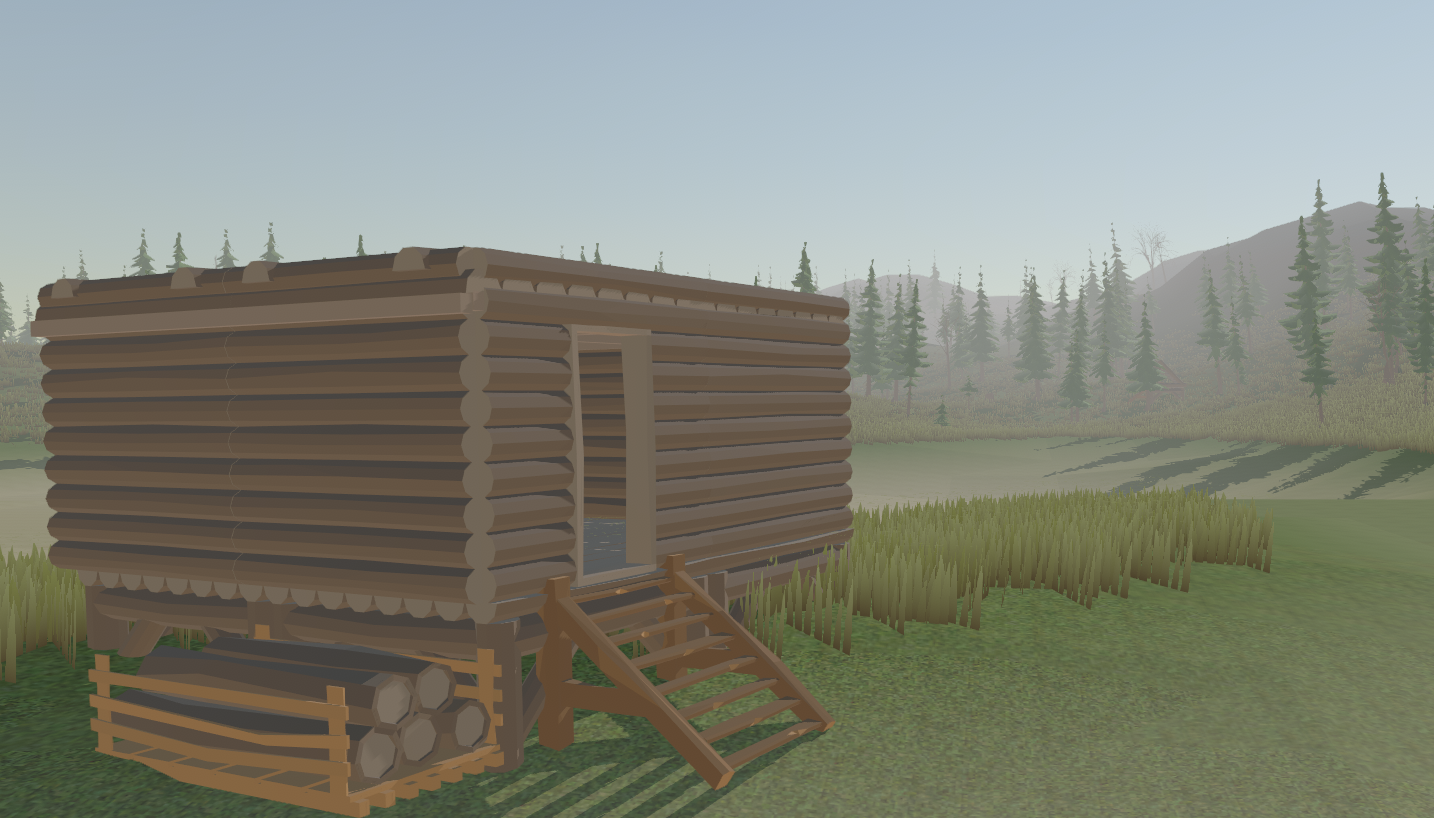

 Loading

