



Install Steam
sign in
|
language
简体中文 (Simplified Chinese)
繁體中文 (Traditional Chinese)
日本語 (Japanese)
한국어 (Korean)
ไทย (Thai)
Bahasa Indonesia (Indonesian)
Bahasa Melayu (Malay) BETA
Български (Bulgarian)
Čeština (Czech)
Dansk (Danish)
Deutsch (German)
Español - España (Spanish - Spain)
Español - Latinoamérica (Spanish - Latin America)
Ελληνικά (Greek)
Français (French)
Italiano (Italian)
Magyar (Hungarian)
Nederlands (Dutch)
Norsk (Norwegian)
Polski (Polish)
Português (Portuguese - Portugal)
Português - Brasil (Portuguese - Brazil)
Română (Romanian)
Русский (Russian)
Suomi (Finnish)
Svenska (Swedish)
Türkçe (Turkish)
Tiếng Việt (Vietnamese)
Українська (Ukrainian)
Report a translation problem


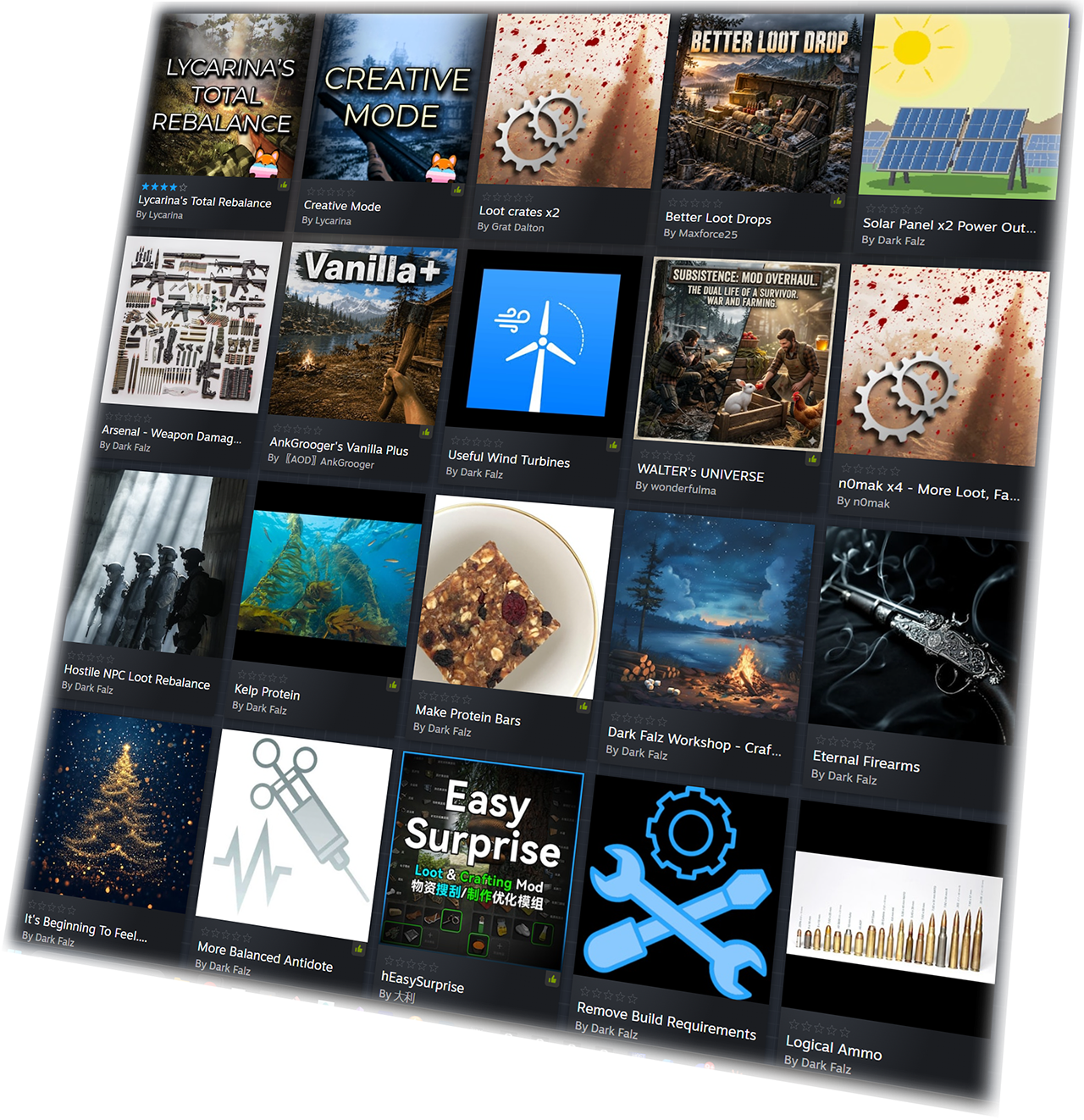
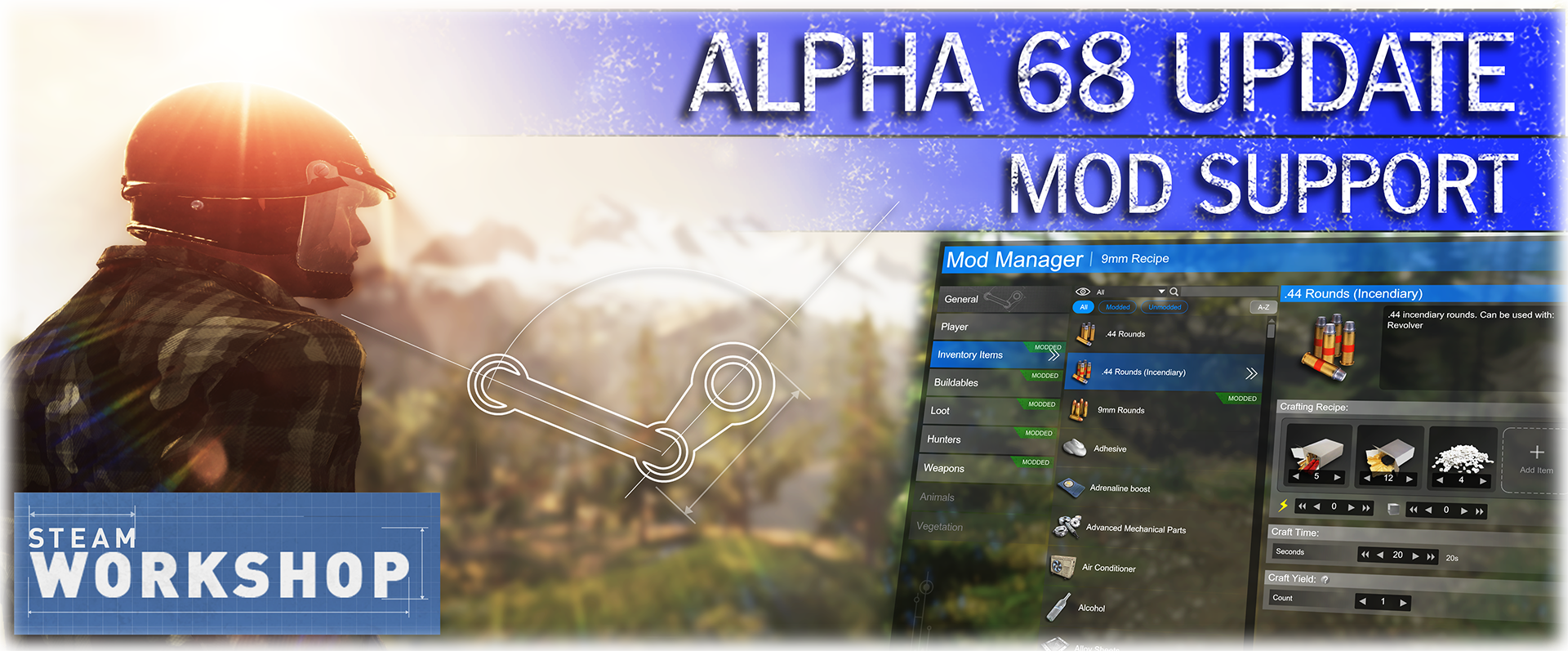 Mod Support
 In-Game Mod Manager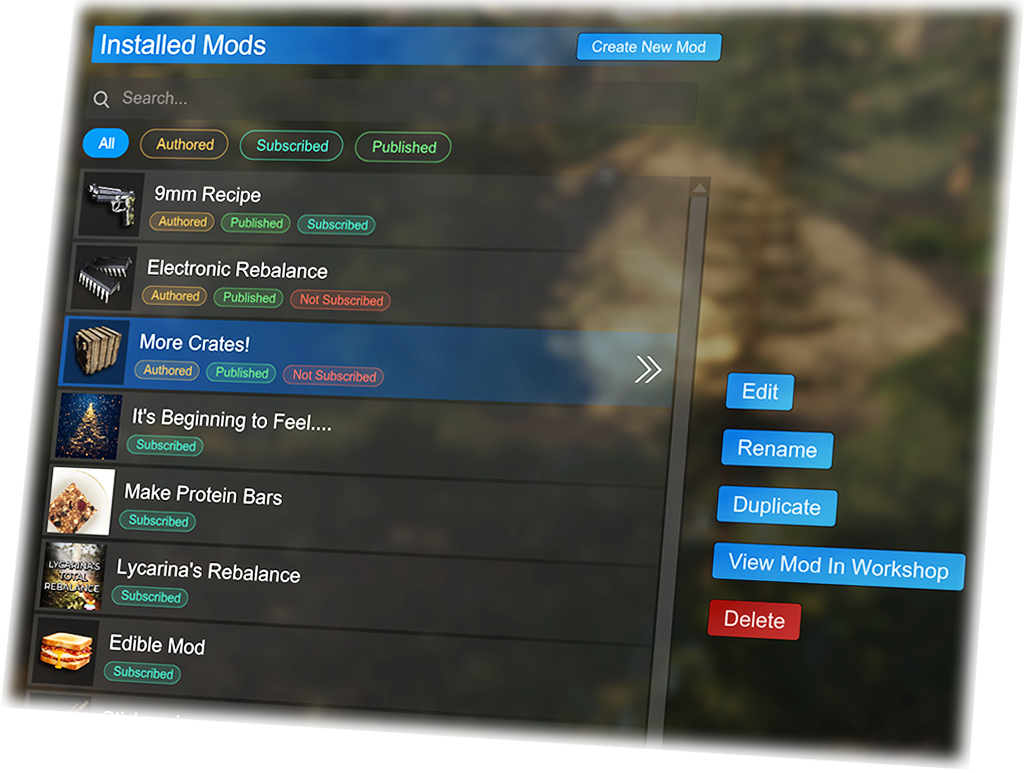
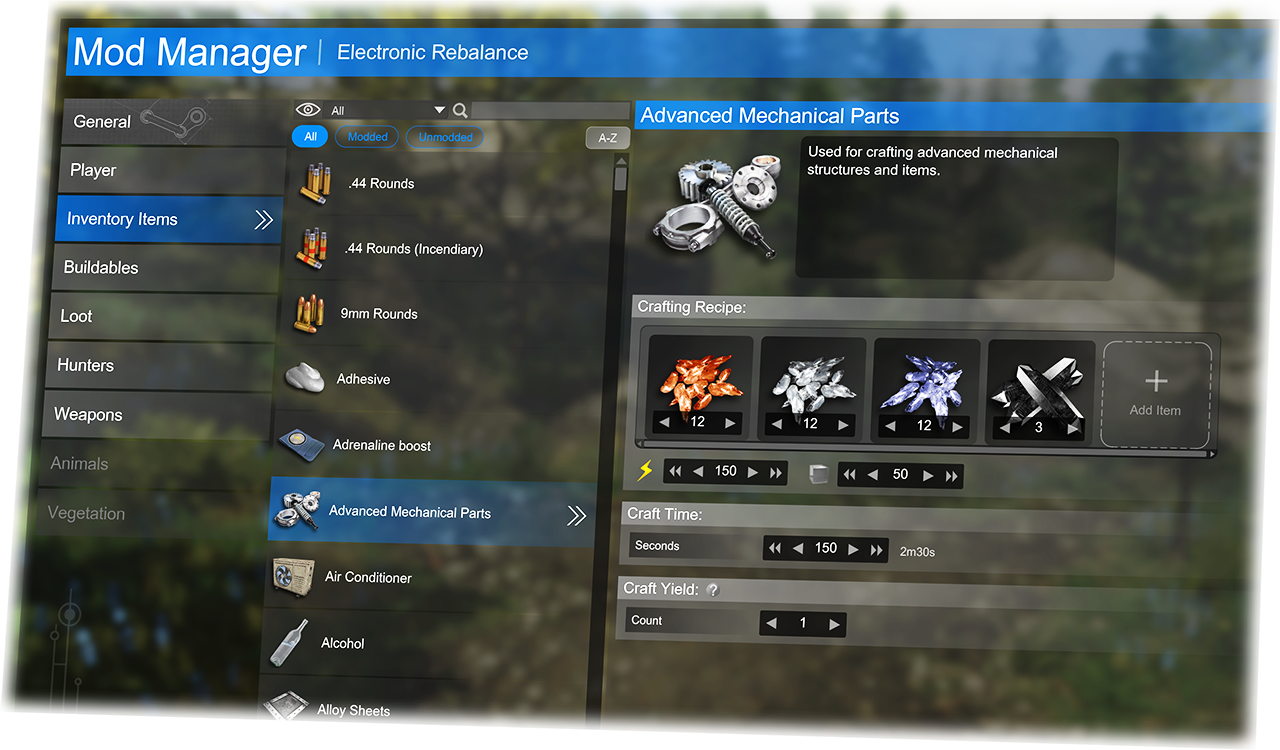
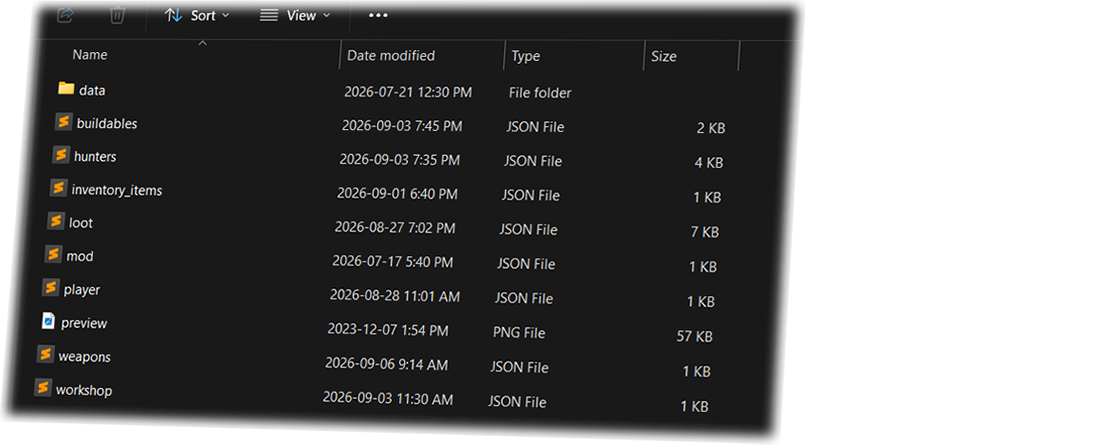 Mod Manager Editor
 As values are modded, the individual values and sections will show a "modded" badge, so it is easy to keep track of what you have changed.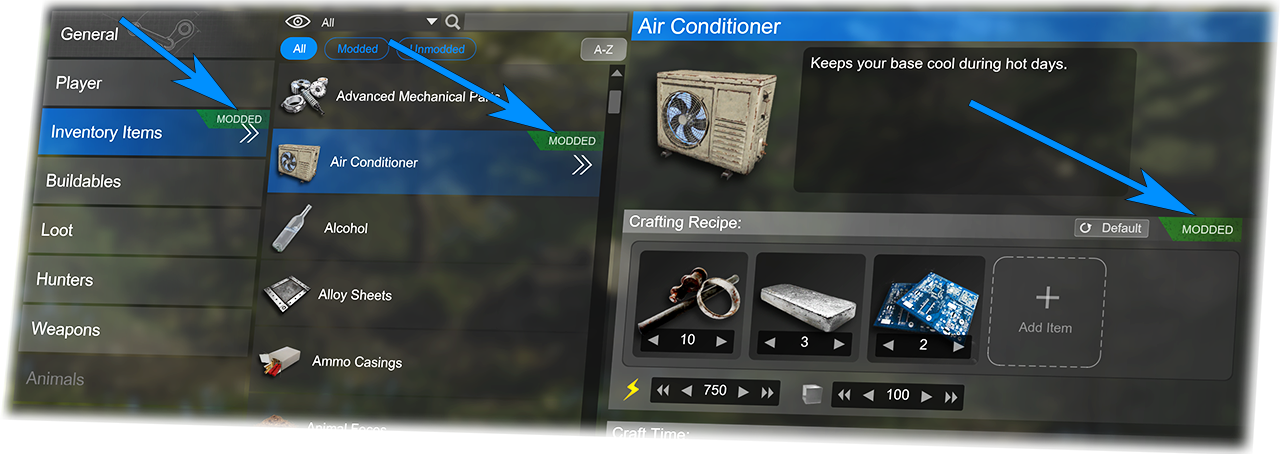

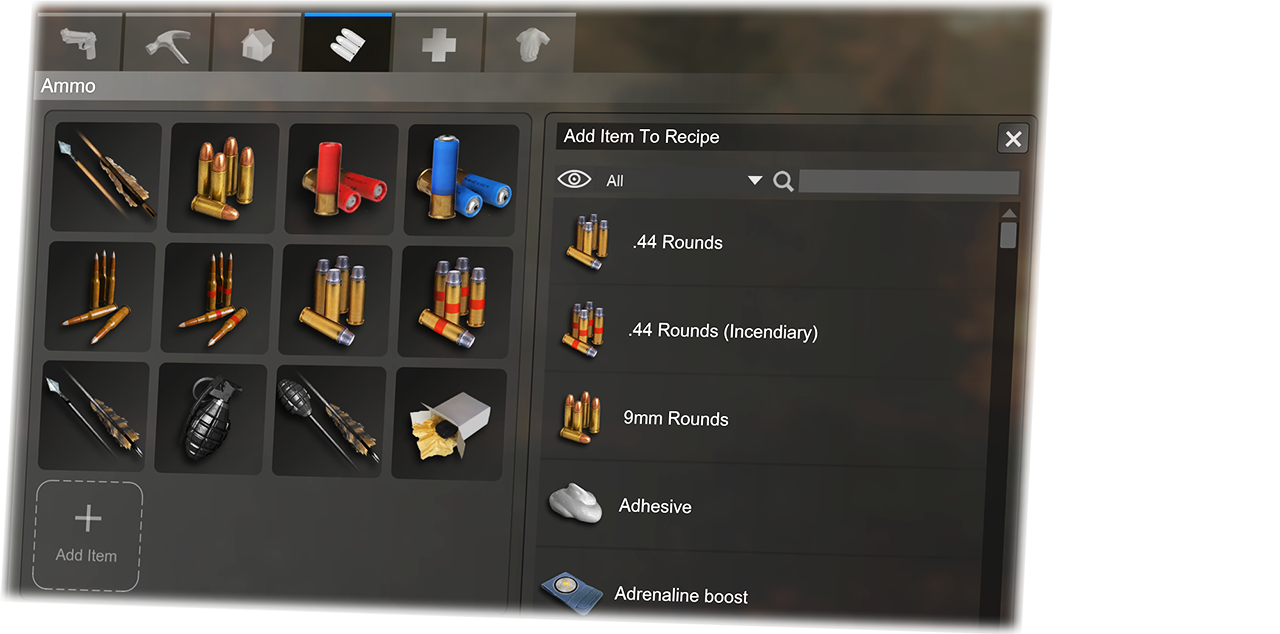 Note: The BCU craft list will also allow you to set craft restrictions per item. So for example; you could restrict the workbench being craftable, until the player has placed certain other base items (generators/storage/etc).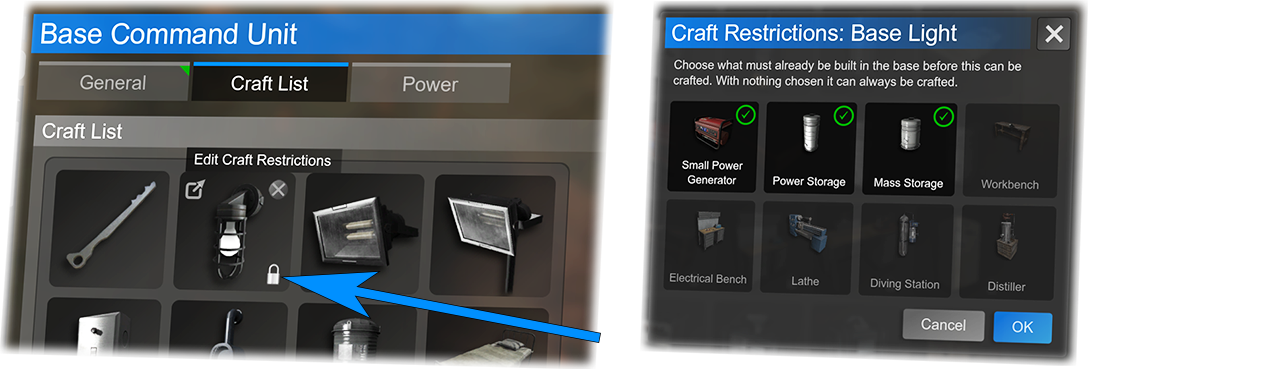
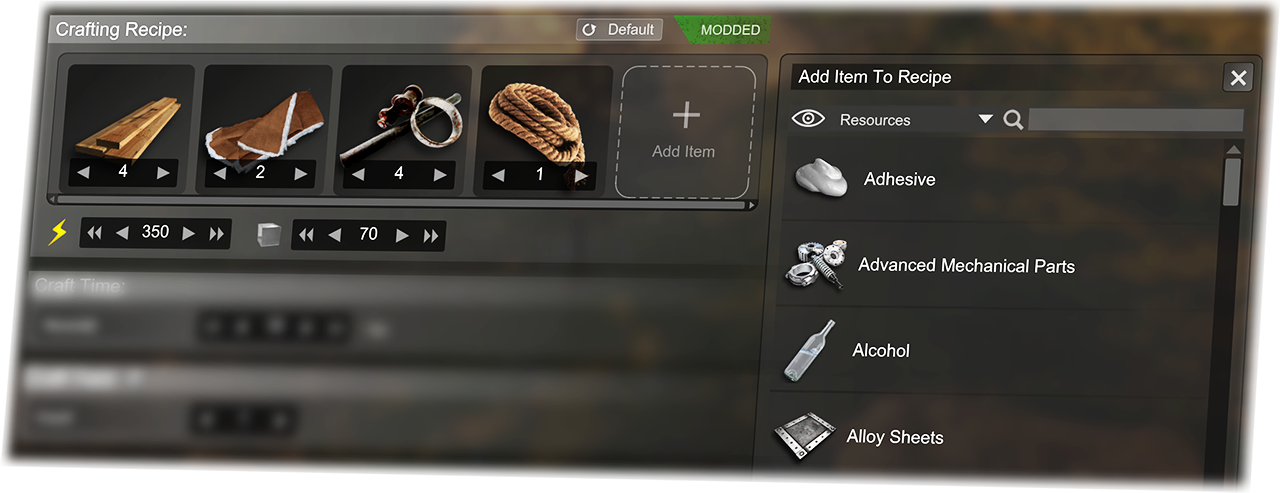 Adding mass/power requirements will only take effect if the item is in a craft list of base item (workbench, etc).
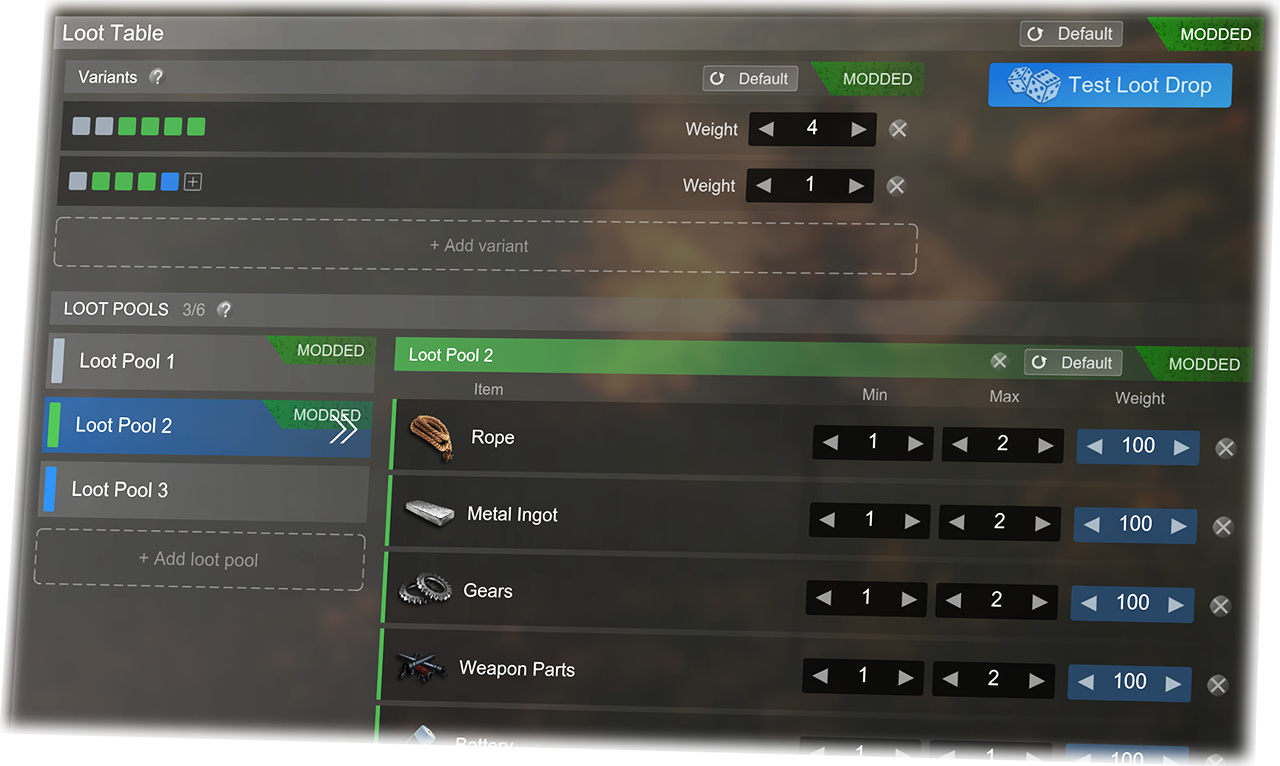 When a loot container is filled, the game will randomly choose one variant (there can be several). Then for each slot in that variant it will choose an item from that slots corresponding loot pool.
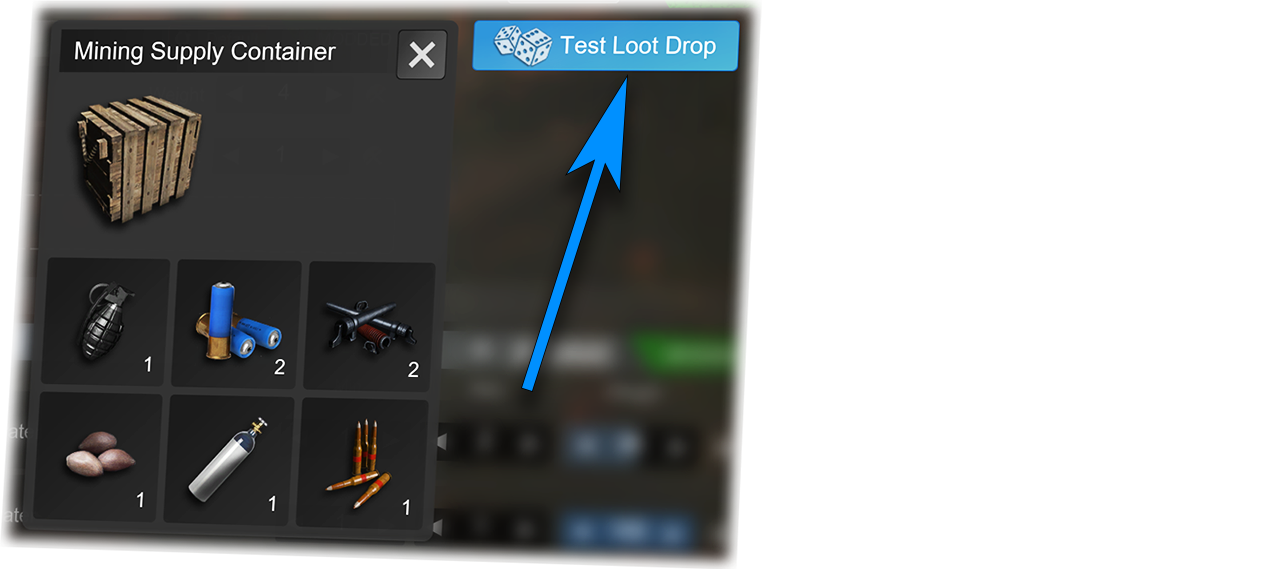 This button will run a simulation (in the editor) of opening the current loot crate/dropped bag. And is incredibly useful for fine-tuning your loot tables without needing to test in-game.
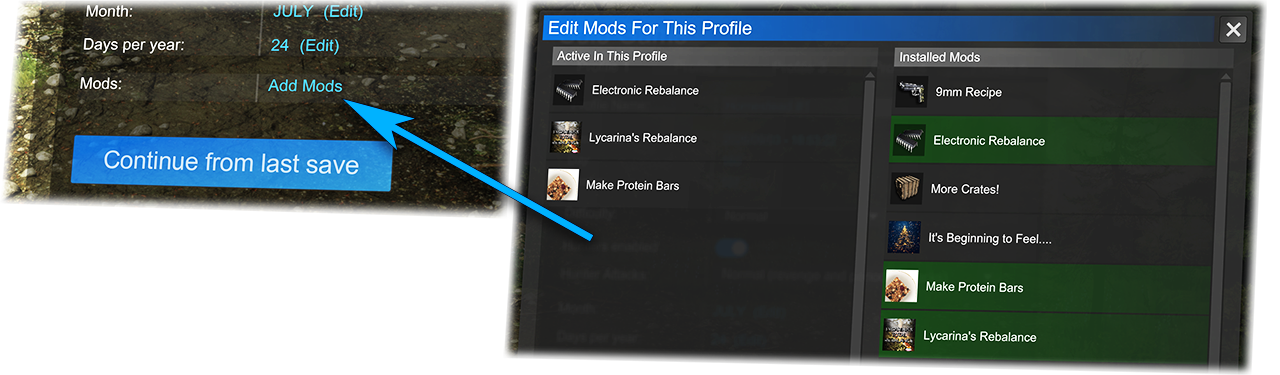
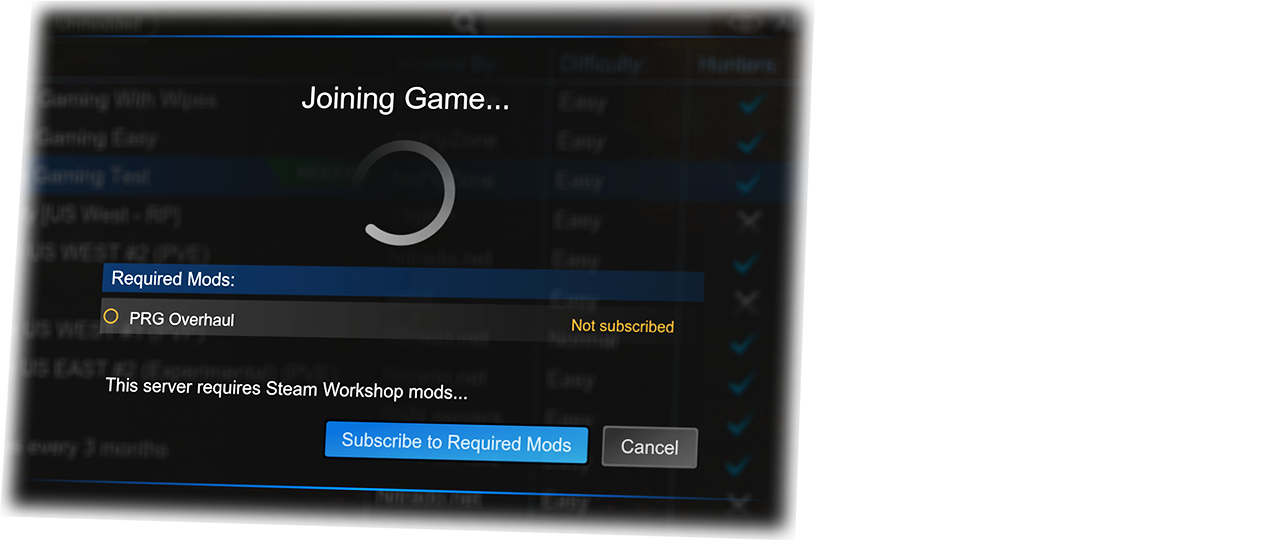 If the mods are unpublished, the mod files will be directly transferred from the host, and then the join will proceed.
 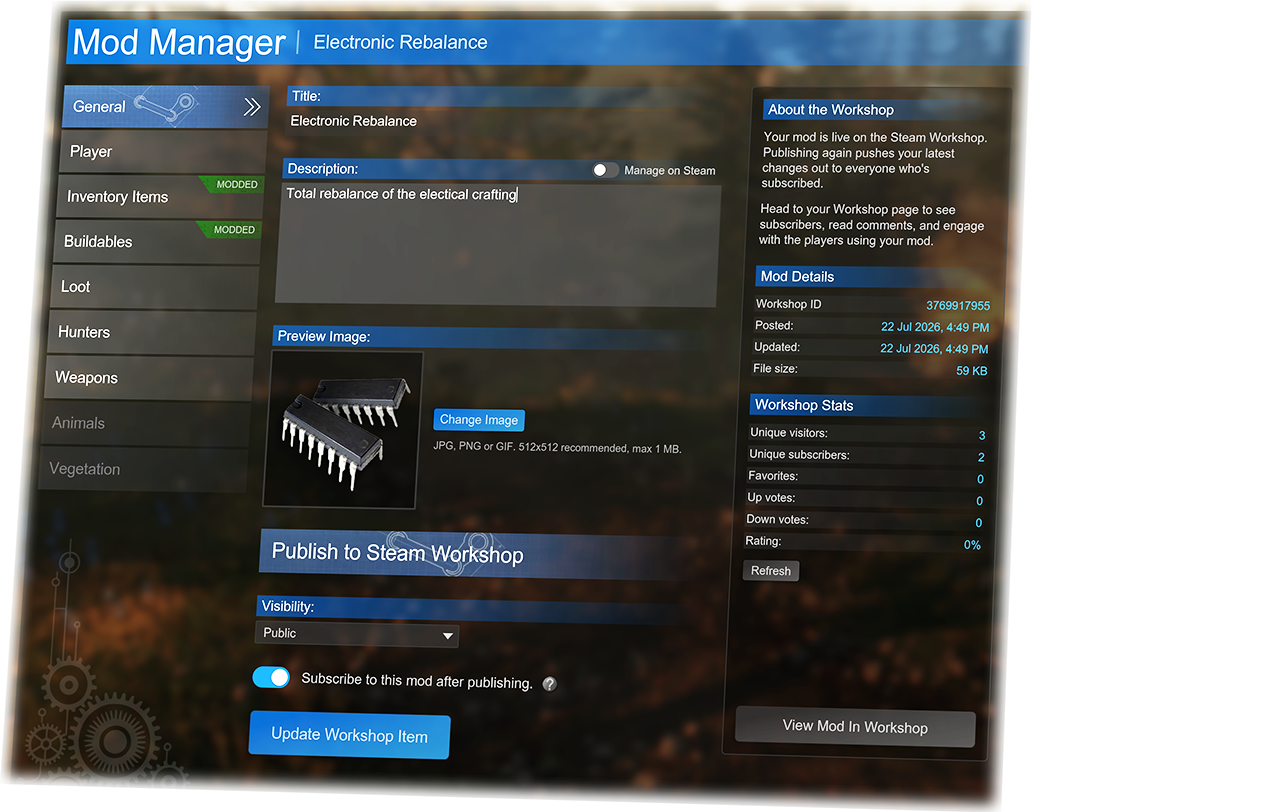 You can continue to work on it and publish changes. All players who are subscribed will receive the updates through Steam.
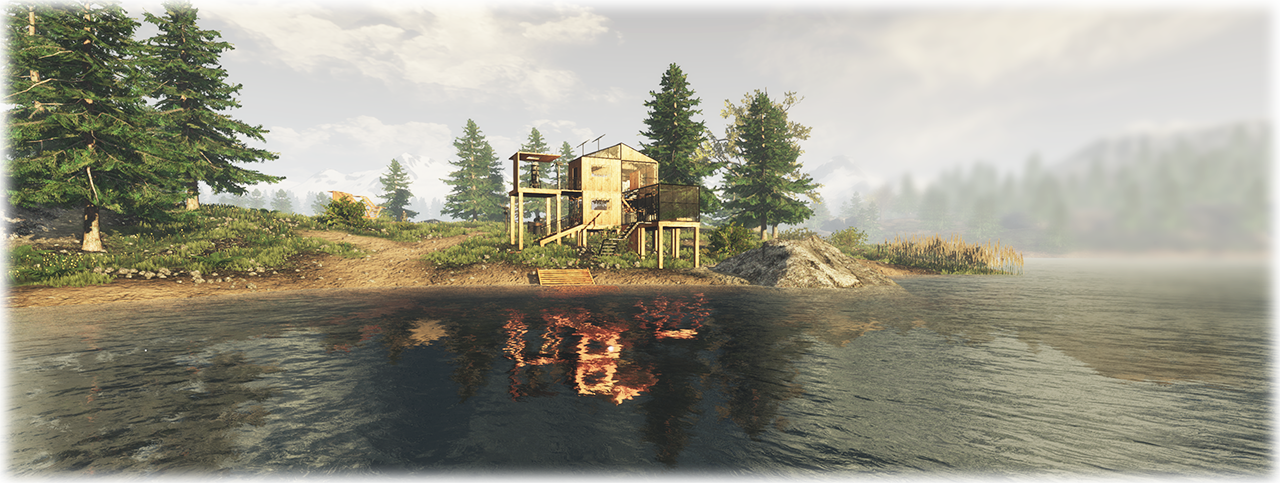



 X/Twitter: @playSubsistence
 You can view a detailed guide to hosting here:


 Award
Award 34
34
 Beginner/Intermediate Guide with Tips/Tricks to Survival [28-DEC-2023]
 Rangers Survival School

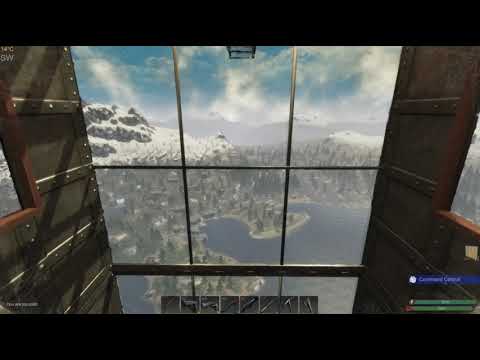

 Subsistence Rough Maps


 Subsistence Dedicated Server Setup


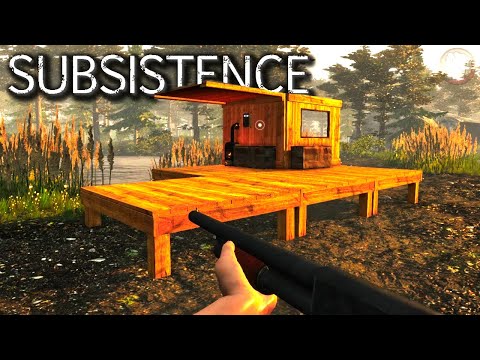


 10 Quick Tips for First Days in Subsistence






 Loading

