



Install Steam
sign in
|
language
简体中文 (Simplified Chinese)
繁體中文 (Traditional Chinese)
日本語 (Japanese)
한국어 (Korean)
ไทย (Thai)
Български (Bulgarian)
Čeština (Czech)
Dansk (Danish)
Deutsch (German)
Español - España (Spanish - Spain)
Español - Latinoamérica (Spanish - Latin America)
Ελληνικά (Greek)
Français (French)
Italiano (Italian)
Bahasa Indonesia (Indonesian)
Magyar (Hungarian)
Nederlands (Dutch)
Norsk (Norwegian)
Polski (Polish)
Português (Portuguese - Portugal)
Português - Brasil (Portuguese - Brazil)
Română (Romanian)
Русский (Russian)
Suomi (Finnish)
Svenska (Swedish)
Türkçe (Turkish)
Tiếng Việt (Vietnamese)
Українська (Ukrainian)
Report a translation problem





 Award
Award 26
26




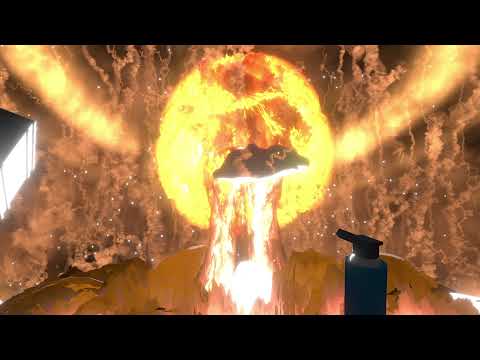
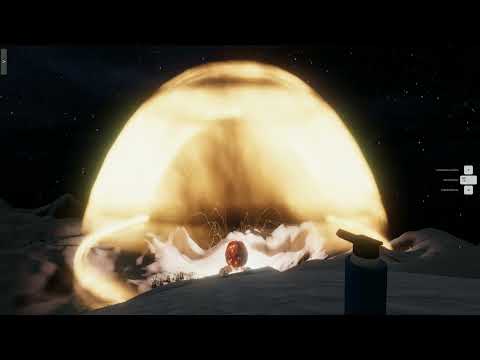
 how to turn your map into Hiroshima
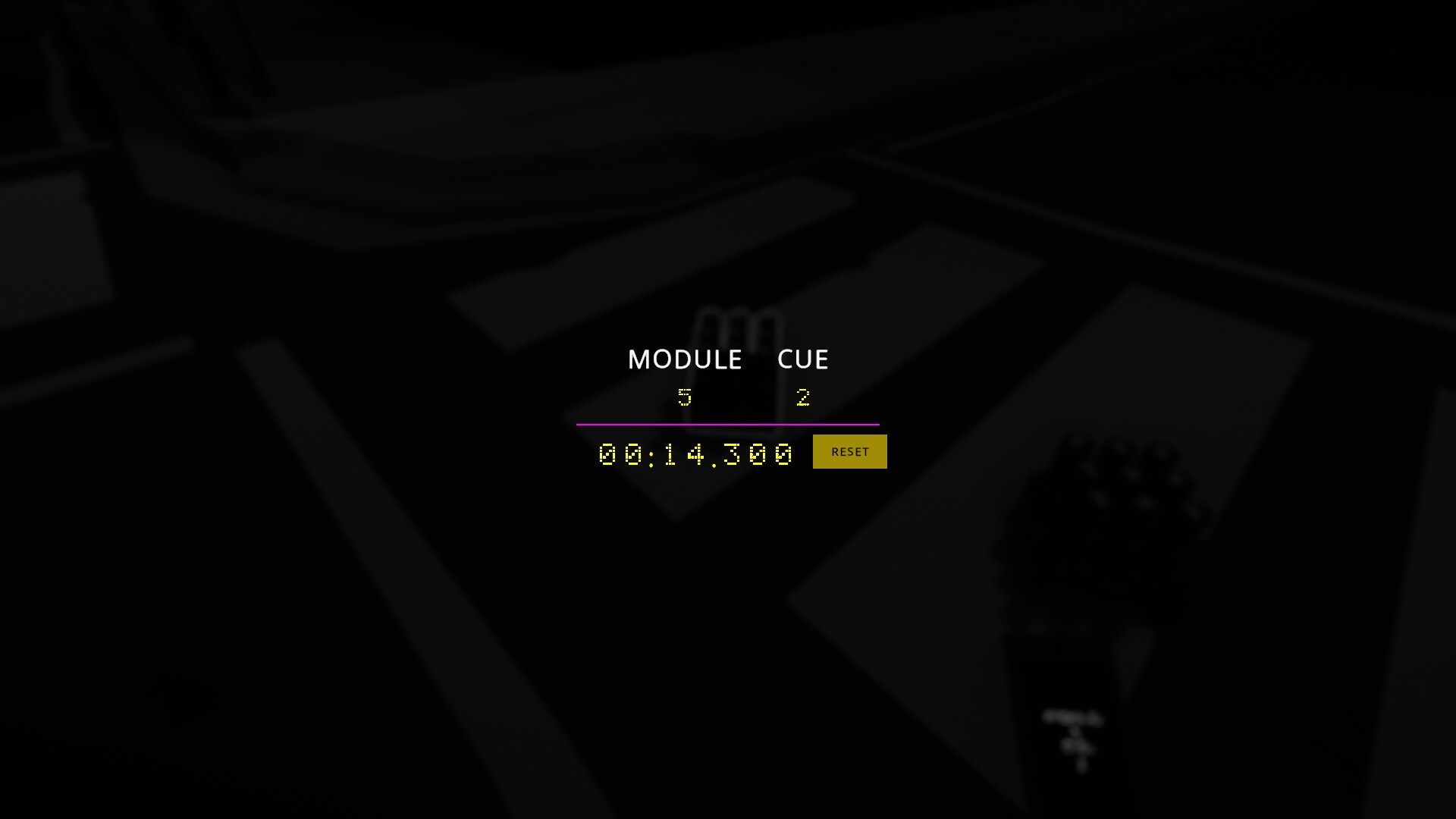 So this is how it looks right now, when you edit the module/cue/time on a piece of firework.
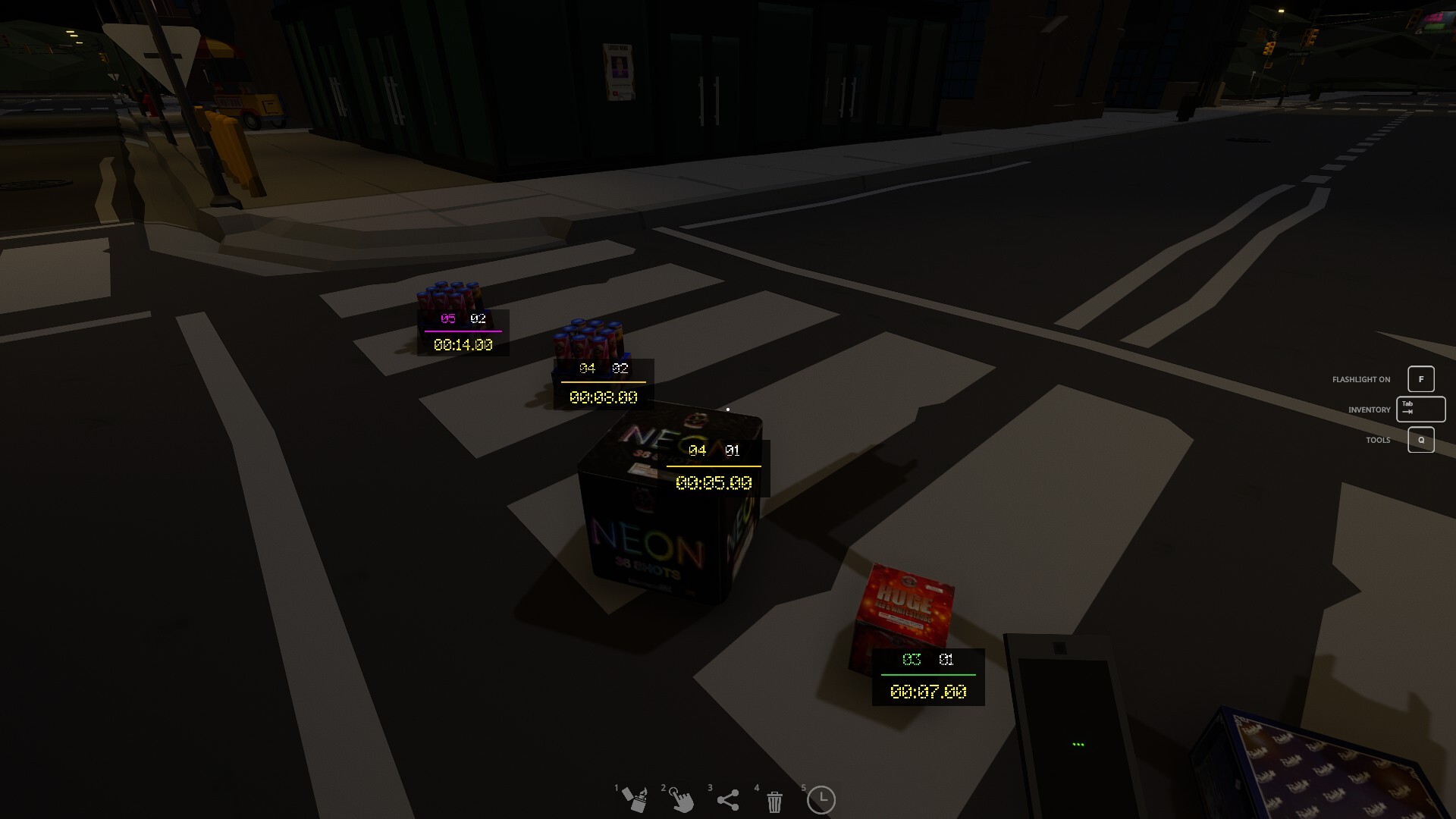 The dynamic UI for showing these information looks like this now.
 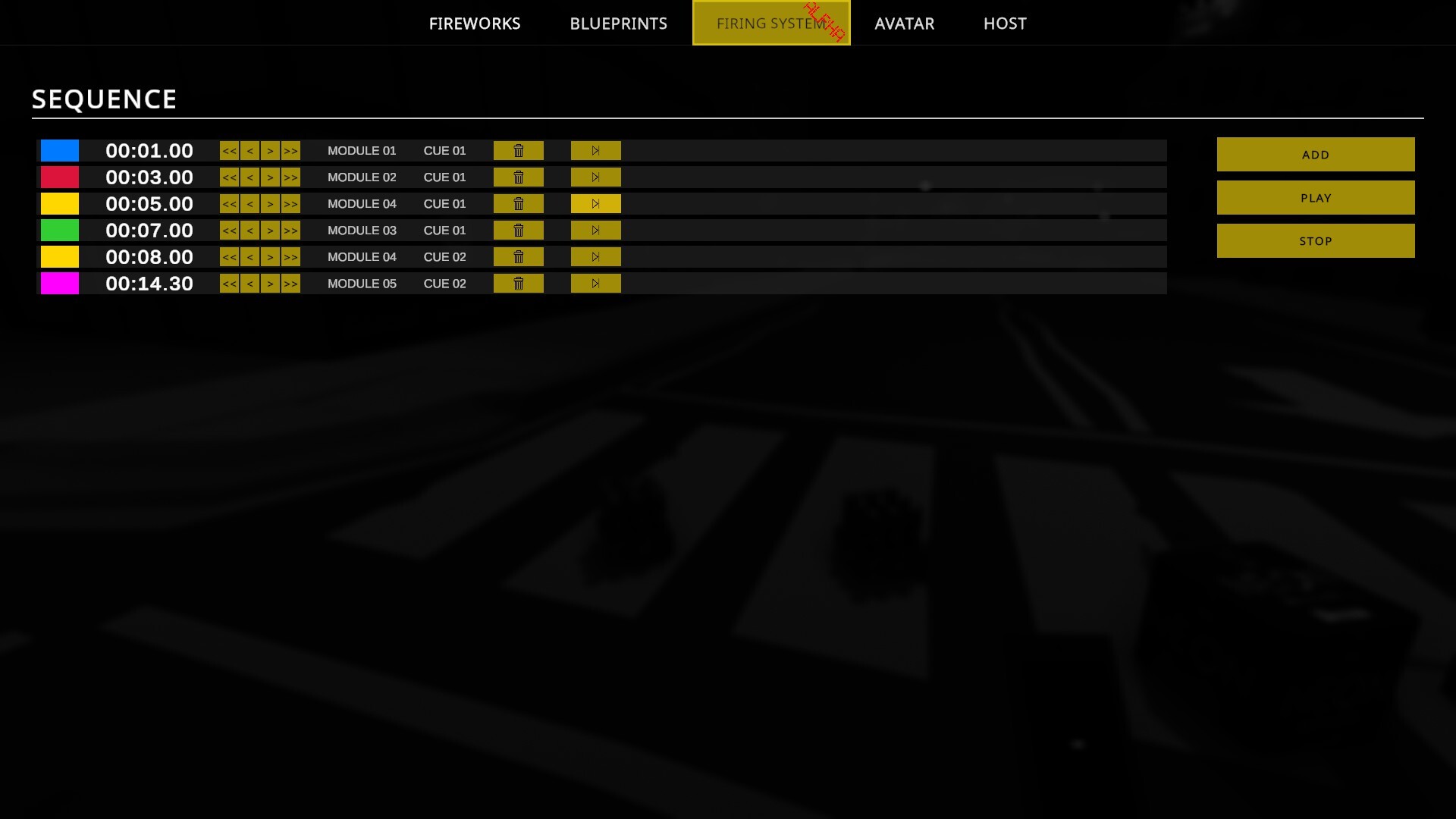 Furthermore, it was also suggested that you should be able to play from a specific module/cue/time, to avoid having to sit through the entire show every time. So added a button for that.
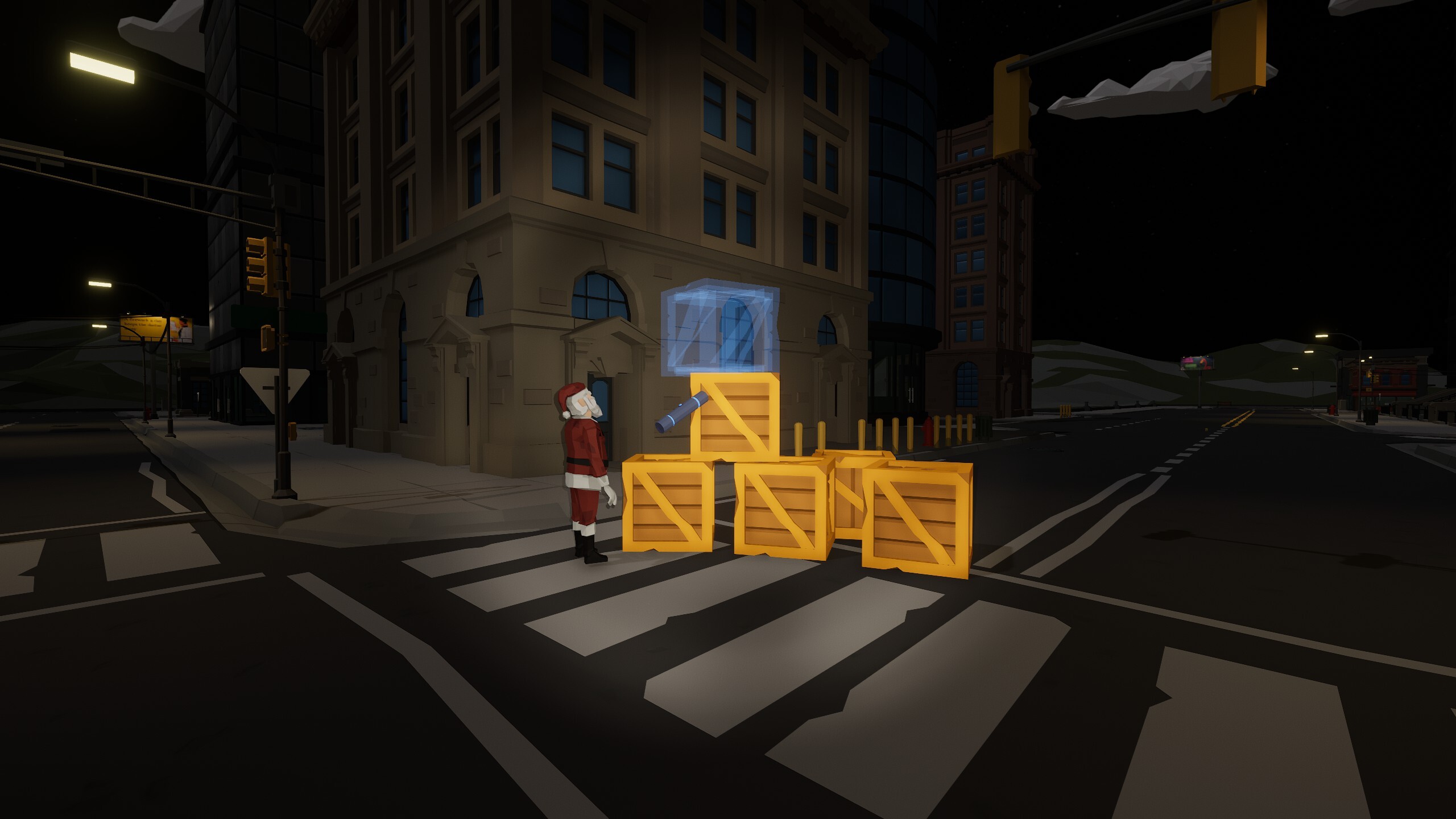
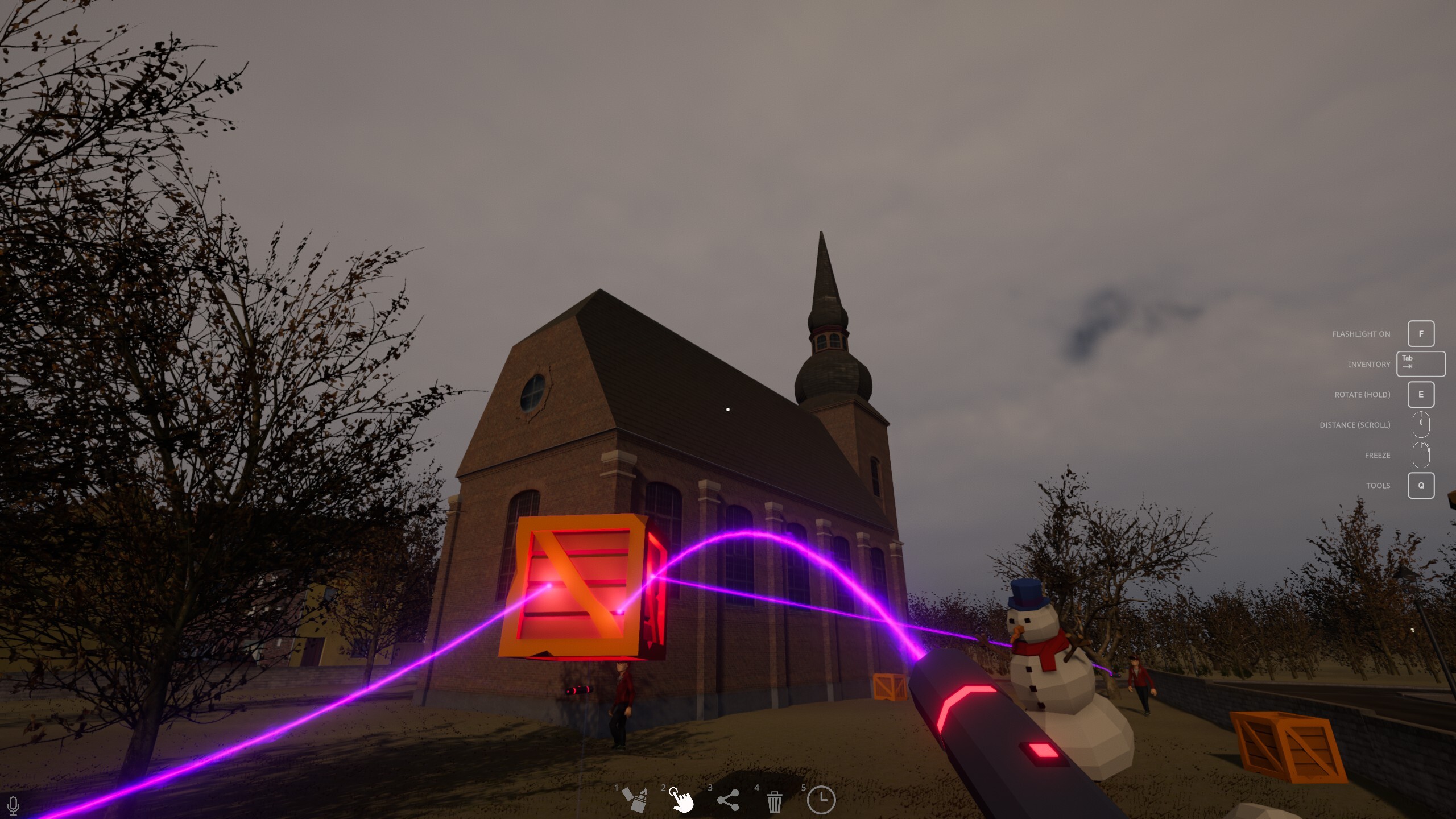
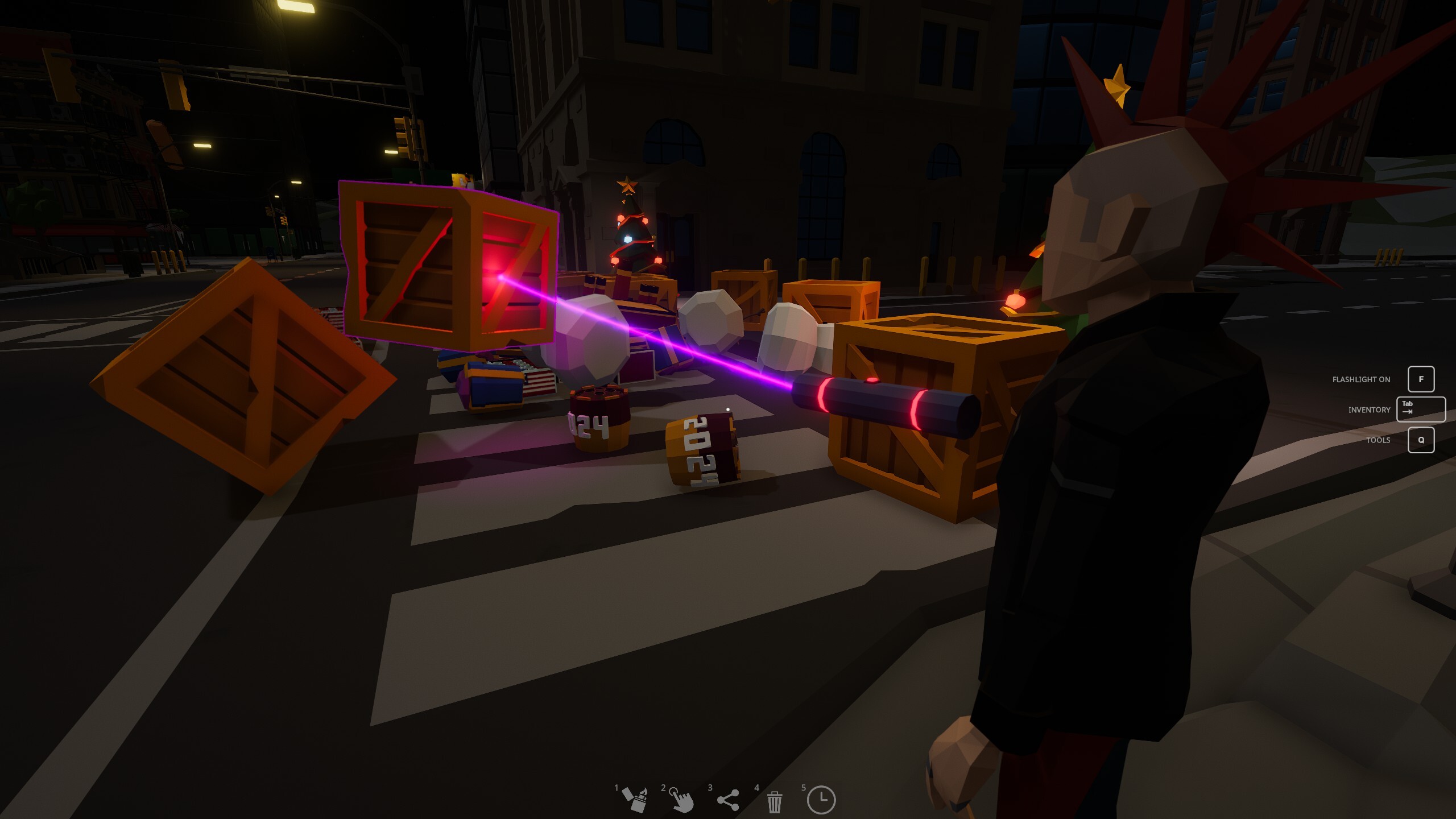 As part of upgrading the Spawn and Physics Tool, some changes have also been made, so the placeholder object and the object you grab with the Physics Tool now move more smoothly.
 How to unlock all Fireworks




 [Tutorial] How to play Fireworks Mania in a Macbook!
 How to share Blueprints

 How to get Tim?


 Loading

