為您的遊戲創造、探索以及下載更多內容
開始瀏覽以下頁面並為您的遊戲尋找玩家製作的模組內容。有興趣參與模組內容創作嗎?請按此了解更多。
瀏覽 所有工作坊
工作坊排序方式
133 項物品
查看所有 133 項物品
 
18 項物品
查看所有 18 項物品
 
1 項物品
查看所有 1 項物品
 
4 項物品
查看所有 4 項物品
 
3 項物品
查看所有 3 項物品
 
2 項物品
查看所有 2 項物品
 
8 項物品
查看所有 8 項物品
 
2 項物品
查看所有 2 項物品
 
< >
目前顯示第 1-8 筆結果,共 3,076
最新工作坊新聞

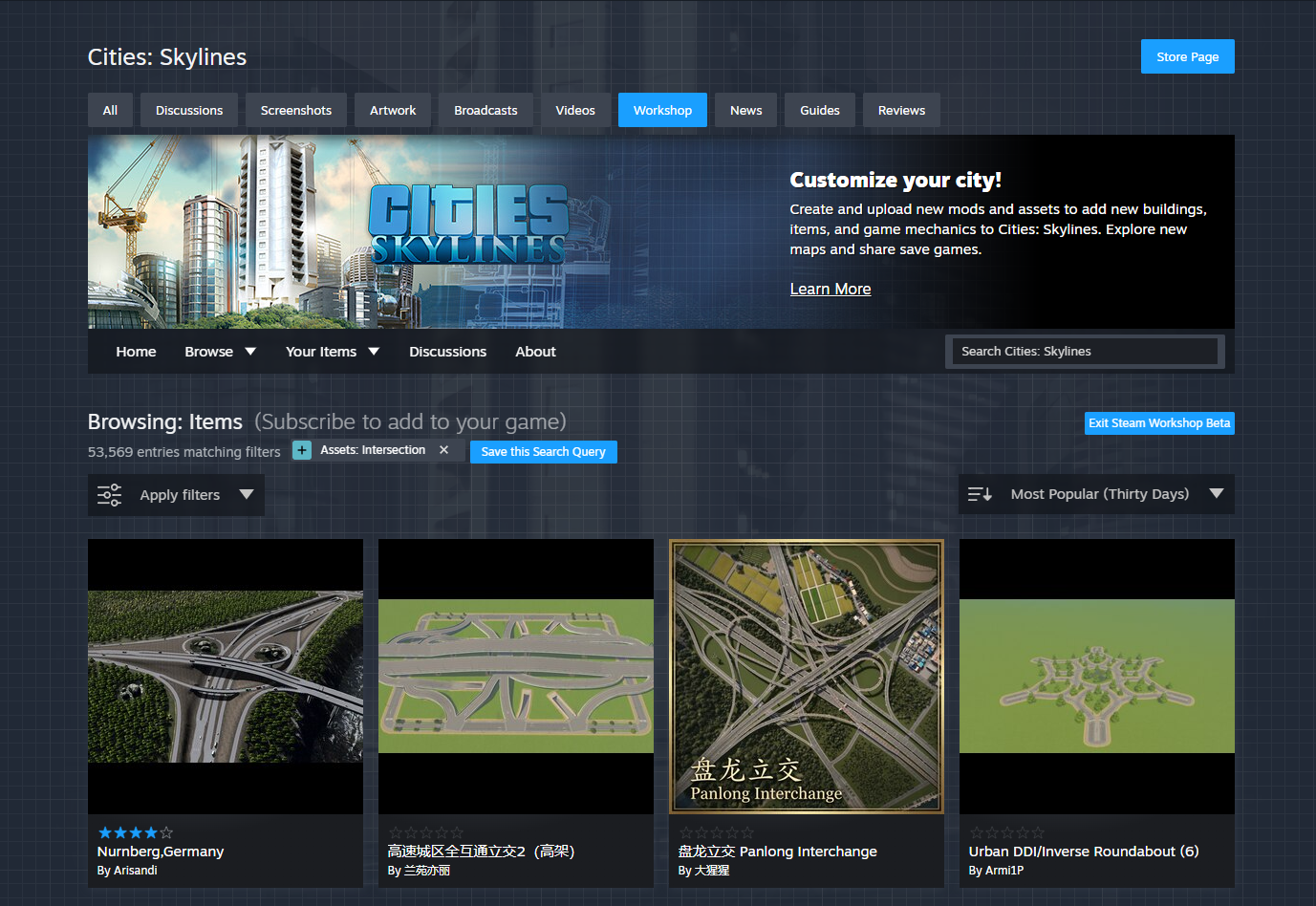
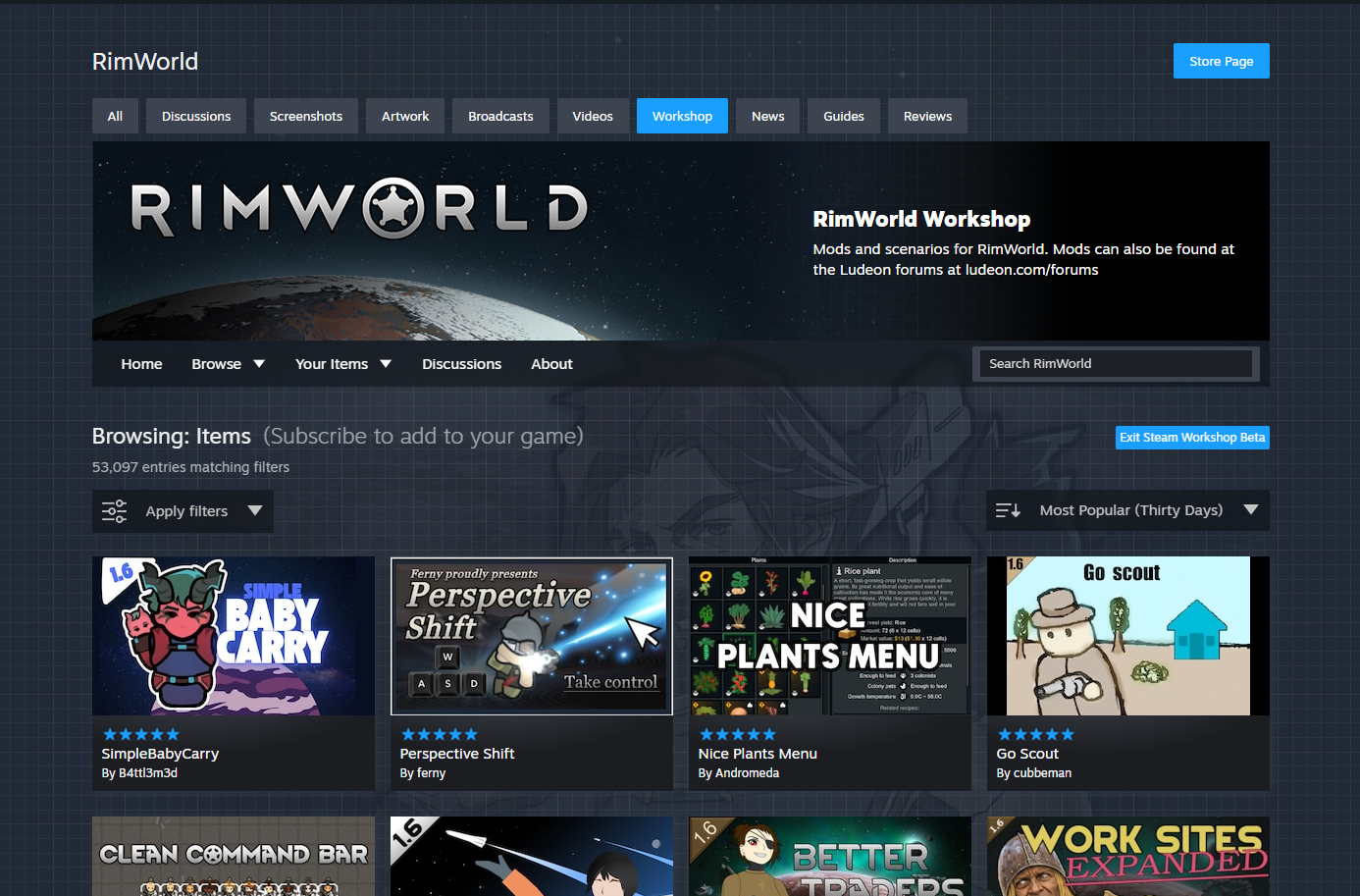
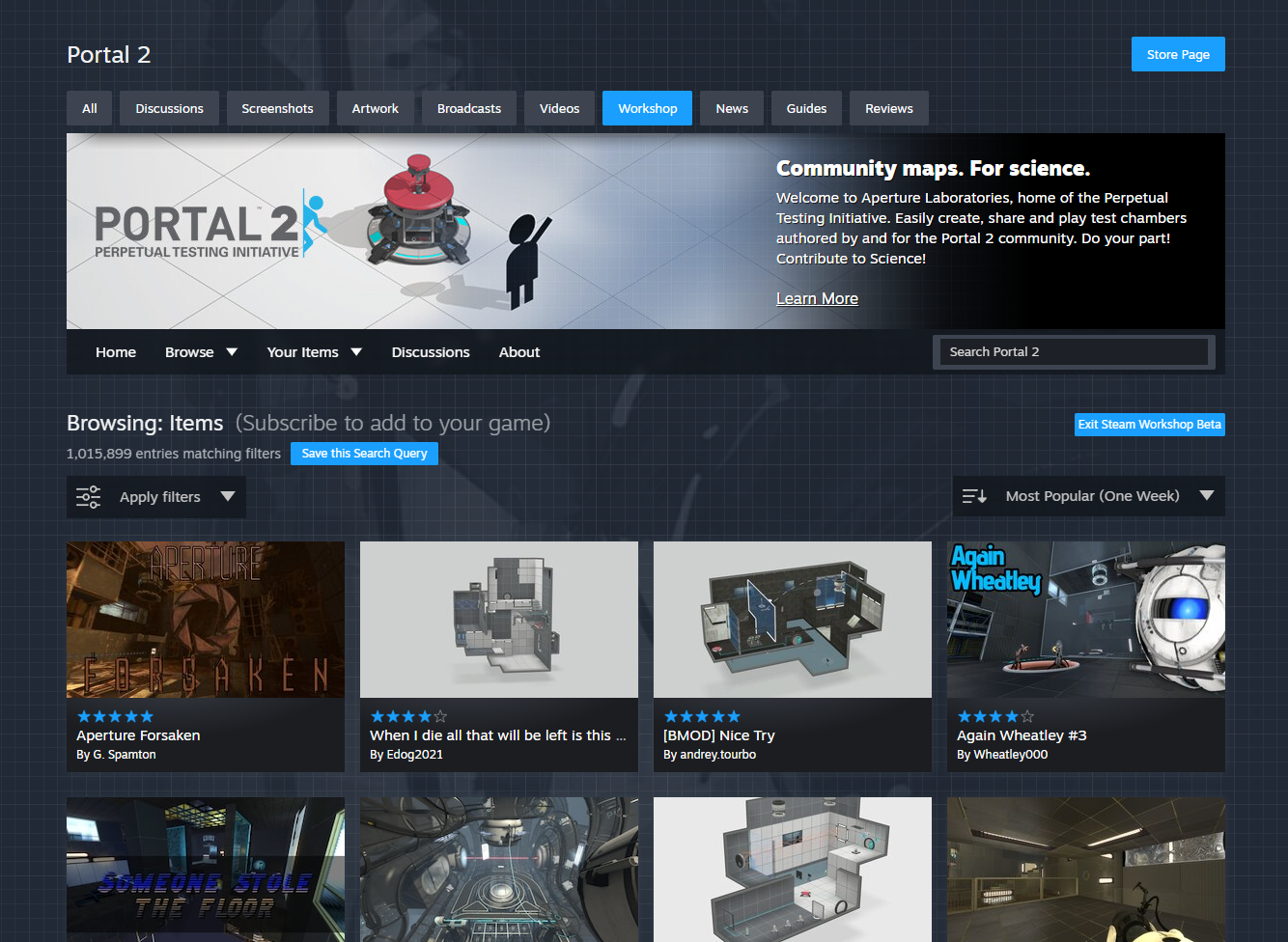
今天我們更新了 Steam 工作坊,讓瀏覽體驗感覺更加快速易用。 新的使用者介面可在選擇加入測試版後使用,啟用方式為點擊任何工作坊瀏覽頁面(可探索項目方格那些頁面)上的「檢視工作坊測試版」連結即可。

新內容

這次更新的重心圍繞在讓瀏覽與篩選都能更快速易用。

  • 頁面更寬、項目更大 - 這次更新加寬了瀏覽頁面,能顯示更多項目且每個項目也有更大的預覽圖片

  • 篩選更快速 - 我們徹底重寫頁面,使其在套用篩選條件或變更排序時的更新速度更快

  • 區塊篩選更聰明 - 遊戲開發者現可設定套用於(和顯示)特定項目類型的篩選條件。 同時包含地圖與項目的工作坊可由開發者定義各個類型應套用的是哪項篩選條件

  • 全新快速檢視 - 點擊每個項目角落的小放大鏡圖示就可進入快速檢視模式。 探索螢幕擷圖、點擊加入最愛、訂閱或投票,全都不需離開當前的瀏覽頁面

  • 對行動裝置與 Steam Deck 更友善 - 這次全新重寫頁面讓我們能更善加管理不同情境(如行動裝置、Steam Deck 和 Big Picture 模式)中的頁面靈敏度

工作坊:使用範圍廣及三千款以上遊戲和數百萬使用者

Steam 工作坊仍是 Steam 社群使用量極大的部分:至今已有超過三千款遊戲啟用了工作坊,總共上傳了超過五千萬個項目。 數百萬的玩家經常訂閱項目並參與投票。 儘管這些年來我們持續新增功能並更新工作坊,但我們認為現在正是對整體使用者體驗進行更大型改善的時機。 從這個角度看,瀏覽頁面是改善清單中的頭一項。 每個月都有數百萬使用者瀏覽 Steam 工作坊,過程中有數十種與使用者介面互動的方式。 可惜的是,大部分的頁面互動必須重新載入整個頁面,因而顯著降低瀏覽過程的速度。

常見問答

問: 這個測試版會持續多久?

答: 我們計畫這次更新將以測試版進行數週至數月不等,期間我們會解決程式錯誤並回應各位的意見回饋。 此瀏覽頁面會以很多不同方式應用於各處支援工作坊的所有遊戲之上,而且我們想確保它能處理所有的使用案例。

問: 我如何針對這些改變提出意見回饋?

答: 請點擊下方「討論」按鈕並留言給我們。

問: 有更新工作坊內其它頁面的計畫嗎?

答: 有,但並沒有確切的時間表。 我們完成瀏覽頁面測試版之後,就會對後續頁面的工作範圍有比較清楚的概念。

在今天的 Steam 更新中,Steam 工作坊項目現可包含關於與遊戲過往版本之間相容性的資料。 遊戲的開發者啟用此功能後,模組創作者可以指明與工作坊項目現在或過去版本相容的已知遊戲版本。

這項對 Steam 工作坊的更新是為了與一組 Steam API 配合協作,好讓遊戲開發者可使用這些工具來管理遊戲的過往版本。 針對遊戲開發者的遊戲版本管理相關資訊請參閱我們的新功能! Steam 工作坊模組的版本控制

此次工作坊更新有三大主要內容:

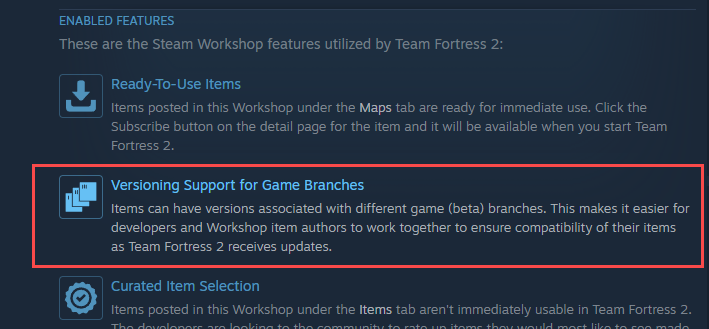
  1. 遊戲開發者的刻意設定。首先,最重要的是遊戲開發者對於組建分支的使用方式和遊戲過往版本保存的刻意設定。 為此,遊戲開發者應將過去的組建保存為命名清楚的分支,並依照特定的順序排序。 接著,開發者應在遊戲的工作坊設定中「啟用遊戲分支版本」。 當您看到此功能於工作坊資訊中列出時,即代表此功能已啟用

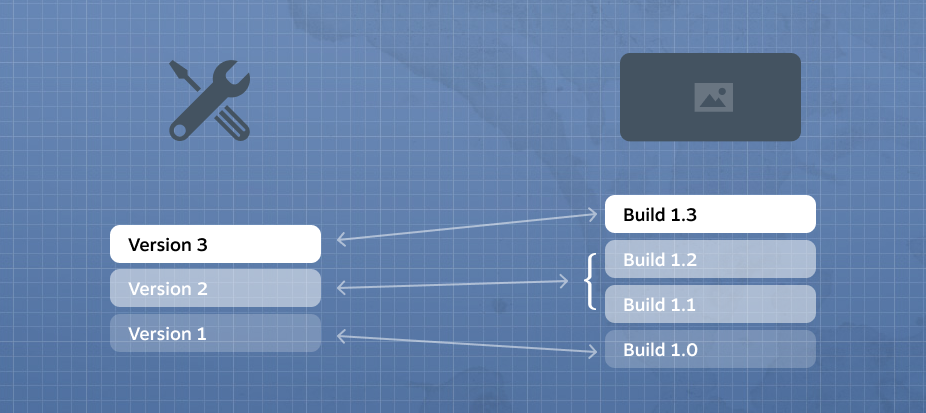
  2. 同時上傳同一項目的多個模組版本。Steam 工作坊模組長久以來都支援版本歷史保存,讓創作者能在有需要時將模組退回先前上傳的版本。 這個新更新讓玩家能夠同時獲得同一項目的兩個或更多版本

  3. 指明每個模組版本支援的遊戲版本範圍。為了支援玩家可存取多版本的功能,工作坊項目版本現可指明遊戲版本範圍,以包含模組創作者已知模組支援的一或多個遊戲組建。 若沒有指定範圍,Steam 將會認定此版本適用於所有遊戲組建版本。 如果超過一個版本的工作坊項目被標示為與玩家目前版本的遊戲相容,則 Steam 會下載最新上傳的版本

我們知道有許多模組創作者沒有時間檢查模組是否支援遊戲的最新版本。 因此我們建造了這個系統,以支援包含或排除未來更新的範圍。 若模組項目基本上是相當單純的項目,很可能與遊戲的新版本相容,則將支援範圍保持開放也很合理。 然而,如果模組十分複雜,且模組創作者希望在公開是否提供支援前先測試模組是否與遊戲新版本相容,在設置支援範圍時就能輕鬆做到這一點。

這些設定可於工作坊項目的「更新註記」分頁中檢視並進行設置。

請注意:遊戲開發者亦可設置其工作坊上傳工具,以在上傳或更新工作坊項目時設定支援的版本。

常見問答

問: 我沒有看到可以為我建立的工作坊項目指明支援遊戲版本的選項。答:請確認遊戲的開發者在遊戲的 Steamworks 設定中已「啟用遊戲分支版本」。 設定此項表示開發者已刻意指定遊戲版本的順序。

請於遊戲的 Steam 工作坊「關於」頁面下「已啟用的功能」中找尋此圖示。

Based on your feedback from the recent Steam Workshop changes outlined here, we've added some additional features around Workshop subscriptions: you can now easily create, save, and load different subscription lists using Workshop Collections. This will make it easier to create "presets" or "mod lists" that you can swap between for whatever reason.

In the Steam Client (beta), you can access your Workshop Collections on your game's Properties > Workshop page under Advanced Options. From here you can quickly save your subscriptions list to a collection, or update your subscriptions list from a collection. The load order for your items will match the order of subscriptions within the collection.

We've also made it easier to share the mods you are using with your friends - Workshop Collections can now be shared via a link from within the Steam Client. (note that you'll need to save your subscriptions to a collection before you can send a link to a friend).


On the Steam Community, the "Save to Collection" button is accessible on your subscriptions page for a game. On a collection's web page, the "Subscribe to all" button will now give you a choice of adding to or overwriting your current subscription list. There’s also an option to save a collection’s contents to another collection.

There have also been some small updates to the Collection editor itself to make managing items a bit easier.

  • Added the ability to sort items by Time Created or Time Updated
  • Added the ability to sort items in ascending or descending order
  • Added the ability to add or remove all items from the selected section (e.g. item's you've published, favorited, or subscribed to)
  • Added ability to quickly remove all items or linked collections
We've recently added some features to the Workshop that should be pretty useful for both new and power users alike.

The new Steam Client beta has various improvements around Workshop, including displaying which item is being downloaded in the Downloads page, and an improved interface for dealing with your Workshop item subscriptions (accessible from your game's Properties dialog). The subscription list now contains additional information, such as when the item was last updated, when you subscribed to it, and any item dependencies. You can also filter your list by name or by tag.


For more advanced use cases, you can disable items from being loaded by your game. And you can now change the local load order for your items. Also, if Workshop creators have set their items as depending on other items, you can automatically set the load order based on these dependencies. Missing dependencies will also be displayed, to make it easier to see why some mods are not working. You can opt into the Steam Client beta to try out these changes.


On the web side of things, we've added Saved Search Queries. Basically, if you often find yourself searching/sorting/filtering to find the same kind of items in a game's Workshop, you can now save those search query parameters. Then you can re-run your search at any time by selecting that saved search query from your game's Workshop home page.

We've also added some more browsing options to the main Workshop Home page. You can now filter to games that have Workshops based on whether you recently visited them, and we've brought back the ability to view Workshops for games you own or have recent playtime in.

Plus a few other web changes:
  • Added the ability to subscribe to an item and all the items it depends on
  • Added previous and next buttons to the image viewer
  • Adding an item to a collection no longer reloads the web page
  • Allow unlisted and friends-only items to be added to a collection

Let us know your thoughts in the Steam Client Beta discussions.


我們今天為 Steam 工作坊的搜尋方式推出了幾項改善。

此次更新後,當您在遊戲內的工作坊搜尋時,搜尋結果現在會處理部分字串的相符結果,並整理且優先顯示最相關的結果,同時也將帳戶熱門程度及使用者評價考量在內。

您可以透過探索您最愛遊戲的 Steam 工作坊,來檢視搜尋方面的改善效果。