Liftoff

Liftoff

Not enough ratings
Eachine i6 Transmitter setup for Liftoff (PC & MAC)
By That will be 99p please
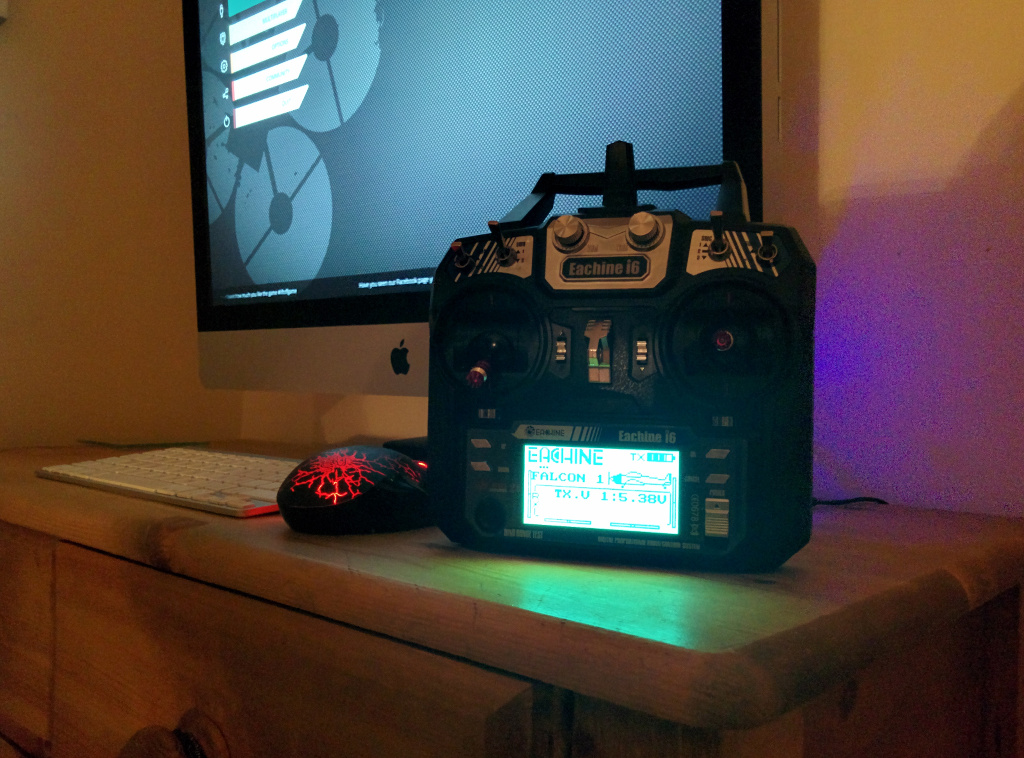
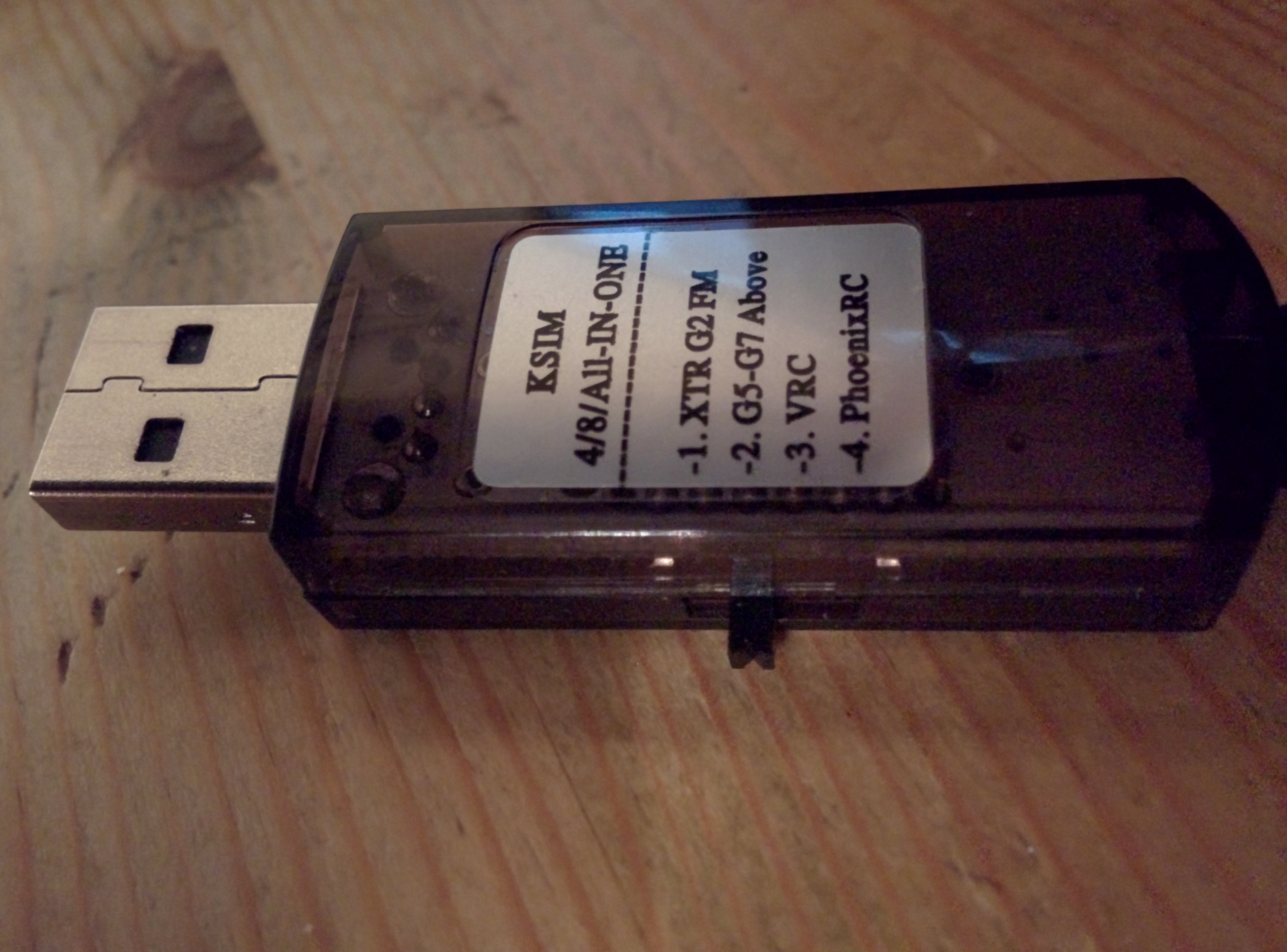
Eachine i6 Transmitter (FlySky i6 rebranded) setup to work with 22 in 1 simulator cable/USB dongle from trainer port at rear of radio.
   
Award
Favorite
Favorited
Unfavorite
Introduction
Eachine i6 transmitter can be connected to a PC or MAC using the 22 in 1 RC simulator cable USB dongle from the trainer port at the back, however needs to be set up first to allow the signal to be diverted through the USB cable.
Transmitter setup
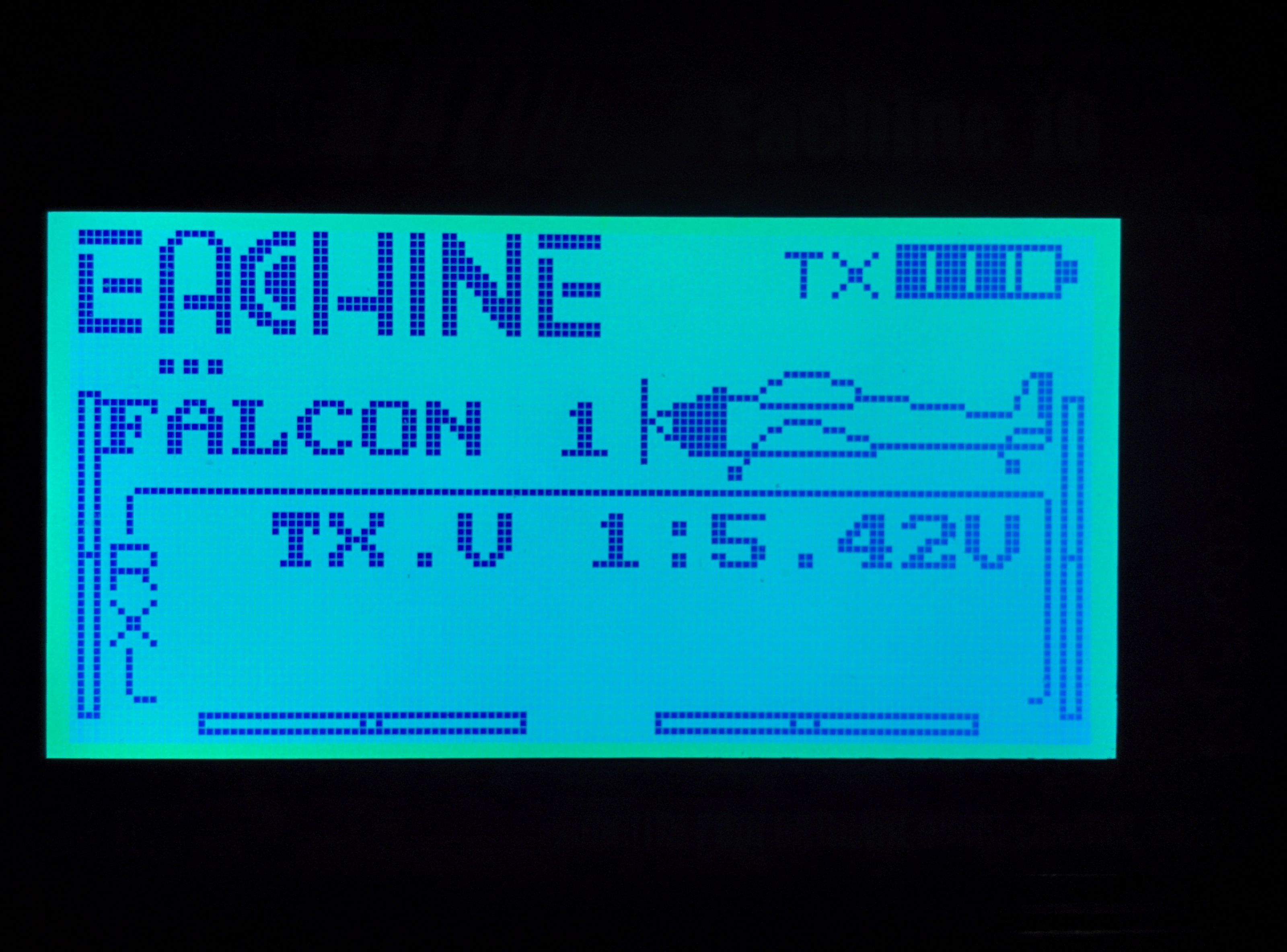
Enter programming mode by holding to the centre the 2 trim tabs and powering on

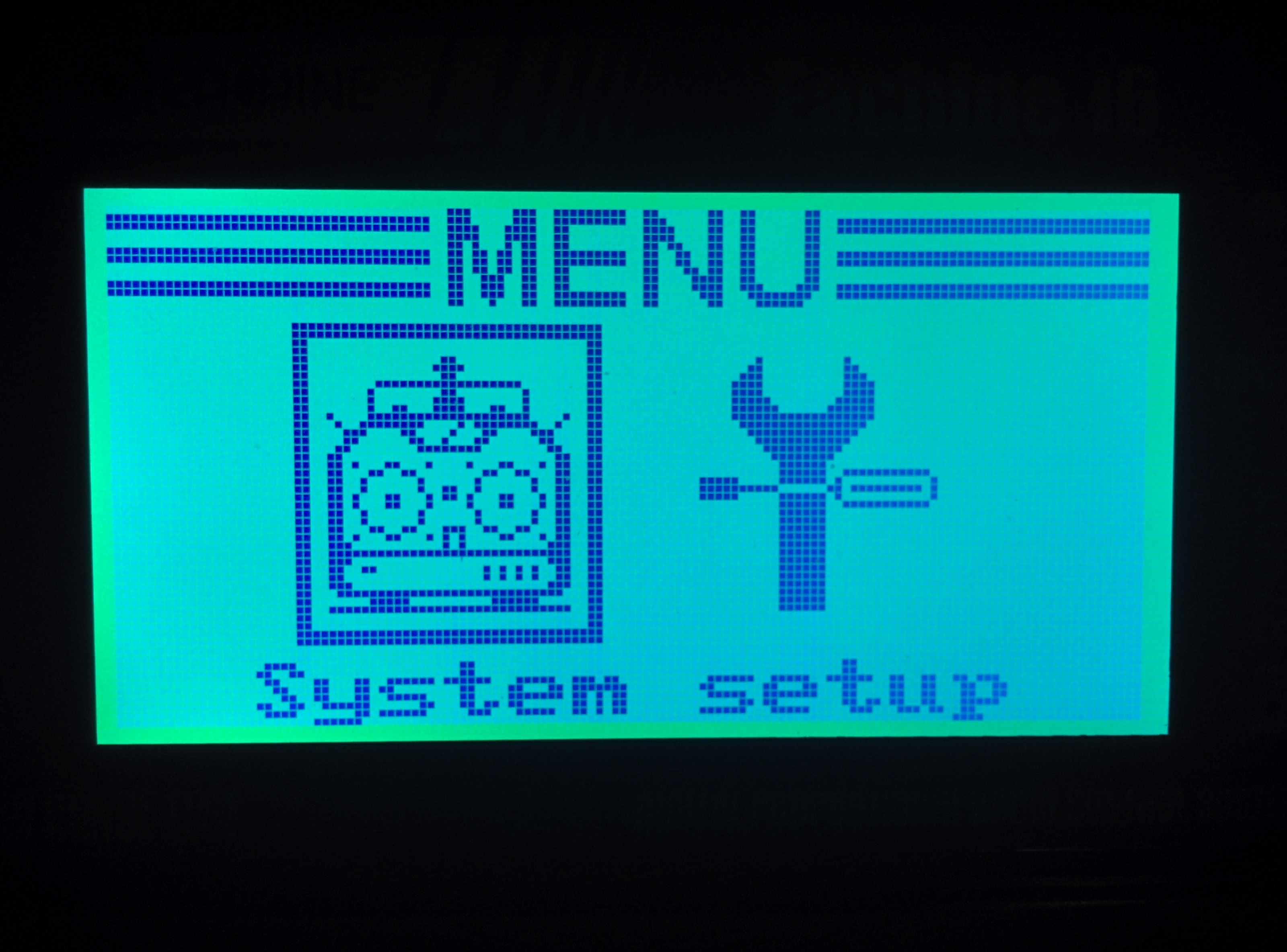
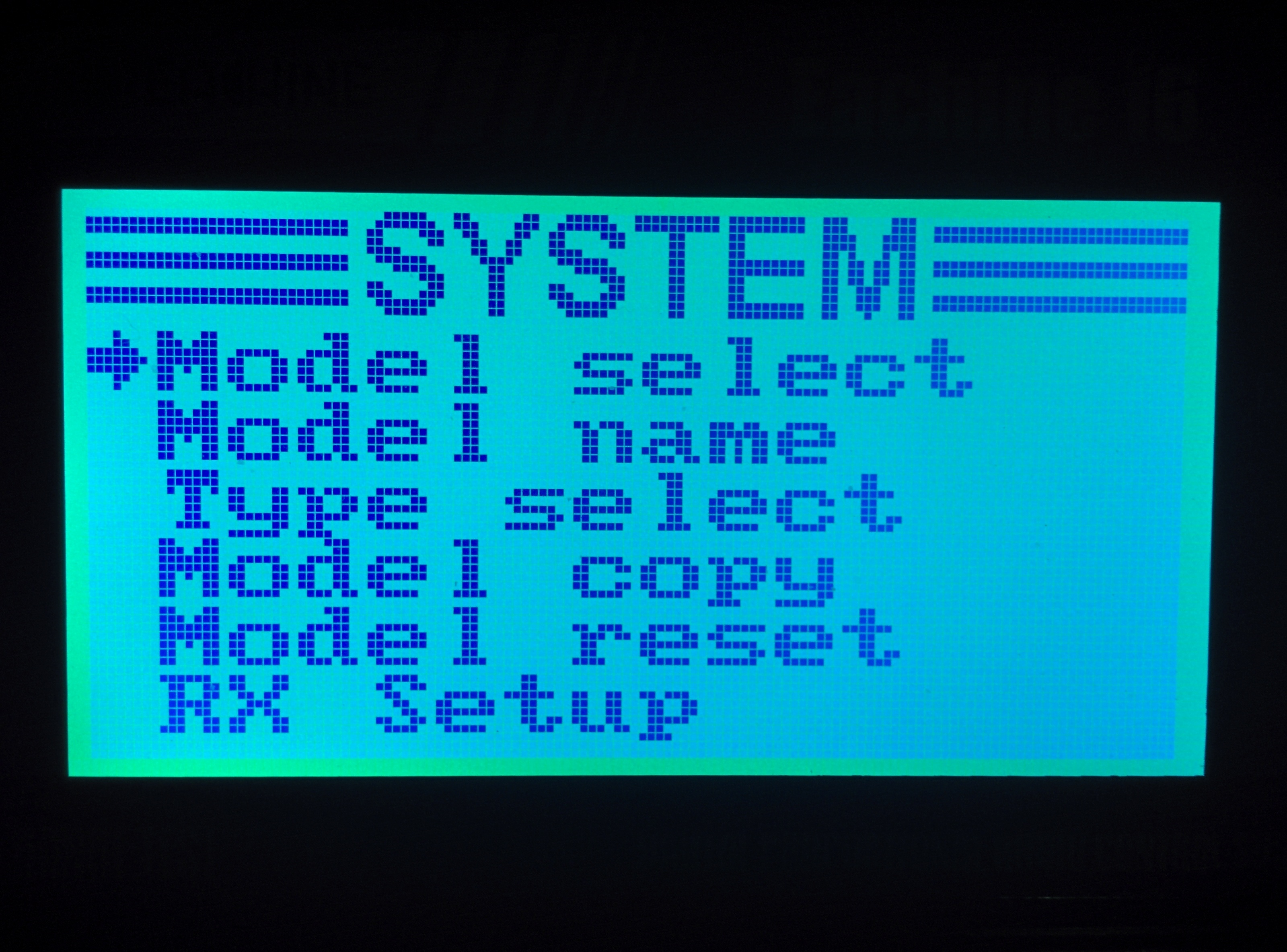
Long press the OK button to show system menu

Press OK for options

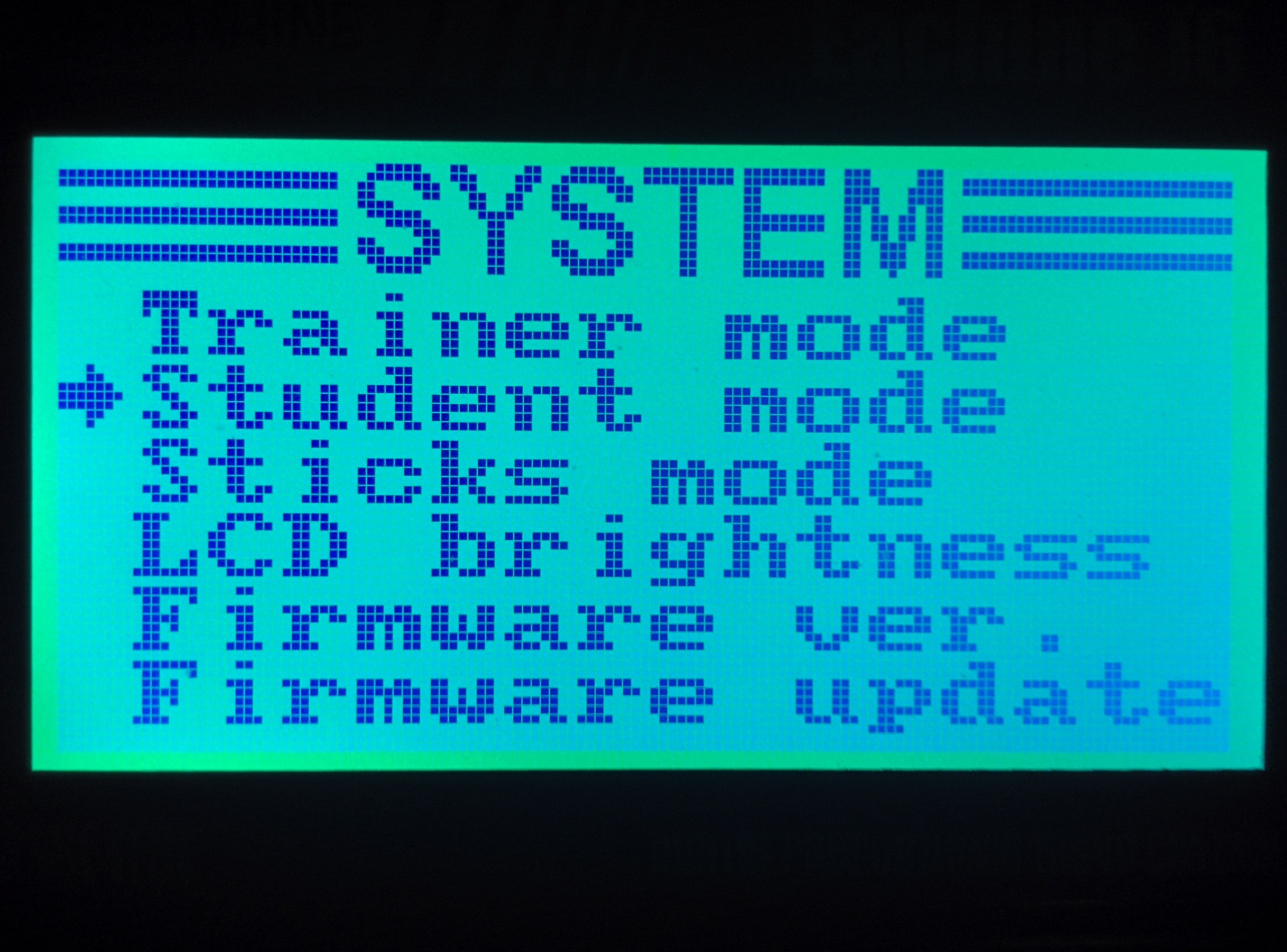
Press down to second page

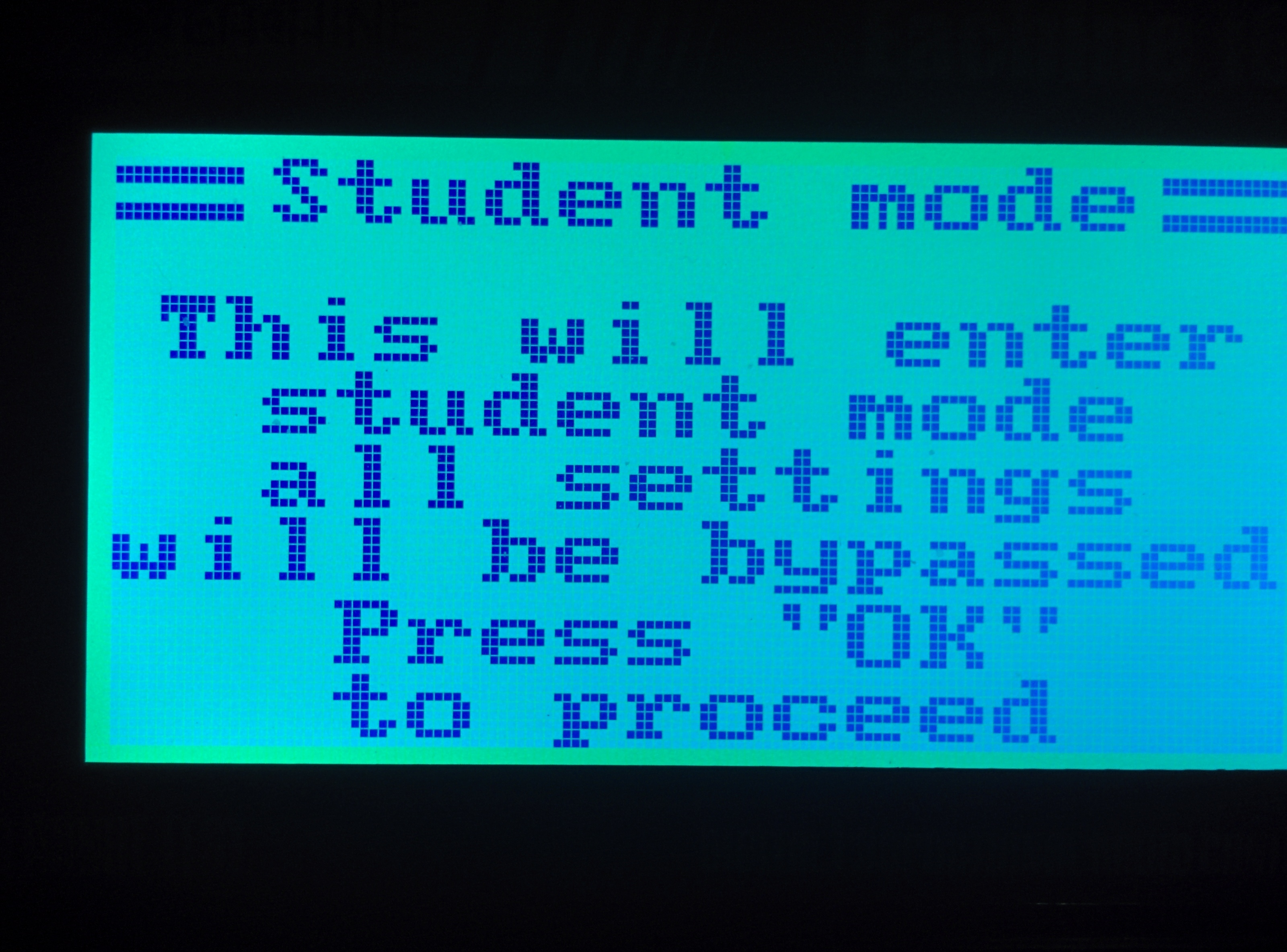
Select Student mode, Enter student mode by pressing OK

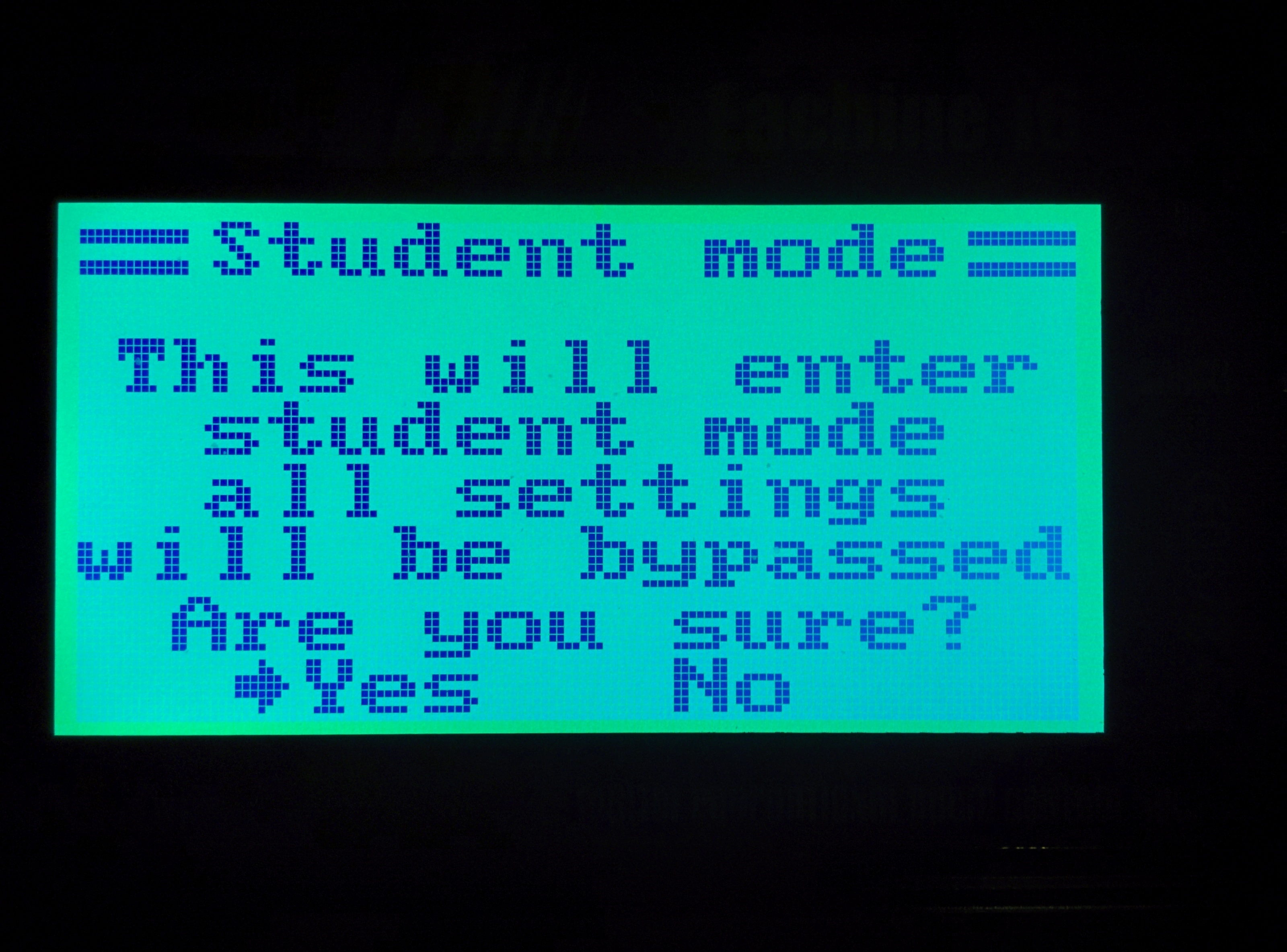
Confirm by pressing down and OK to Yes

Cancel out to main menu

The transmitter is now ready to be connected using the USB cable from the trainer port at the back to PC or MAC

Hope this helps
Paul Rowland
9 Comments
FP Nov 8, 2020 @ 3:28am 
Hi. I had troubles with my controller and my only-usb-c macbook pro. But after attaching a cheap amazon basics usb hub to the macbook the controller was recognized! good luck
lwbb78 Oct 29, 2019 @ 7:59am 
Finally, it works very well for me.
Flysky ix6 and Mac Book Air with OS Mojave. The only inconvénient is the low capacity for playing Games of the mac book.
Liftoff and DRL are OK
lwbb78 Apr 9, 2019 @ 3:03am 
i have a flysky ix6, is it the same method ?
Temerario Feb 8, 2018 @ 6:43am 
PLEASE HELP, I have a fs-i6x and i cant conect the trnsmitter, does not recognize the transmitter. it work good on freerider but here with liftoff i cant conected.. I have to do something before? some driver or something? im using a Macbook bro and a cable with USB like the picture. I dont know what i have to do more.. thanks.
Mute Nov 26, 2017 @ 1:00am 
These cables and many like them won't work on a USB 3.0 port. Use a crappy old USB hub and connect the cable to that instead of directly to computer. I have this with a FS-i6 on Win10/64. Don't have to be in Student mode.
BravoShot14 Sep 26, 2017 @ 7:56pm 
Thank You
Rageman Jul 2, 2017 @ 1:32pm 
I dident need this setup.
Just created a profile in game and run the config..
Evade Feb 20, 2017 @ 11:46am 
doesn't work for me
Lama Feb 16, 2017 @ 9:46am 
Thanks for the help m8 :)