Baldur's Gate 3

Baldur's Gate 3

Not enough ratings
How to Buy Baldur's Gate 3 on Steam
By fewleee
This guide will walk you through on how to buy Baldur's Gate 3 on Steam
   
Award
Favorite
Favorited
Unfavorite
1. How to open the Steam Store?


You can find this button in the top left corner of the steam client
2. How to find the Search option on the Steam Store?


This button can be found in the middle to top right corner while on the Steam Store frontpage
3. Searching for the game


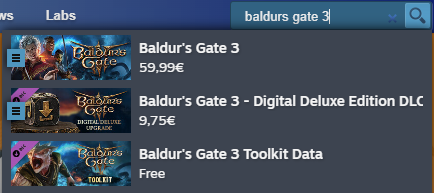
Now it's time to find the game. Type the following in the search bar "Baldur's Gate 3" or "Baldurs Gate 3".

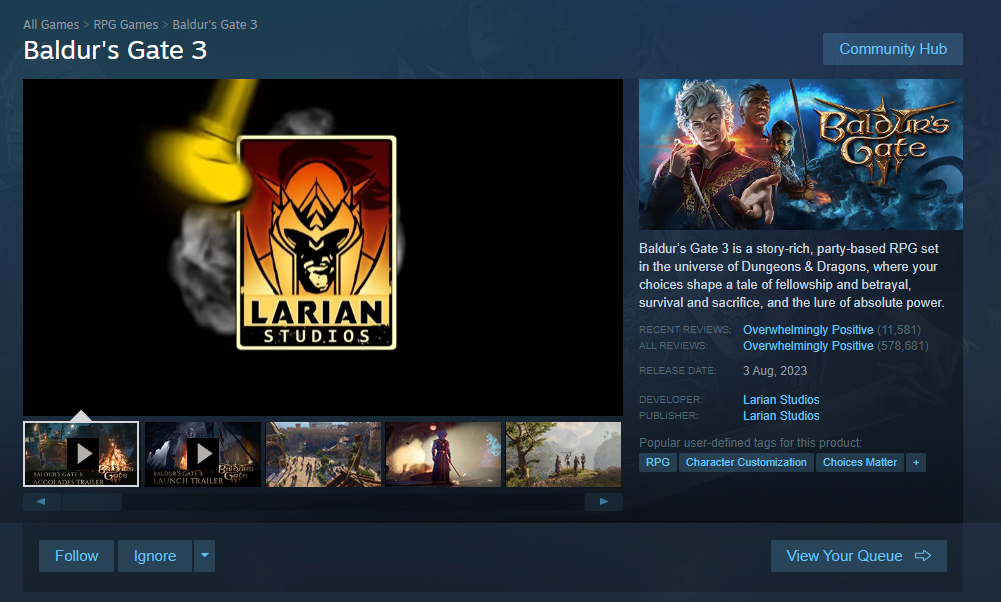
Now select the top result which will send you over to Baldur's Gate 3 page.
4. How to find the buy button and add it to your cart?


You will now be able to see trailers and screenshots from the game, now all you have to do is scroll down a short amount on the middle mouse button until you see the following:


Now you want to click the green button in the red circle. This will add Baldur's Gate 3 to your cart.
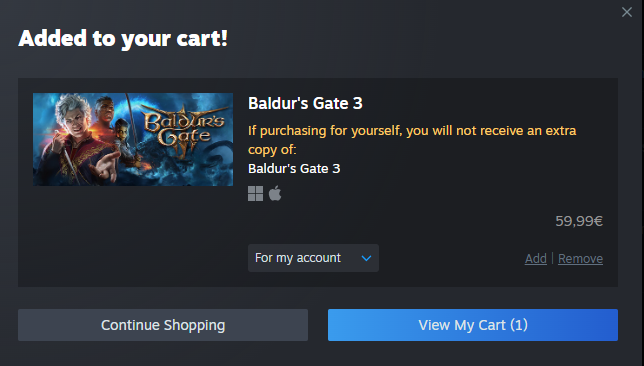
5. The game is now in your cart. What now though?
Now you have 2 options.

1. Click the blue "View My Cart (x)" button to the right


Or

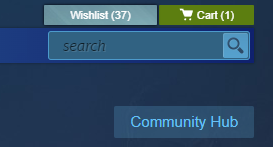
2. Click the gray "Continue Shopping" button and then move your mouse to the middle to top right corner of the screen until you reach the green "Cart (x)" button above the search bar.


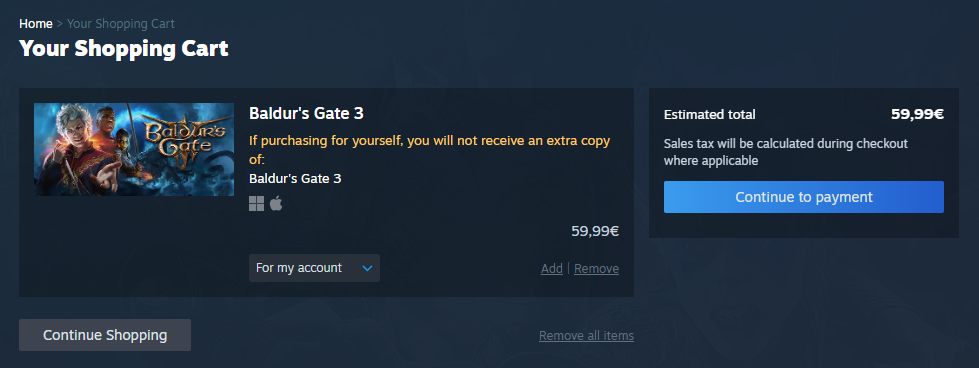
After you've pressed one of the buttons shown before, you'll be sent to a different page looking like the following:


Here you just need to press the blue button to the right and complete your purchase.
6. Congratulations!
Congrats! You now have one of the best video games in your steam library!