Install Steam
sign in
|
language
简体中文 (Simplified Chinese)
繁體中文 (Traditional Chinese)
日本語 (Japanese)
한국어 (Korean)
ไทย (Thai)
Bahasa Indonesia (Indonesian)
Bahasa Melayu (Malay) BETA
Български (Bulgarian)
Čeština (Czech)
Dansk (Danish)
Deutsch (German)
Español - España (Spanish - Spain)
Español - Latinoamérica (Spanish - Latin America)
Ελληνικά (Greek)
Français (French)
Italiano (Italian)
Magyar (Hungarian)
Nederlands (Dutch)
Norsk (Norwegian)
Polski (Polish)
Português (Portuguese - Portugal)
Português - Brasil (Portuguese - Brazil)
Română (Romanian)
Русский (Russian)
Suomi (Finnish)
Svenska (Swedish)
Türkçe (Turkish)
Tiếng Việt (Vietnamese)
Українська (Ukrainian)
Report a translation problem









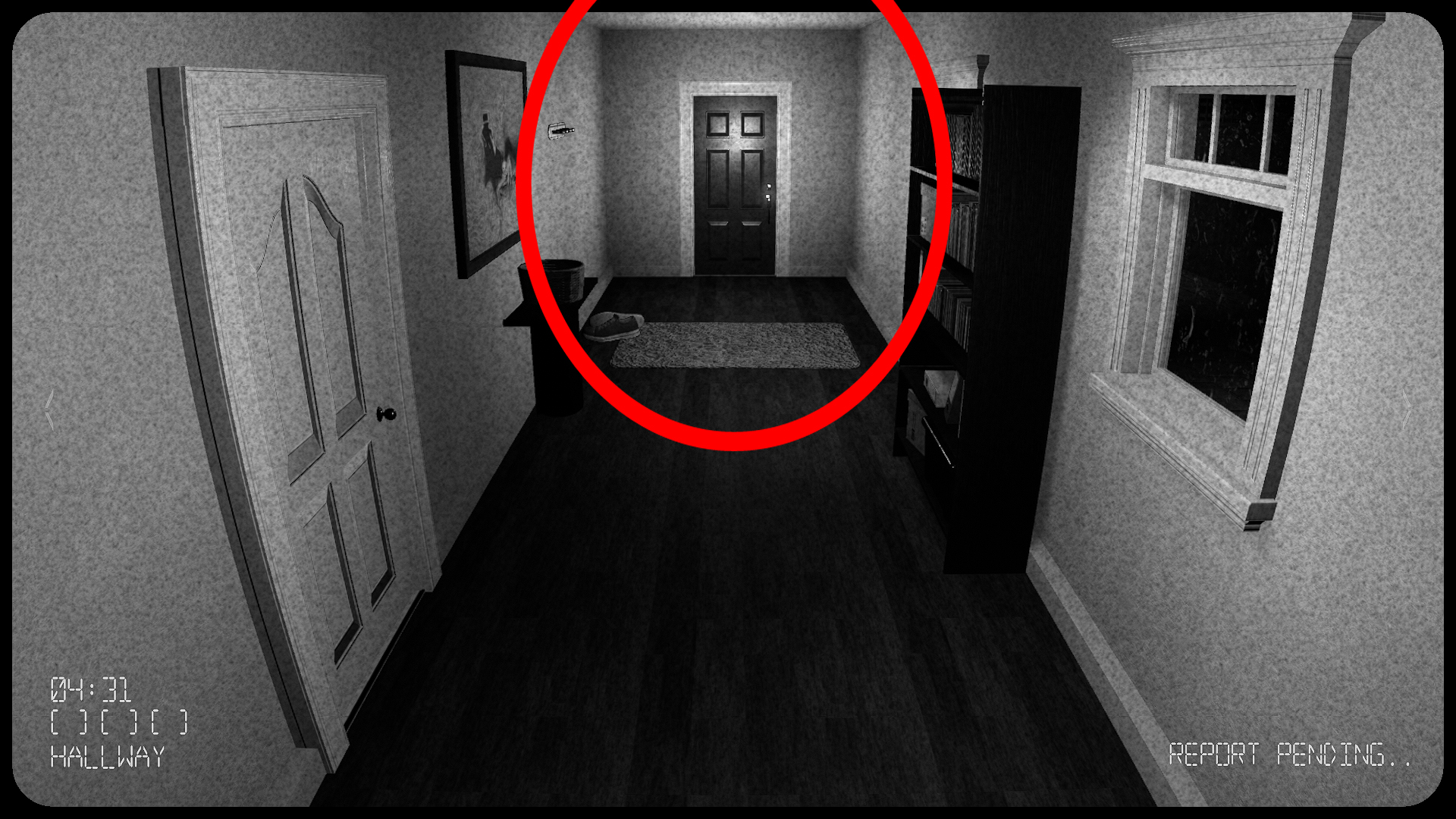
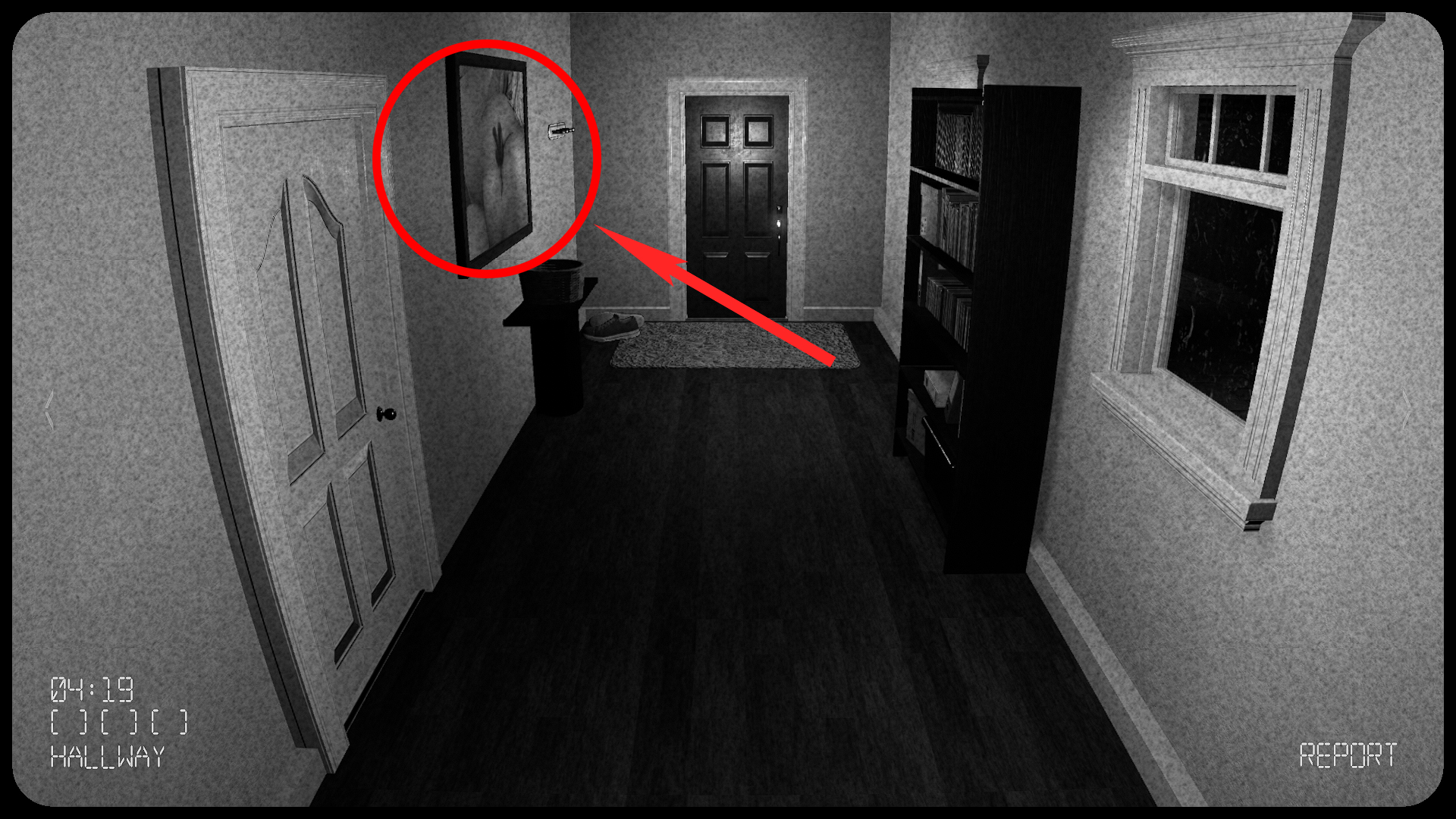
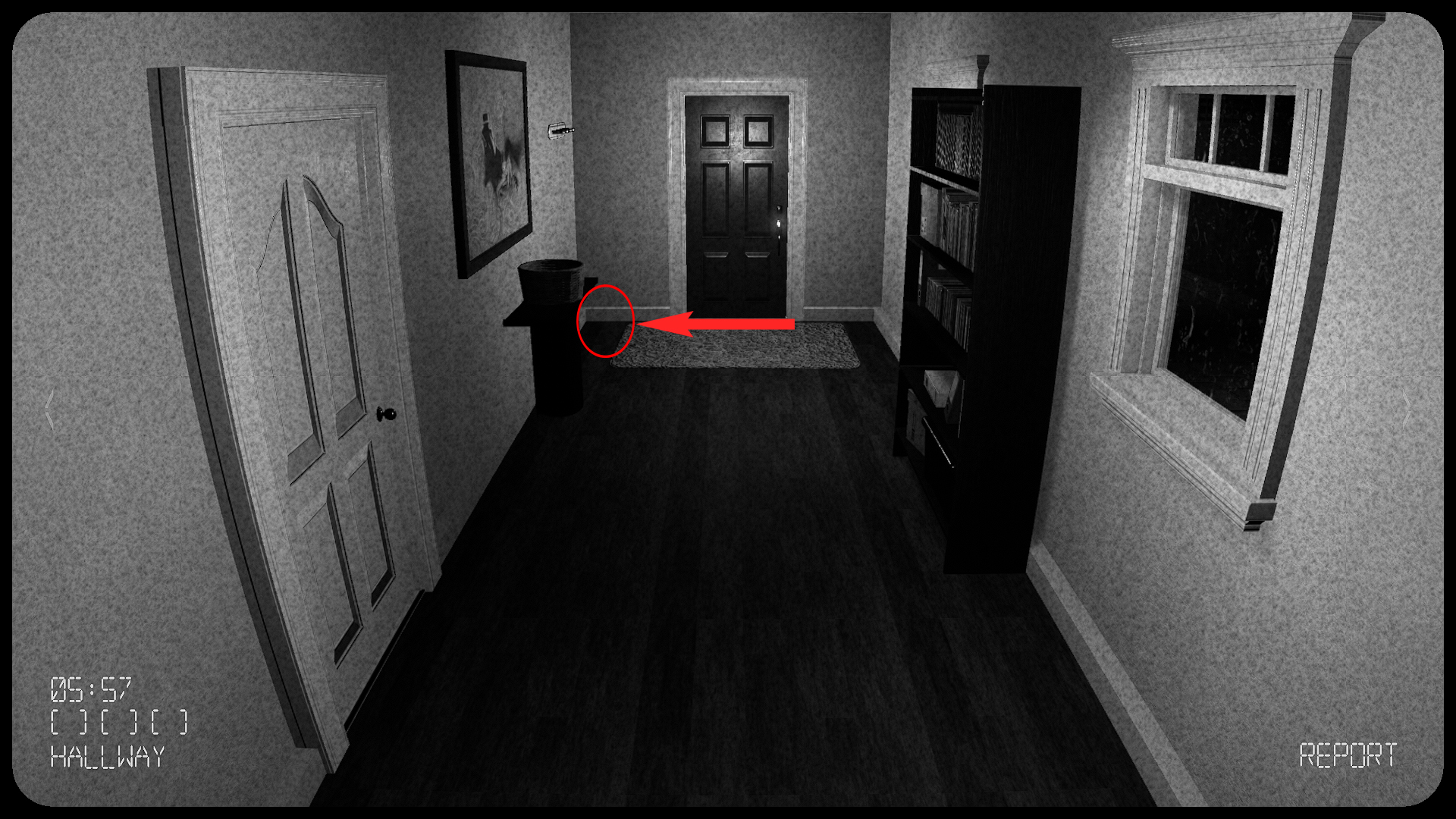
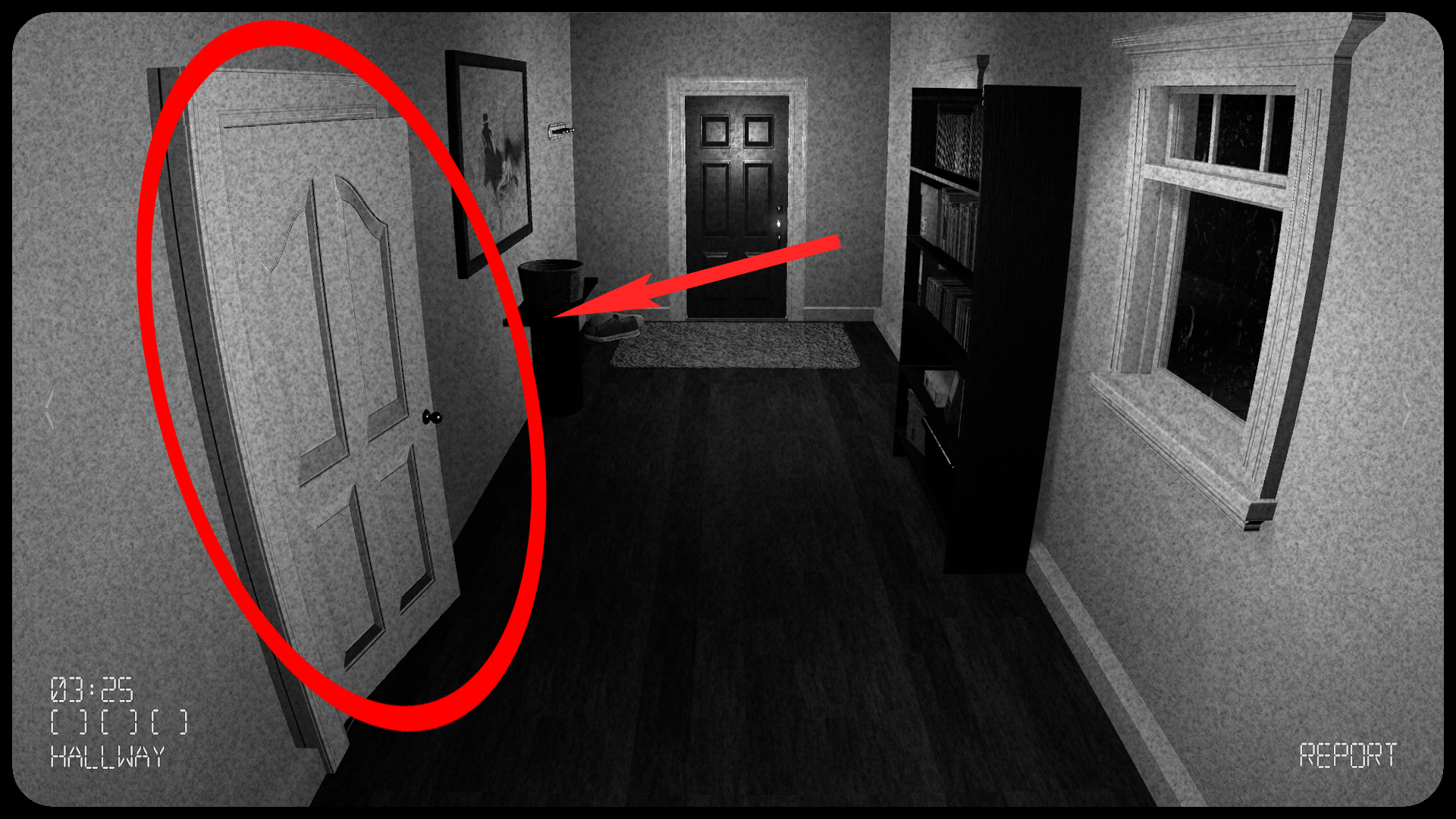
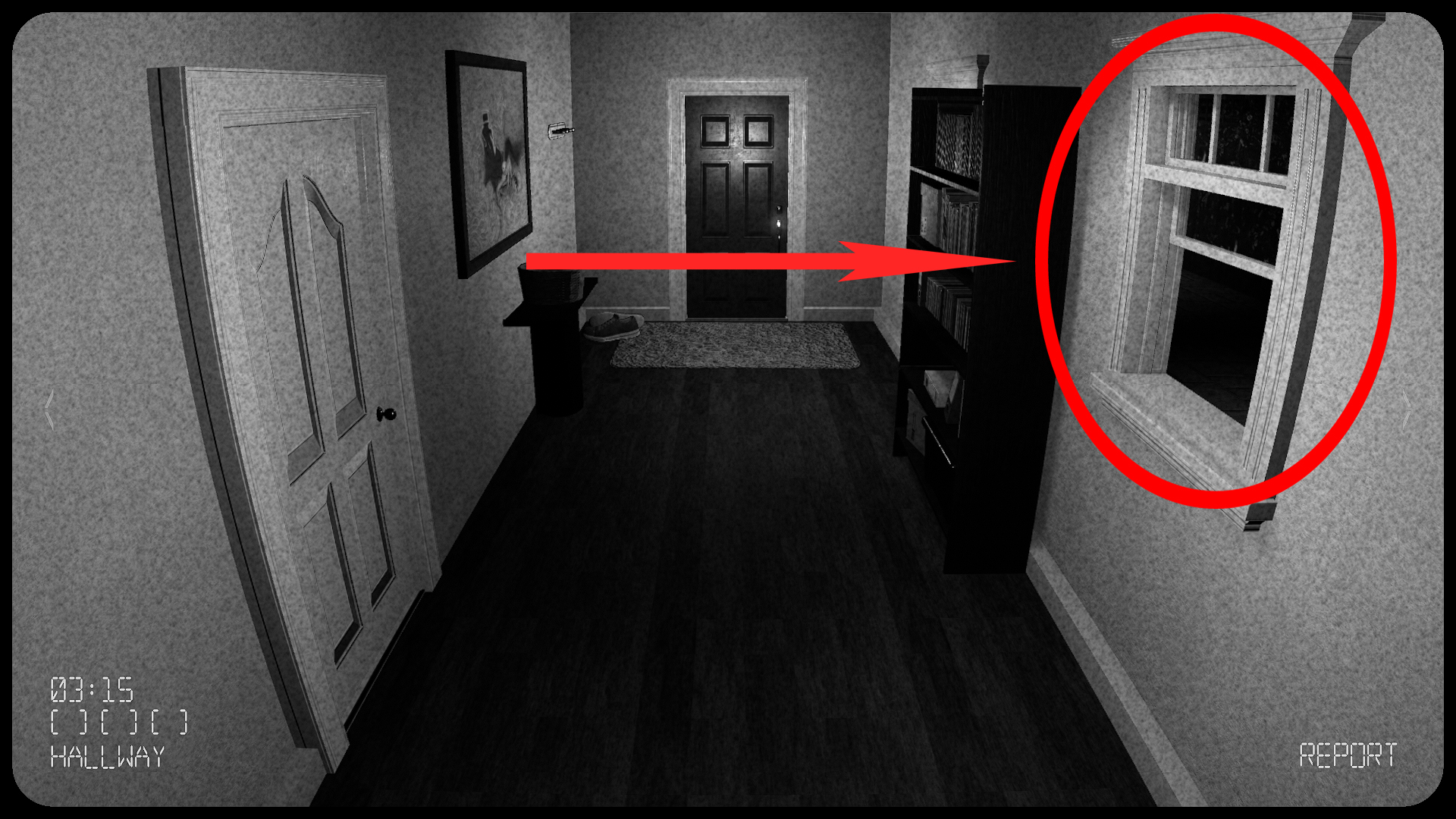
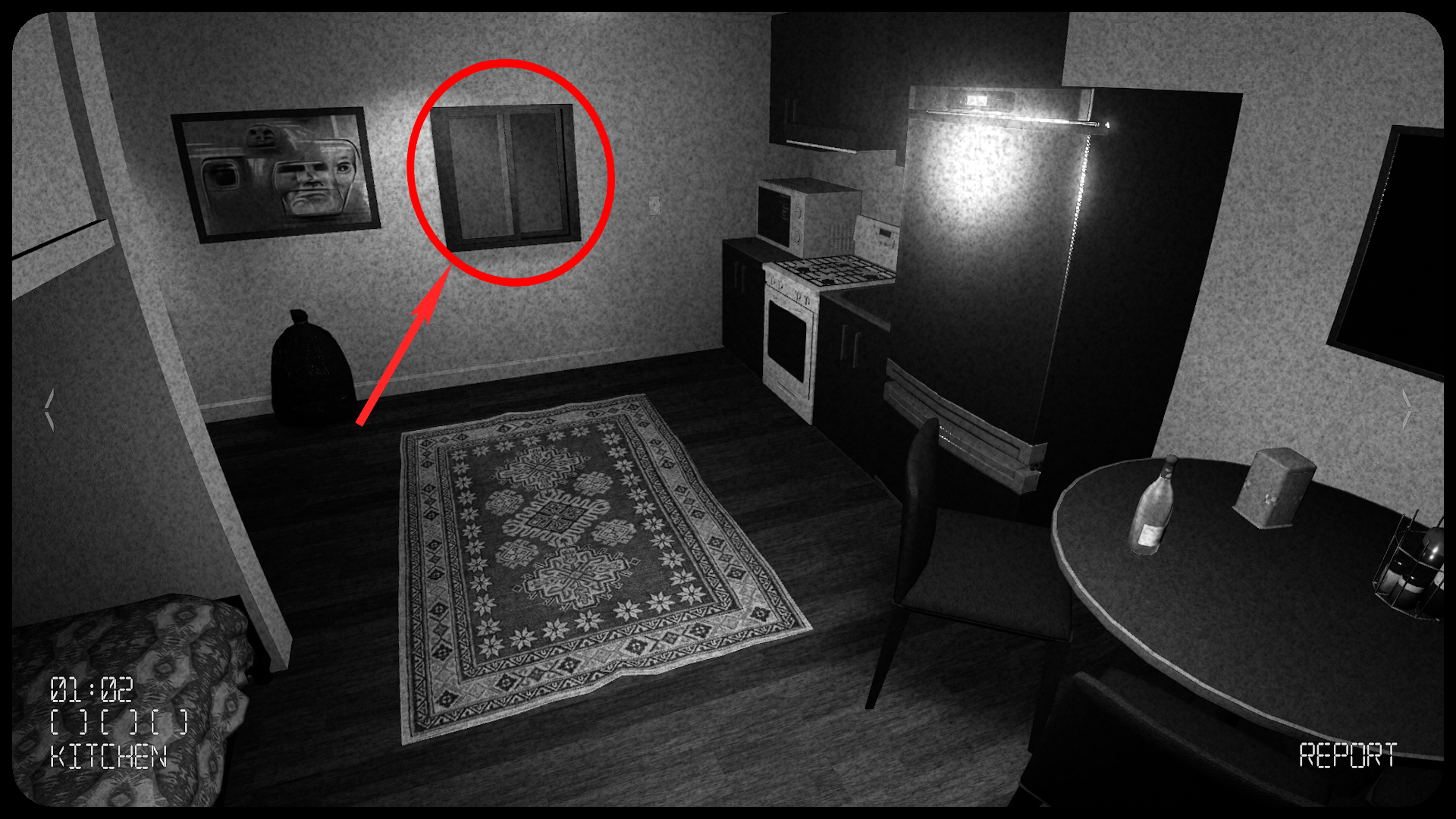
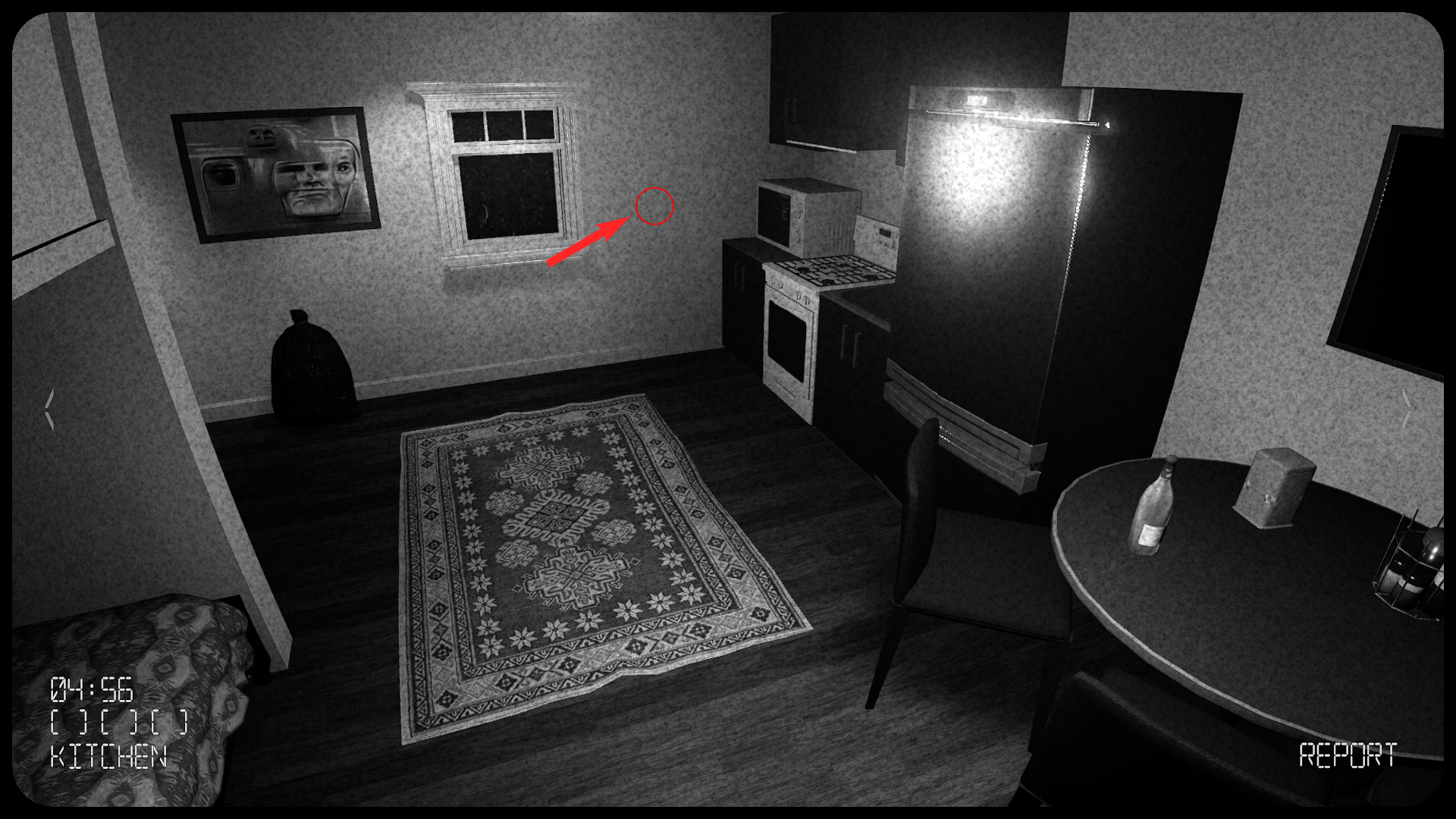
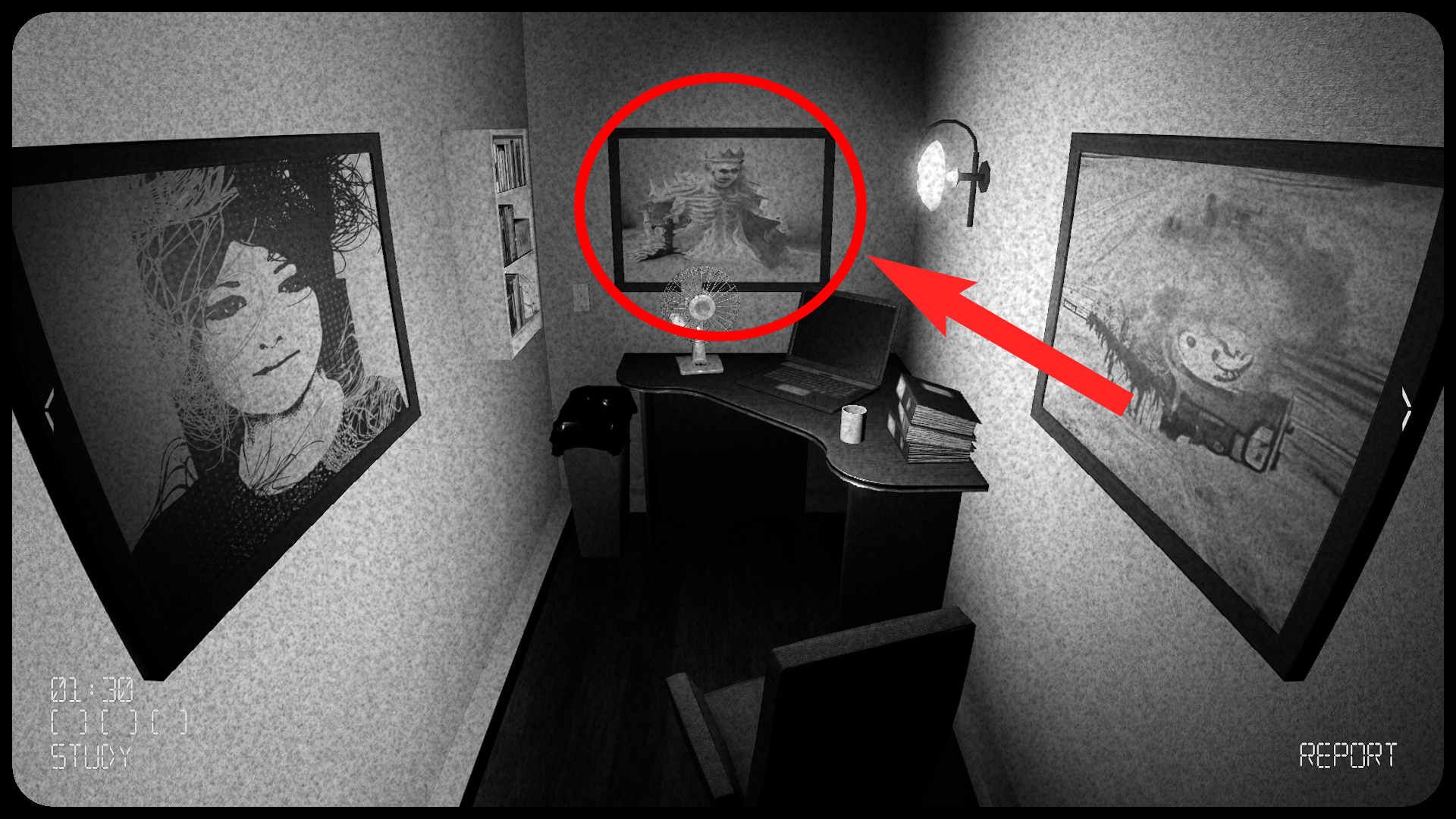
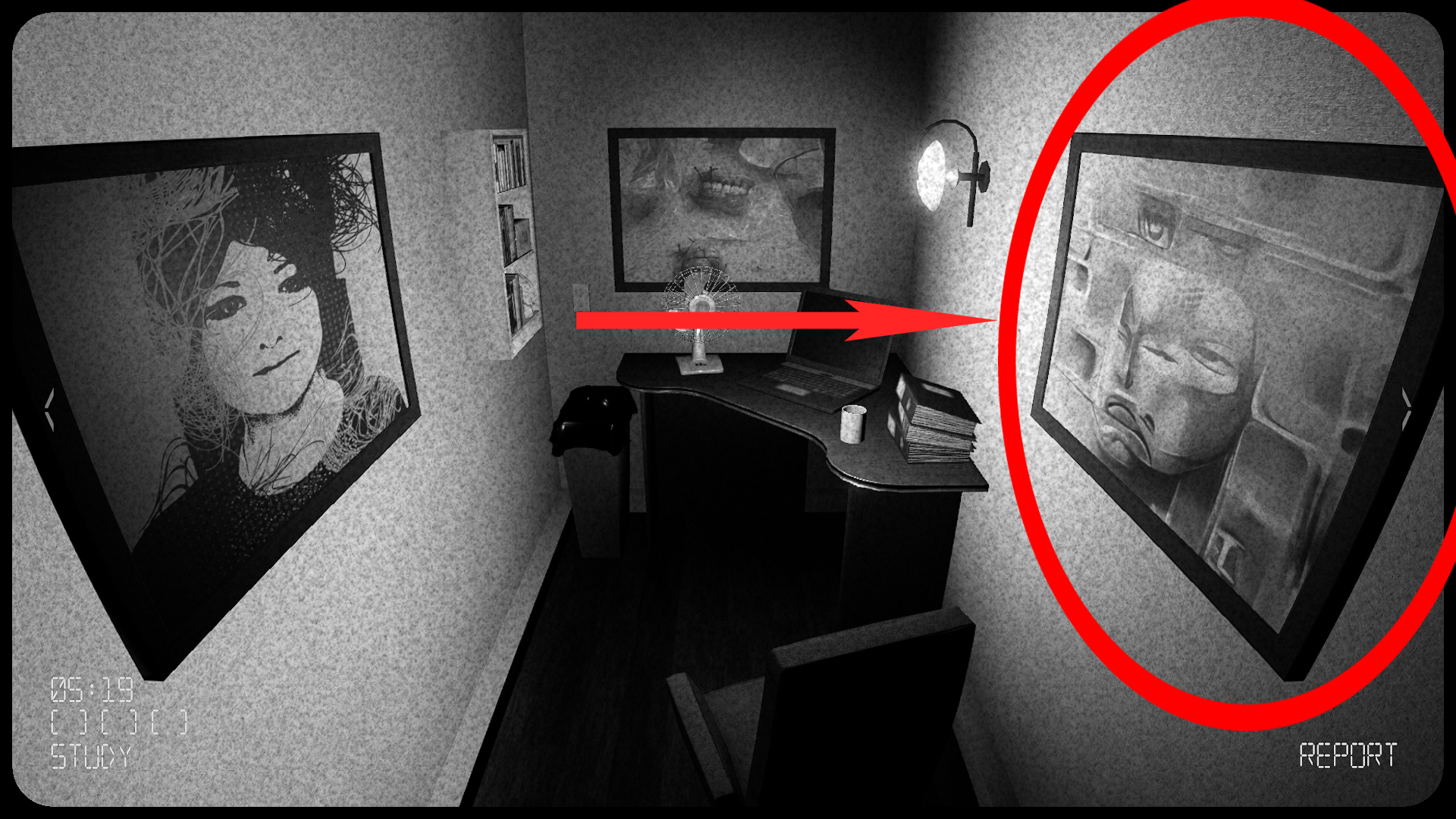
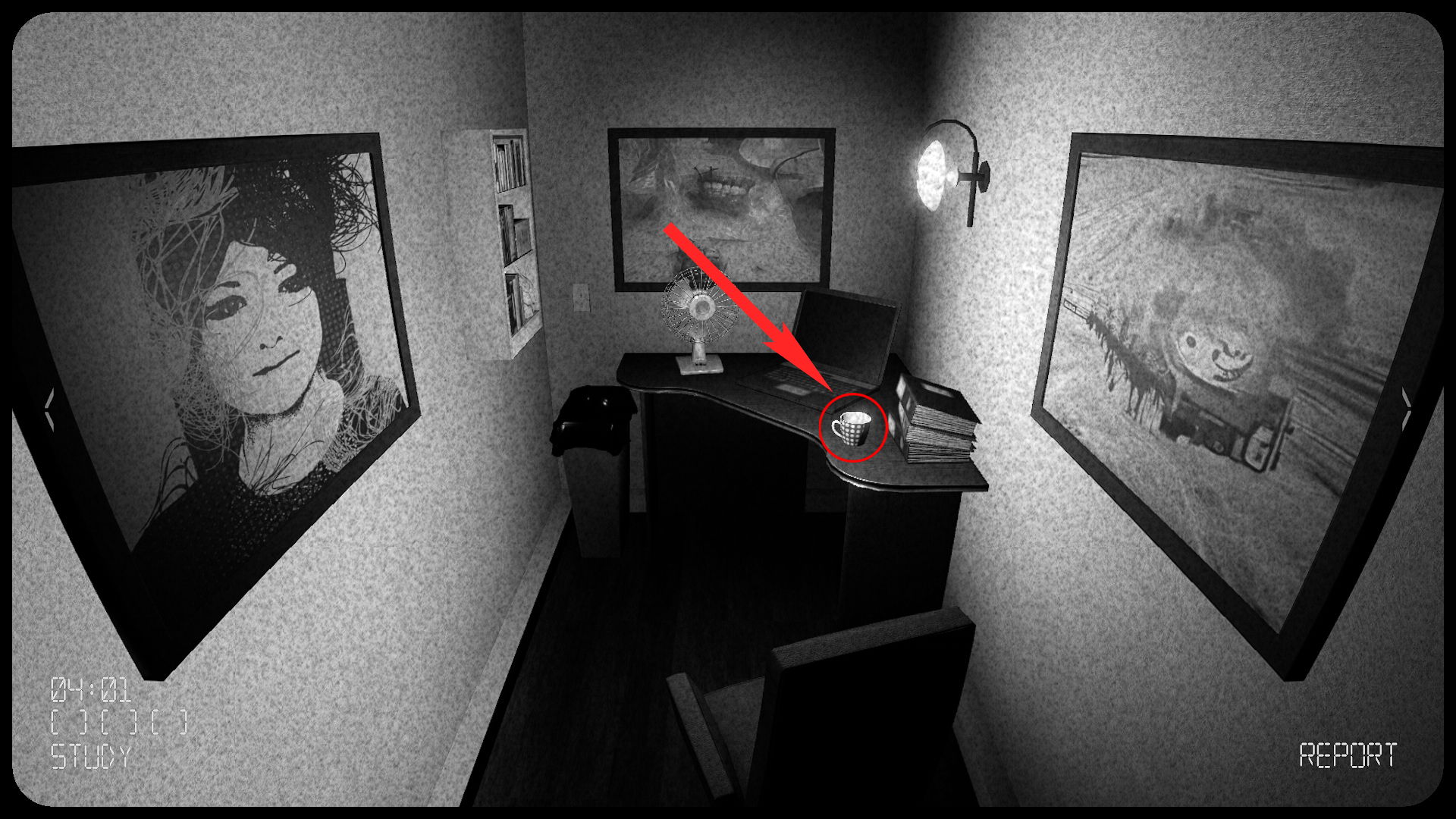
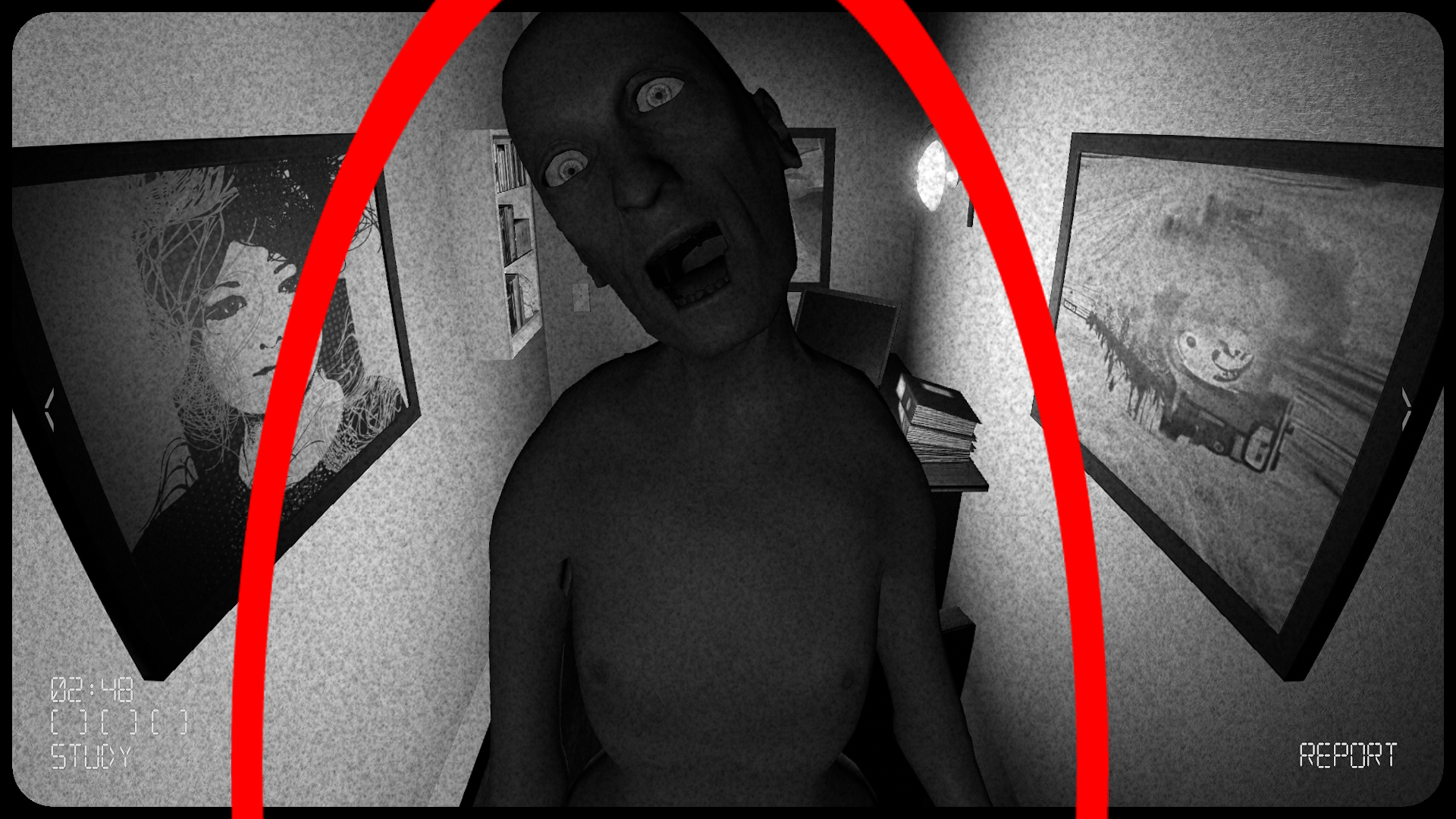
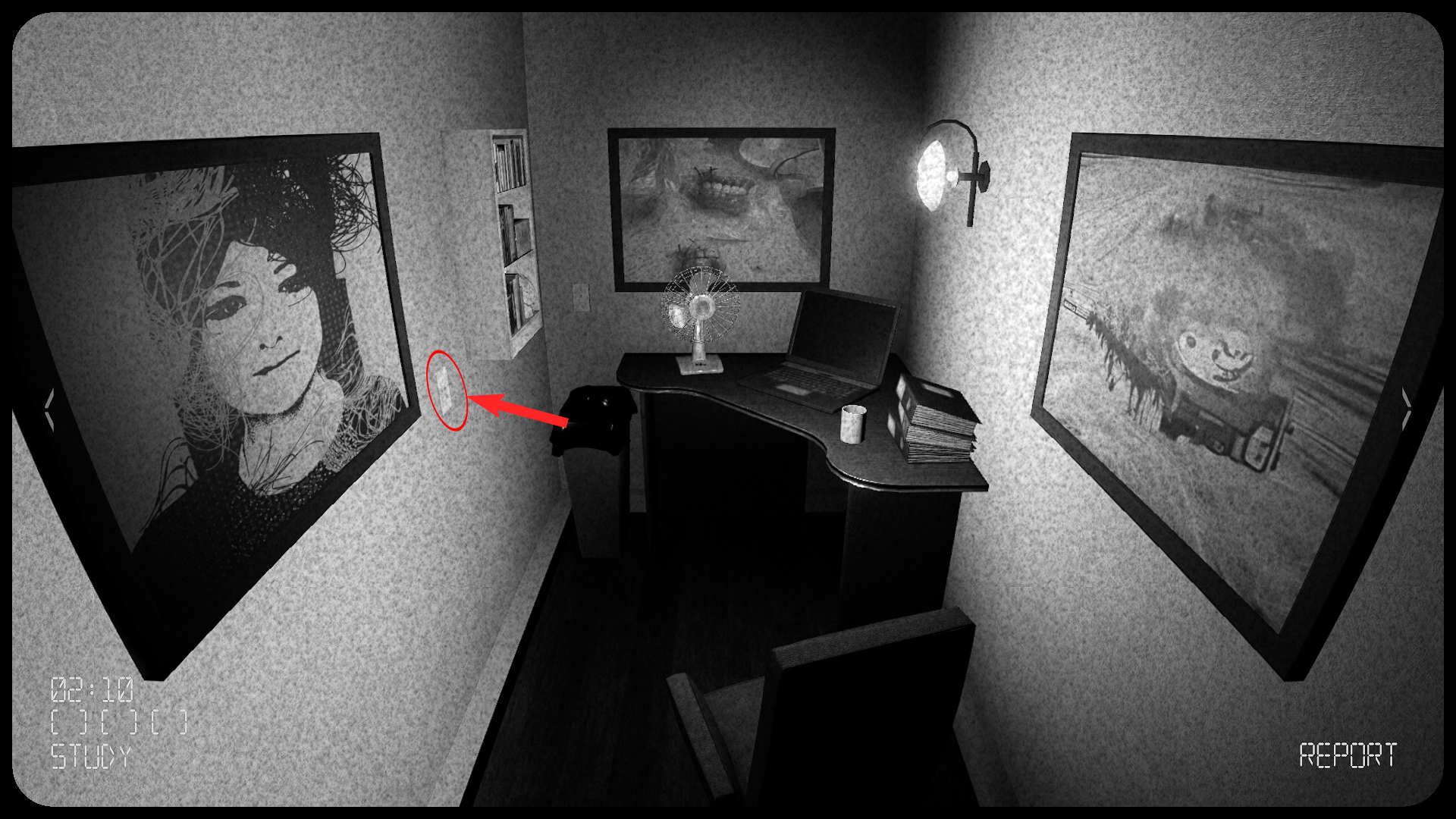
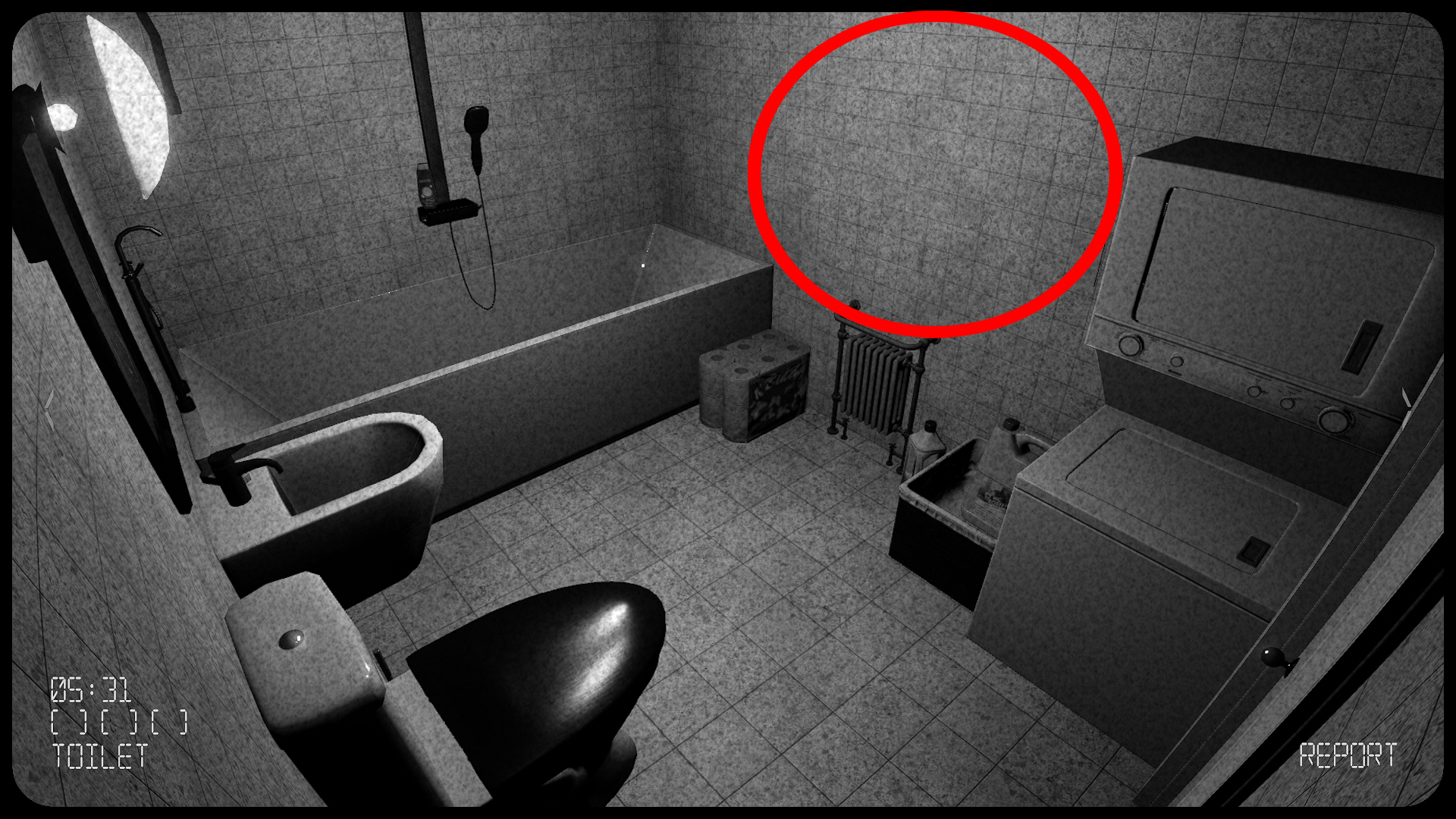
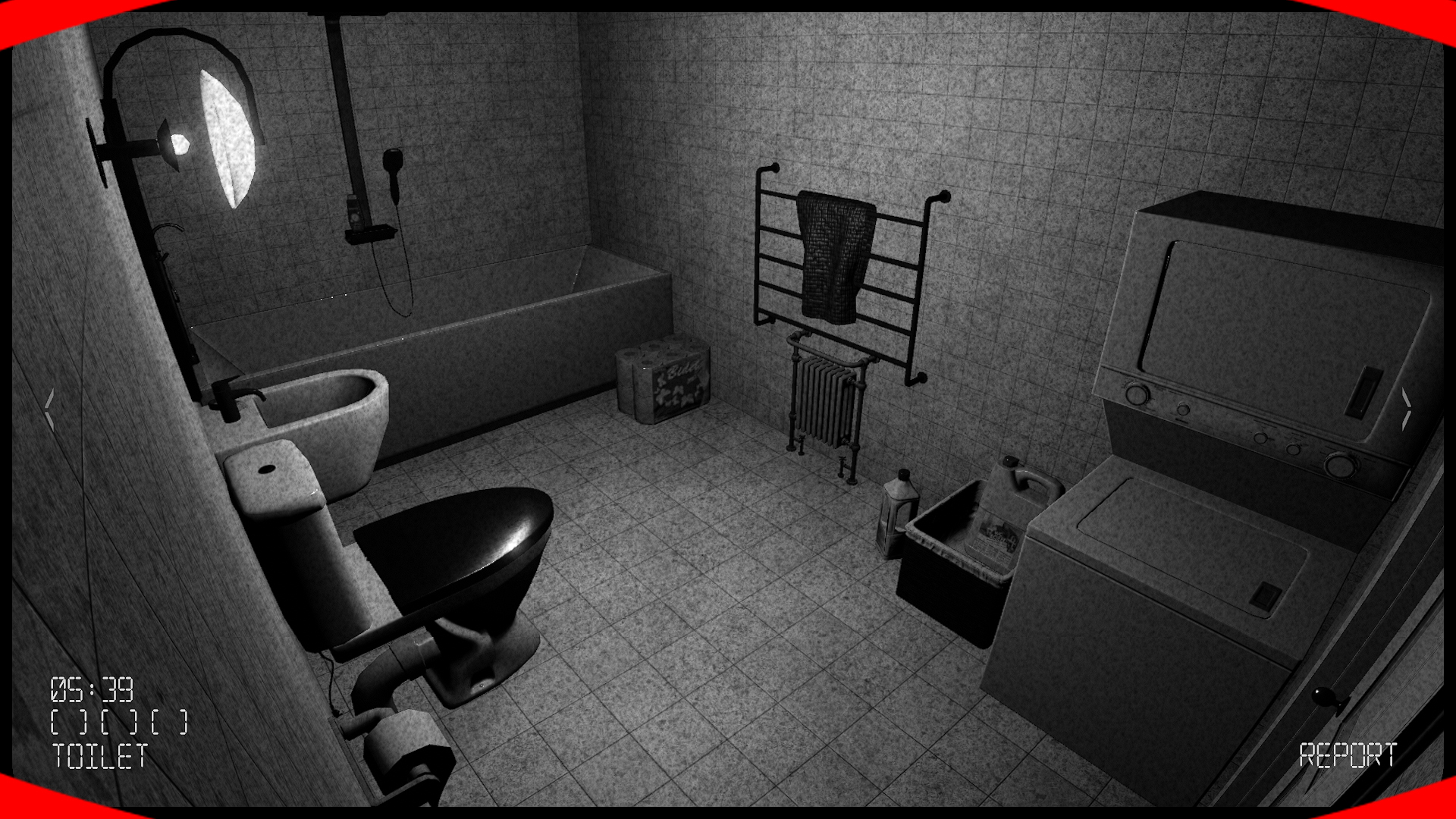
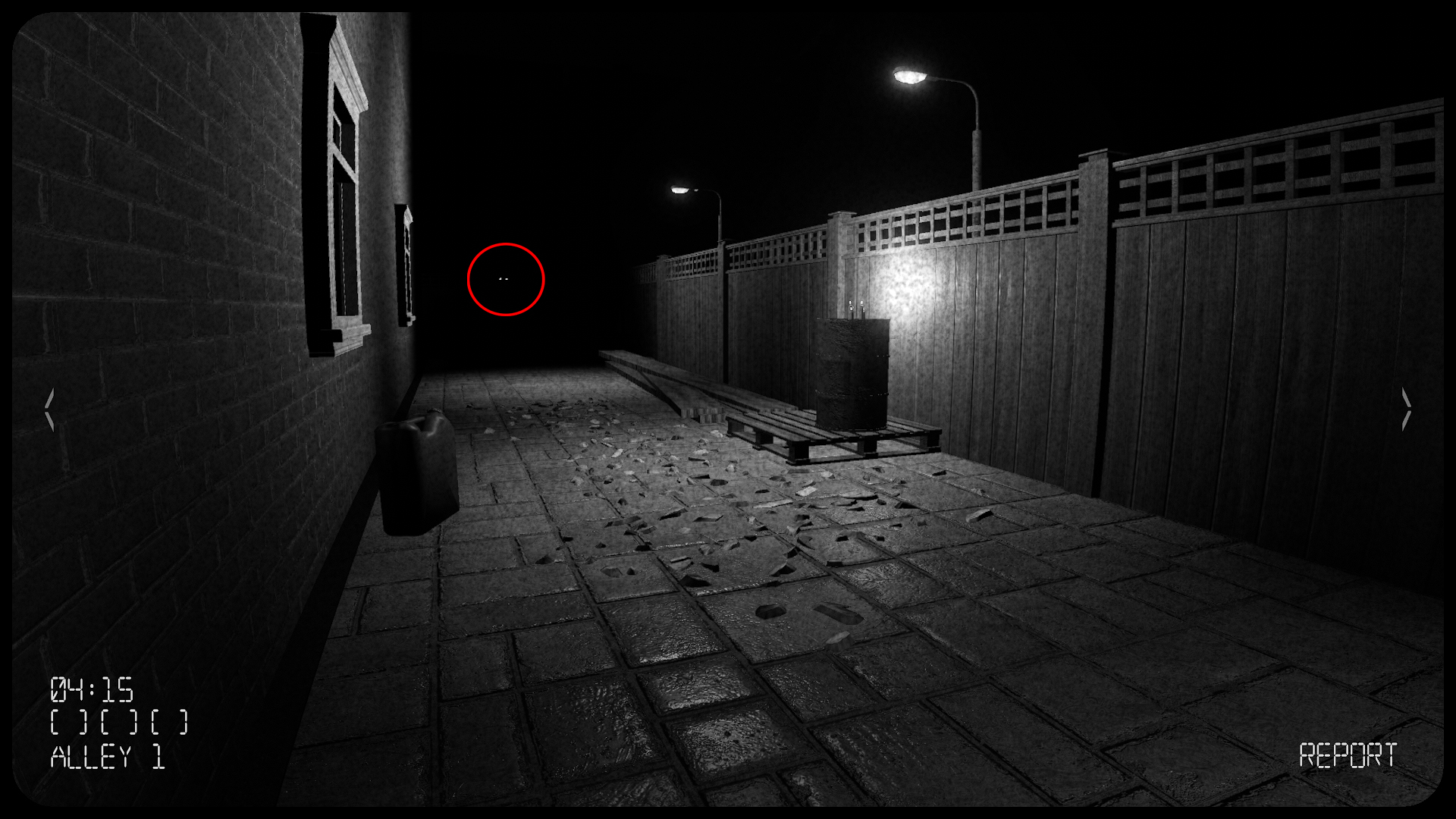
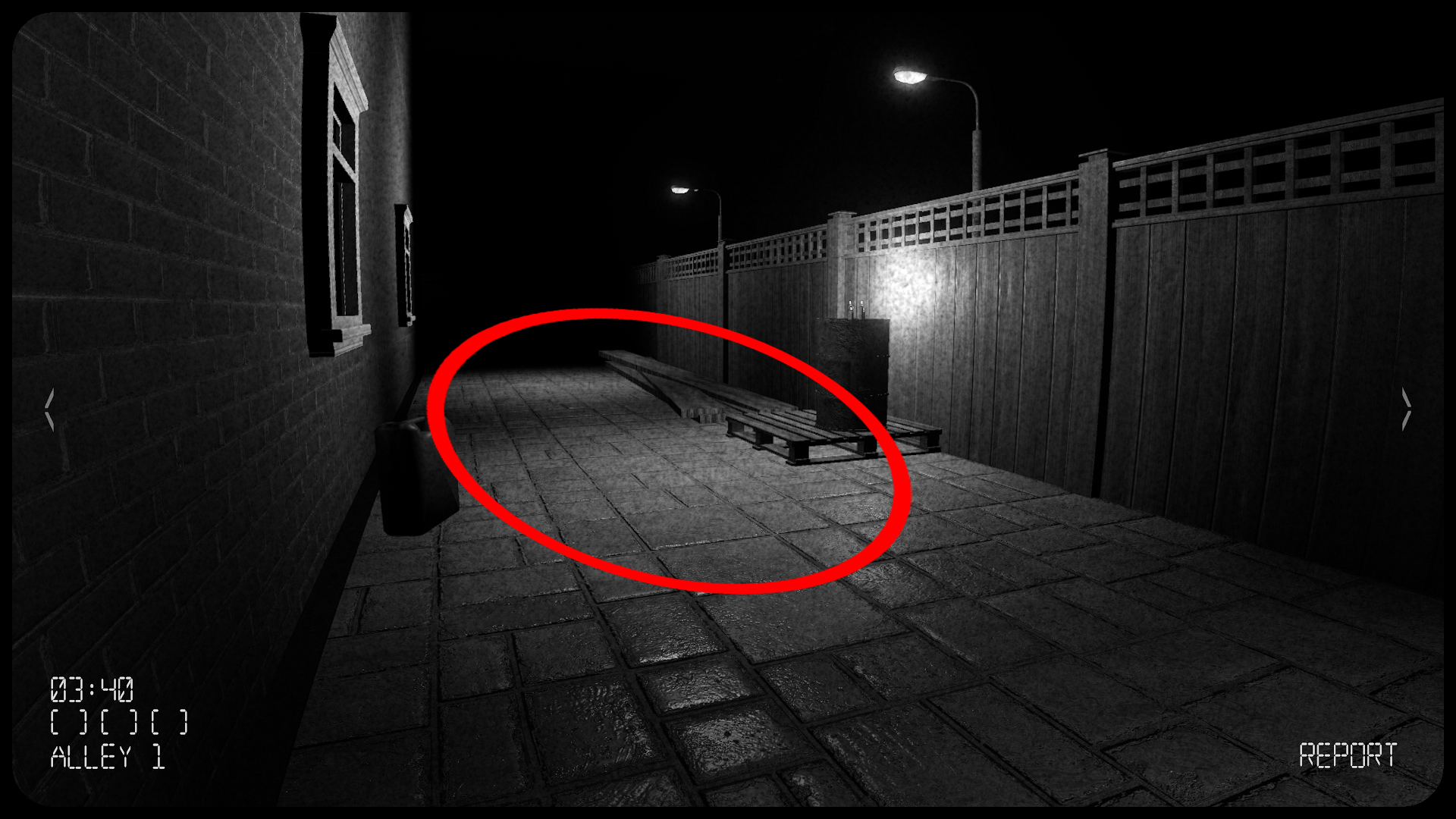
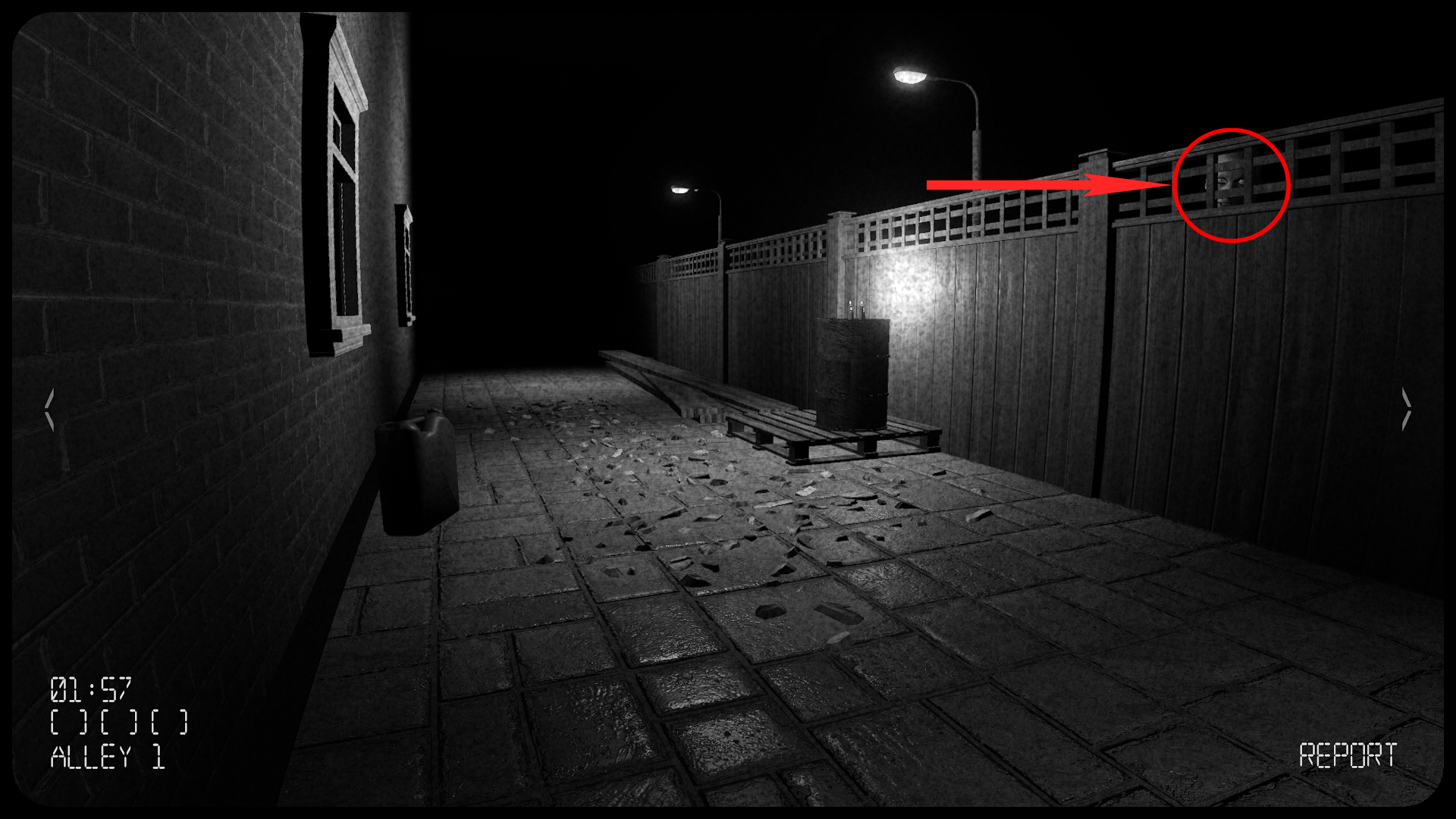
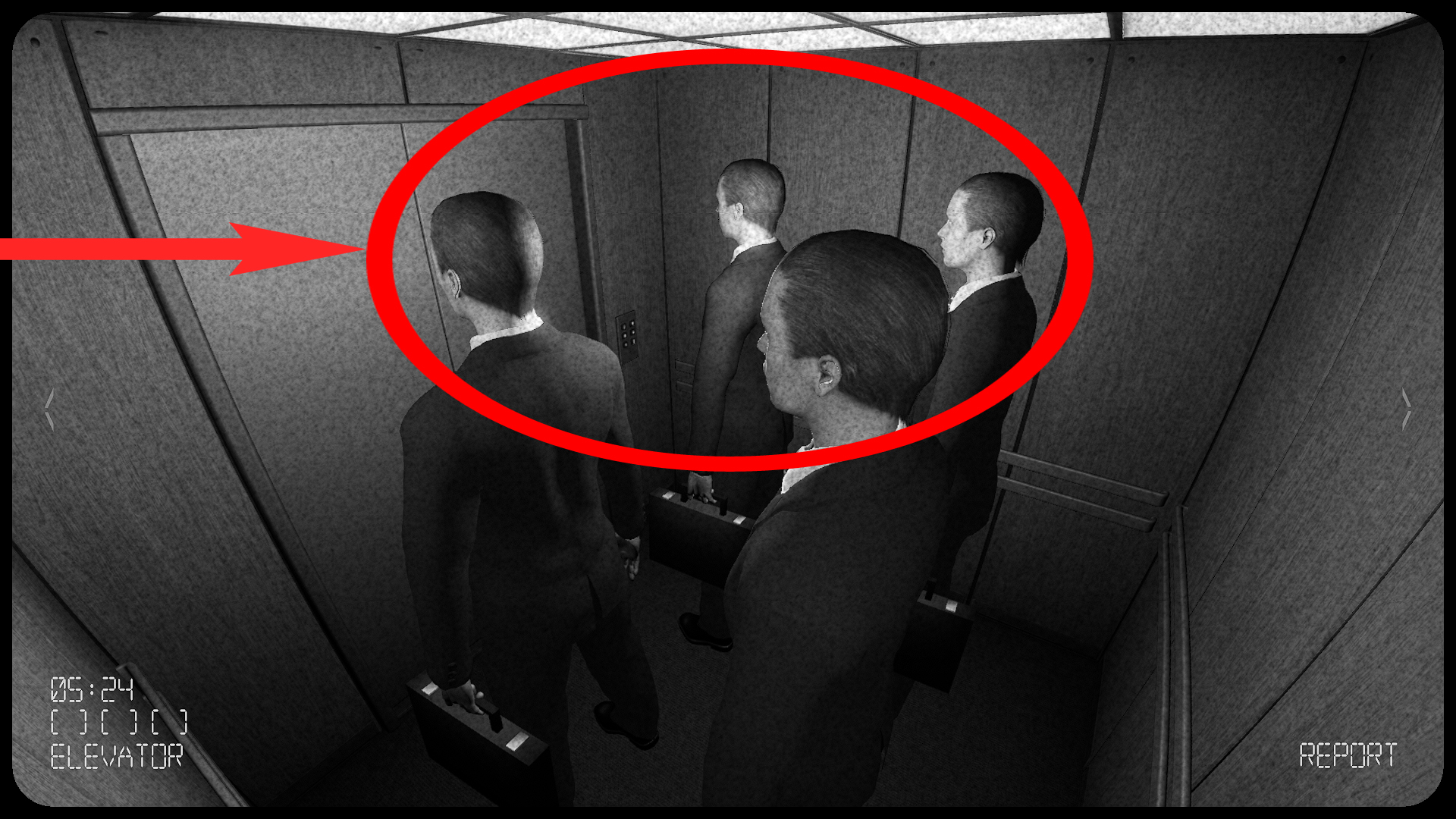
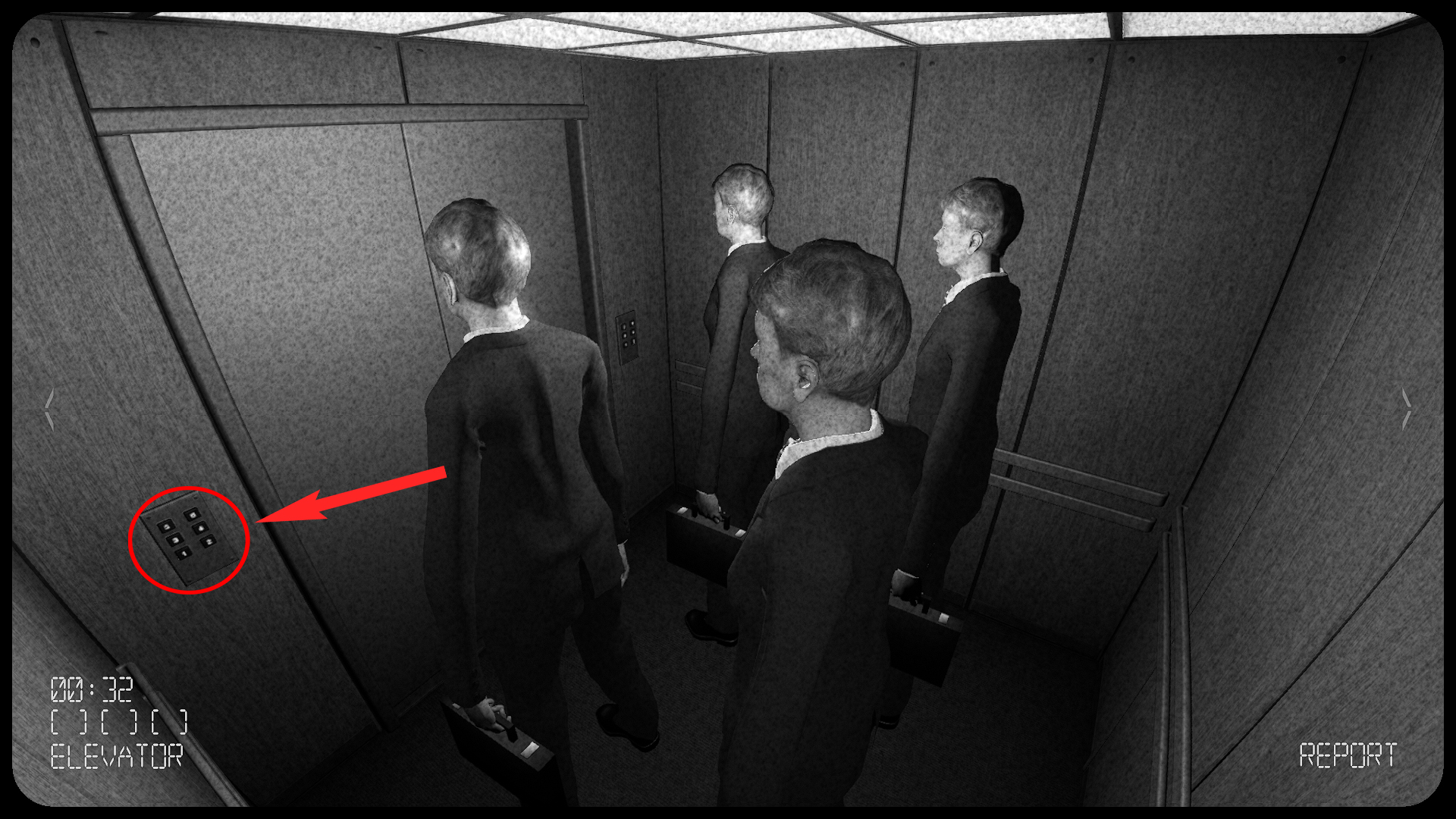
Hello Trogam! The shortest answer of how the lightswitch anomaly works in OBS 5 is by saying it works like MOST Human anomalies work in Obs 5. Which is if you do not spot the human anomaly or take too long on cams it will creep closer to the camera(resulting in most of the time a little cheap jumpscare).The lightswitches works in the same way. Instead of creeping closer to the cam it just spawns in more lightswitches.
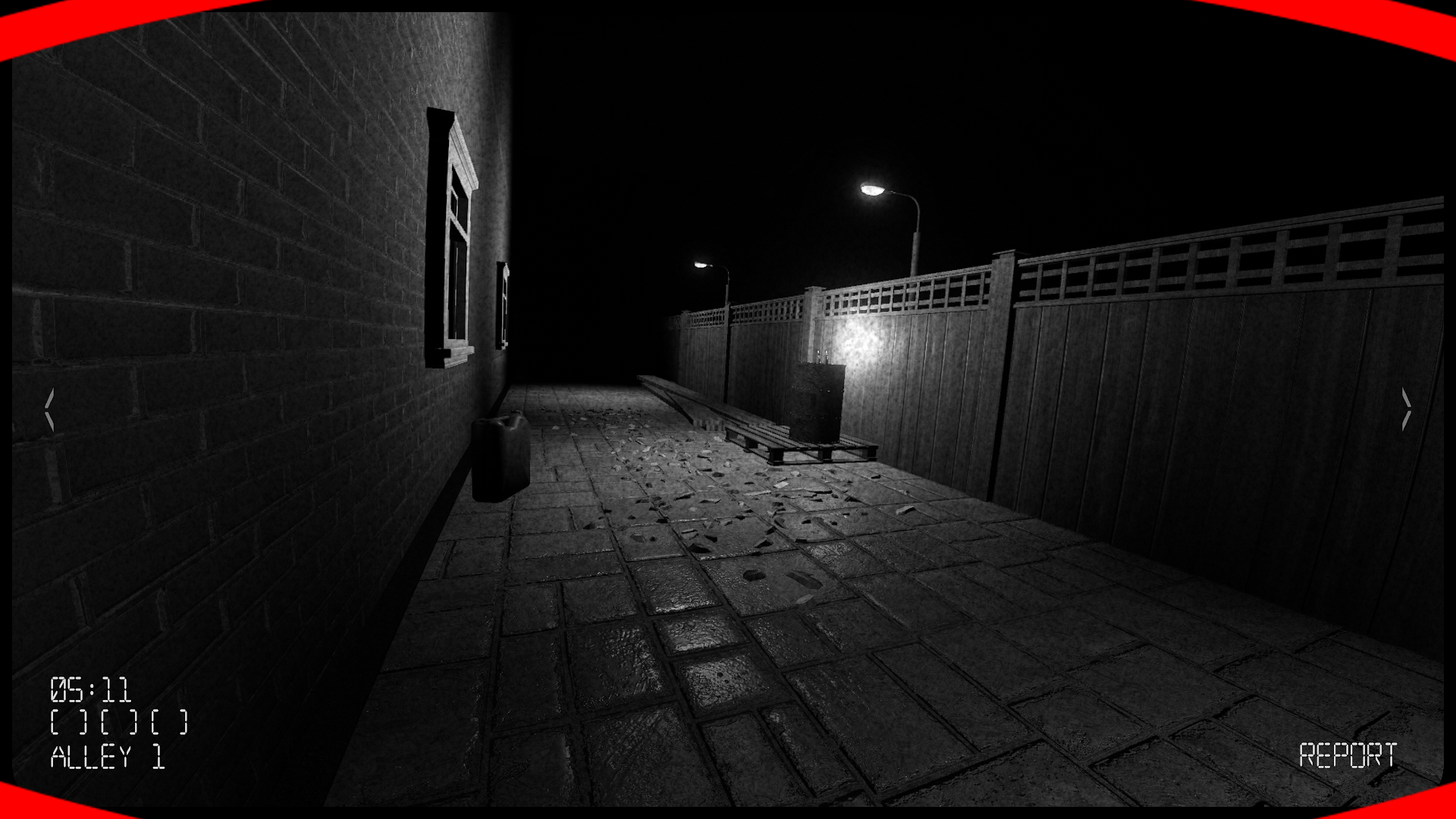
More Details below of how the lightswitch anomaly works! Hope it helps
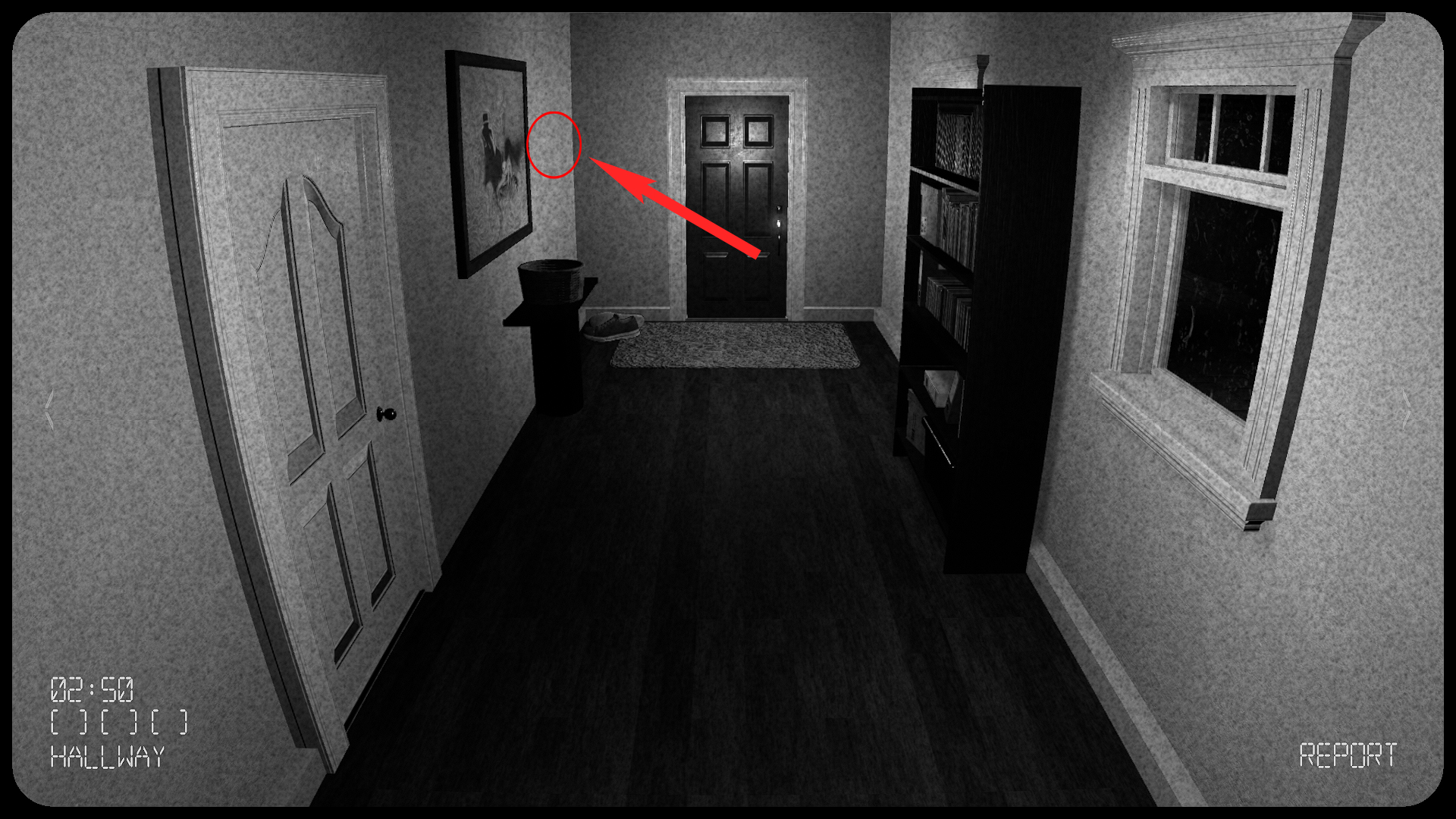
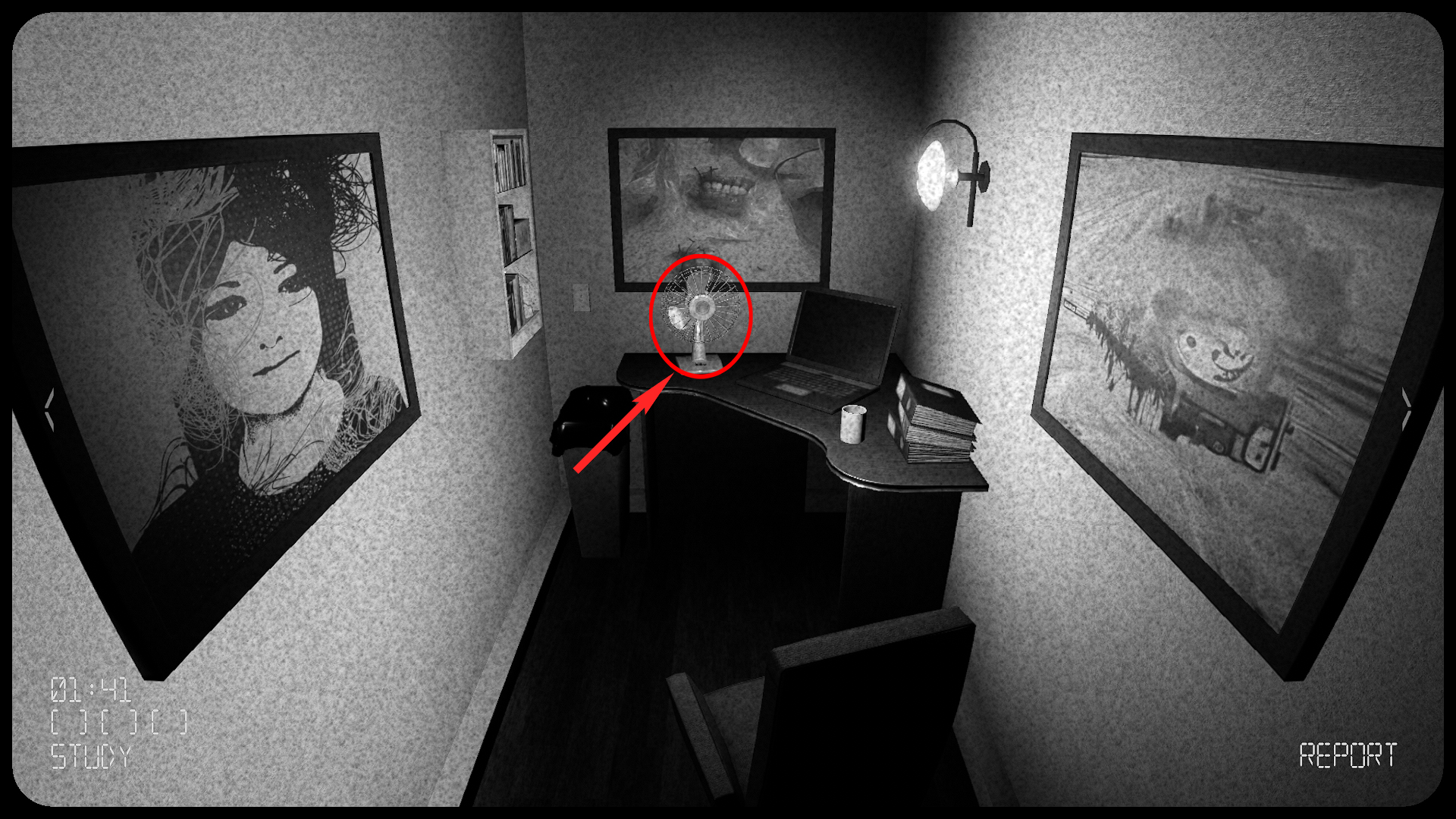
Again like i mentioned to the previous person, the light switch has phases ,but it is still the same anomaly. Let me explain the light switch in the study has a few phases it will first spawn in a second light switch on the left wall (phase 1). If you fail to report the newly added light switch on the left wall or you are just casually too slow through the cameras, it will then go into phase 2. Which then it will spawn a lightswitch on the right of the painting and as you mentioned to the top/mid left of the back wall.
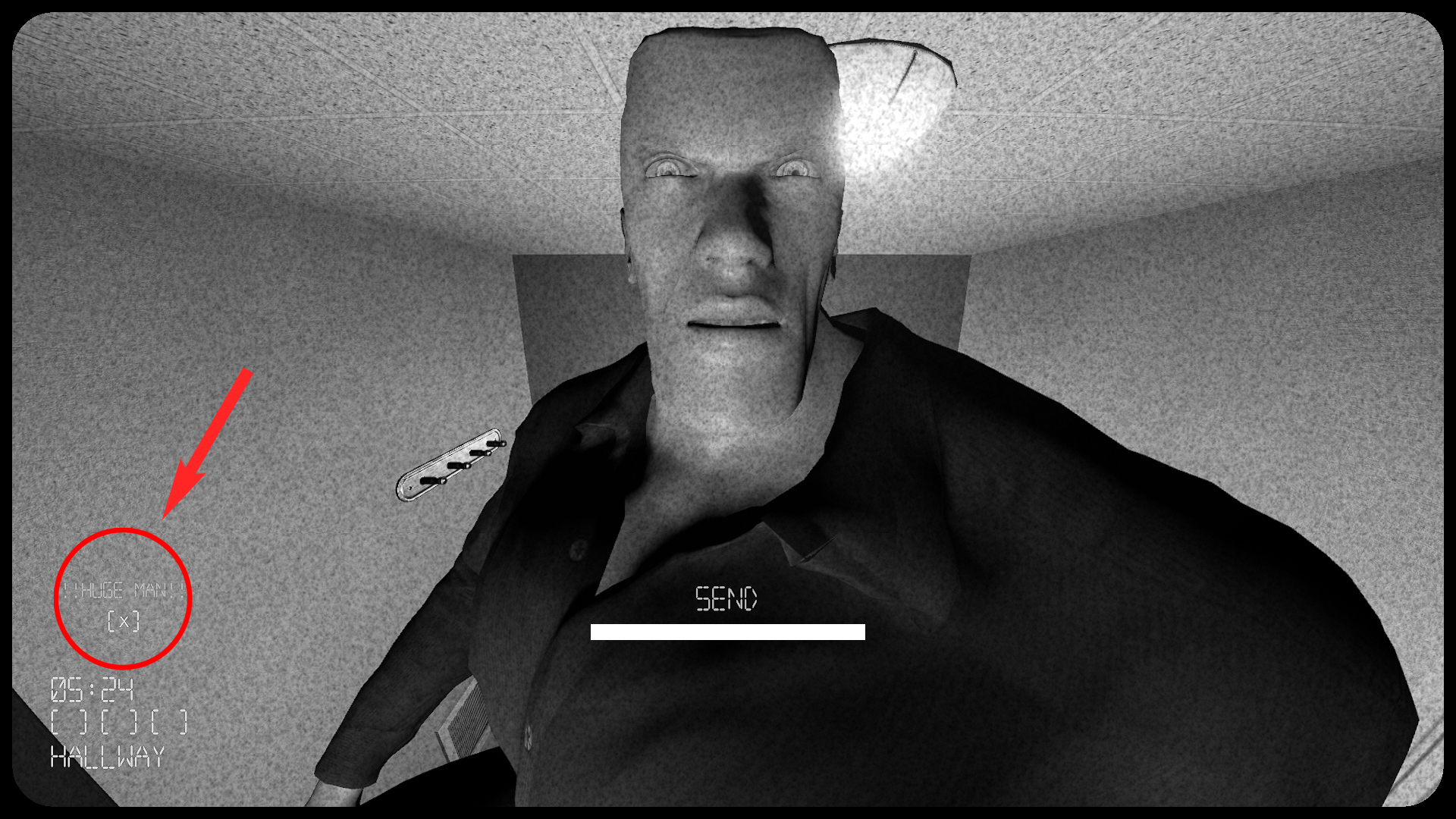
But you can't do it here sadly. So my advice will be to just replay the map until you find huge map.