Steam
667 ratings
Create 'Really Long' Workshop Showcase
By A1RB4SE™ and 2 collaborators
This guide is advanced and will not be as easy as uploading Long Workshop & Guide and please make sure to read all the Information provided in the Guide and Video!

2
2
2
   
Award
Favorite
Favorited
Unfavorite
Rᴀᴛᴇ, Fᴀᴠᴏʀɪᴛᴇ & Aᴡᴀʀᴅ
ᴏᴠᴇʀᴠɪᴇᴡ


The Guide has been updated with New Templates and New Code for Uploading without logos.

This guide will teach you to Create Really Animated Long Workshop/Guide GIF and then how to upload them to Steam…

NOTE: If u have any issue with any of info provided in the guide be sure to check the YouTube Video to clear all doubts and if u still have any problem you can message us for help. [We won't be spoon-feeding everything]
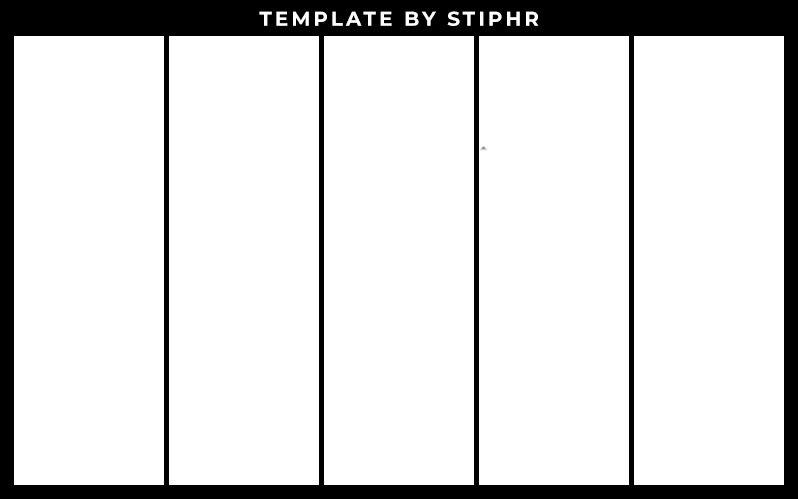
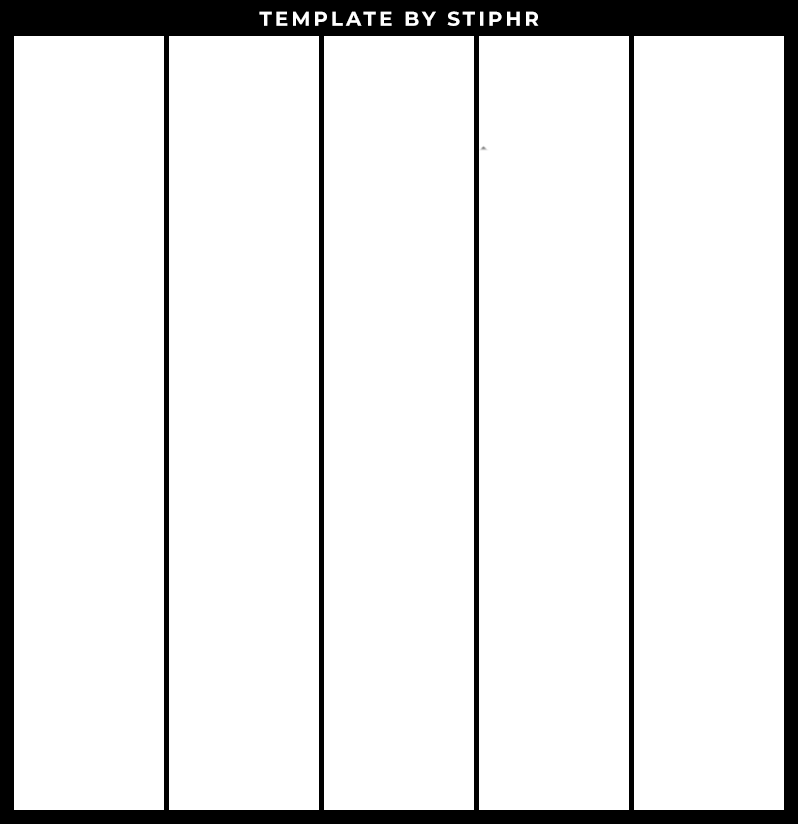
Tᴇᴍᴘʟᴀᴛᴇs


There are various templates that are provided in this guide!

Tip: You can create yourself a custom template in photoshop, as per your requirement.


Vɪᴅᴇᴏ Tᴜᴛᴏʀɪᴀʟ


Iɴsᴛʀᴜᴄᴛɪᴏɴs


  This improved method allows you to upload long workshop images without faking the heights!       
    This method works with all supported file types, independently of size and frame count!

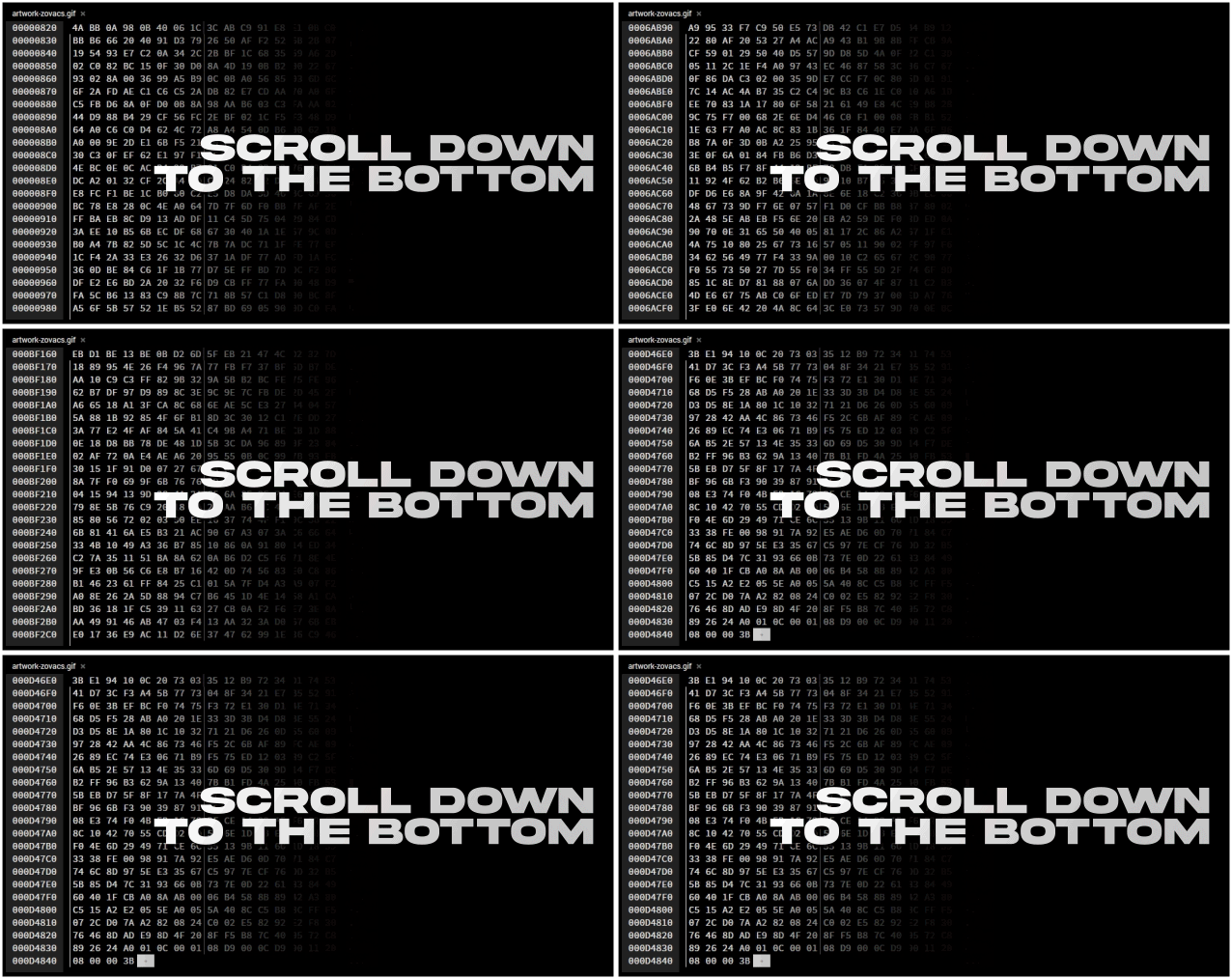
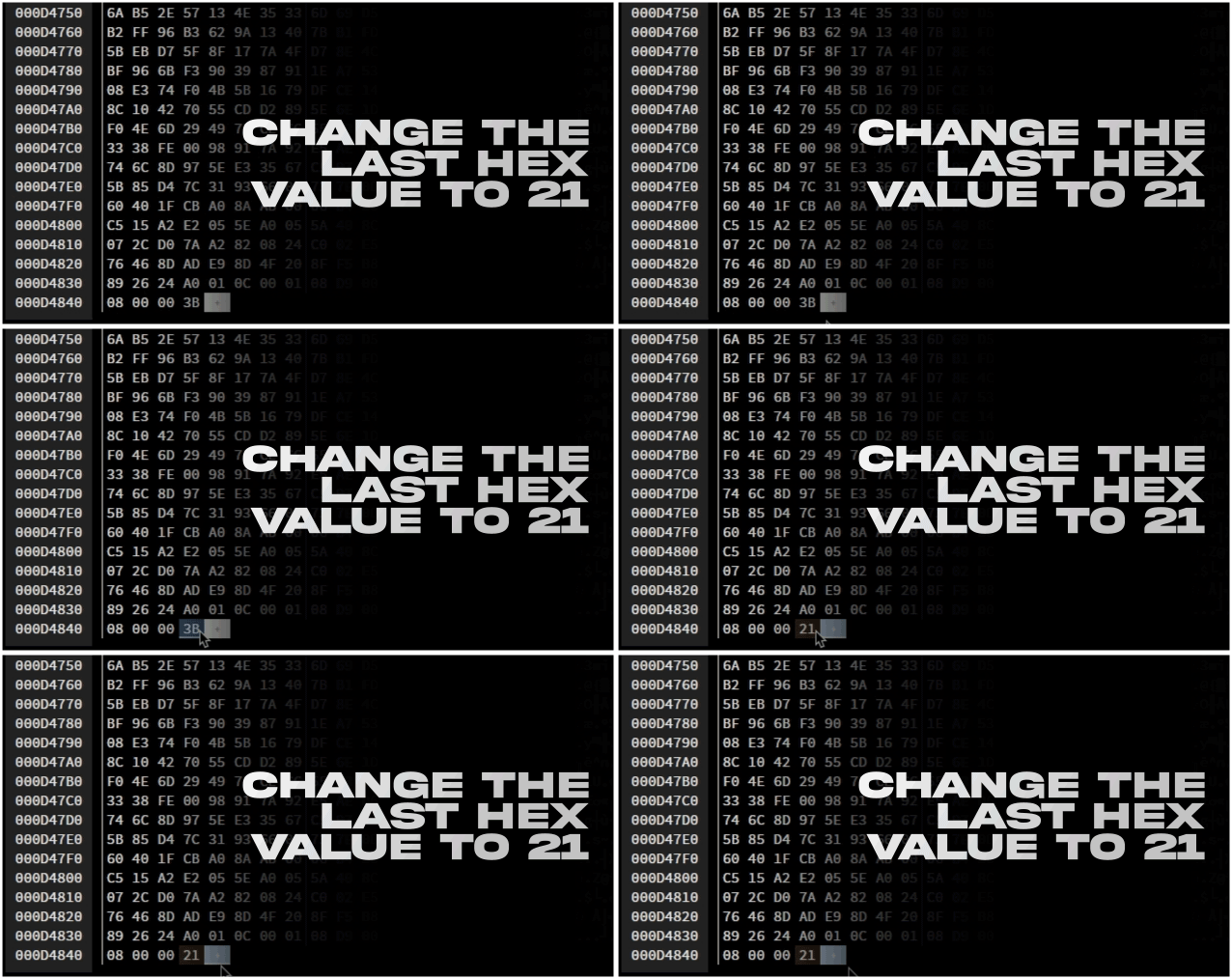
       You are expected to apply HEX editing for all workshop images separately.


                  Visit this site: Hexed


              Click "Open File" and load your desired image


                    Click on save file

Uᴘʟᴏᴀᴅɪɴɢ


    Now it is time to upload your prepared Long Workshop/Guide Images!   


               Open this link with a web browser:
           https://steamcommunity.com/sharedfiles/edititem/767/3/


  If you want to upload a long workshop, paste the provided code into the browser console:
$J('[name=consumer_app_id]').val(480);$J('[name=file_type]').val(0);$J('[name=visibility]').val(0);

       However, if you want to upload a long guide, paste this code instead:
$J('[name=consumer_app_id]').val(480);$J('[name=file_type]').val(9);$J('[name=visibility]').val(0);


Cʀᴇᴅɪᴛs


11 Comments
蓝龙咕噜 Sep 22, 2024 @ 10:46am 
That's a great idea! I love you so much! Thank you so much!:steamthumbsup:
SweetSana Dec 27, 2023 @ 3:13am 
im using the first template but there is a black dot or mark on it and its weird when u look into the workshop cause u can see the black dot or mark, u can see it on my profile workshop, is it possible to get removed
さとう Jun 24, 2023 @ 3:50pm 
what size the images shoud be on the small template?
A1RB4SE™  [author] Apr 4, 2023 @ 11:21pm 
yeah
Warlord4Hikage Apr 4, 2023 @ 11:39am 
Only files less than 5 mb will fit?
A1RB4SE™  [author] Feb 15, 2023 @ 9:44pm 
Just click on the template image in the guide and save it. @> yarkiy svet
SypieX Feb 15, 2023 @ 7:04am 
workin :steamthumbsup:
yarkiy svet Feb 15, 2023 @ 5:05am 
Im not understand, VIDEO TUTORIAL redirect to steam tutorial (text), there is no link for dwnld templates
Sung Jin-woo Dec 25, 2022 @ 8:43am 
noice
Agito Mar 2, 2022 @ 8:04am 
Nice