Mr.Mine

Mr.Mine

Not enough ratings
Modding, Editing | Oil, Building Materials, Capacity
By Sypher†
A Guide to modify stuff that usually takes way too long to receive!
   
Award
Favorite
Favorited
Unfavorite
Introduction
Looking for those Building Materials?
Oil Production takes ages?

Lemme help you out!
Oil Production and Capacity
  1. Go into your Game Repository:
    [your drive]:\SteamLibrary\steamapps\common\MrMine\win-unpacked\resources\app\Shared

  2. In there look for a file called
    oilmanagement.js

  3. Copy the file into the same directory and rename your copied file to something else; for example:
    oilmanagement.js -> oilmanagement.js.bak

  4. Open the original file (not your backup file) with any editor ( Recommending notepad++ )
  5. Change as followed:
    var oilRigStats = [ [7200, 1], [3600, 2], [1800, 4], [900, 16], [600, 32], [400, 100], [300, 200], [250, 400], [100, 1000], [100, 2000], [80, 4000], [50, 8000], [45, 12000], [40, 16000], [36, 20000], [33, 25000], [30, 30000] ]; //generation time (seconds), max hold
    to...
    var oilRigStats = [ [10, 100], [10, 100], [10, 100], [10, 100], [10, 100], [10, 100], [10, 200], [10, 400], [10, 1000], [10, 2000], [10, 4000], [10, 8000], [10, 12000], [10, 16000], [10, 20000], [10, 25000], [10, 30000] ]; //generation time (seconds), max hold
    ...for example.

This will change the time oil is generated to 10sec and the capacity.
Any value above 1 (second) is acceptable.
Building Materials
When it comes to those "Building Materials", people usually just give up...
But wait no more!


Save Game Editing
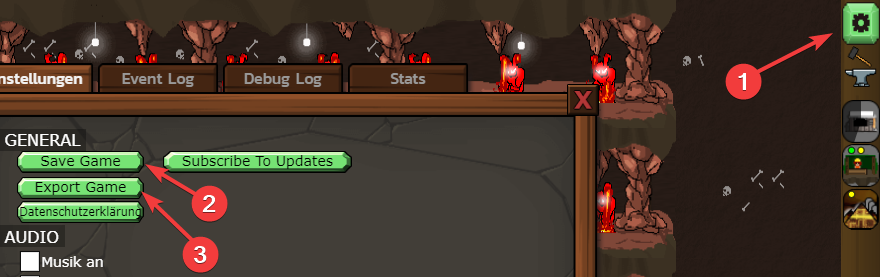
  1. Export your Save Game:

  2. Create a .txt file on your desktop and copy the content of your save in there:
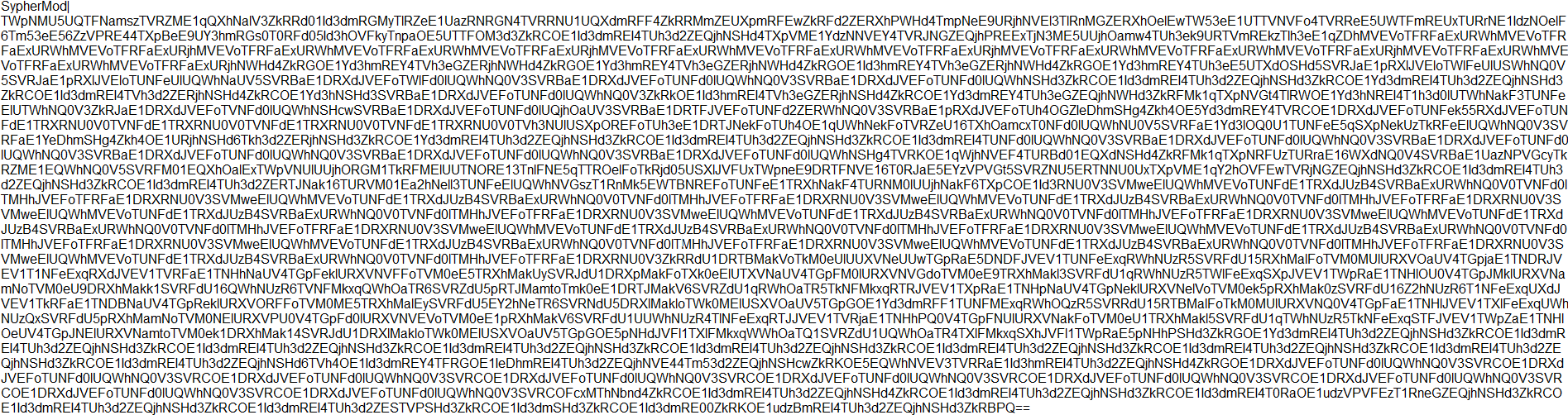
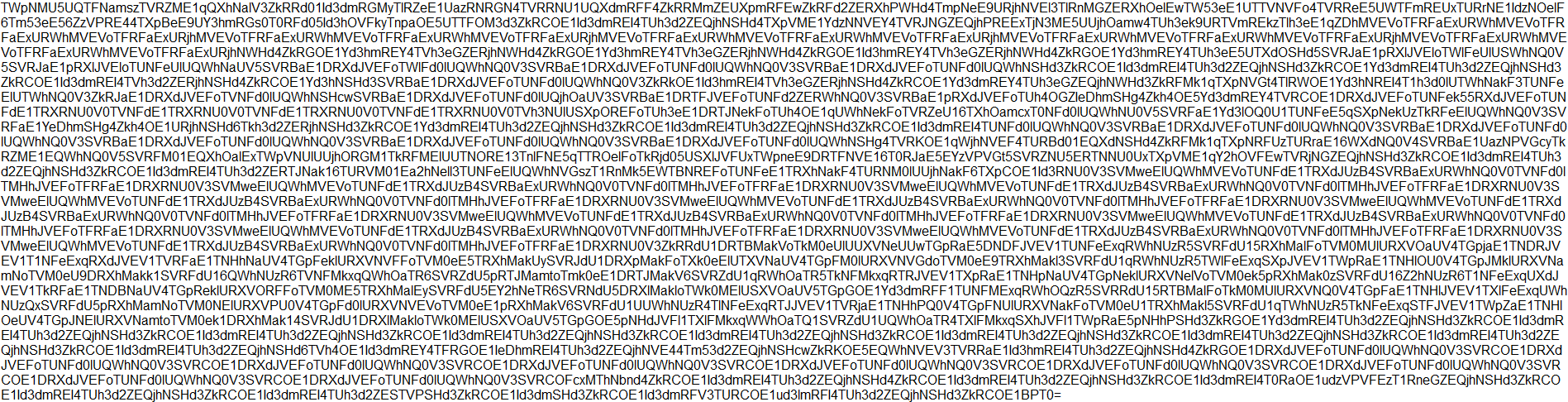
    This is how the content looks like
  3. For the next step, we need to decode this base64 twice.
    But before that, we will remove the name of our save first!
    SypherMod|
    Now we're able to decode this via an online tool, for example base64decode[www.base64decode.net].

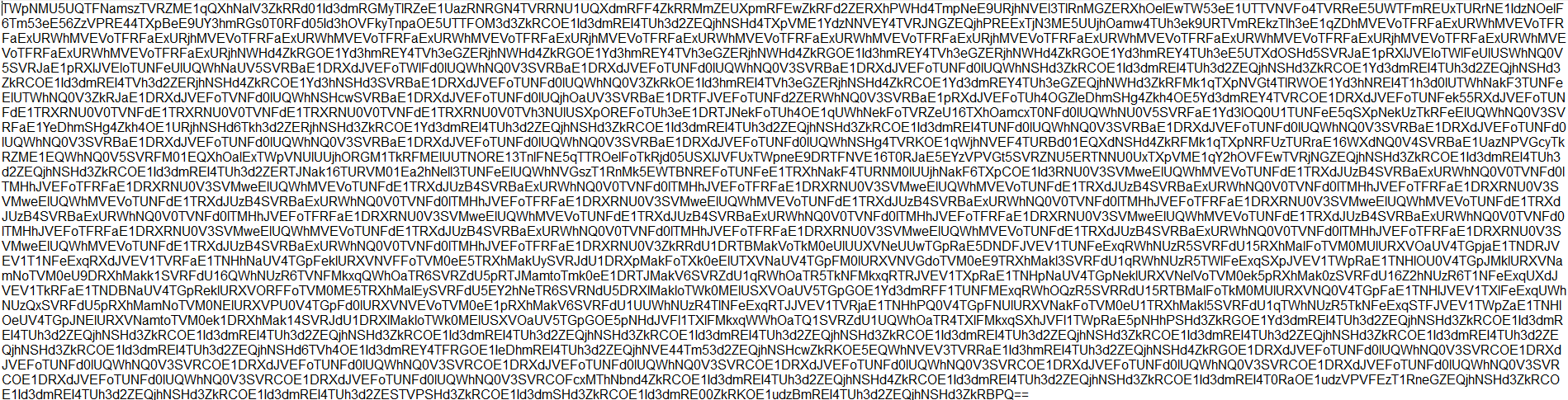
  4. If we now copy our our exported save files content (without the name and the "|") into the decoder and hit decode, we will receive something like this:

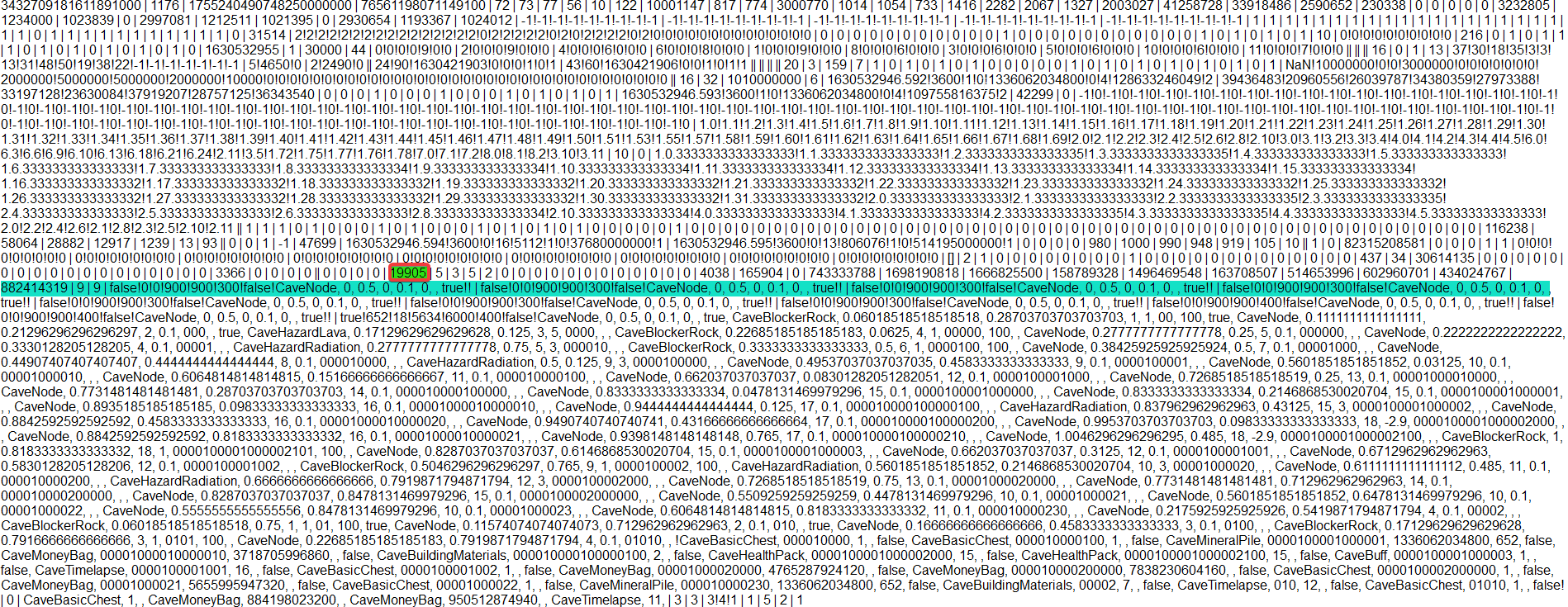
  5. Now copy that and decode it again for a result that looks like this:


    Update: (01/09/2021)


    The Guide still applies in most of it's ways.
    The Building Material Number (your current amount) can be found around the mid-part of your decoded result.

    Here a little help again in form of an image: (Number is different to the guide)

    The "green" highlighted area is the position of the building material within the exported file.
    The "cyan" highlighted area is made, so you are eventually more able to find the row for which you should look for. In this example one row above the "cyan" highlighted area you can find my current amount of building materials.

    Also it might be, that the position of it varies per your progress. (Don't take this to 100%, might be or might not)


    Focus on the very last digits:
    |38|2|2|4|0|0|0|0|0|0|0
    The "38" is the current amount of "Building Materials", editing this value to something else, will also change your current amount of "Building Materials".
    For example to:
    |5000|2|2|4|0|0|0|0|0|0|0
    If you have any Issues reading the file, you can use beautifier and minifiers[minifycode.com] for a better overview, just minify it afterwards again.

    If you're also unsure if the value is the right one, you can follow all the steps with 2 save files, one with less "Building Materials" than the other and if you decoded it twice, you can use this website[www.diffchecker.com] to compare the values.

  6. Since we've changed now the amount of our "Building Materials", we can begin to encode[www.base64encode.net] this twice again.

  7. Encoding it for the first time:

  8. Copy that and encode it once again:

  9. Only thing now what's left is to name that file via adding...
    ModdedSave|
    ...at the beginning again.

    Note:
    • You can give it any name
    • If the name already exists in your game, you need to delete your existing one first

  10. Now copy everything and start the game, on the menu click

    and copy everything into the window.

Congrats!
You should now have your desired amount of "Building Materials".
Kudos
  • Kudos to everyone playing it
  • Kudos to the Developer
  • Kudos to everyone else creating Guides for Noobs
  • Kudos to those that might like my first Guide and drop some gifts (kappa)
30 Comments
Stück Nov 18, 2023 @ 6:52am 
It broke the game, all the chests are bugged out now and can't seem to reverse it.

GG no re
xProfile Namex Jul 20, 2023 @ 6:45pm 
@meisterJoynny you the mvp
❤Holo❤ May 13, 2023 @ 7:19pm 
i did it without hacks and i m at 1483 km without cheats or hacks and i got almost all archievements....patients is key.....you can easy get to 1000 + km without hacks and the chances for scientists to get good items is random i was in luck and have almost all my relics devine++ and yes maybe i spend way to much time on this game......sad :MielTears:
arts&crafts Dec 31, 2021 @ 8:08am 
Was anybody able to mod the scientist levels? They keep dying at 5% death chance :steamfacepalm:
MeisterJohnny Oct 2, 2021 @ 1:03pm 
Or if you find more building materials through the drones in the caves it's also easily done.

Go to the file "C:\Program Files (x86)\Steam\steamapps\common\MrMine\win-unpacked\resources\app\Shared\caves\cavereward.js" and open it with an editor.

And go into line 87, the grant function of the building materials from the cave rewards.
The code in that line is "var amount = parseInt(this.rewardAmount);"
But you can add any number to it. "var amount = parseInt(this.rewardAmount) + 50;"
Will give you always 50 building materials more... 51 instead of 1 for example.
MeisterJohnny Oct 2, 2021 @ 12:43pm 
The part about building material looks complicated.

But I found an easier way.

Opening the file C:\Program Files (x86)\Steam\steamapps\common\MrMine\win-unpacked\resources\app\Shared\src\chest\ChestRewards.js with an editor.

And just edit the function of the basic Chest in line 95 to that of the function of the golden Chest.
So just altering "grantFunction: grantSingleBuildingMaterial"
to "grantFunction: grantFiftyBuildingMaterials"

And voila, instead of getting 1 Building Material out of basic chests you get 50 Building Materials out of basic chests.

But I kind of feel dirty doing this... 🙄😅
xXyonyXx Sep 9, 2021 @ 12:56pm 
@Sypher† Thank you so much.
Sypher†  [author] Sep 9, 2021 @ 12:00pm 
@xXyonyXx I will look into it after having the time to do so.
xXyonyXx Sep 6, 2021 @ 3:43pm 
@Sypher† could you find out those two for me? I would appreciate it.
Sypher†  [author] Sep 6, 2021 @ 3:04pm 
@jetcoasterfan

You "need" to export your save file in order to obtain a base to work with.
You will fail using cheat-engine for stuff like that.

@xXyonyXx changing the speed of the drill might be changeable within the code itself. Haven't looked into that tbh. Changing the level of a scientist should be doable I think.