Yakuza 0

Yakuza 0

70 ratings
(MOD) Enhancing Your 80's Experience with ReShade
By e n j e i
How to install ReShade and my configuration for Yakuza 0.
1
   
Award
Favorite
Favorited
Unfavorite
Introduction
So Yakuza 0 just came out yesterday and you're having a blast playing it, but something seems... off.
I mean you got the flashy buildings, beautiful night visuals, and everyone's dressed like a complete tool. What else could you want?

But graphically, it doesn't quite feel 80's.

Worry not, for I can help you achieve peak aesthetic with a very simple guide.
Using ReShade
Now this isn't gonna be insane in terms of modding, because all you need is a program called ReShade.

ReShade is an injecting tool that allows you to apply a variety of shaders and effects to games while you have them open.

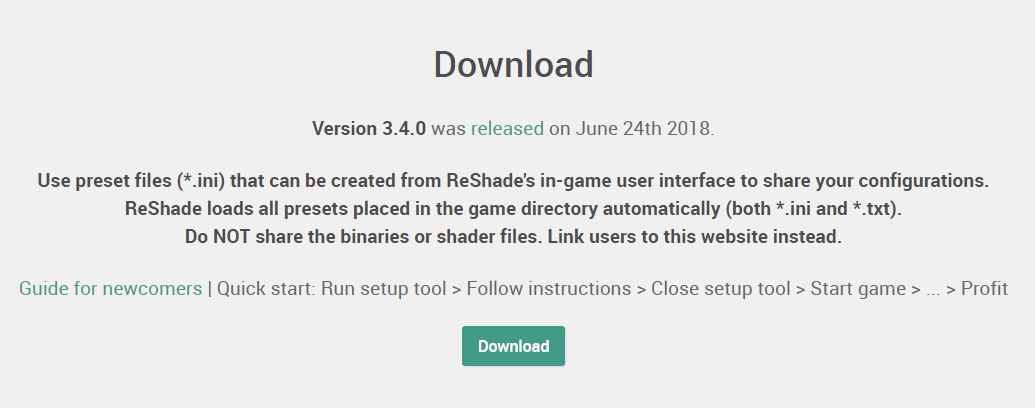
First, download ReShade from here https://drive.google.com/open?id=1_Xbu2MP1py_A9Sds3BSjj0L1vcFIWR_a

After you download it, extract it to wherever. It doesn't matter since the program itself will have you choose what game you want to use and install the necessary files there.

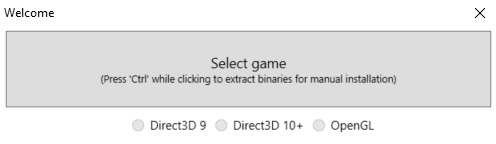
Start up ReShade_Setup_3.4.0.exe and you'll get this lil window right here.

Select Yakuza0.exe in wherever you have the game installed and then select Direct3D 10+ as the rendering API for the game.

It'll then ask if you want to download the shader library, and obviously you should say yes.

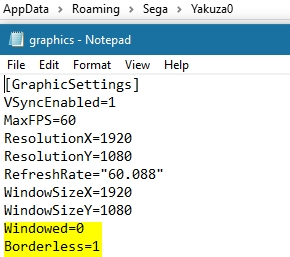
Now to avoid crashing on startup, change dxgi.dll to d3d11.dll and make sure the game is in either windowed or borderless mode.

Once the game starts, ReShade should be working and will prompt you to hit Shift+F2 to open the menu.
Complete the tutorial and you'll be free to mess around with the settings.
You may have to copy the location of the texture and effects folders because of the swapping of the .dll name.
Also make sure to have AA disabled in-game as this leads to crashing on startup.
Using my 80's Aesthetic Config
Now that you've installed ReShade, you're ready to use the shader config I've made.
https://drive.google.com/file/d/1t-Vrwwx4TBjOwSScJQ0LXISG1gkjoKkS/

Just pop that into the game's folder and you should be good.

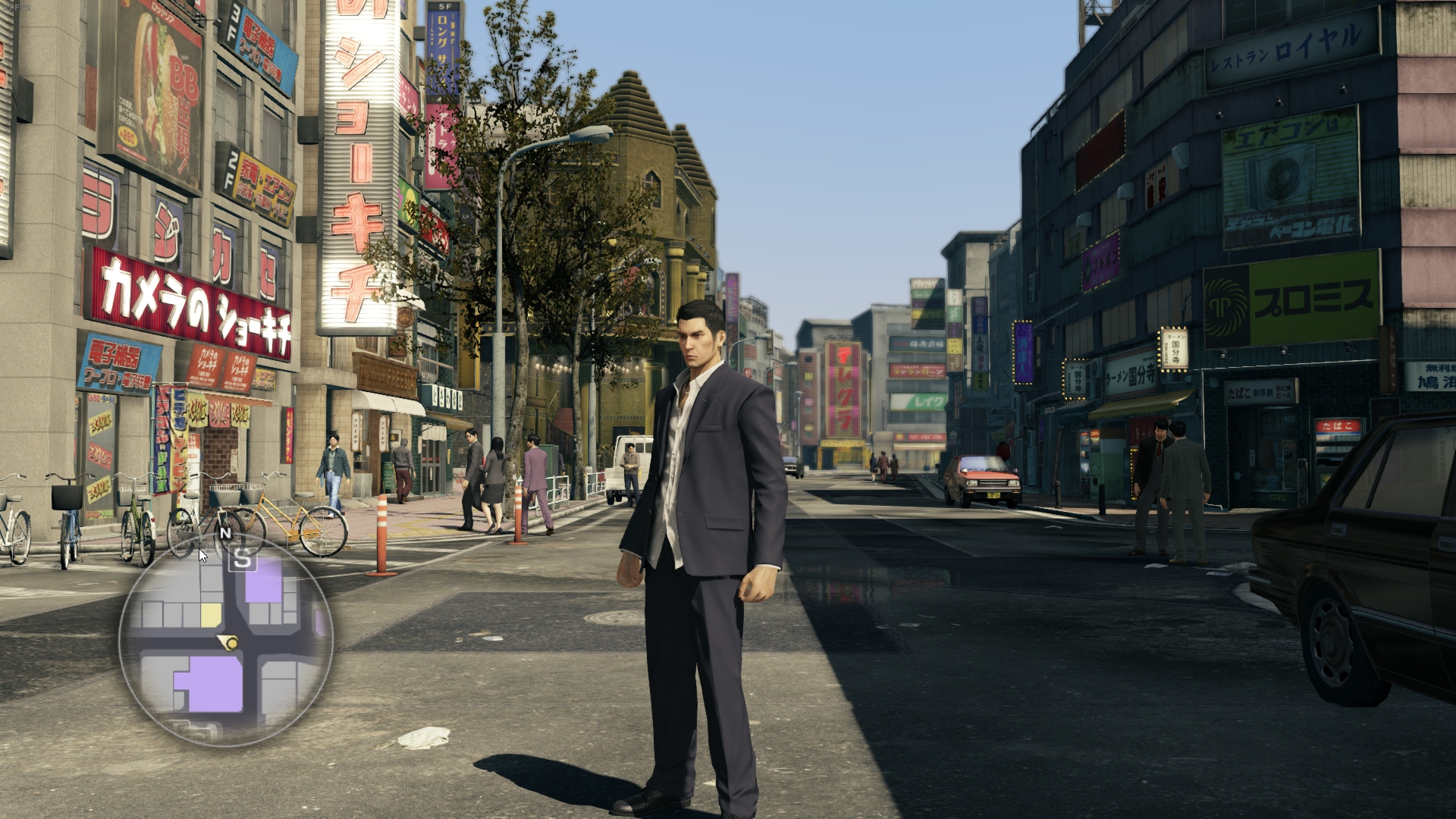
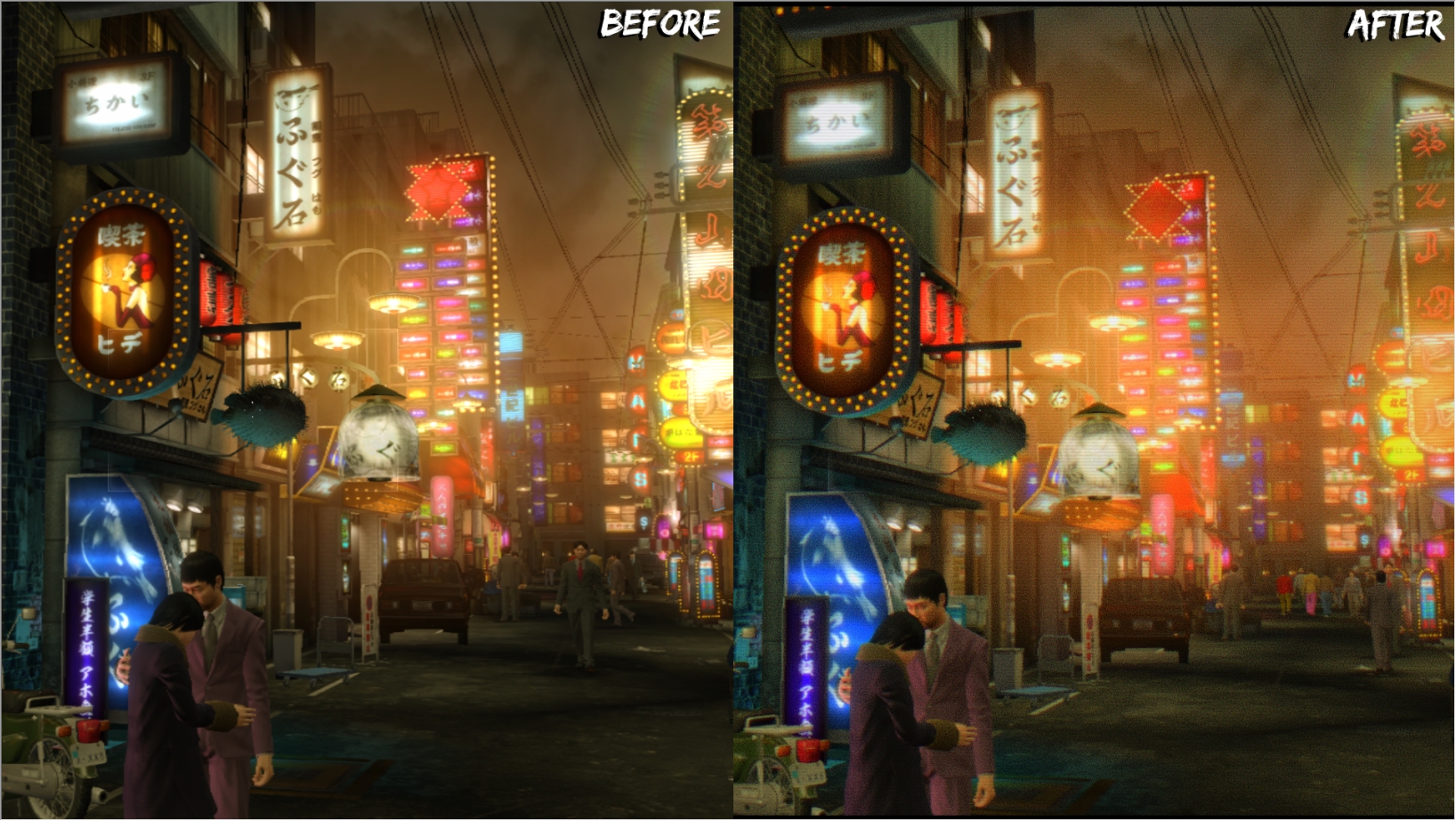
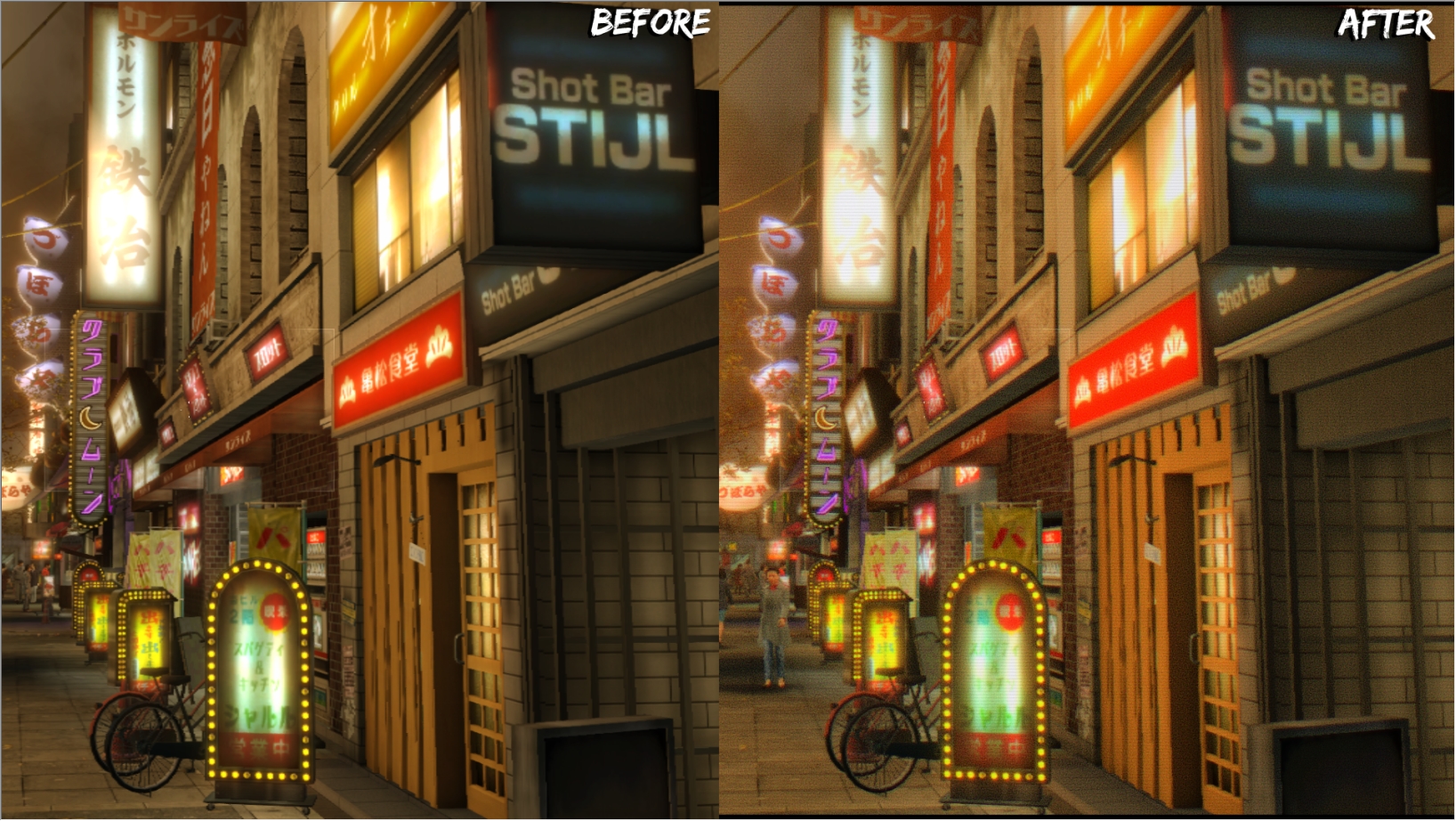
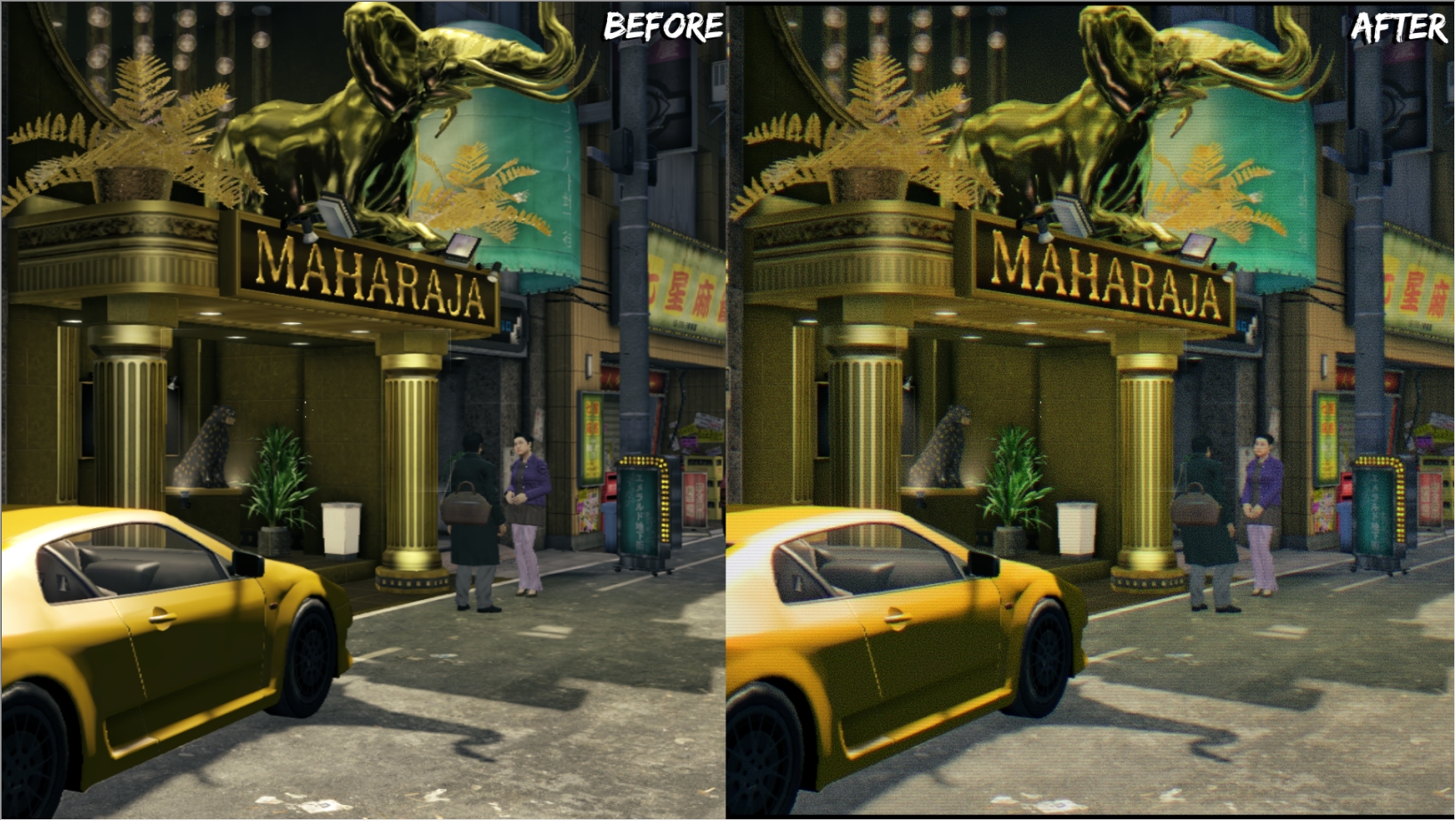
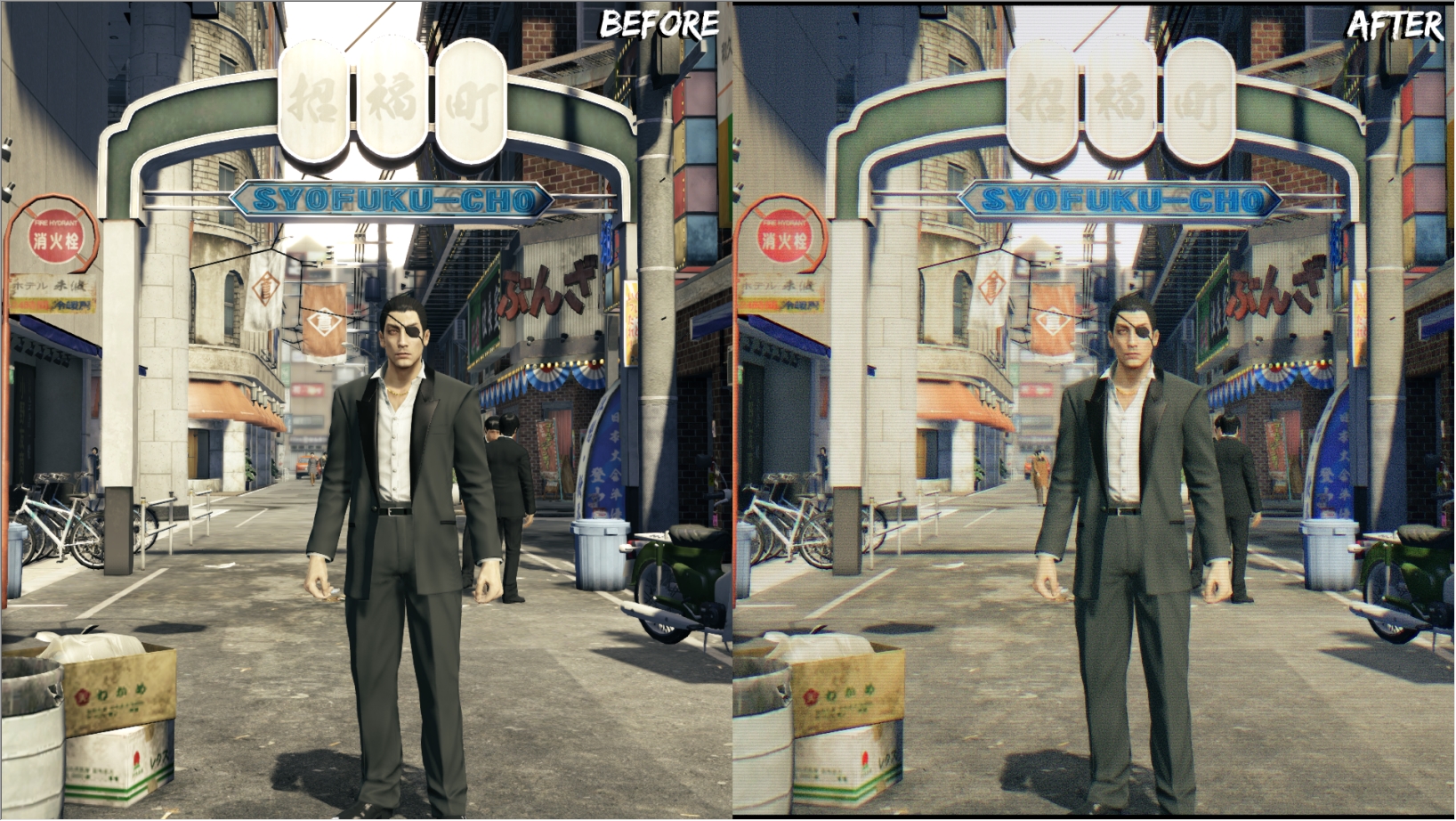
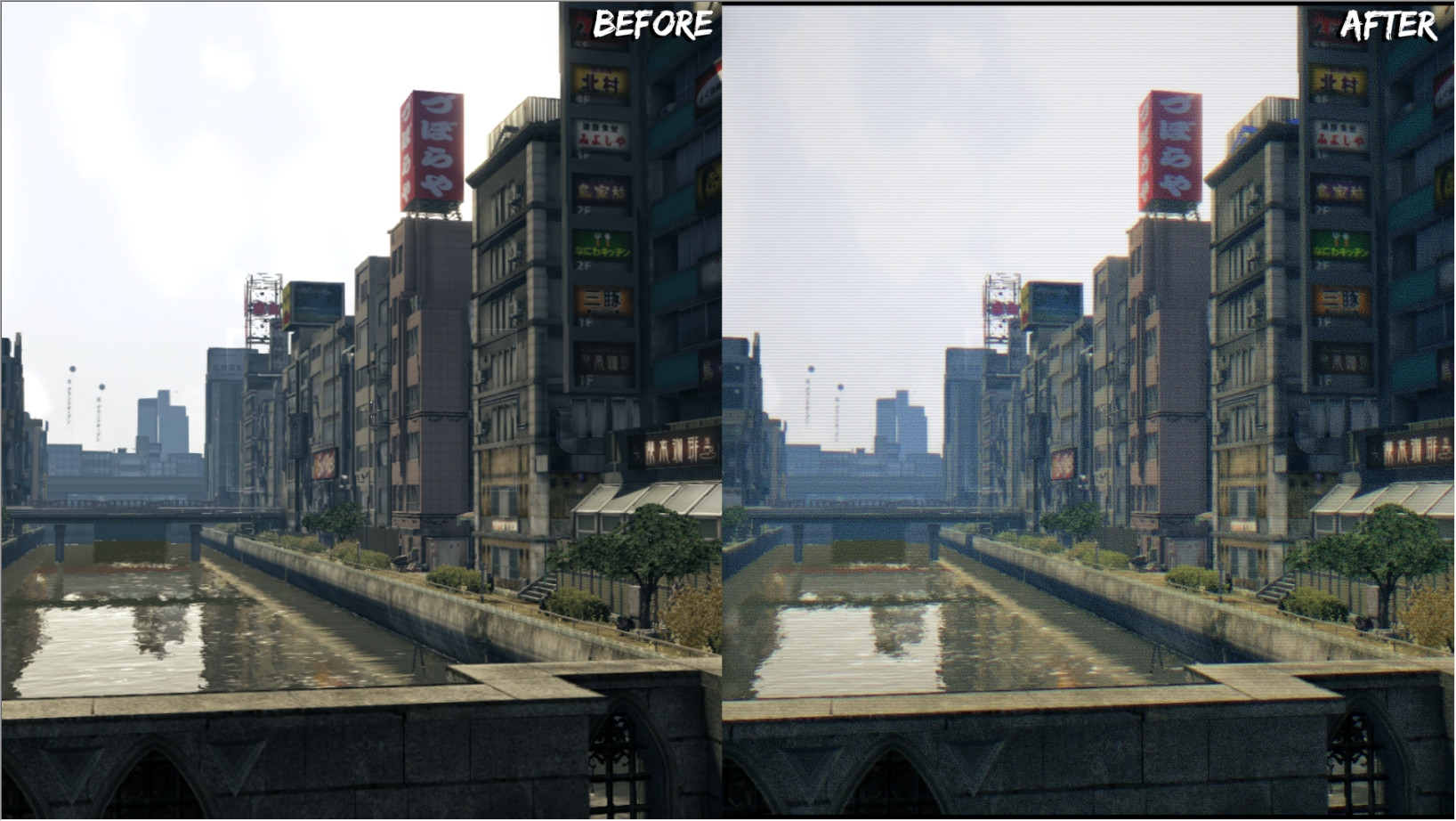
Here are some comparisons between the vanilla visuals and the config.


That's all I got. Enjoy.
45 Comments
vgpnk Dec 16, 2025 @ 8:18am 
thanks mate!
e n j e i  [author] Dec 15, 2025 @ 3:02pm 
Found it and updated the link :)
vgpnk Dec 14, 2025 @ 10:38am 
Do you still have shader config? Can't download it
Agagagaggag Sep 23, 2023 @ 12:05pm 
Does Reshade work with the gamepass version? Because I bought gamepass a while back I downloaded Y0 from there, but when I downloaded Reshade from the website I didn't see the game appear in the options list. Either I couldn't find it or?
e n j e i  [author] Feb 5, 2021 @ 4:47pm 
https://drive.google.com/file/d/1IoS7_u7DHVRGL9jE_QPdjeX4BTnidl7Z/view
Never used one preset made for one game on a different one, but this should work.

I don't have either game installed though, so I can't confirm how it looks in 0 compared to Kiwami, and the Vibrance and Colorfulness probably has to be lowered because my old monitor was pretty washed out.
e n j e i  [author] Feb 5, 2021 @ 4:39pm 
I don't think I ever uploaded it anywhere, but the reshade I did for Kiwami might be better for clarity and actual visual improvement. I'd have to see if I even have it still.
💎 Kiryu 💎 Feb 5, 2021 @ 1:43am 
Oh, ok. Personally I don't like when games are not crystal clear so this is not for me. But if it is supposed to look like a VHS filter then I think you did a good job.
e n j e i  [author] Feb 4, 2021 @ 4:04pm 
Yeah it was just supposed to be a "rad" 80's VHS filter, so there's a ton of noise in the picture, but you could just disable that in the Reshade settings.
With all the steps you could just make your own preset and enjoy the game in your own way :)
💎 Kiryu 💎 Feb 4, 2021 @ 11:59am 
Yours just look noisy AF
胆小菇 Feb 4, 2020 @ 11:18am 
is so good