



Install Steam
sign in
|
language
简体中文 (Simplified Chinese)
繁體中文 (Traditional Chinese)
日本語 (Japanese)
한국어 (Korean)
ไทย (Thai)
Bahasa Indonesia (Indonesian)
Bahasa Melayu (Malay) BETA
Български (Bulgarian)
Čeština (Czech)
Dansk (Danish)
Deutsch (German)
Español - España (Spanish - Spain)
Español - Latinoamérica (Spanish - Latin America)
Ελληνικά (Greek)
Français (French)
Italiano (Italian)
Magyar (Hungarian)
Nederlands (Dutch)
Norsk (Norwegian)
Polski (Polish)
Português (Portuguese - Portugal)
Português - Brasil (Portuguese - Brazil)
Română (Romanian)
Русский (Russian)
Suomi (Finnish)
Svenska (Swedish)
Türkçe (Turkish)
Tiếng Việt (Vietnamese)
Українська (Ukrainian)
Report a translation problem


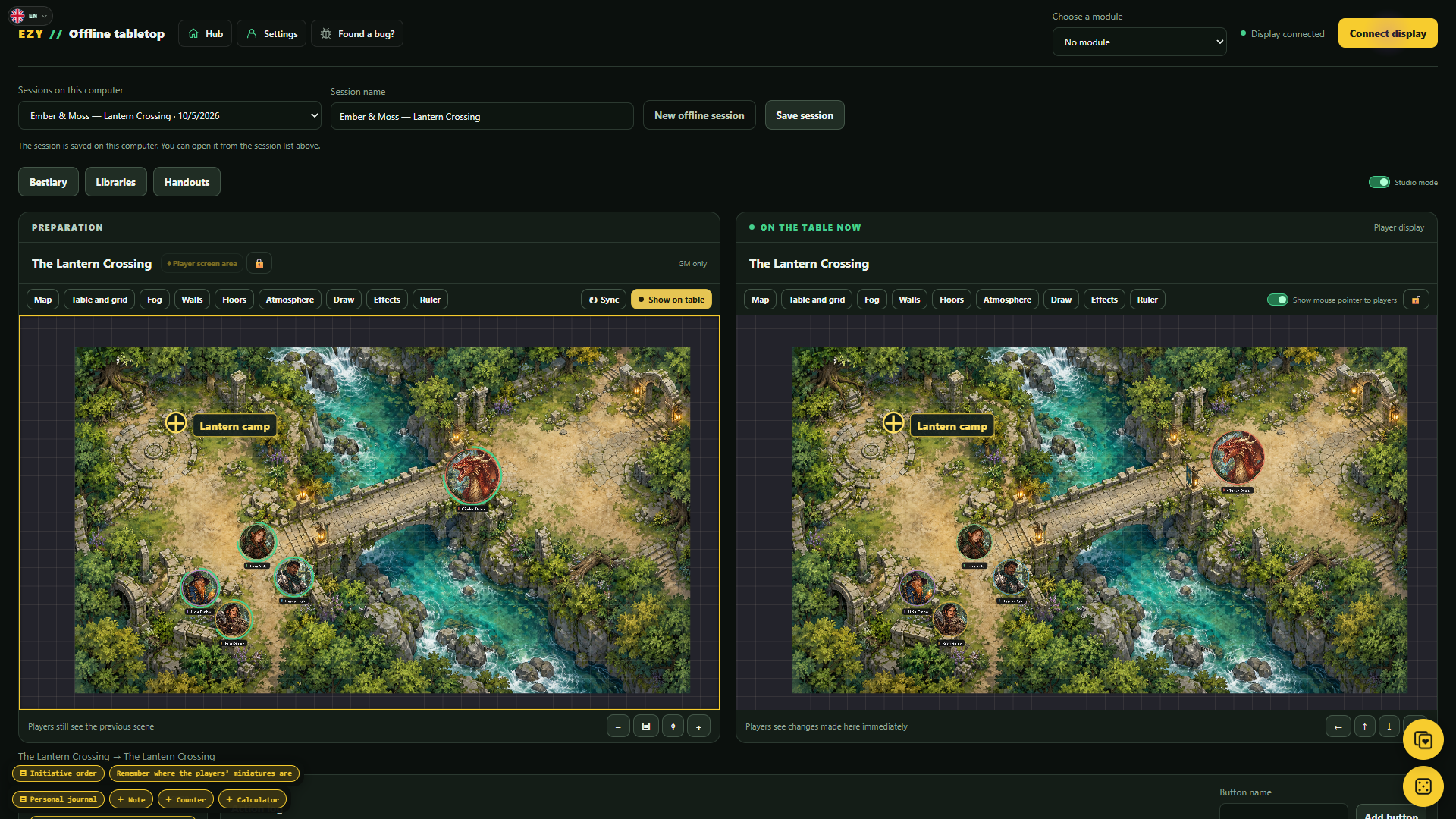
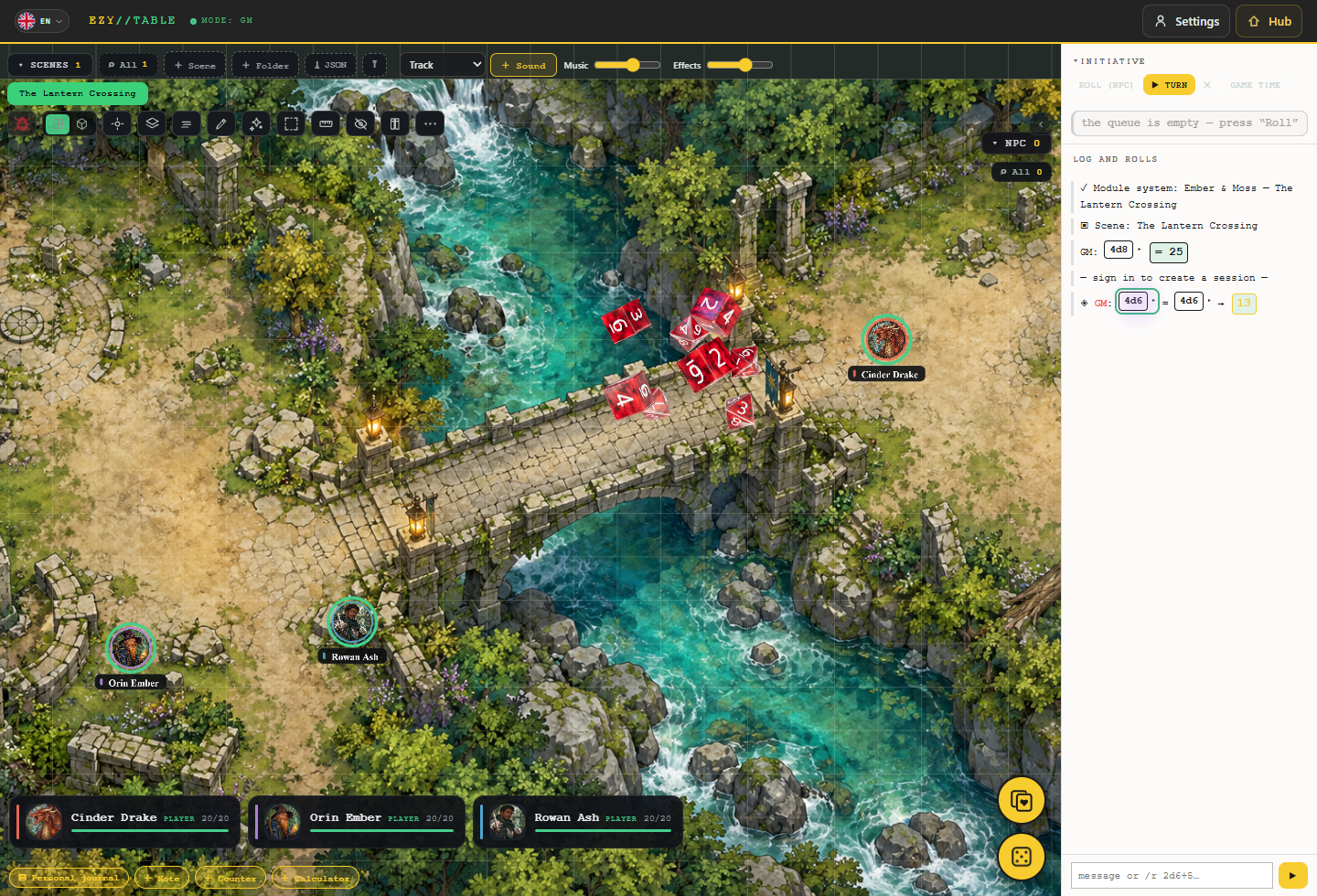
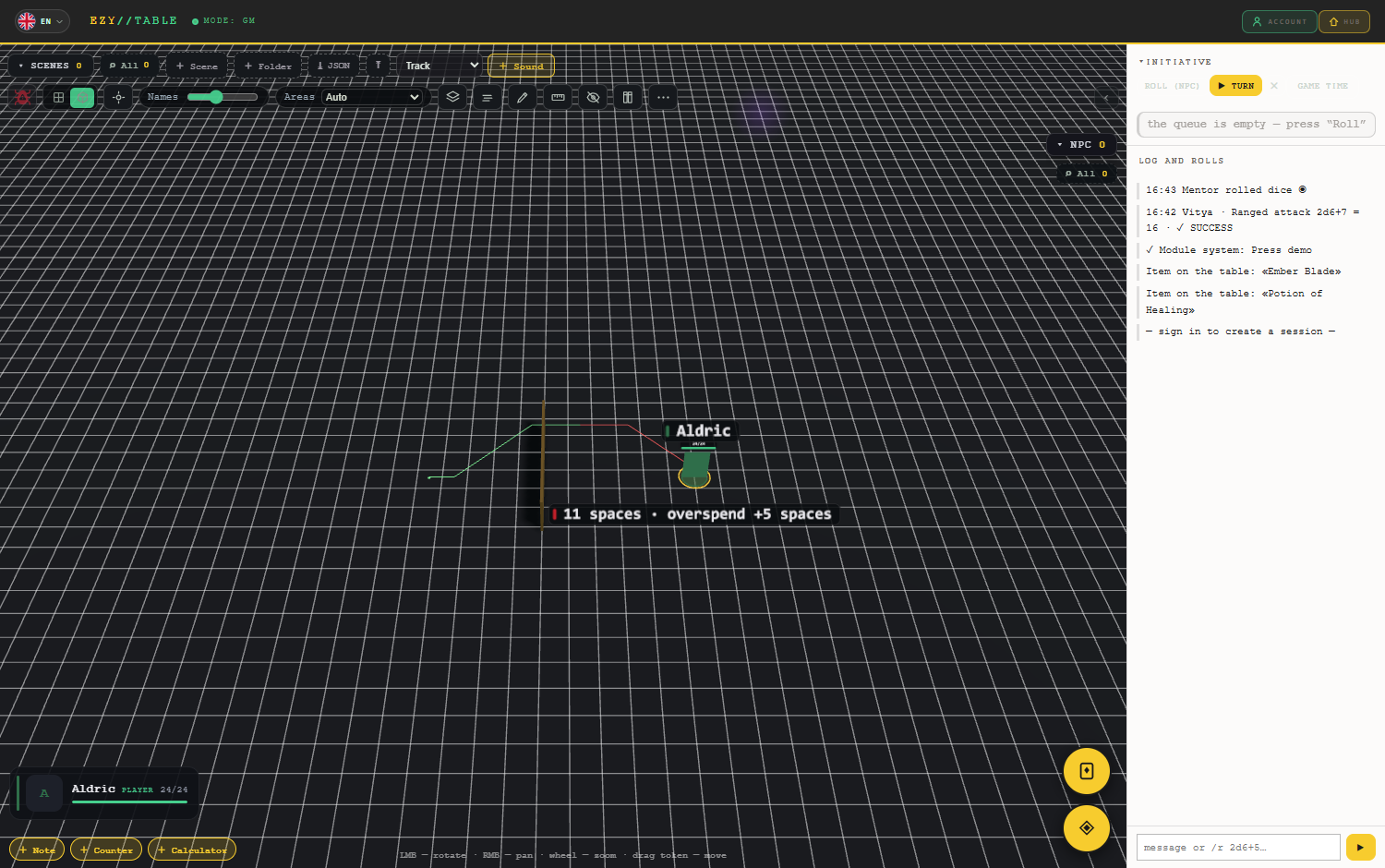
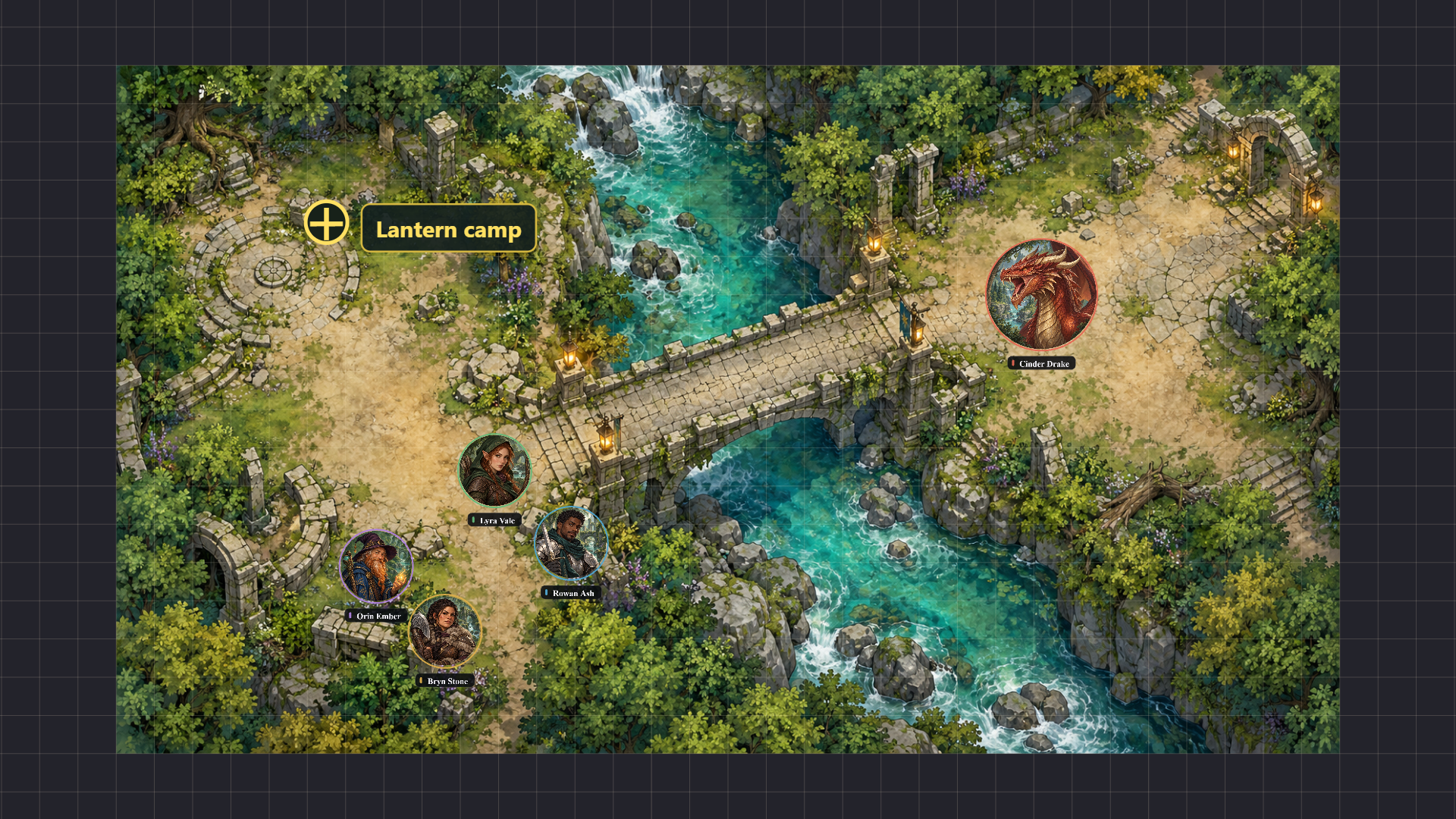 The player display receives the map, tokens, named markers, ruler, drawings, fog and weather. Show handouts, show or hide the GM’s pointer, and lock view movement so an accidental click does not shift the map.
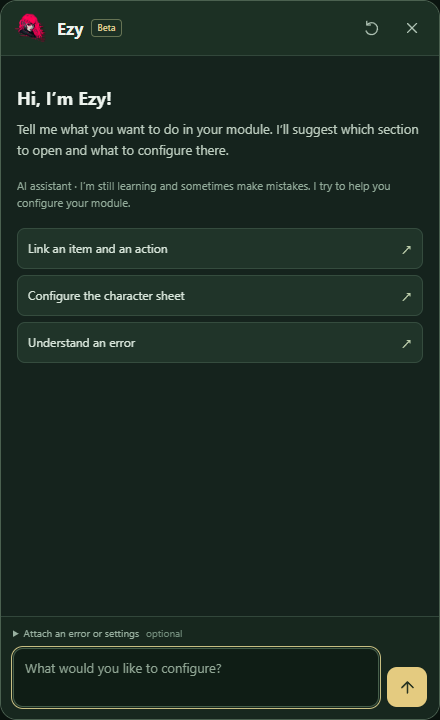 Ezy processes questions locally using chat messages, information you attach and EZY VTT’s help materials. She has no functions for independently browsing your files, running commands or changing a module.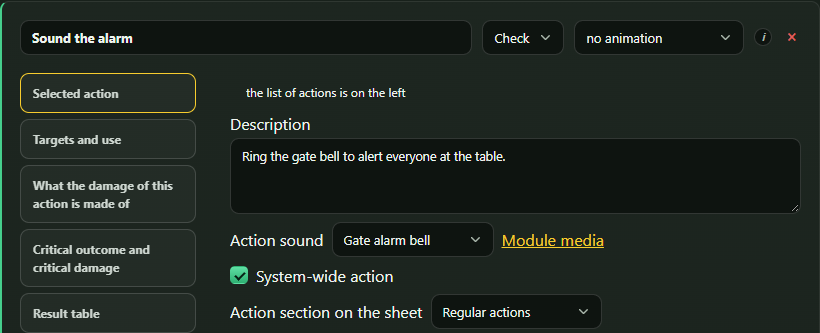
 On failure, keep the usual sound, turn it off or choose another. Miss sounds play after the attack roll, while hit sounds accompany the animation. Each participant controls music and sound effects separately; volumes are saved between sessions.
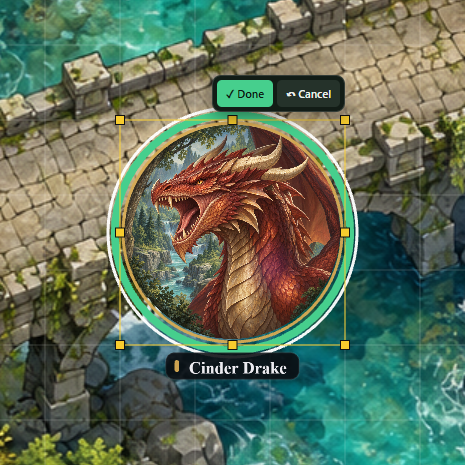 “Done” finishes the edit; “Cancel” restores the previous size. You can also flip both axes and use “Bring to front” or “Send to back”. Size and order are saved and shared; these controls work in 2D and 3D on the main table.
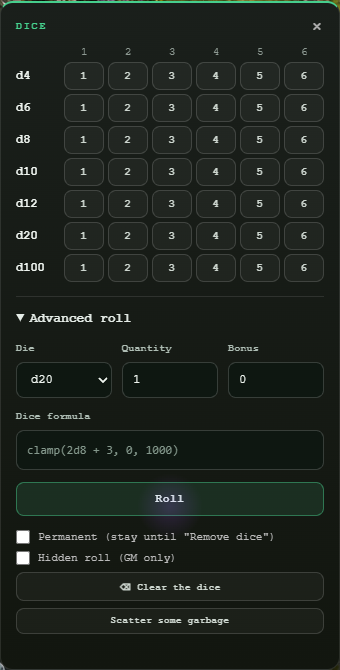
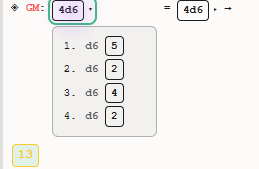
 The dice window has a quick-roll grid: one to six dice of each familiar type. Advanced roll has a separate formula line below die type, count and bonus. Fields are darker and more spacious, checkboxes sit beside their labels, and the window opens over the tool buttons.
 There are more options after a roll: advantage and disadvantage sources can cancel, chosen faces can be replaced with a preview of the future total, and rerolls can be paid from a suitable pool. A target’s owner can receive a defensive reroll offer on their own screen. Find the details in the full list below.


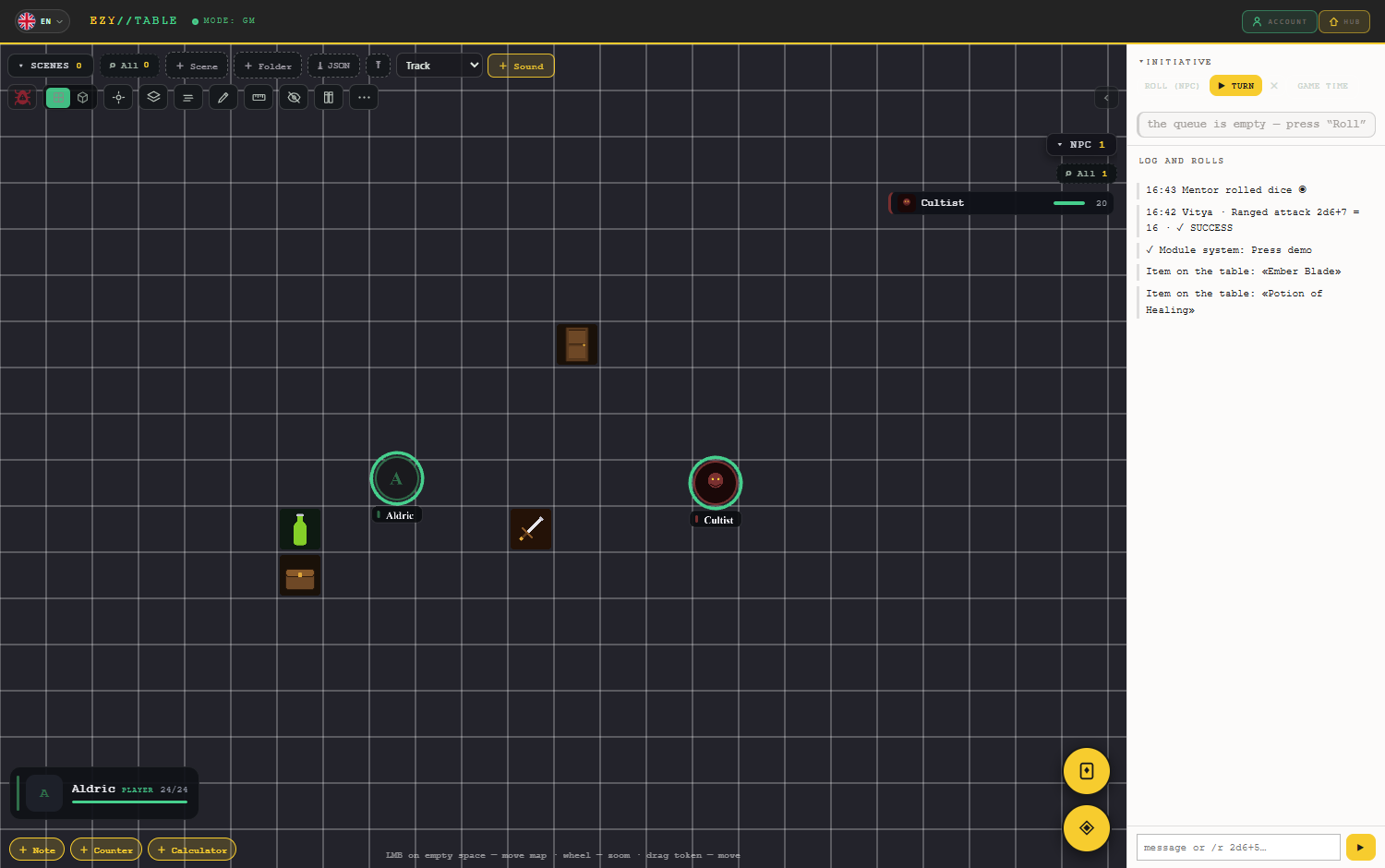 Interactive scenery — from the module or created on the fly
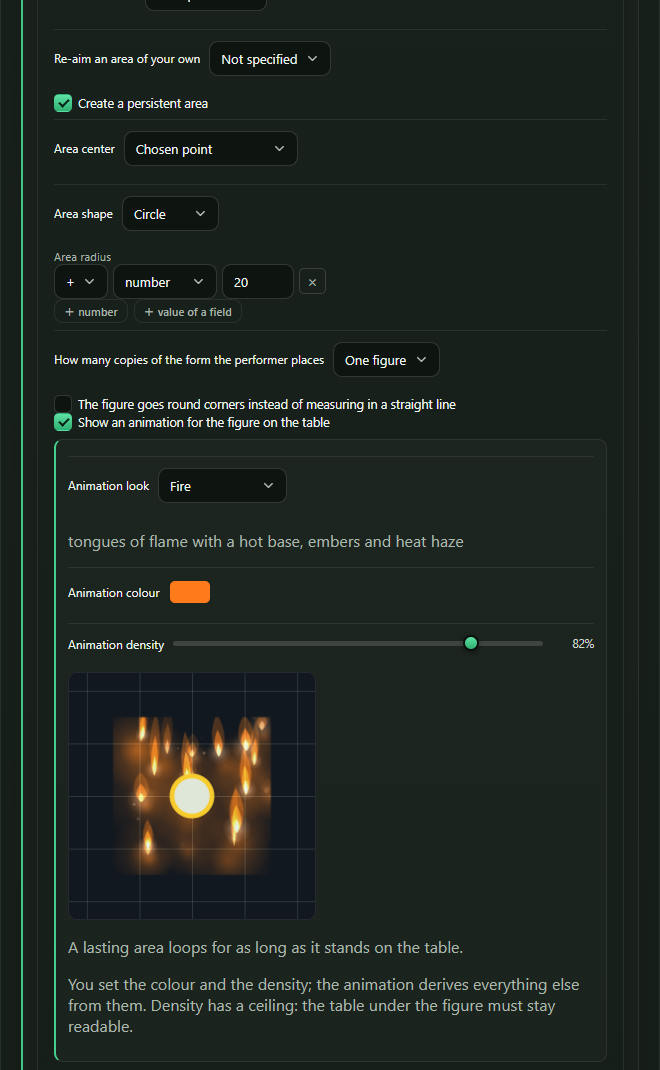 Animations work in both flat and 3D modes. In 3D they become columns of fire, billows of smoke, ice spikes and other spatial effects. An instant area plays a short animation, while a lasting one stays on the table. Some effects change as rounds pass: snow piles up, ice grows, embers burn down.
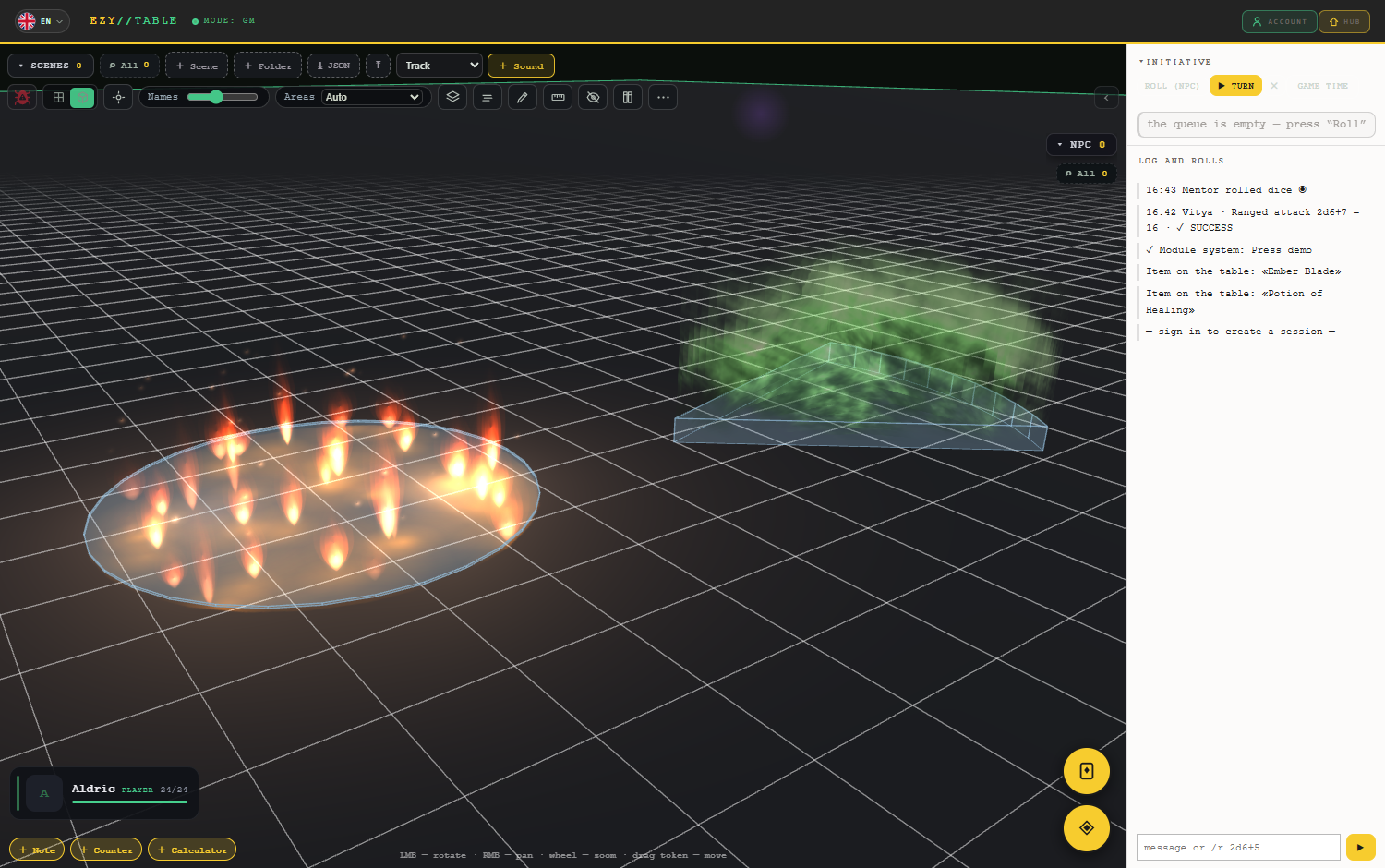 Areas that really change what happens at the table
 Game time works outside combat too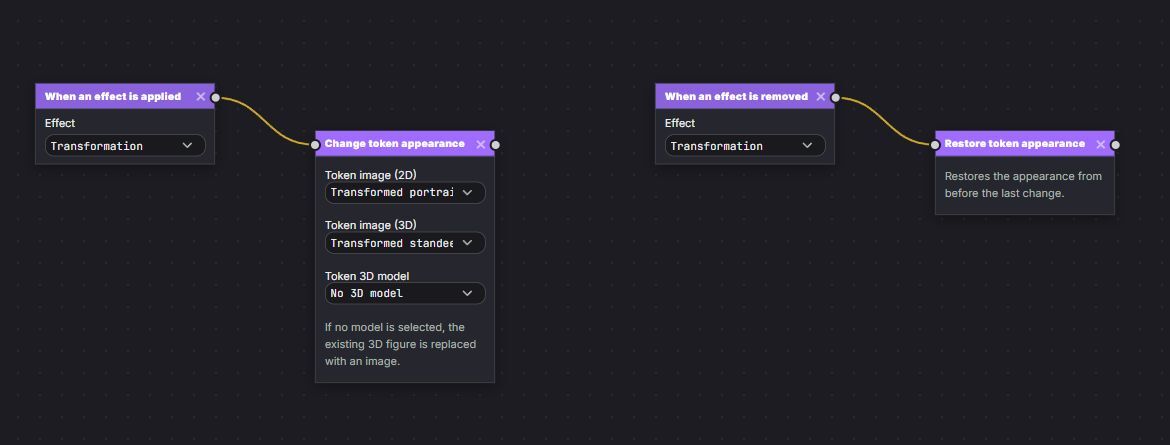
 Thanks to everyone playing EZY VTT and reporting bugs through Telegram, Discord, and the in-app bug report button!


 0
0

 Loading

