



Install Steam
sign in
|
language
简体中文 (Simplified Chinese)
繁體中文 (Traditional Chinese)
日本語 (Japanese)
한국어 (Korean)
ไทย (Thai)
Bahasa Indonesia (Indonesian)
Bahasa Melayu (Malay) BETA
Български (Bulgarian)
Čeština (Czech)
Dansk (Danish)
Deutsch (German)
Español - España (Spanish - Spain)
Español - Latinoamérica (Spanish - Latin America)
Ελληνικά (Greek)
Français (French)
Italiano (Italian)
Magyar (Hungarian)
Nederlands (Dutch)
Norsk (Norwegian)
Polski (Polish)
Português (Portuguese - Portugal)
Português - Brasil (Portuguese - Brazil)
Română (Romanian)
Русский (Russian)
Suomi (Finnish)
Svenska (Swedish)
Türkçe (Turkish)
Tiếng Việt (Vietnamese)
Українська (Ukrainian)
Report a translation problem




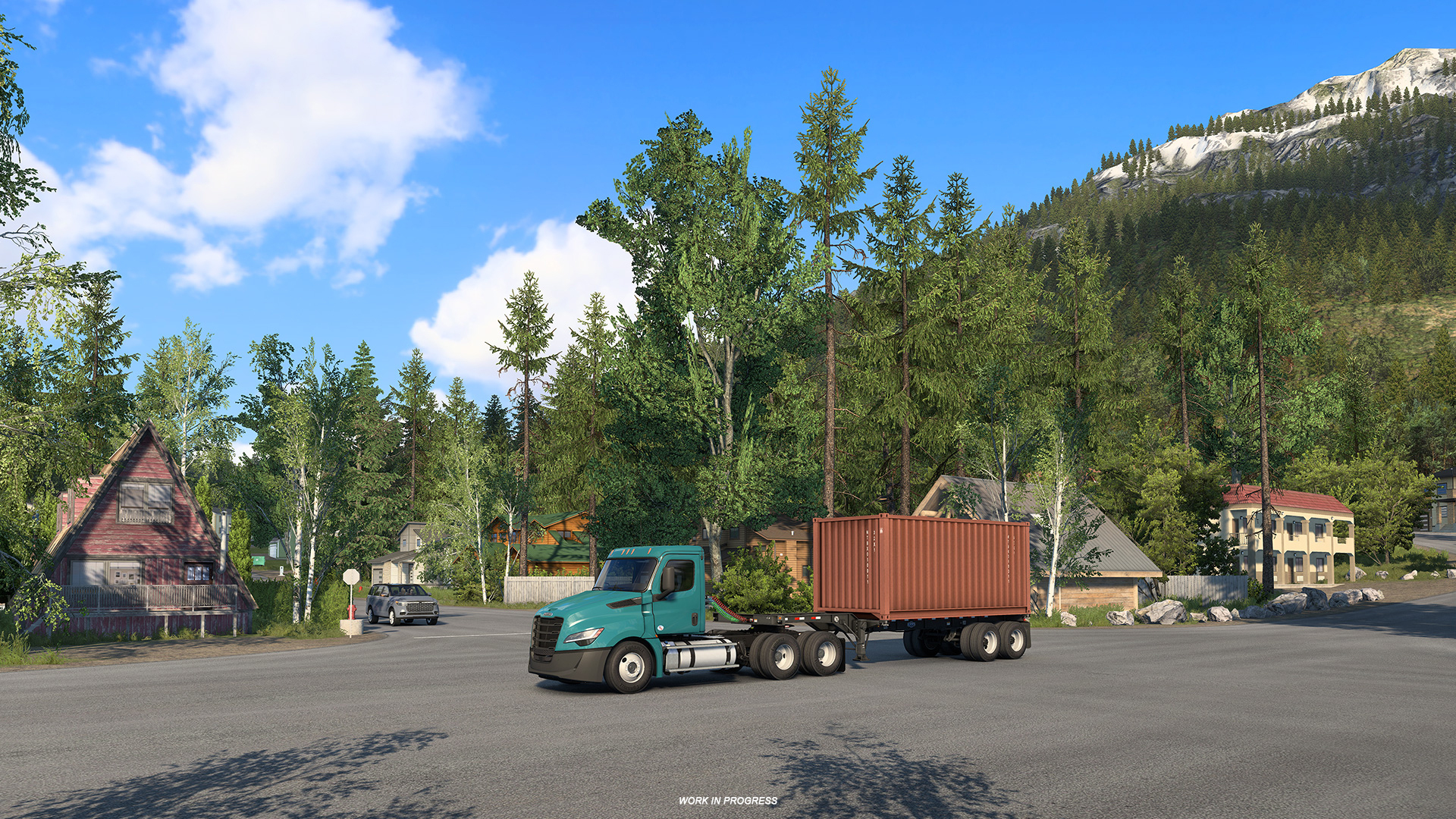
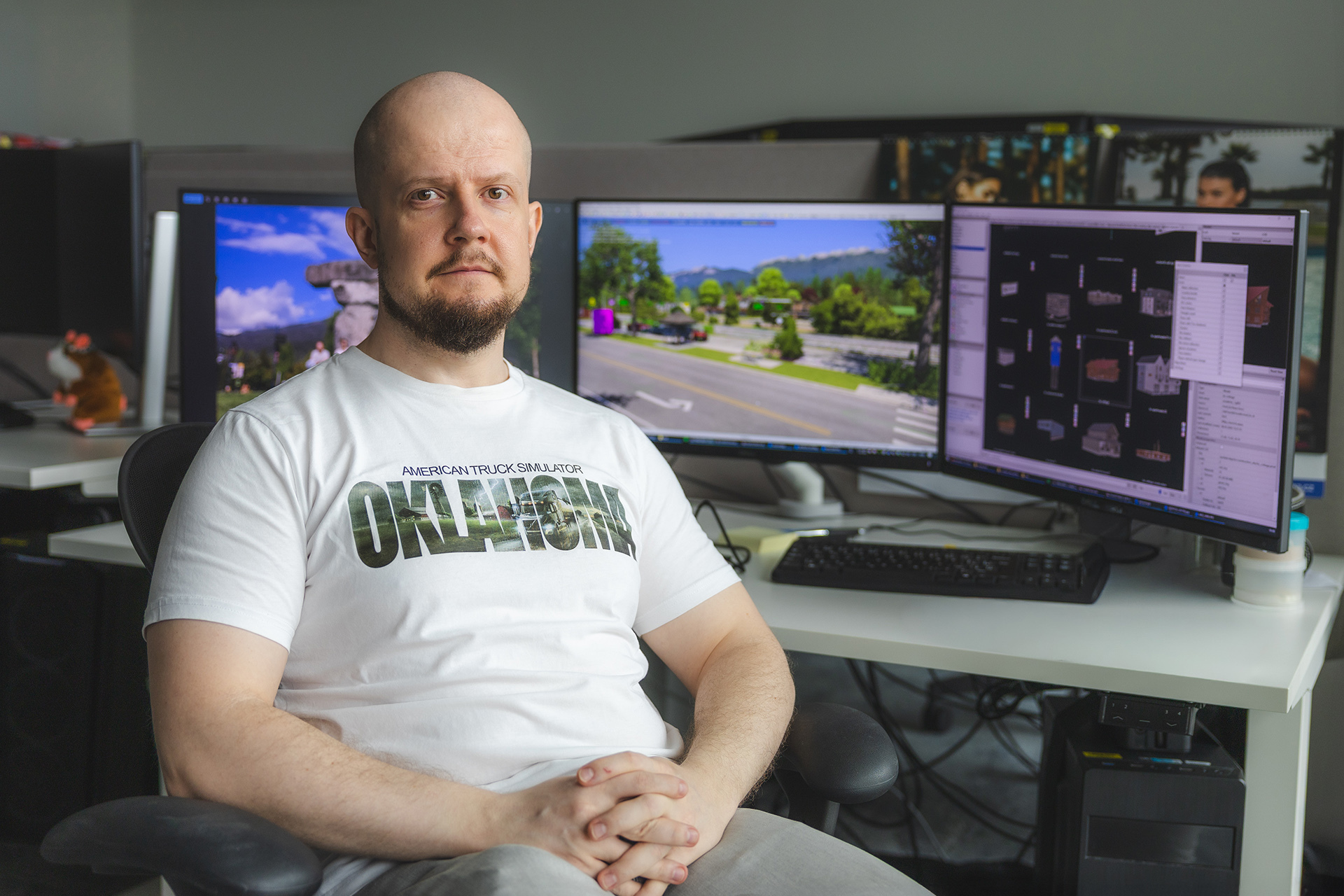 From unique architecture and roadside infrastructure to region-specific environmental details, creating a believable Canadian setting requires a lot of effort. To learn more about the process, we spoke with Wety, one of our Map Designer on the British Columbia DLC, who is responsible for coordinating many of the generic assets that will help bring the province to life.
  Could you introduce yourself to our readers and tell us a little about your role on the British Columbia DLC?
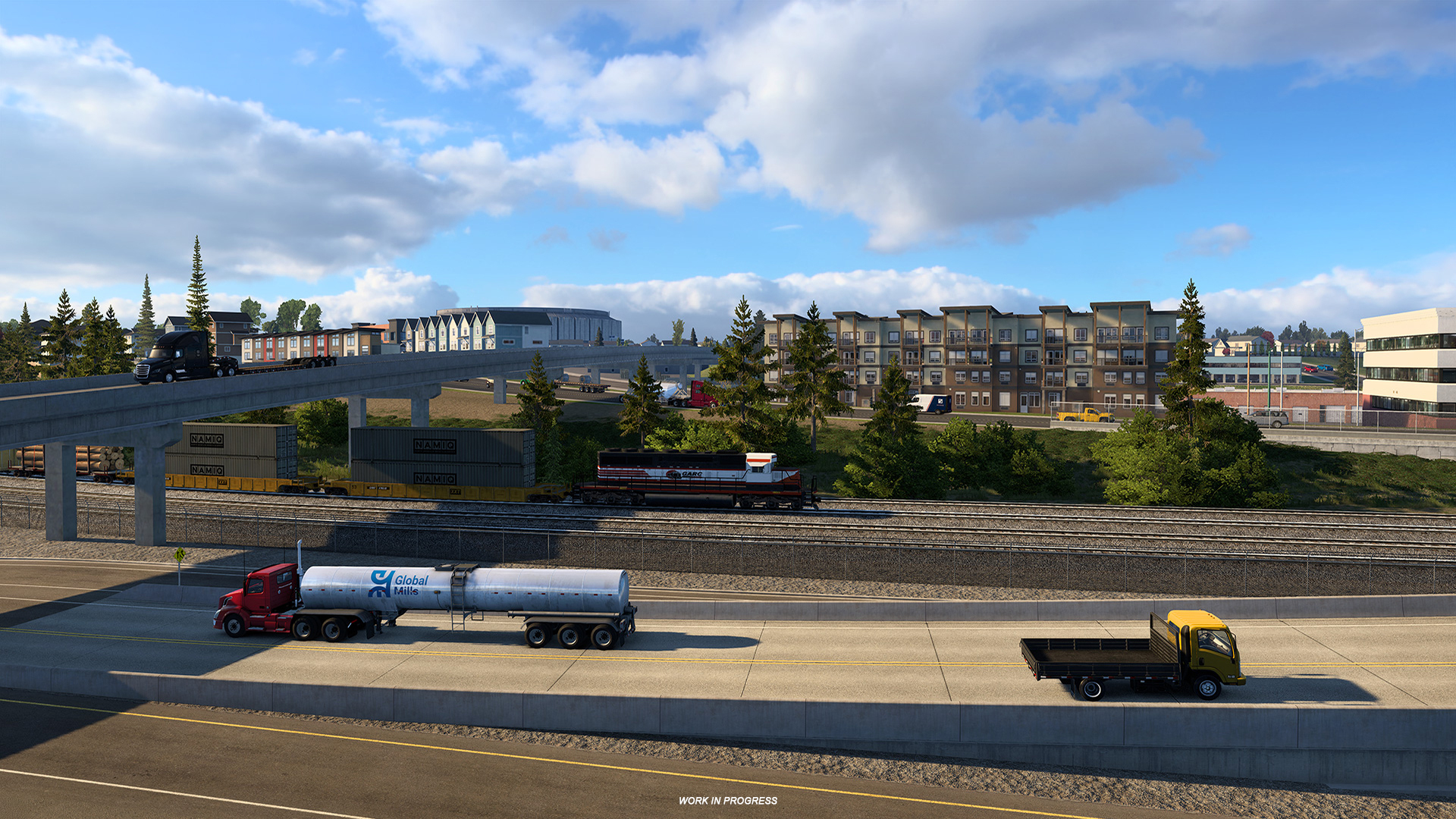 For players who may not be familiar with the term, what exactly are generic assets?
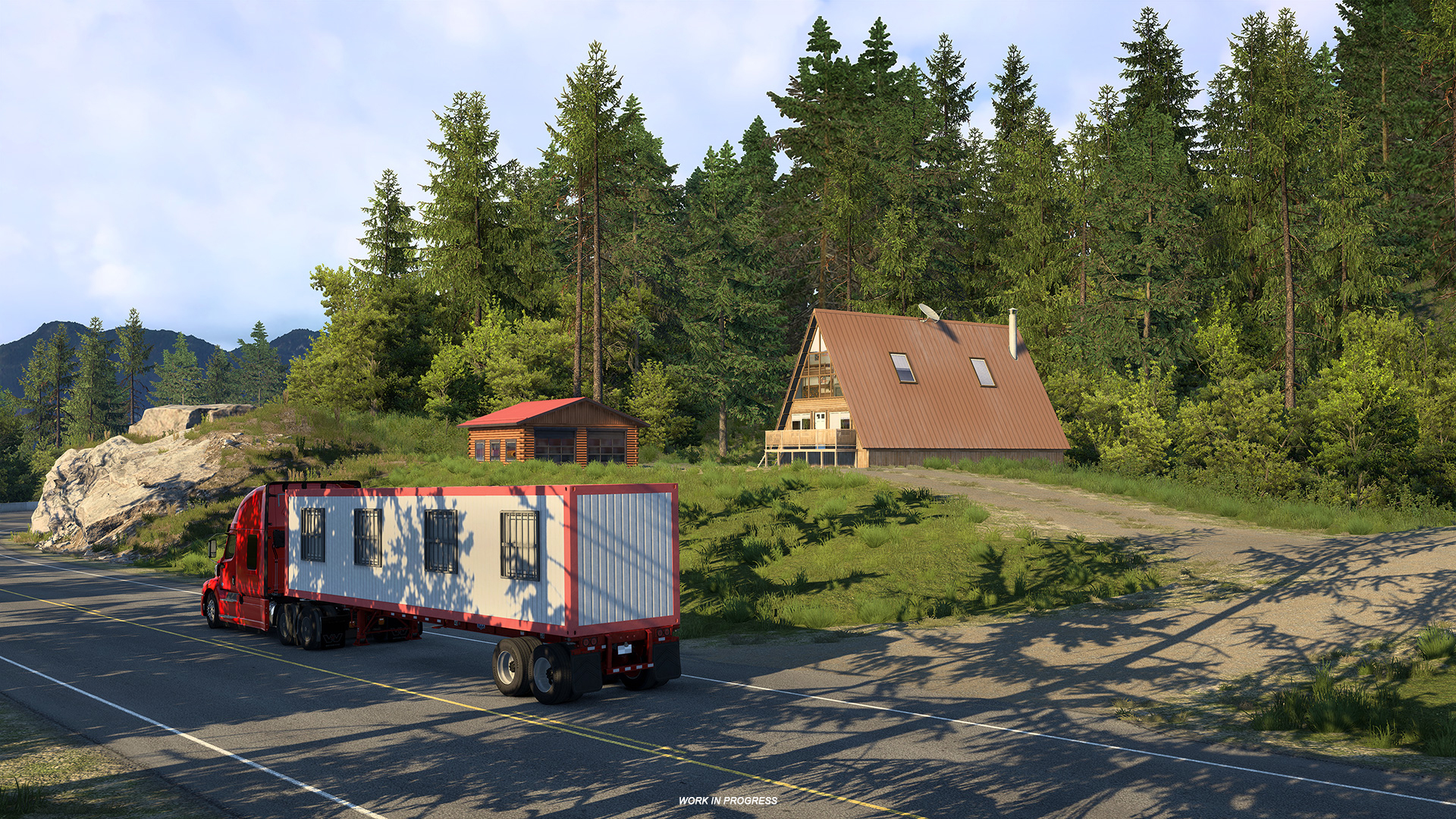 British Columbia is our first Canadian province in American Truck Simulator. From your perspective, what are some of the biggest visual differences between Canada and the United States that players will notice?
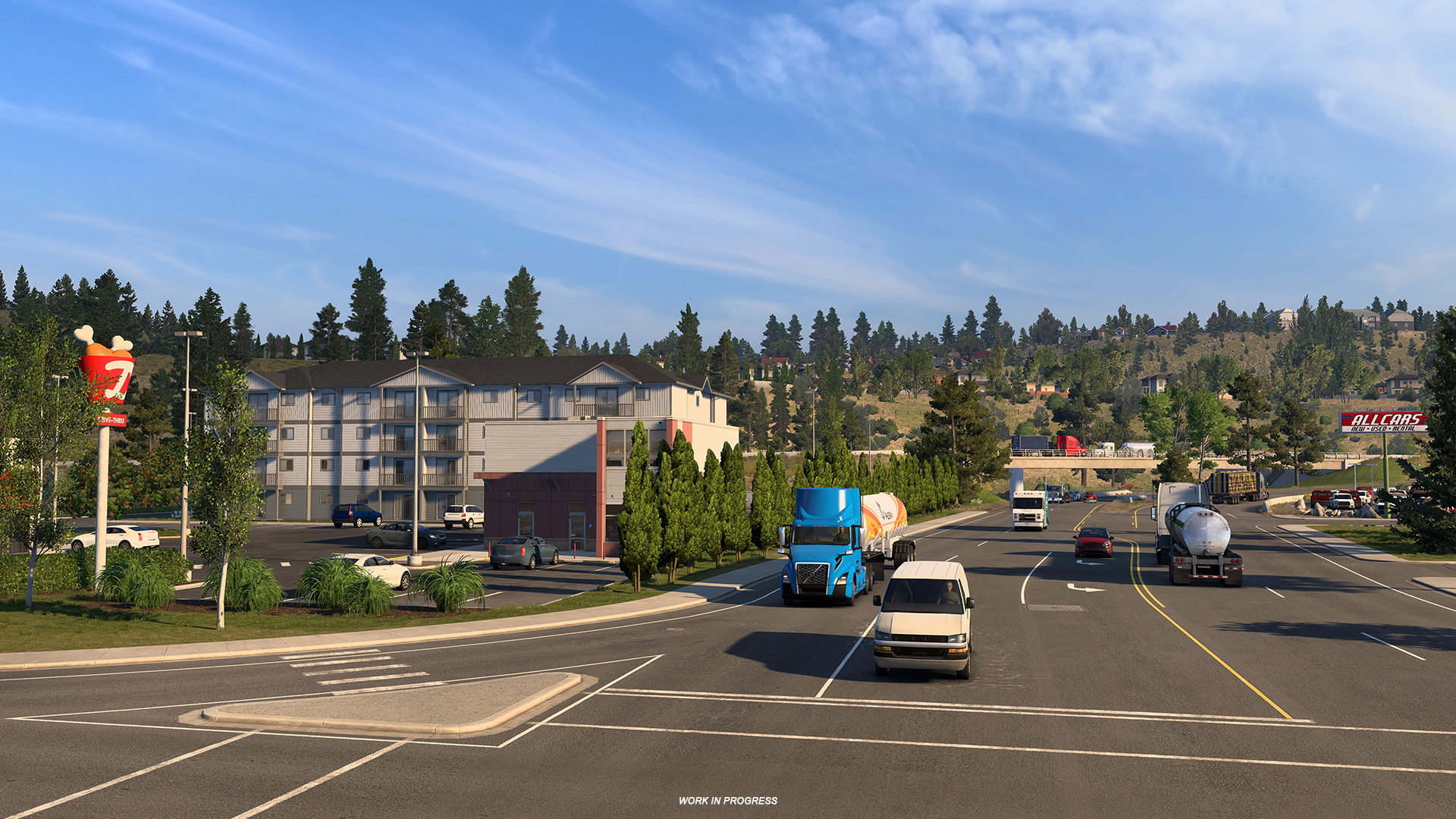 How does the creation process work, and how do you decide which assets should be made?
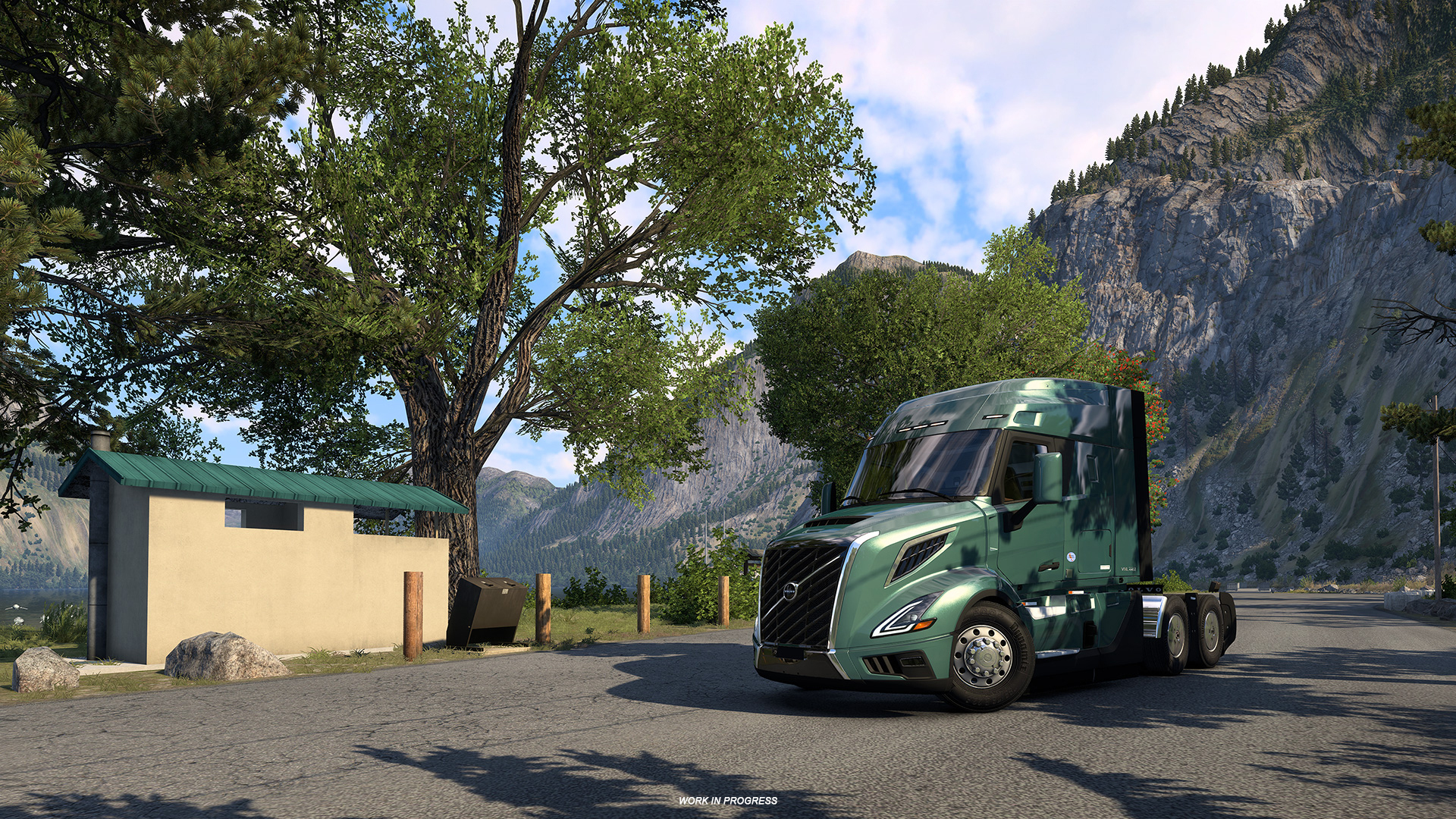 Can you share a few examples of new assets that really help capture the character of British Columbia?
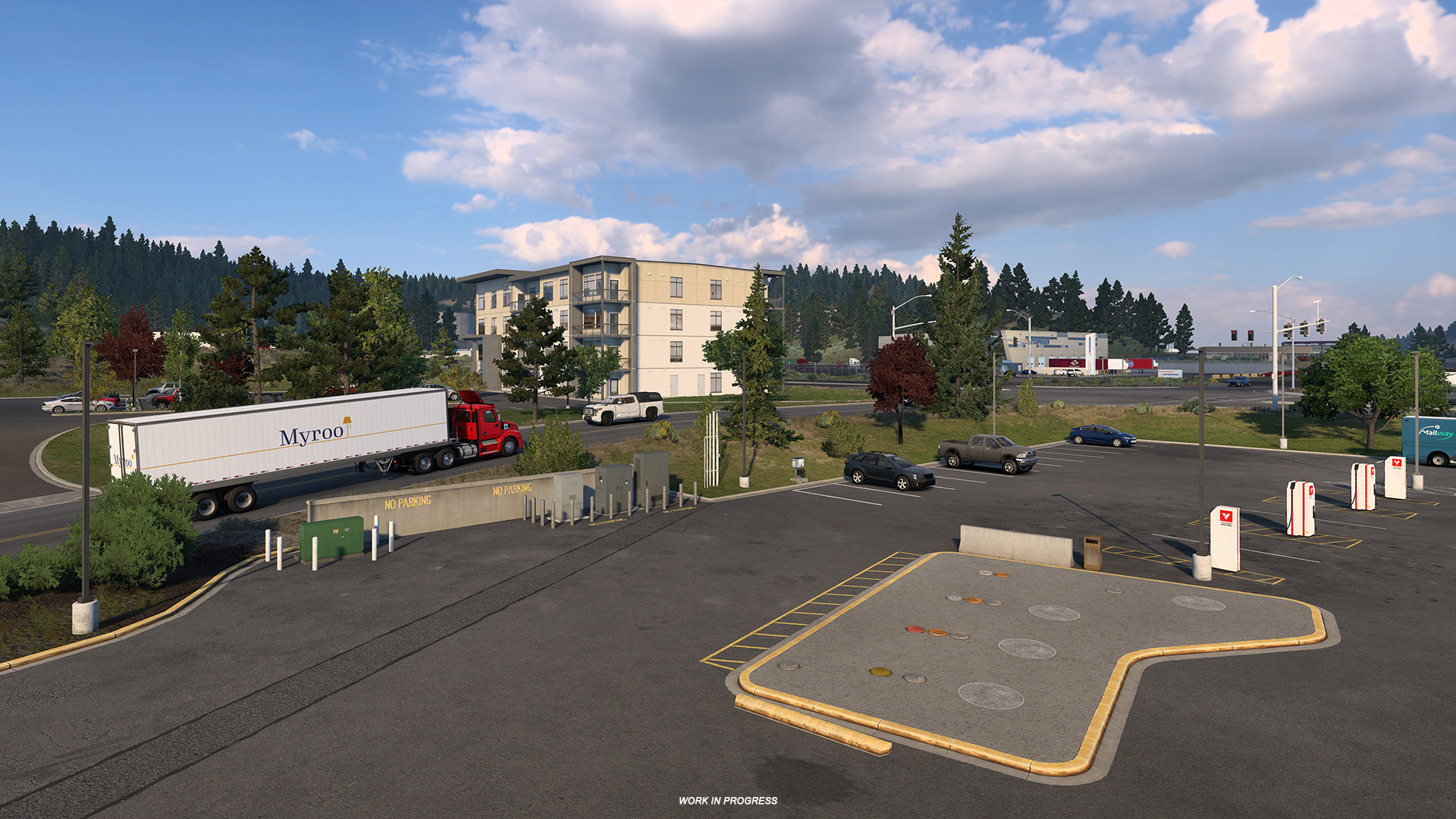 You had the opportunity to visit British Columbia for research. What were some of your biggest takeaways from seeing the province in person?
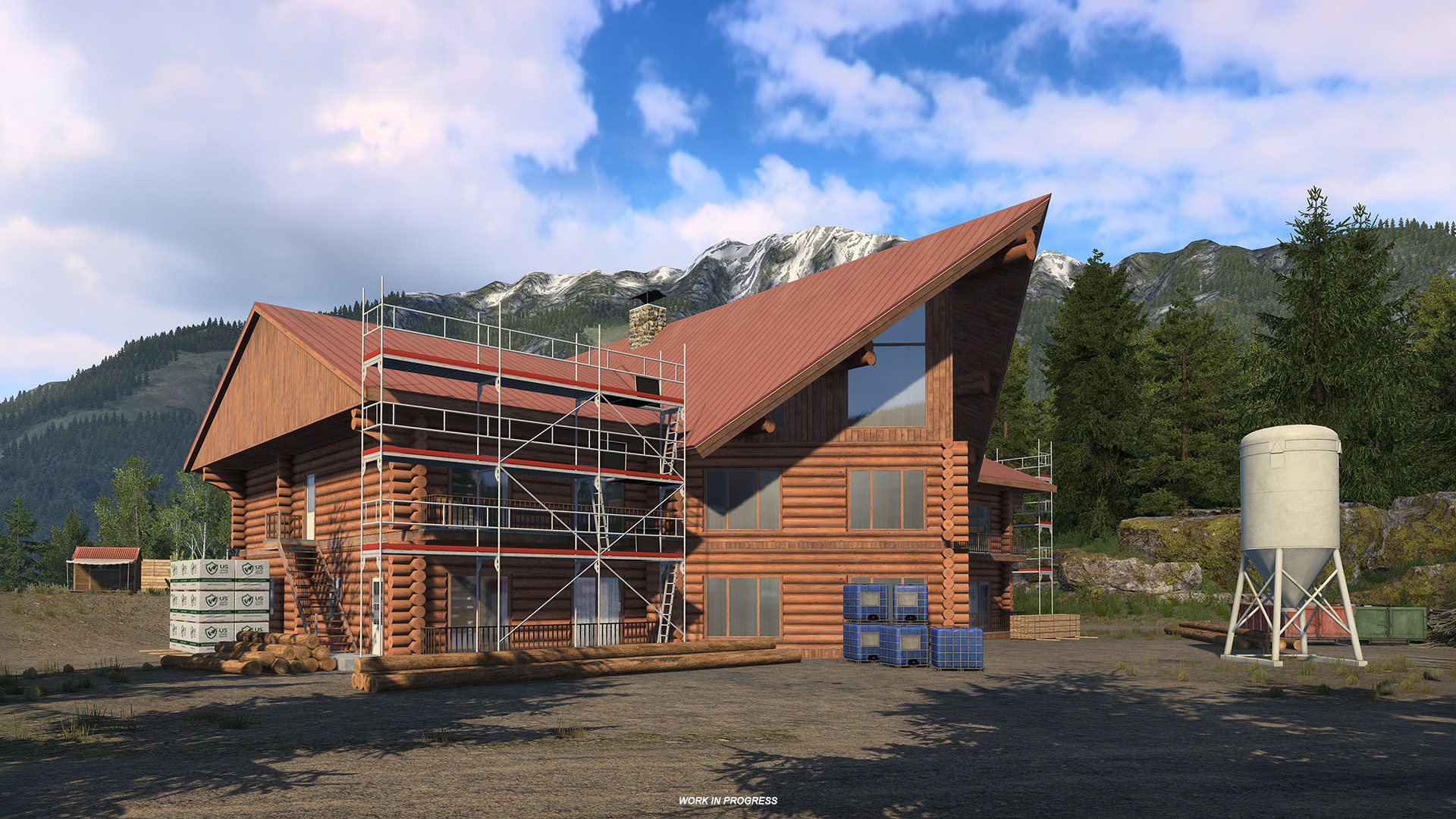 Were there any locations, towns, or details that immediately stood out to you?
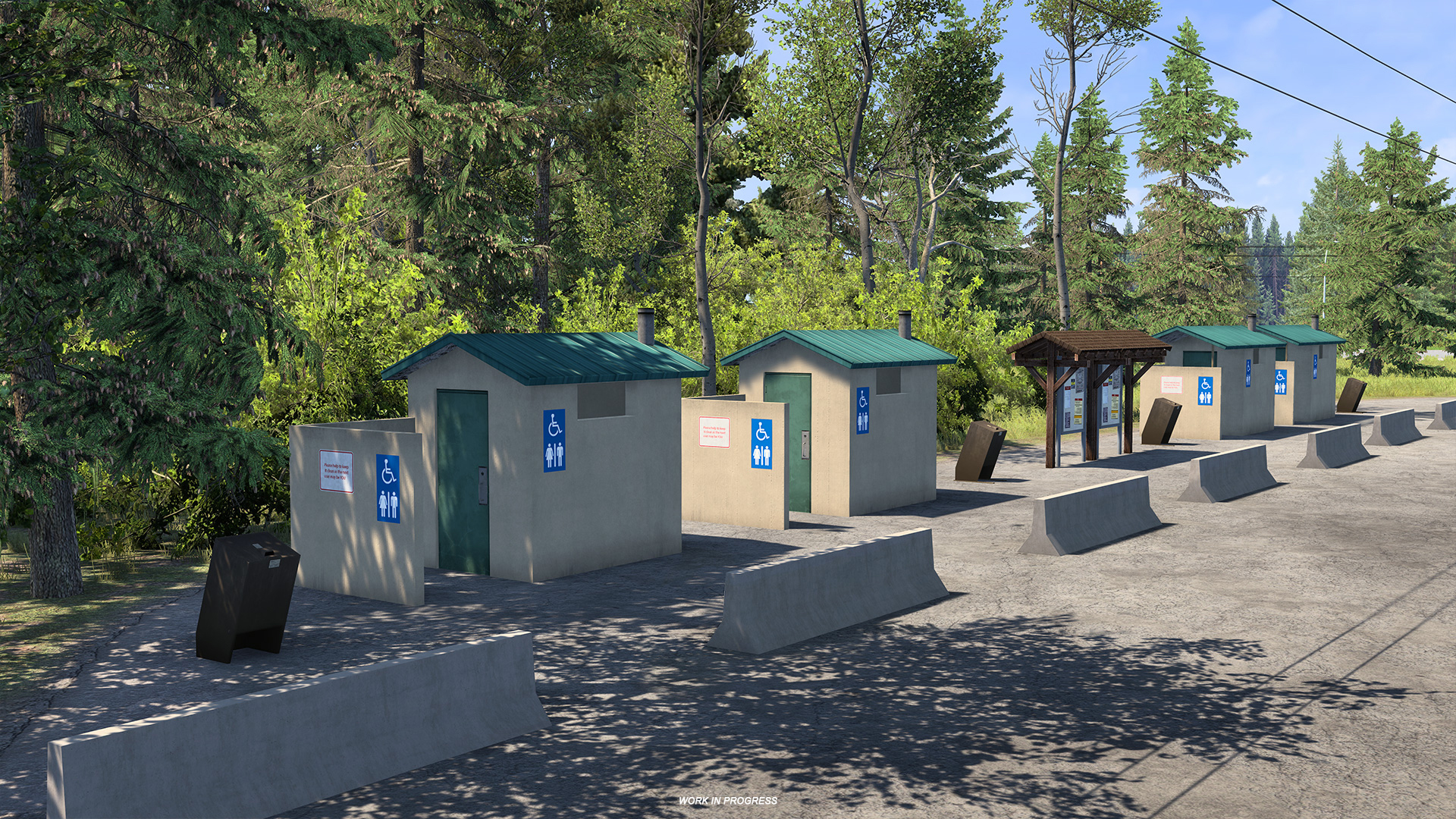 When players first hit the road in British Columbia, what details should they keep an eye out for?
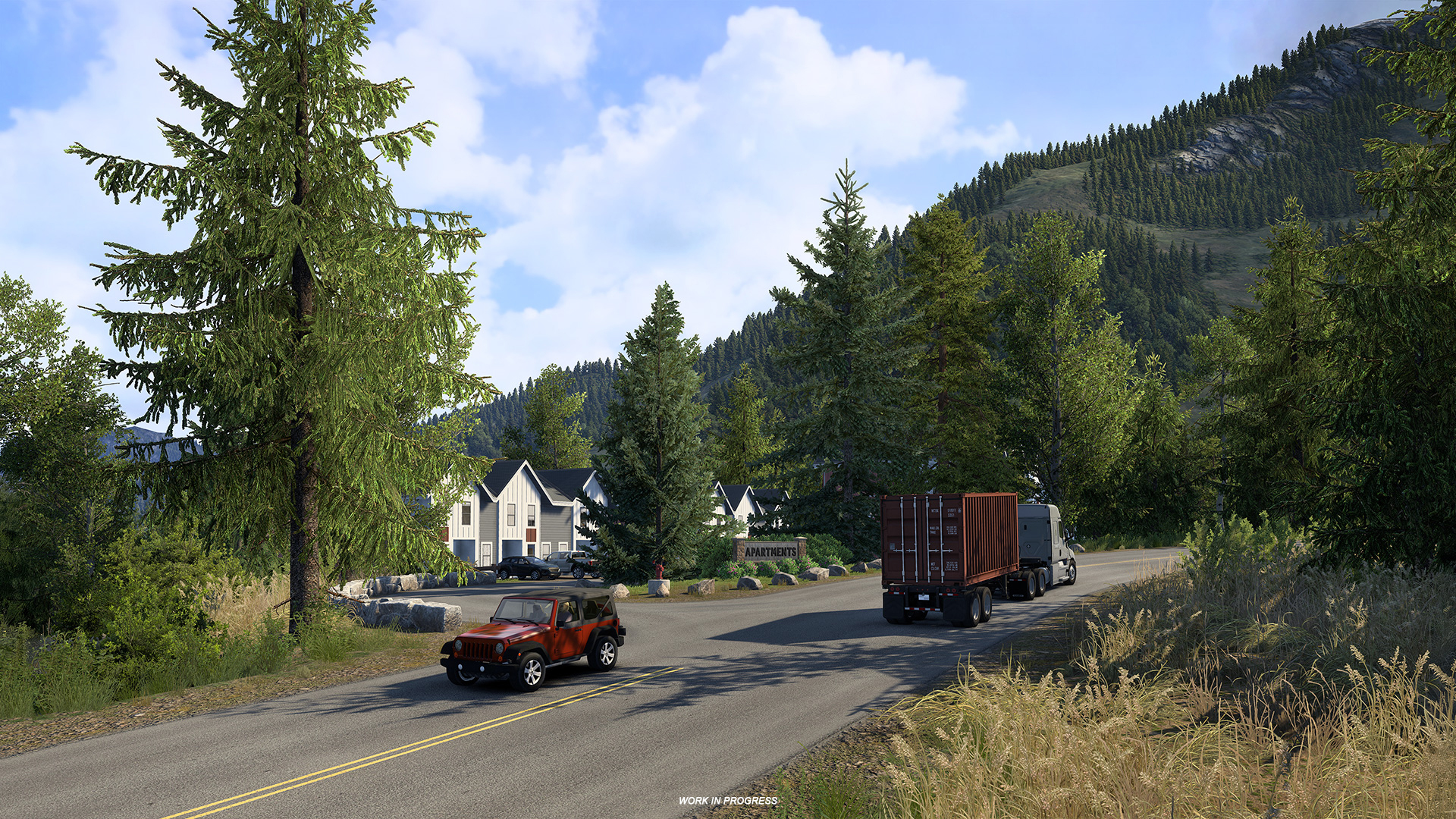 We'd like to thank Wety for taking the time to share the work that goes into creating the assets that help define a region's identity. We hope you've enjoyed this behind-the-scenes look at the process and perhaps learned a thing or two along the way! If you'd like to see more articles like this, be sure to leave a comment and let us know what other topics you'd like us to explore.
 As many of you know, over the years, both games have continued to grow with new systems, gameplay features, assists, vehicle options, and controls. While this has allowed players to tailor their experience in a variety of ways, it has also gradually increased the amount of information, shortcuts, and menus players need to manage on the road.
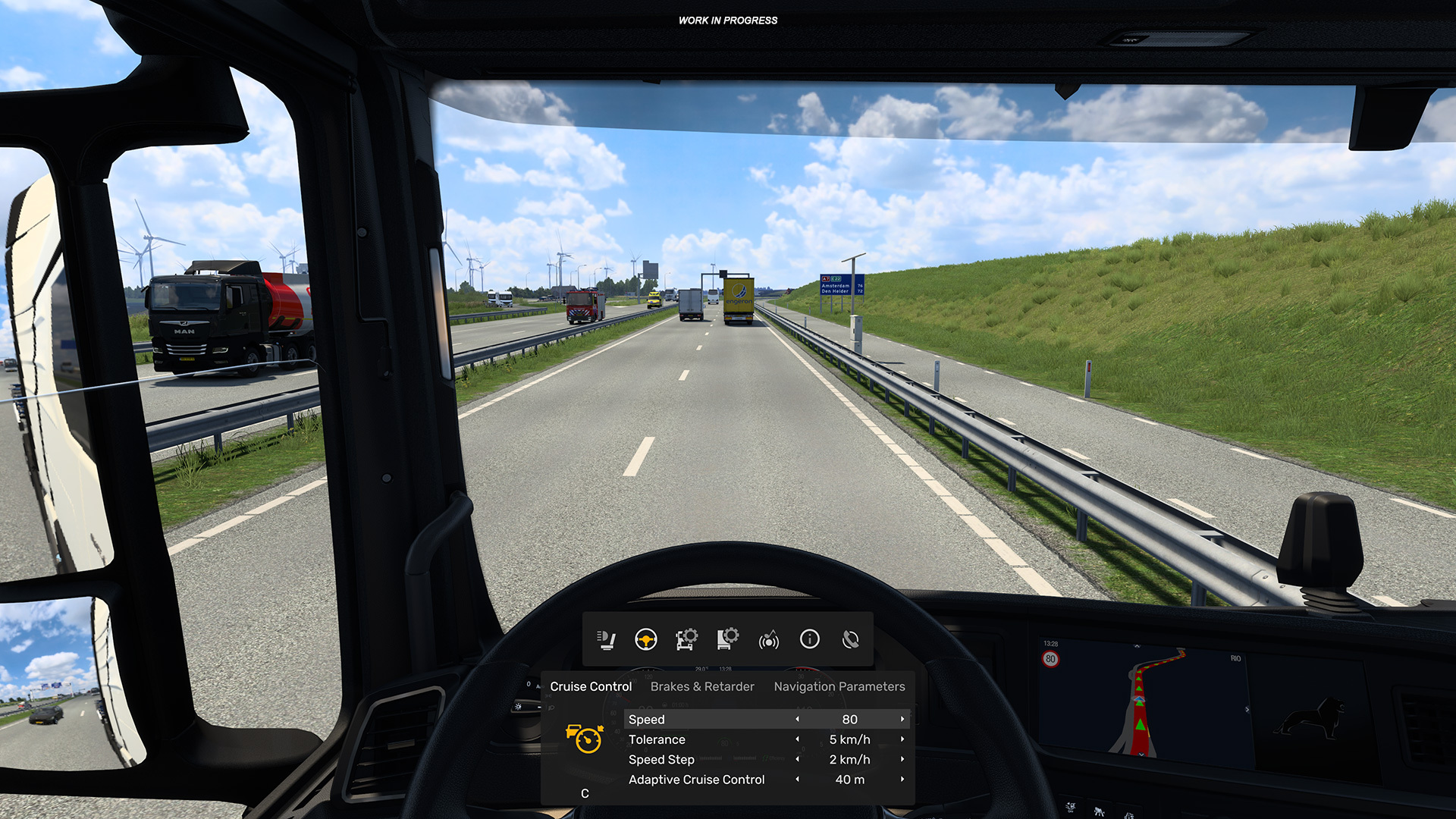 Introducing the Multi-Function Display
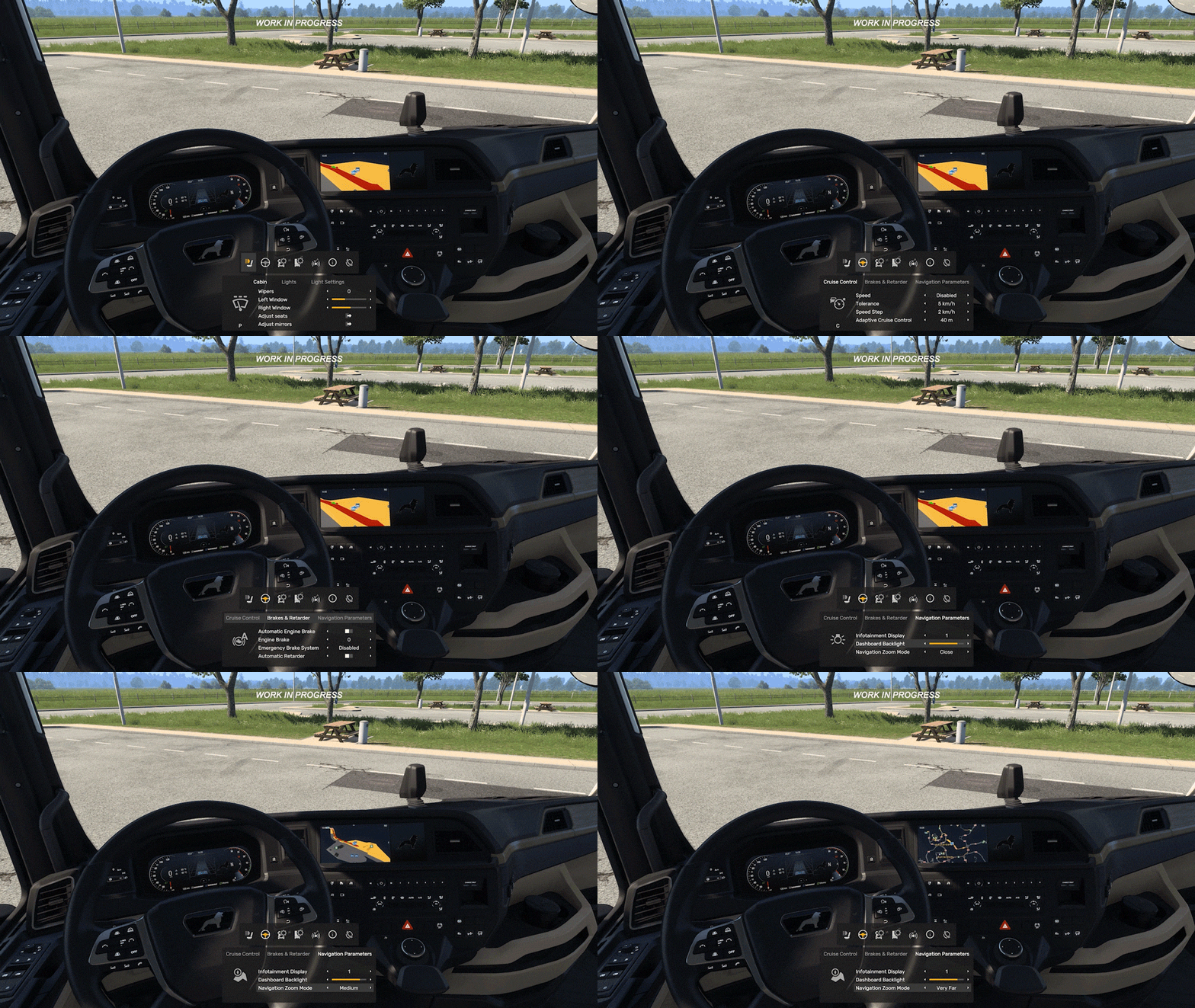 Designed Around Accessibility and Discoverability
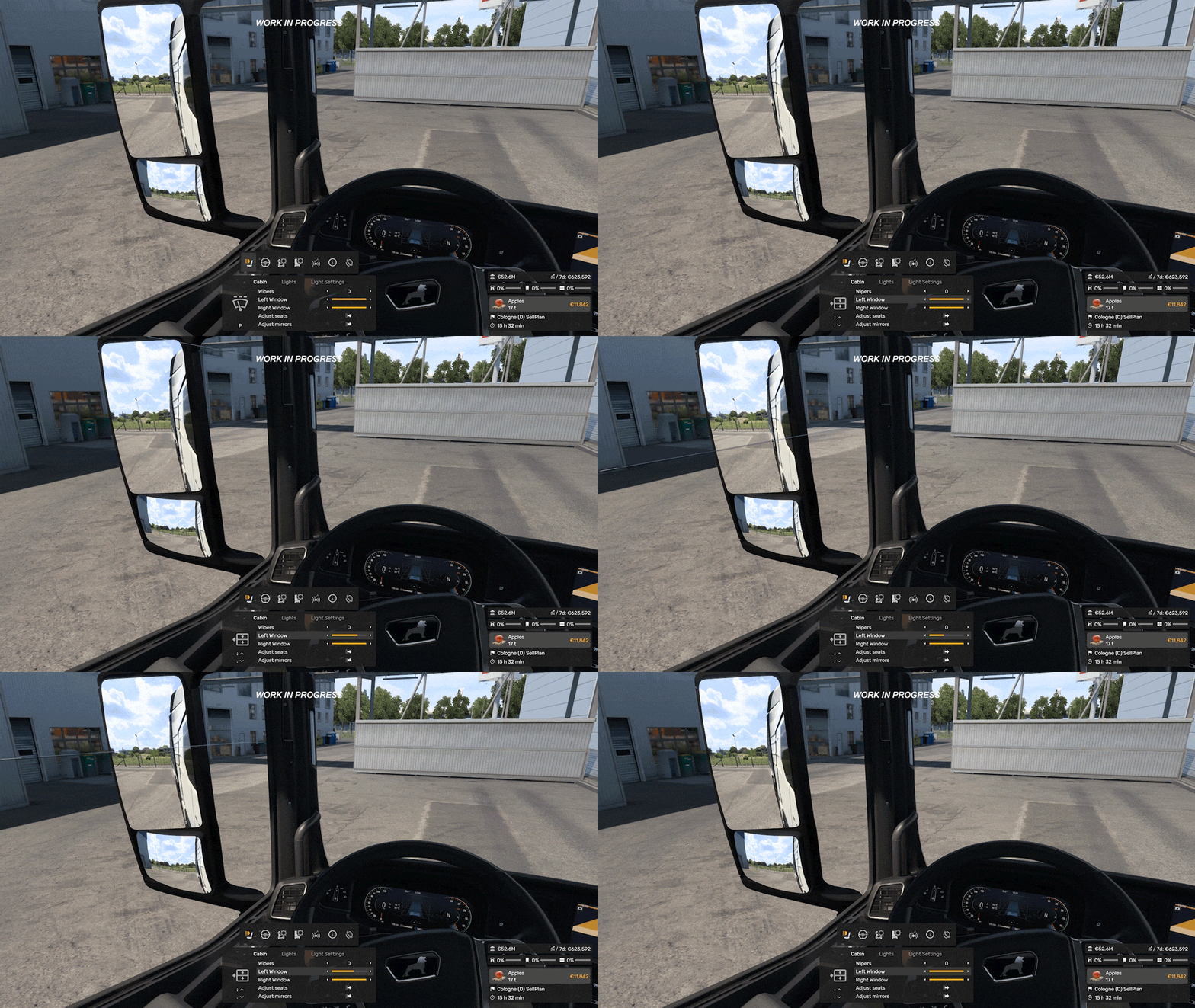 Different control setups are also something we are carefully considering throughout development. The MFD is being designed to support keyboard, mouse, wheel, and controller users alike, with customisable navigation controls.
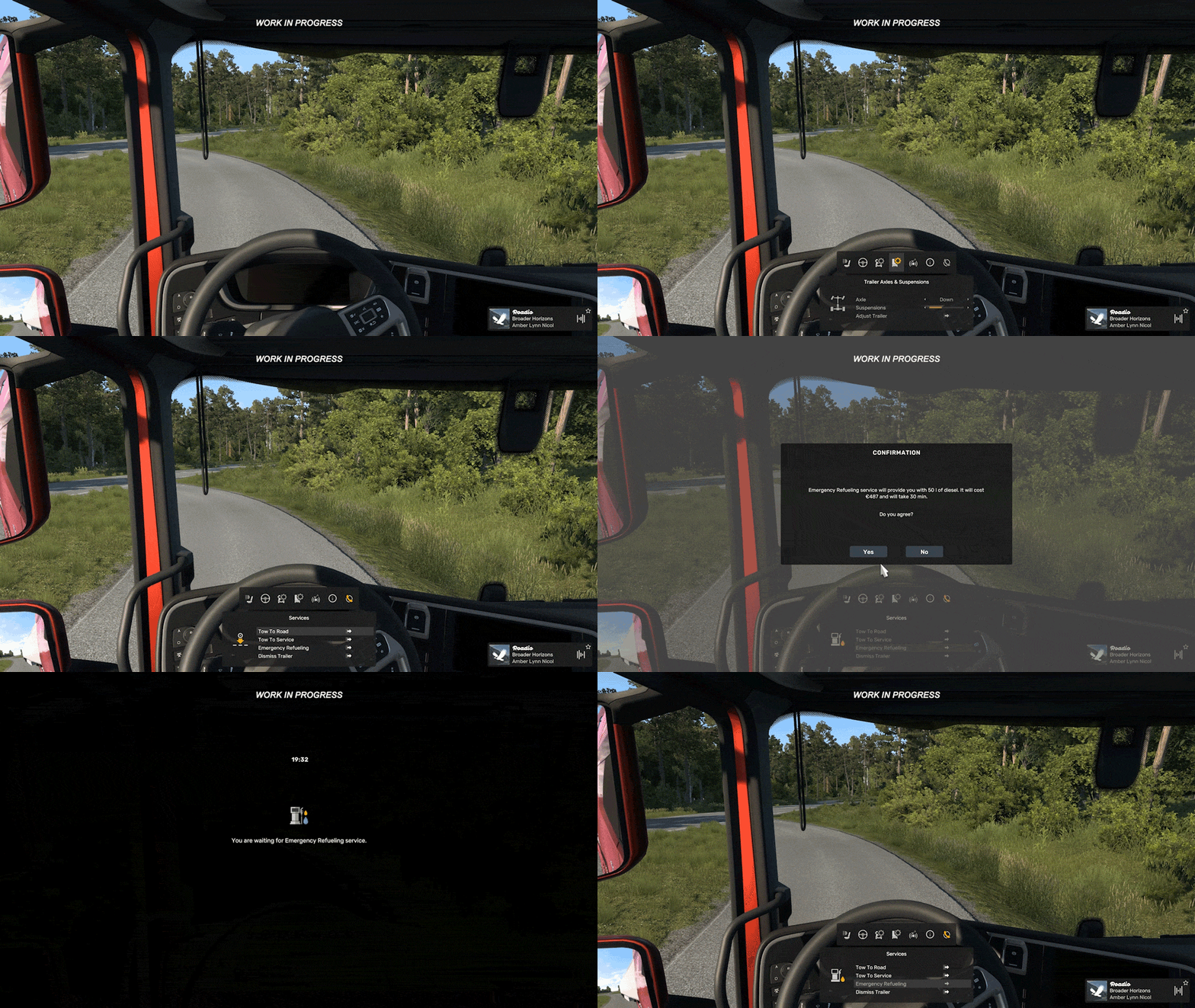 These are relatively small additions on their own, but they're part of a much larger ongoing effort to improve usability, information access, and customisation while driving. We know there is still more work ahead, and we are continuing to explore further improvements and adjustments throughout development.
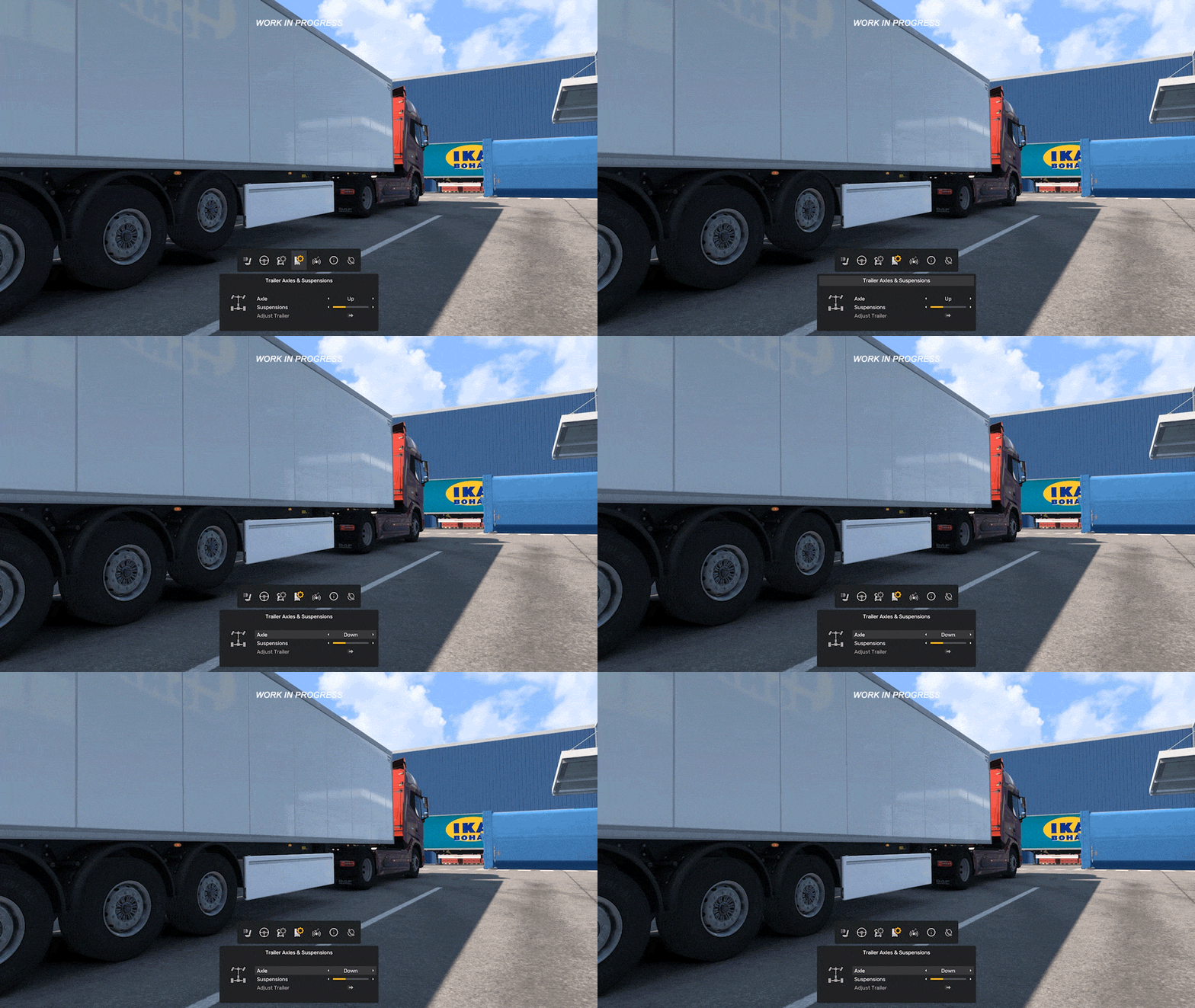 We are very excited about the possibilities this system opens up, not only for trucks, but eventually for other vehicle types as well.
 How to Reset Your Game's Economy [ATS]
  5
5

 Award
Award


 How to Drive Semi


 ATS Maps and Mods Order - How To.


 DLC Colorado - Guia de Conquistas [PT-BR]



 DLC Indiana – Достижения





 Loading

