



Install Steam
sign in
|
language
简体中文 (Simplified Chinese)
繁體中文 (Traditional Chinese)
日本語 (Japanese)
한국어 (Korean)
ไทย (Thai)
Bahasa Indonesia (Indonesian)
Bahasa Melayu (Malay) BETA
Български (Bulgarian)
Čeština (Czech)
Dansk (Danish)
Deutsch (German)
Español - España (Spanish - Spain)
Español - Latinoamérica (Spanish - Latin America)
Ελληνικά (Greek)
Français (French)
Italiano (Italian)
Magyar (Hungarian)
Nederlands (Dutch)
Norsk (Norwegian)
Polski (Polish)
Português (Portuguese - Portugal)
Português - Brasil (Portuguese - Brazil)
Română (Romanian)
Русский (Russian)
Suomi (Finnish)
Svenska (Swedish)
Türkçe (Turkish)
Tiếng Việt (Vietnamese)
Українська (Ukrainian)
Report a translation problem


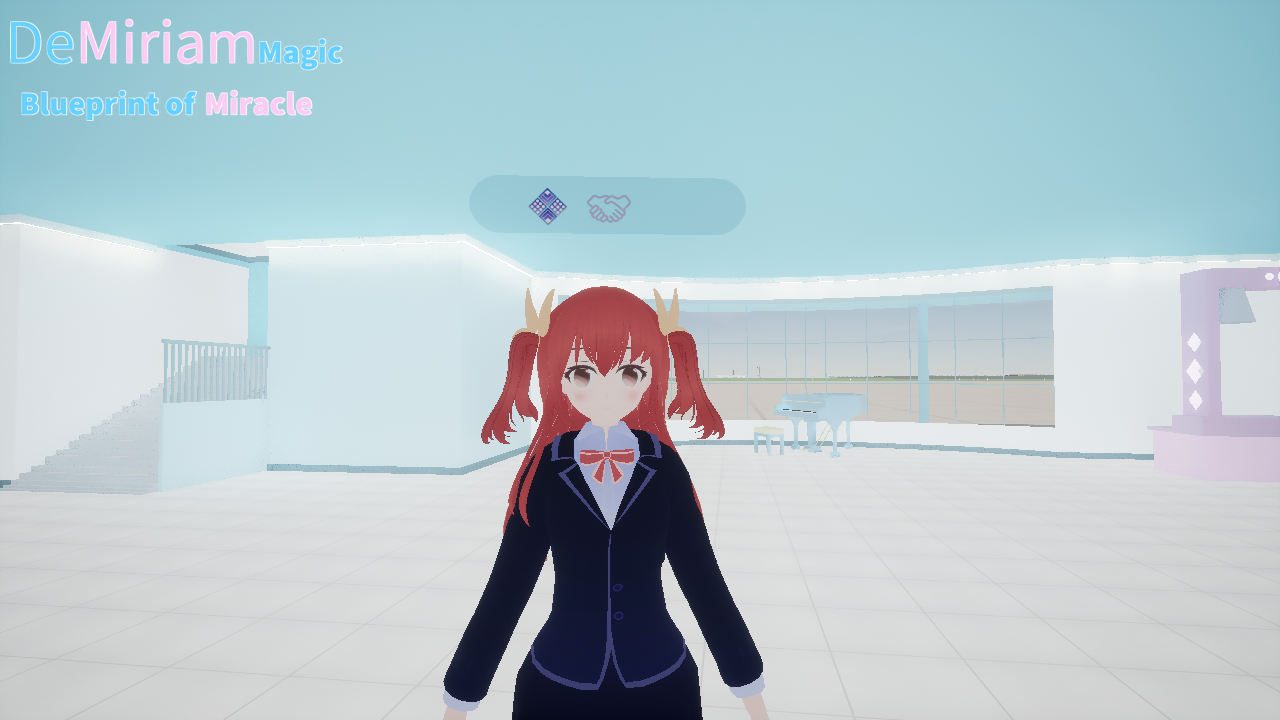
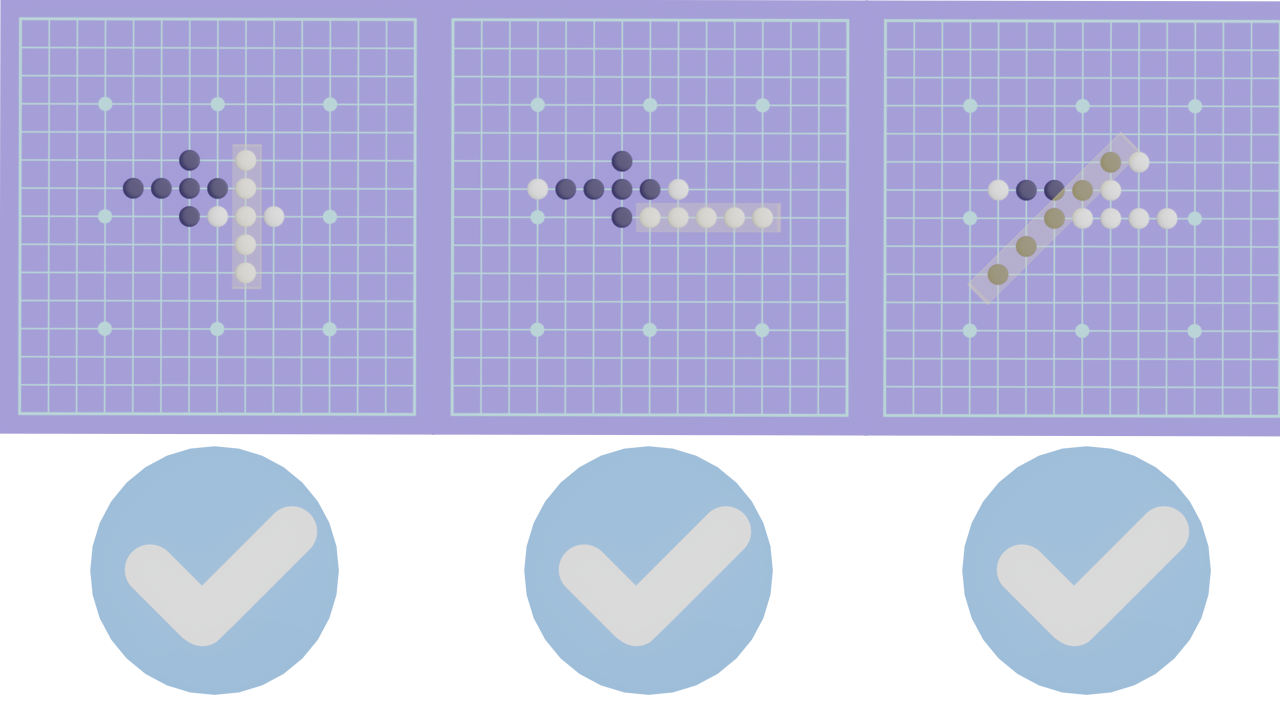
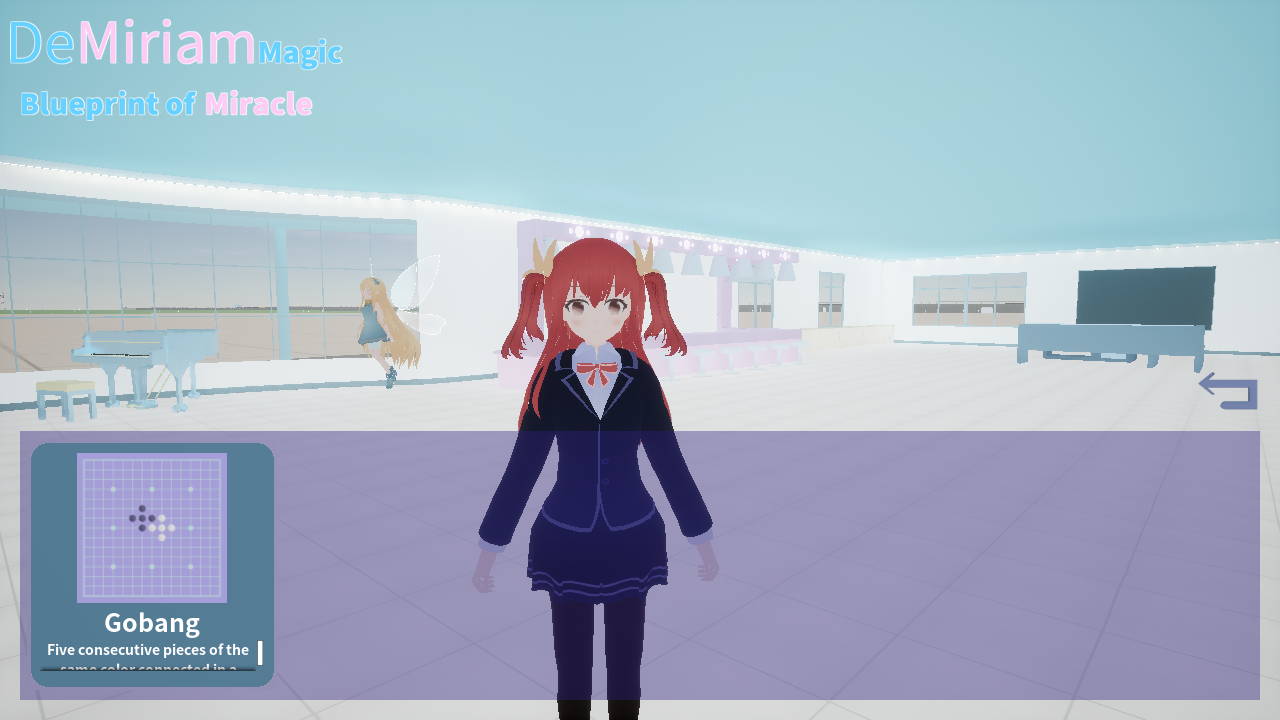 Approaching the characters that can participate in interaction, a UI will appear on the head. Click on the leftmost icon, select Gobang. In the player's room, you can play Gobang games (second floor - Lord's room).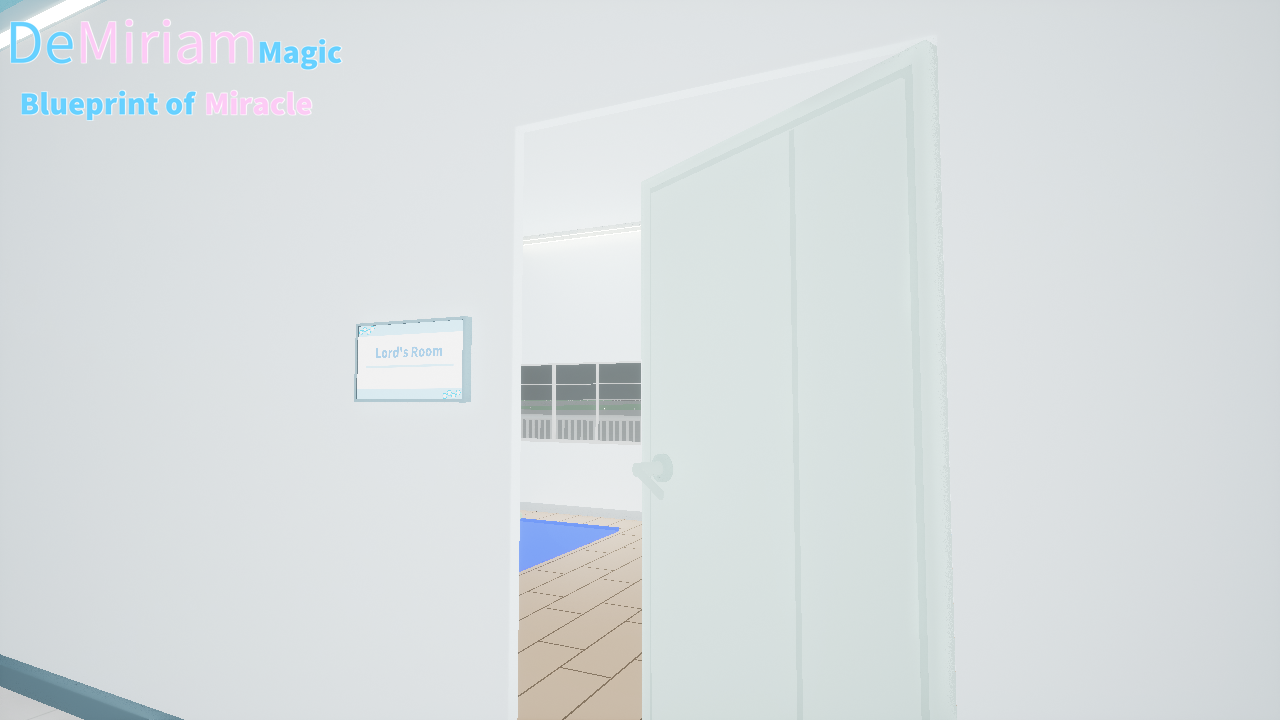
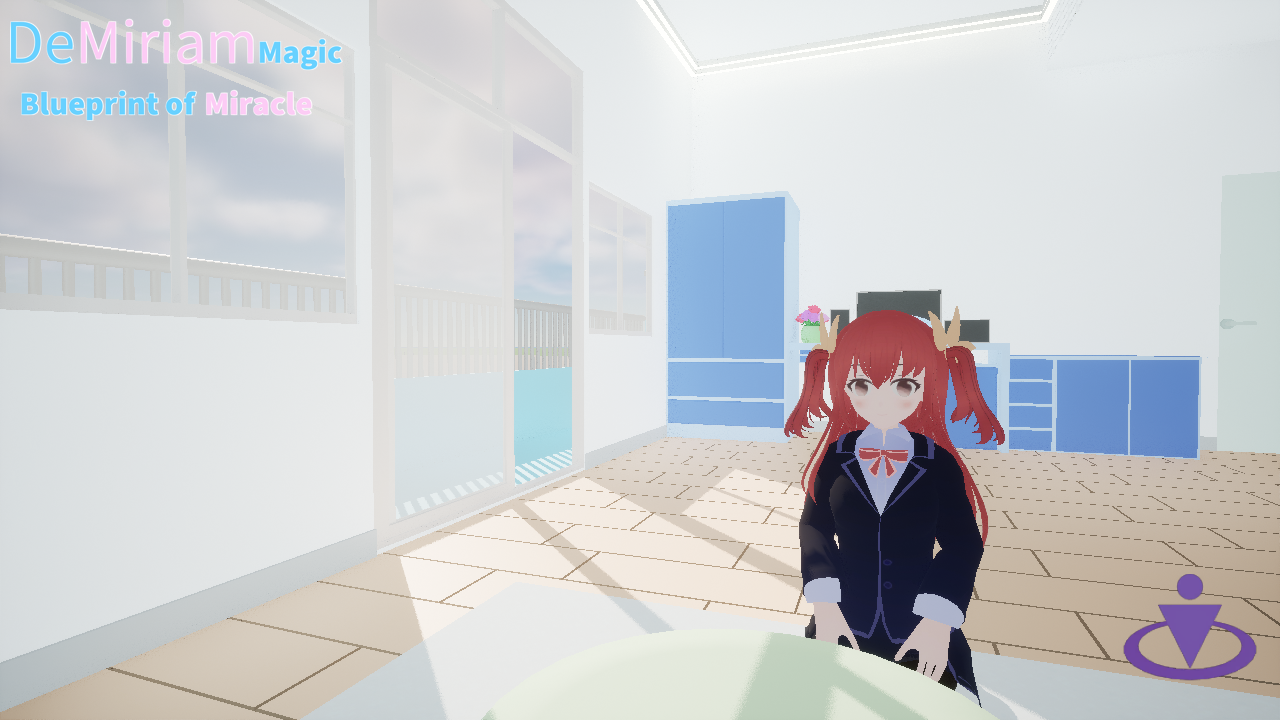 The player moves to the flashing location in the room (using the mouse to click on the door handle to open the door and enter the room) to start preparing for the Gobang game. If the character cannot reach the location with the player at the same time, the interactive game can be started immediately by clicking the button in the bottom right corner, or if the character reaches the location but cannot start interacting, this button is also effective.
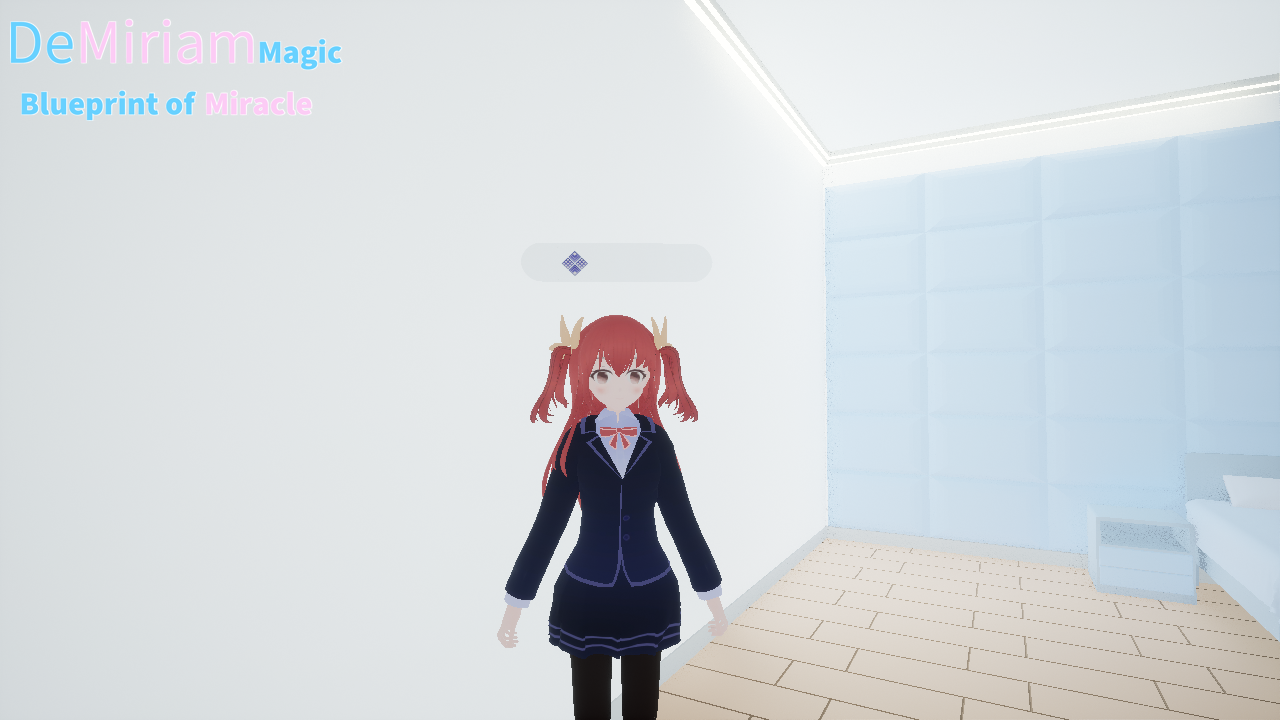 To cancel the activity while preparing for interaction, click on the same icon on the far left side of the UI to cancel the interaction.
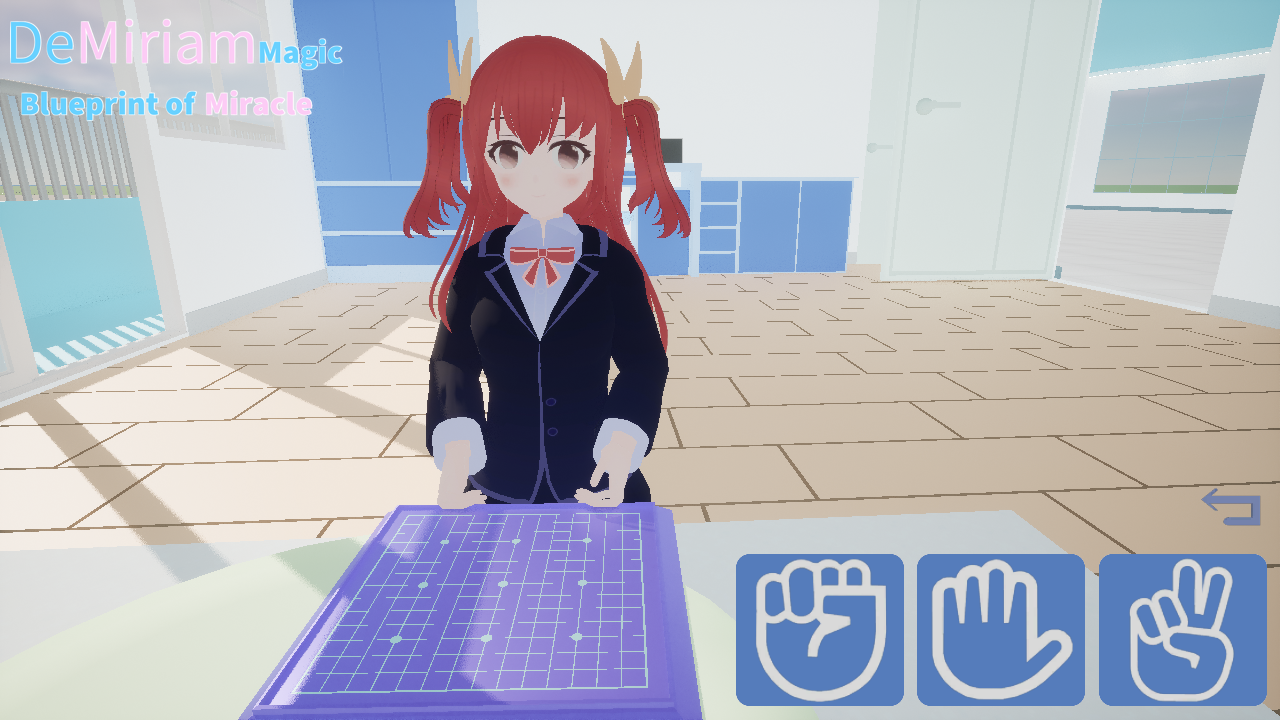 Before the start of the Gobang game, there will be a rock-paper-scissors game to determine the first move and then the second move. Sometimes, there may be a situation where the character wins the rock-paper-scissors game but does not place any pieces. In this case, the player can place the pieces first (at this time, the player will place a black piece). This is a bug caused by a character's inability to call a certain function when starting the game, and this bug will be fixed soon.
 B. UI
B. UI Click to always follow the player's character "Vina", and the Main UI will appear. All the functions required by the player will be displayed in the UI panel, and players can query the following content on the UI interface.
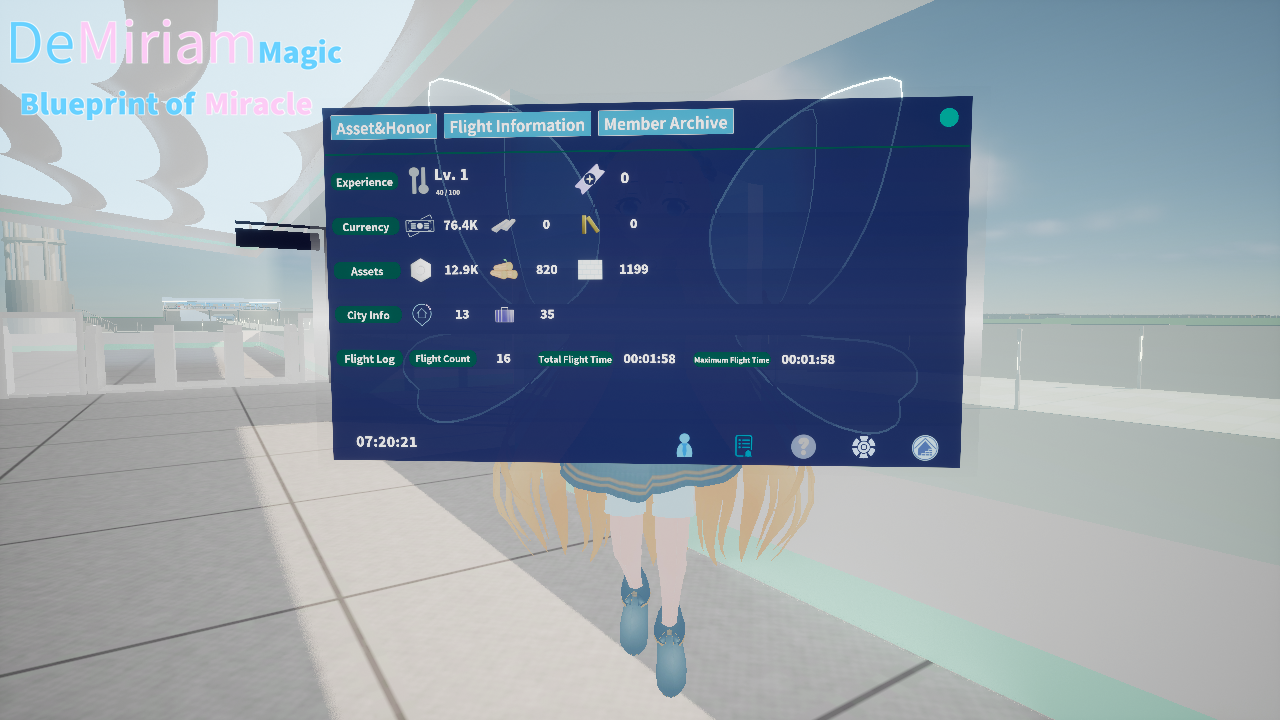 Level: Currently only related to flight arrangements.
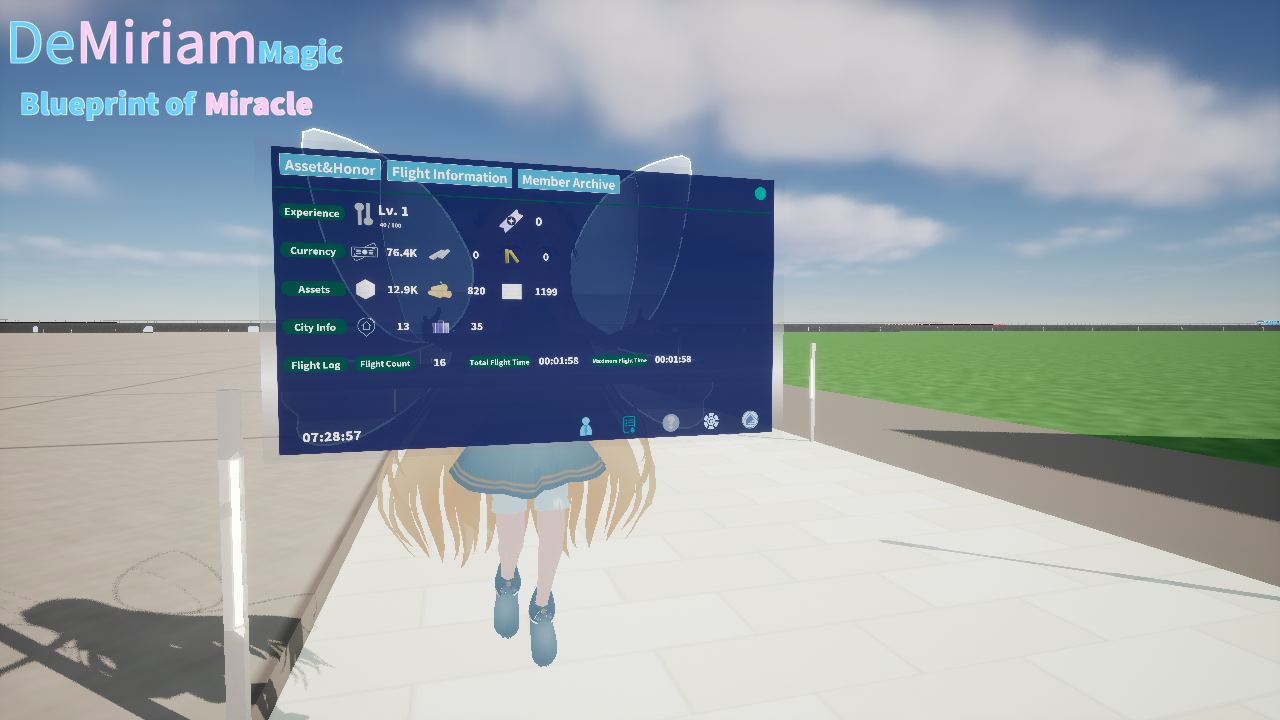 Now let's move outside the house and click on the Vina to get the Main UI. The icon in the bottom right corner is the building icon.
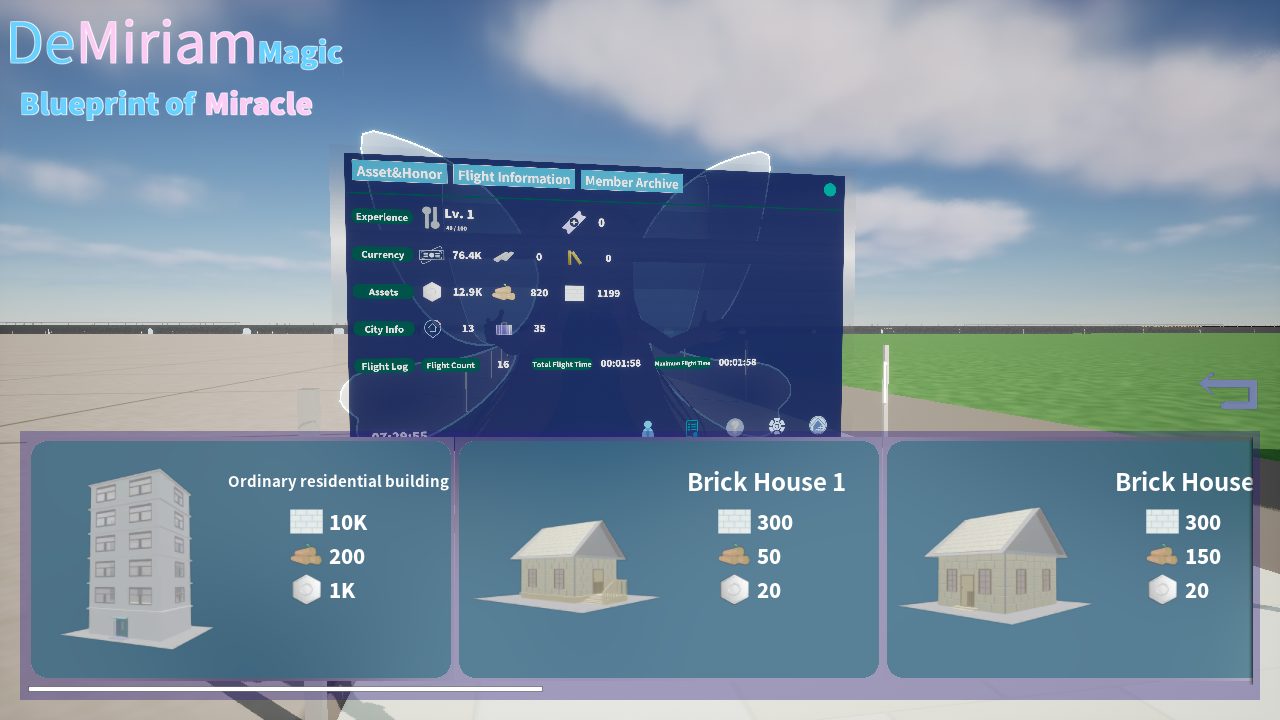 It should be noted that the ground area where the house is located not support players to place buildings temporarily due to the addition of some special buildings (such as possible school and other buildings) will in the future updates. Players can place buildings on green ground.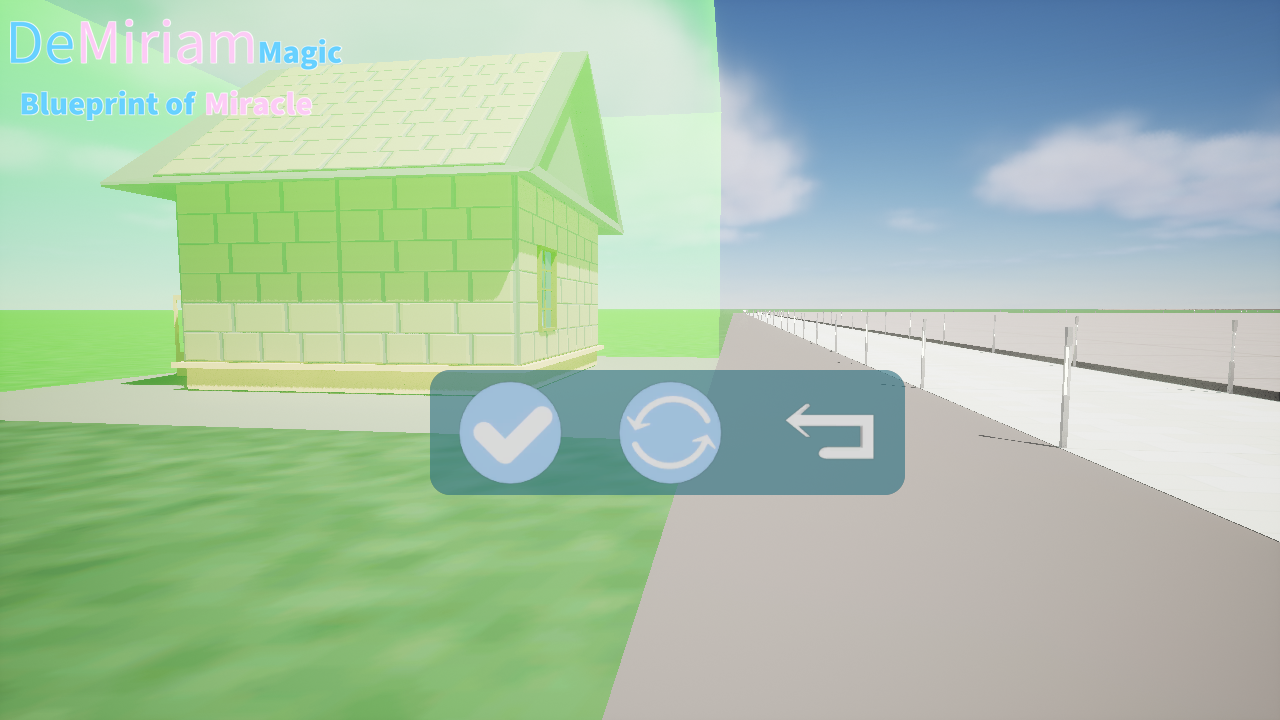
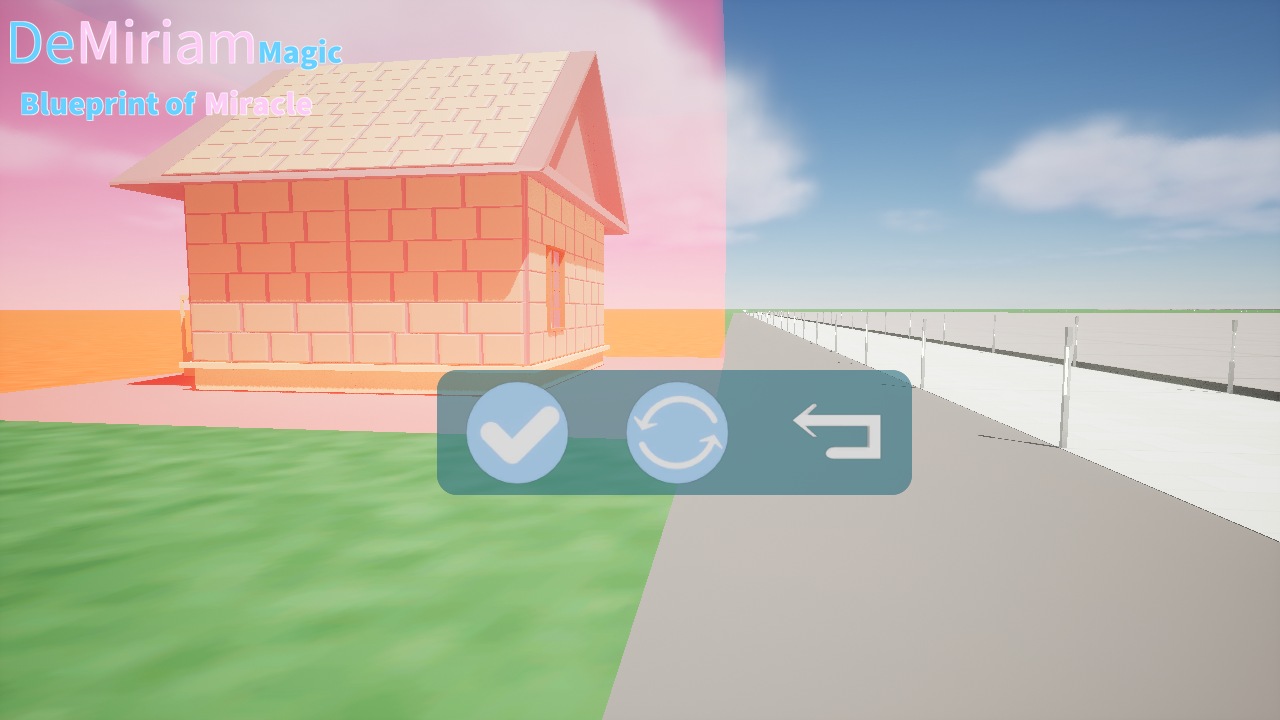
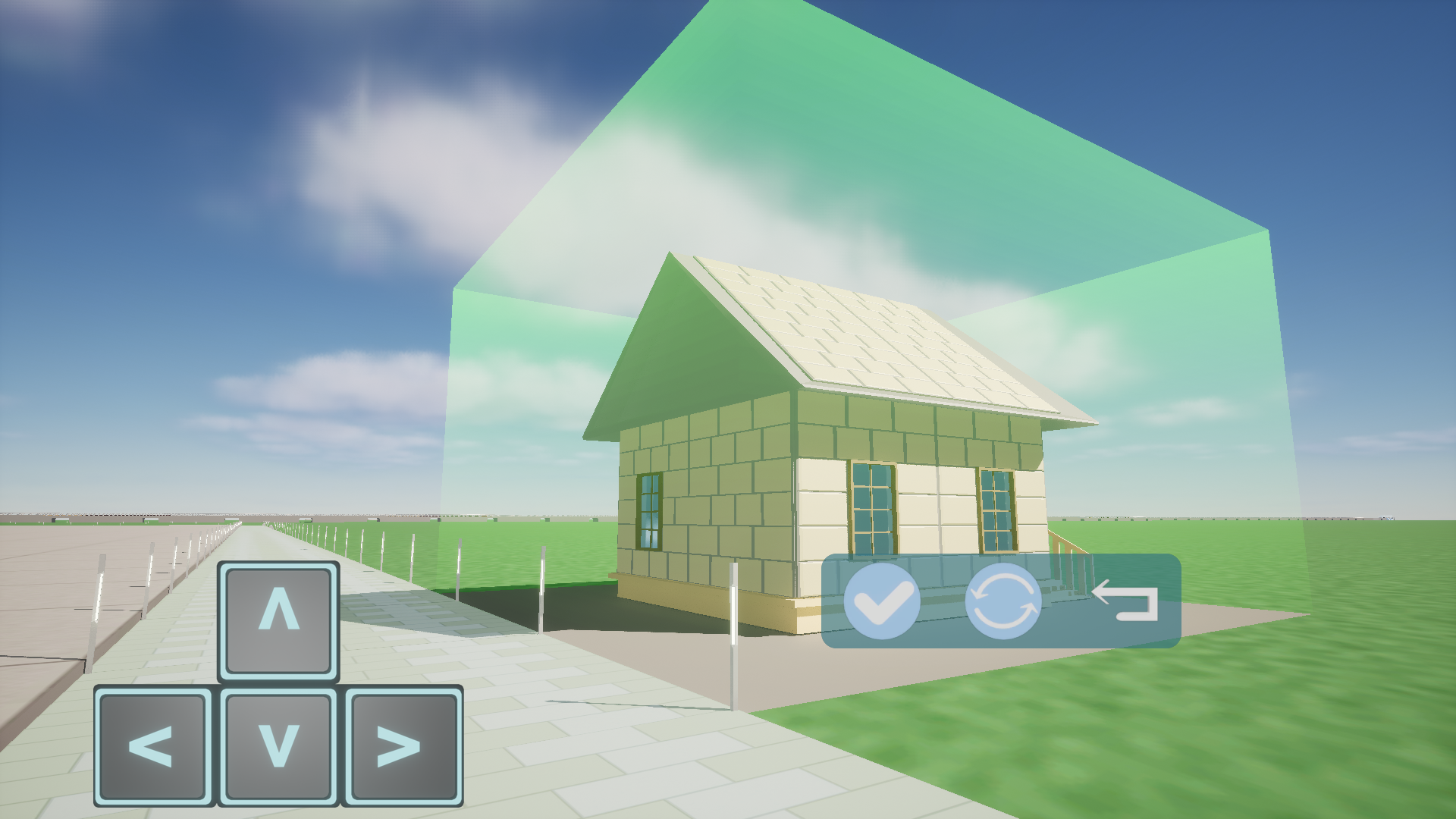 When placing a building, the button shown in the picture can be used to move the building. When the building is in a buildable position and does not overlap with other buildings, green light will appear around the building, and the building can be constructed. When the building is surrounded by red light, it cannot be constructed.
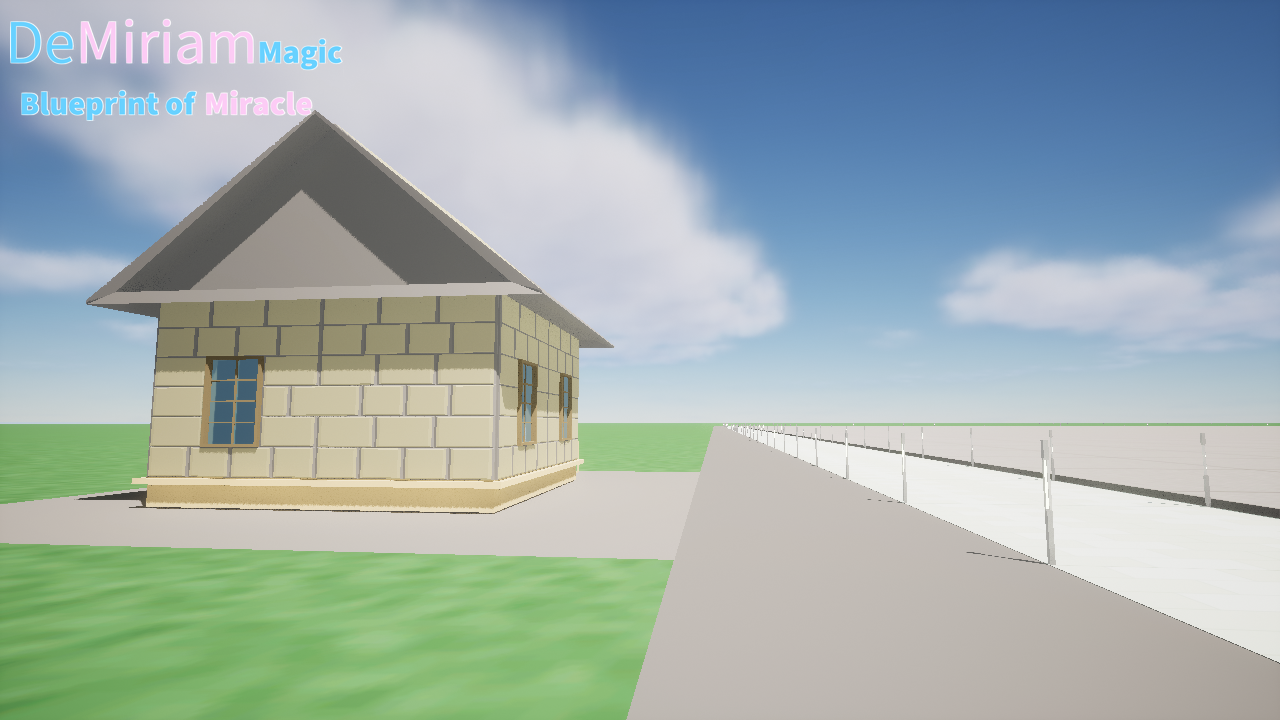 Building brings an increase in the number of residents and tourists to players, filling the scene while also playing a more functions will in the future.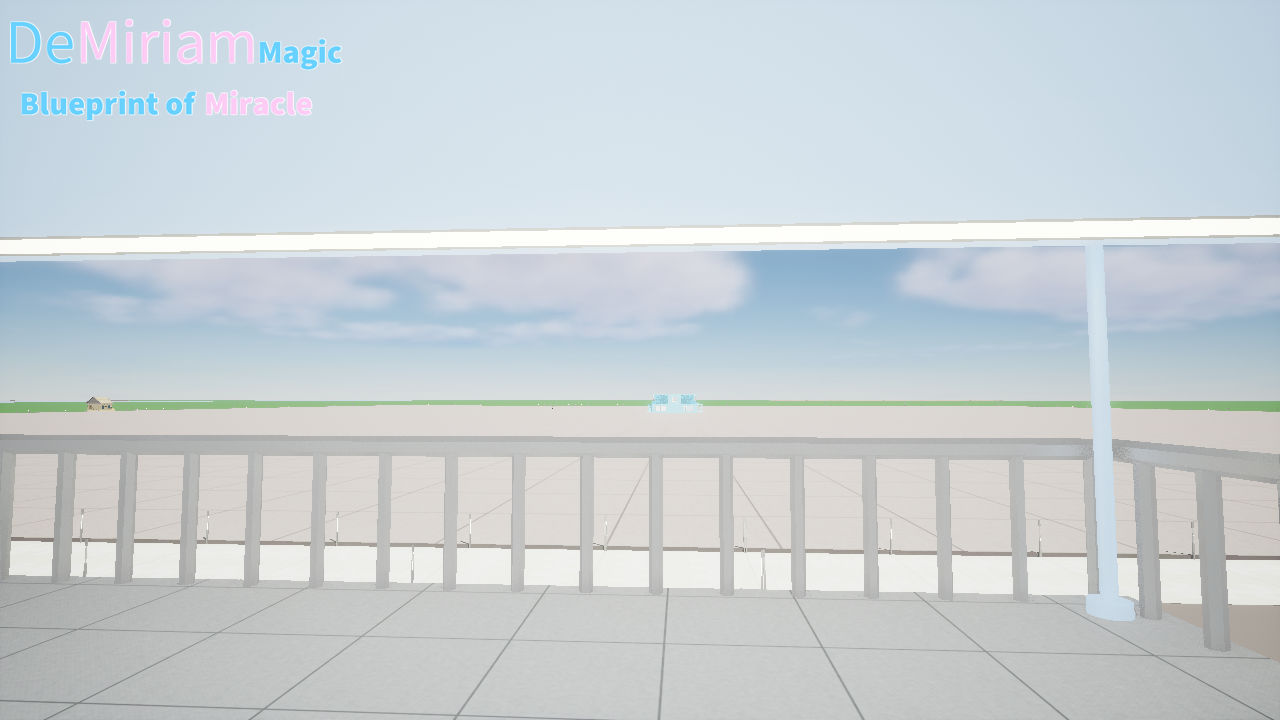
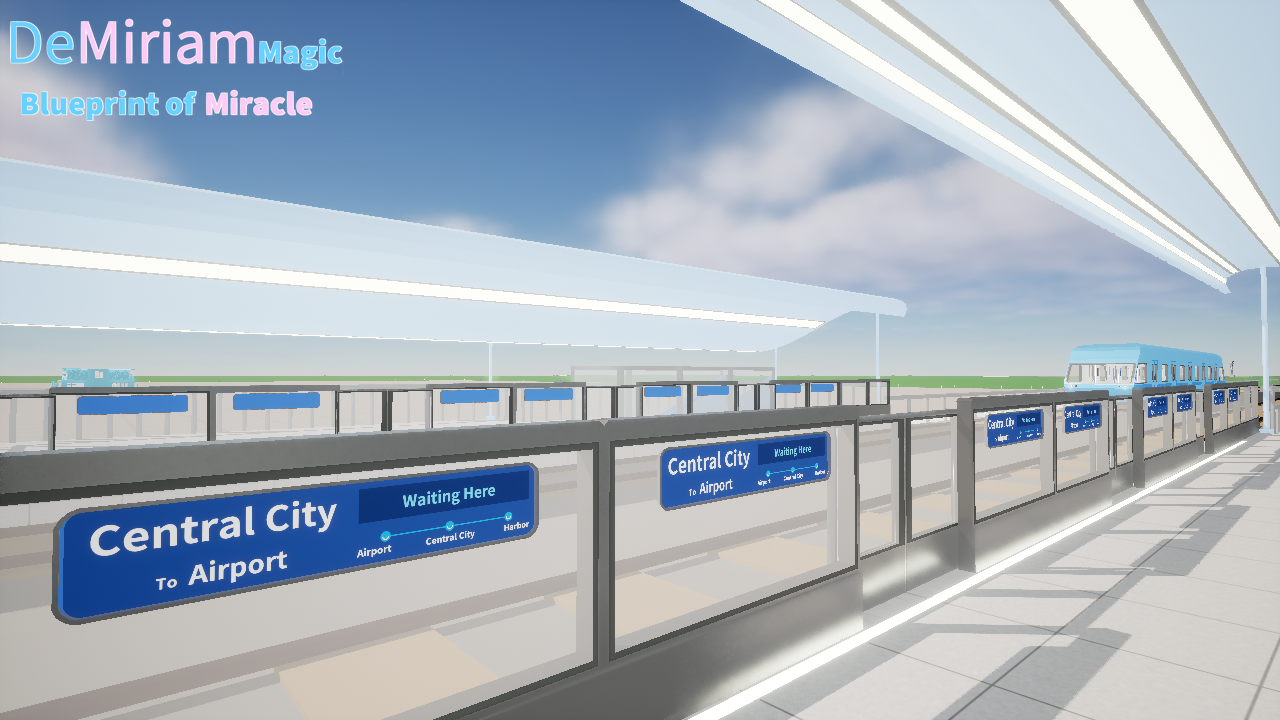
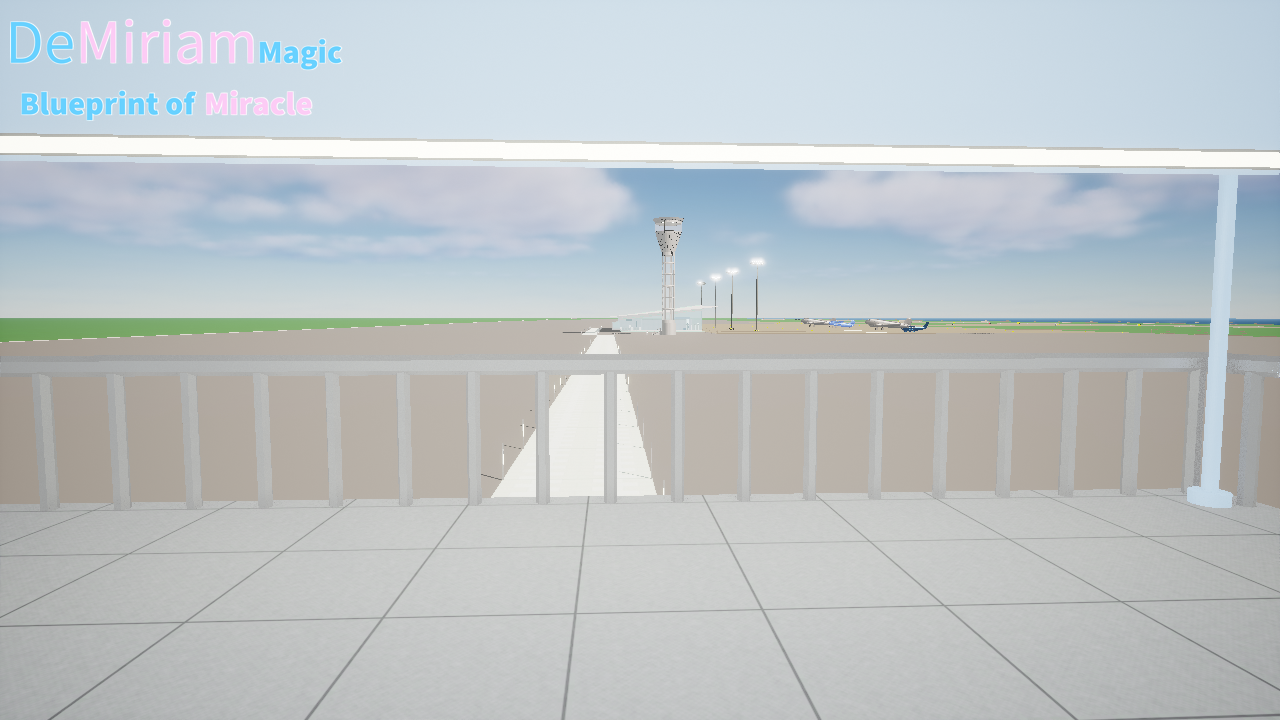 The game does not have a teleportation function. In order to save players movement time, there are metro connecting three key areas, which can reach the airport (Airport station), the player's residence (Central City station), and an important area opened for subsequent updates (Harbor station).
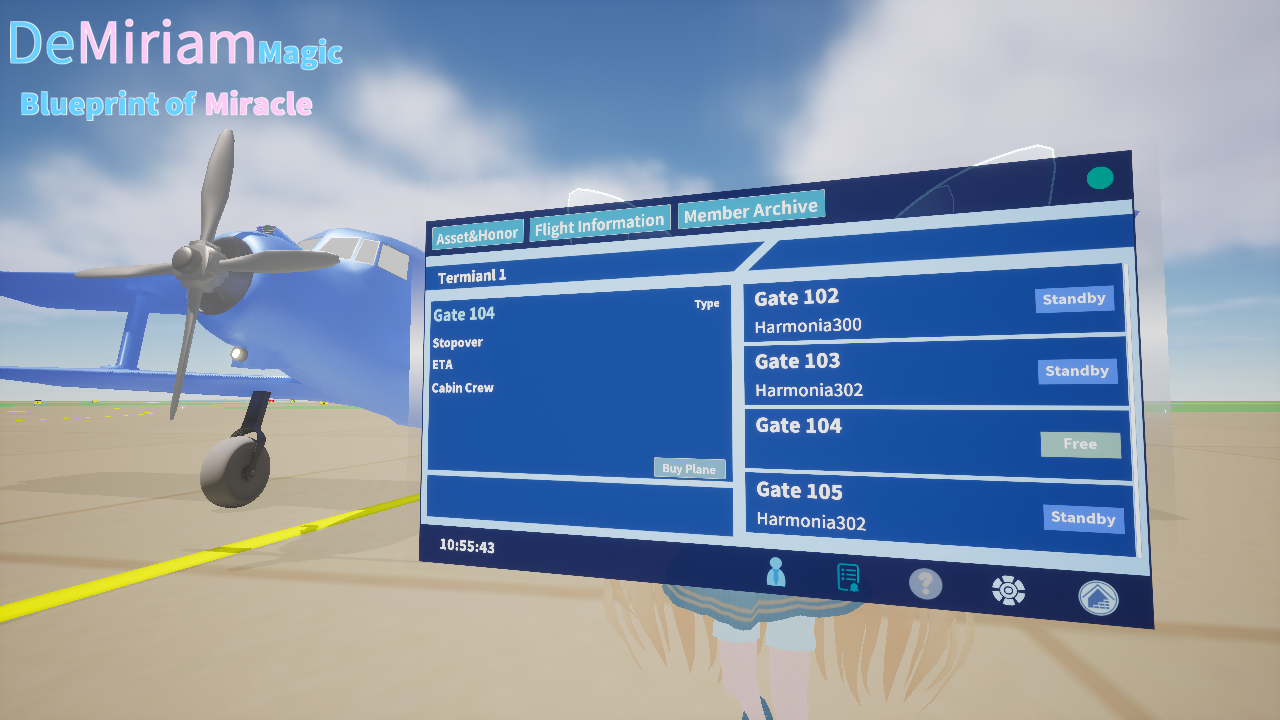 Flight management is the core gameplay of this work, which brings resources and accumulates experience through it. When the experience reaches a certain level, the airport scale can be expanded.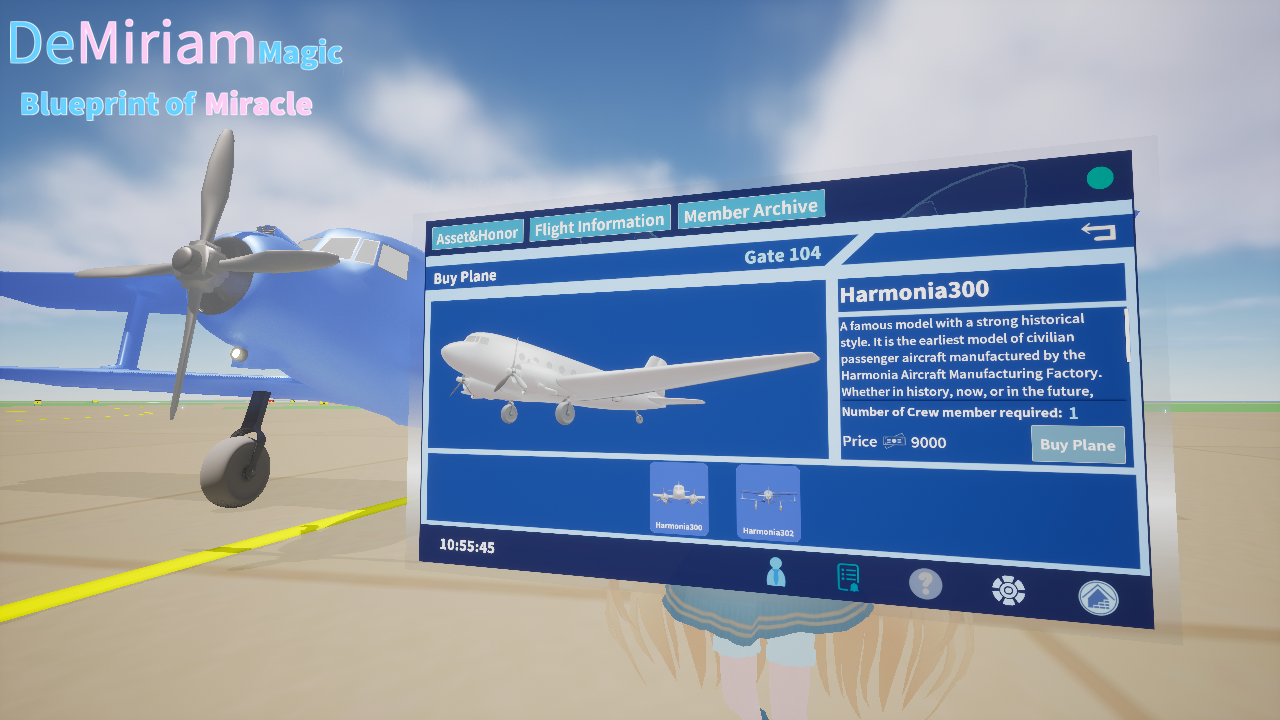
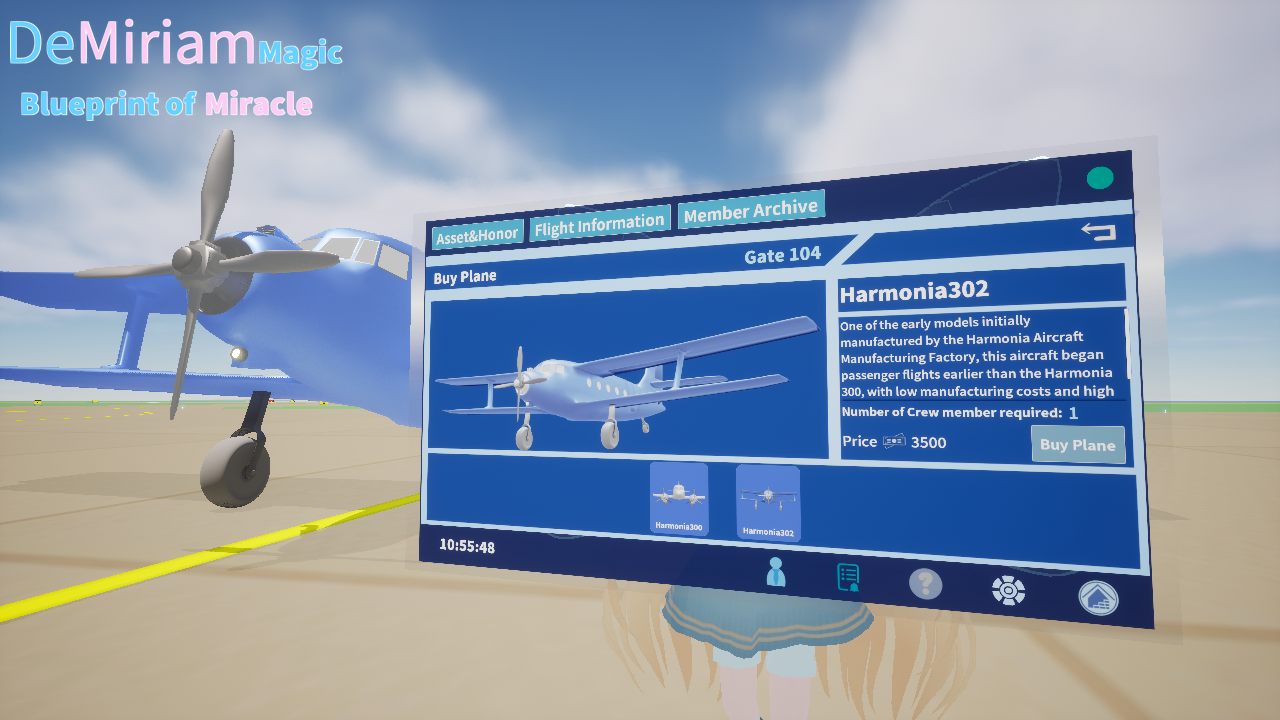 Players can currently purchase two types of airplane models, and I will continue to update them. Please stay tuned for more airplanes :)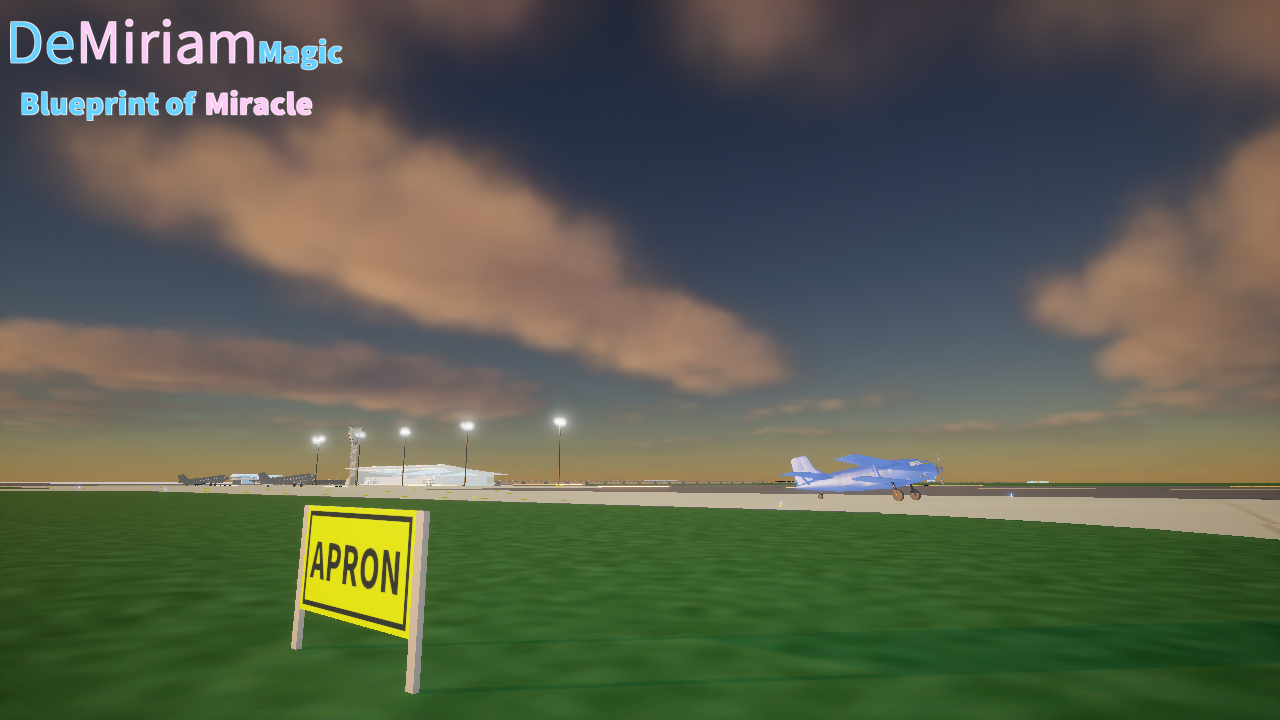
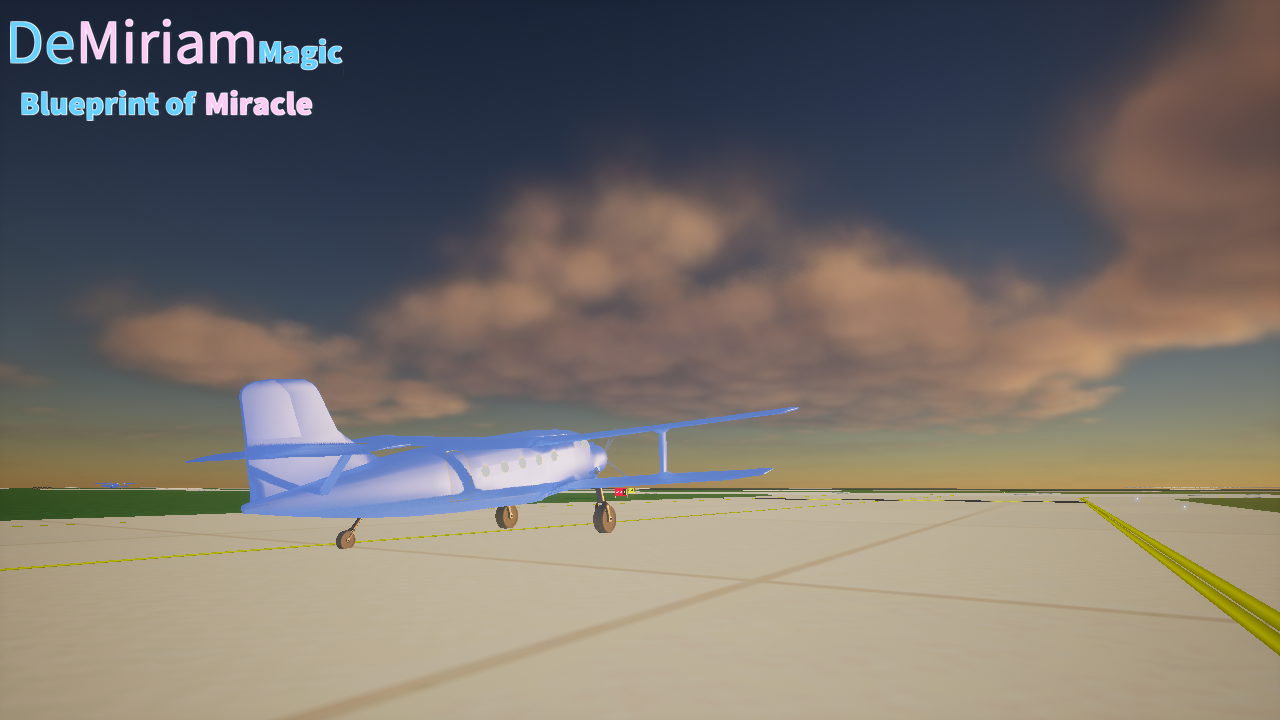 After the flight task is started, the corresponding aircraft will start taxiing and taking off. When the system time is later than the expected arrival time, the aircraft will land and taxi back to the designated parking gate.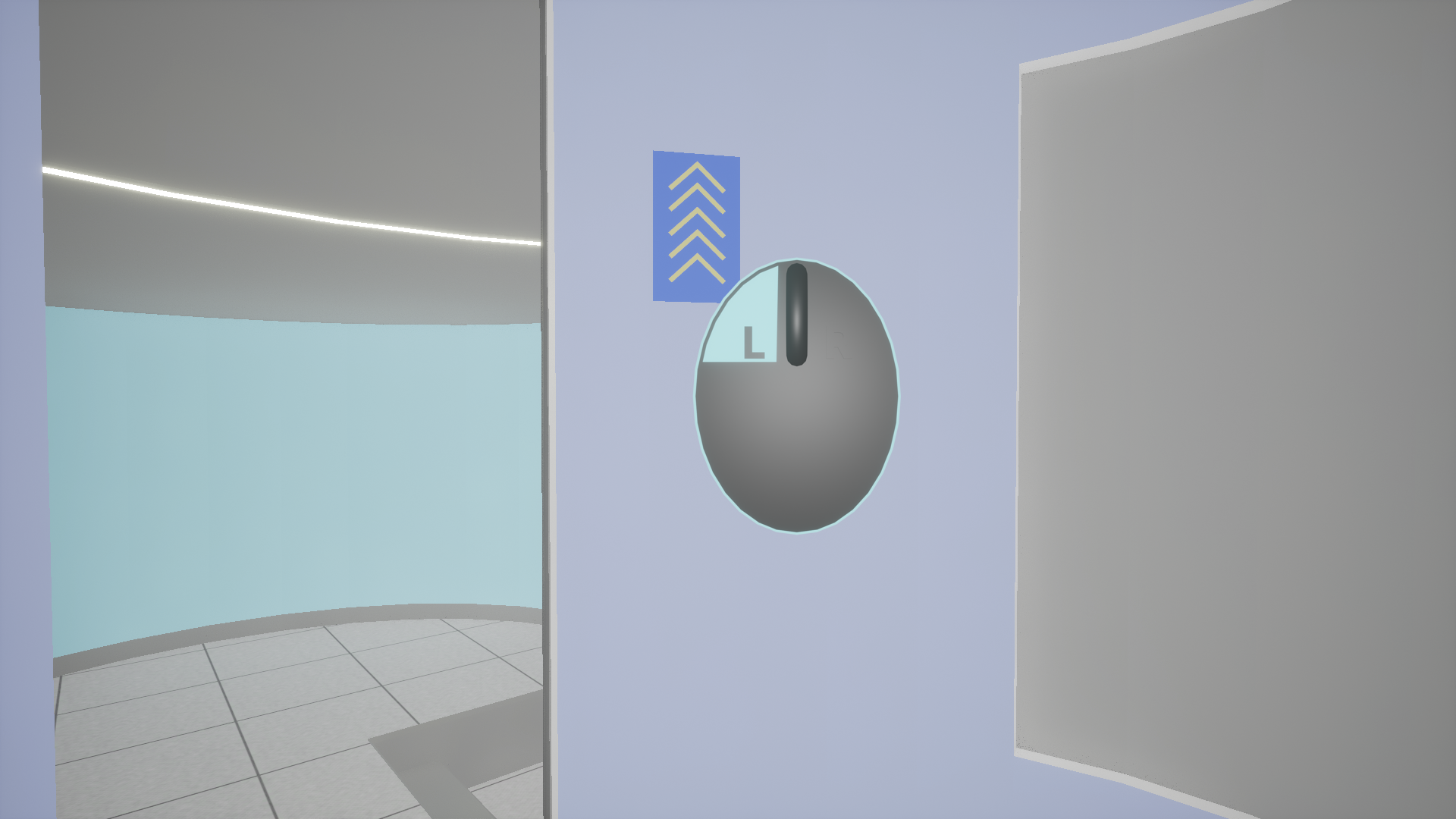
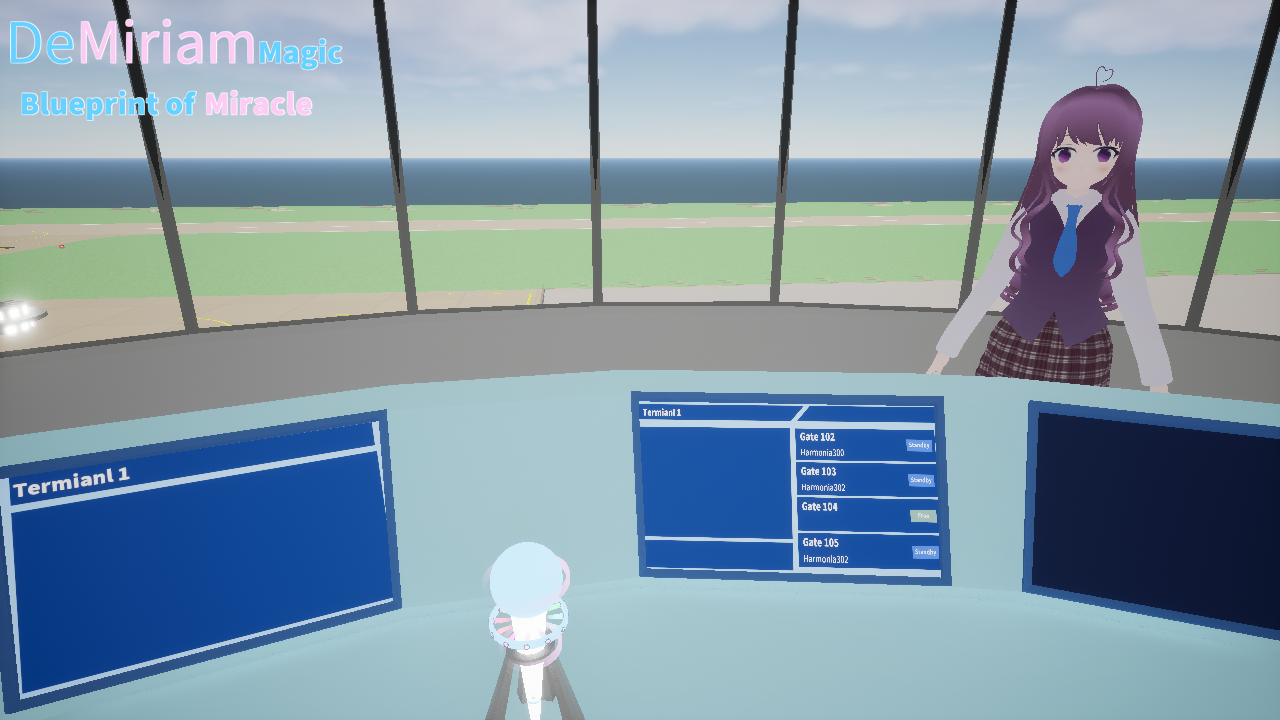 Only players can enter the tower, and players need to take a vertical elevator to reach the tower control area. The exclusive character of the tower "Miaya" has special actions and functions. Currently, the tower has a large number of functions waiting to be implemented, and special interactions about Miaya are also waiting for updates.
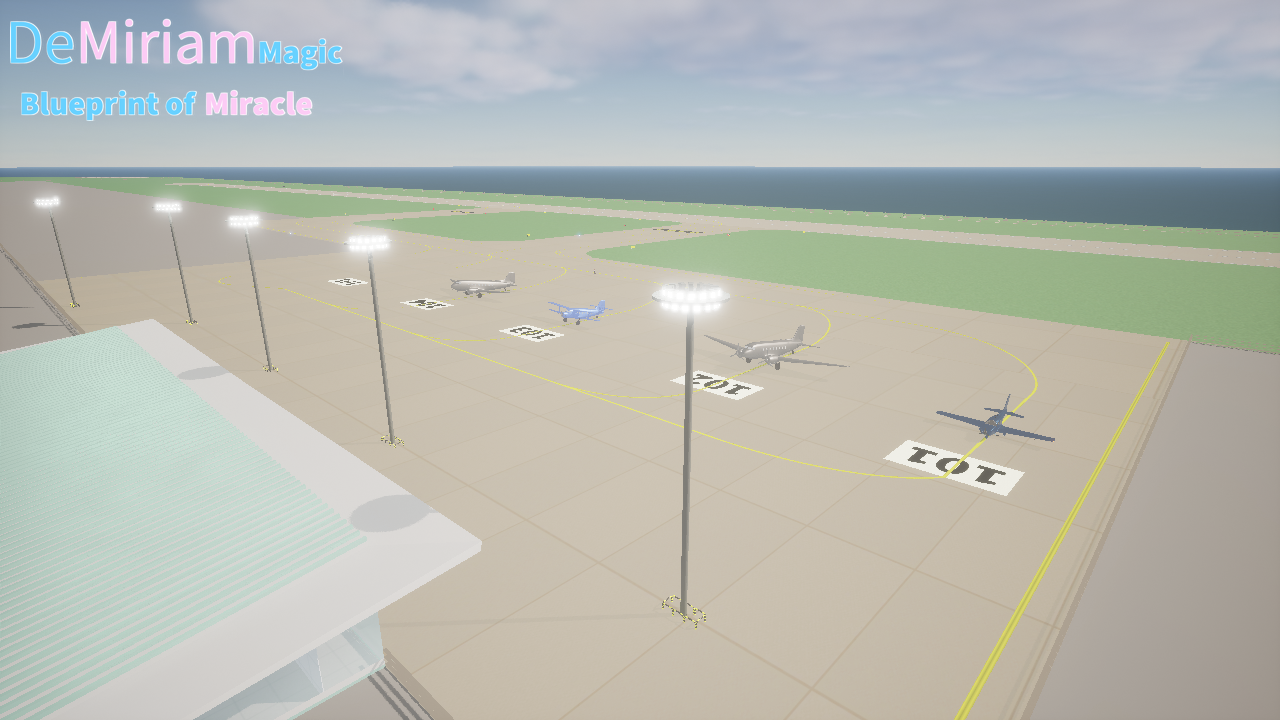 G. Airplanes that can be piloted by players themselves
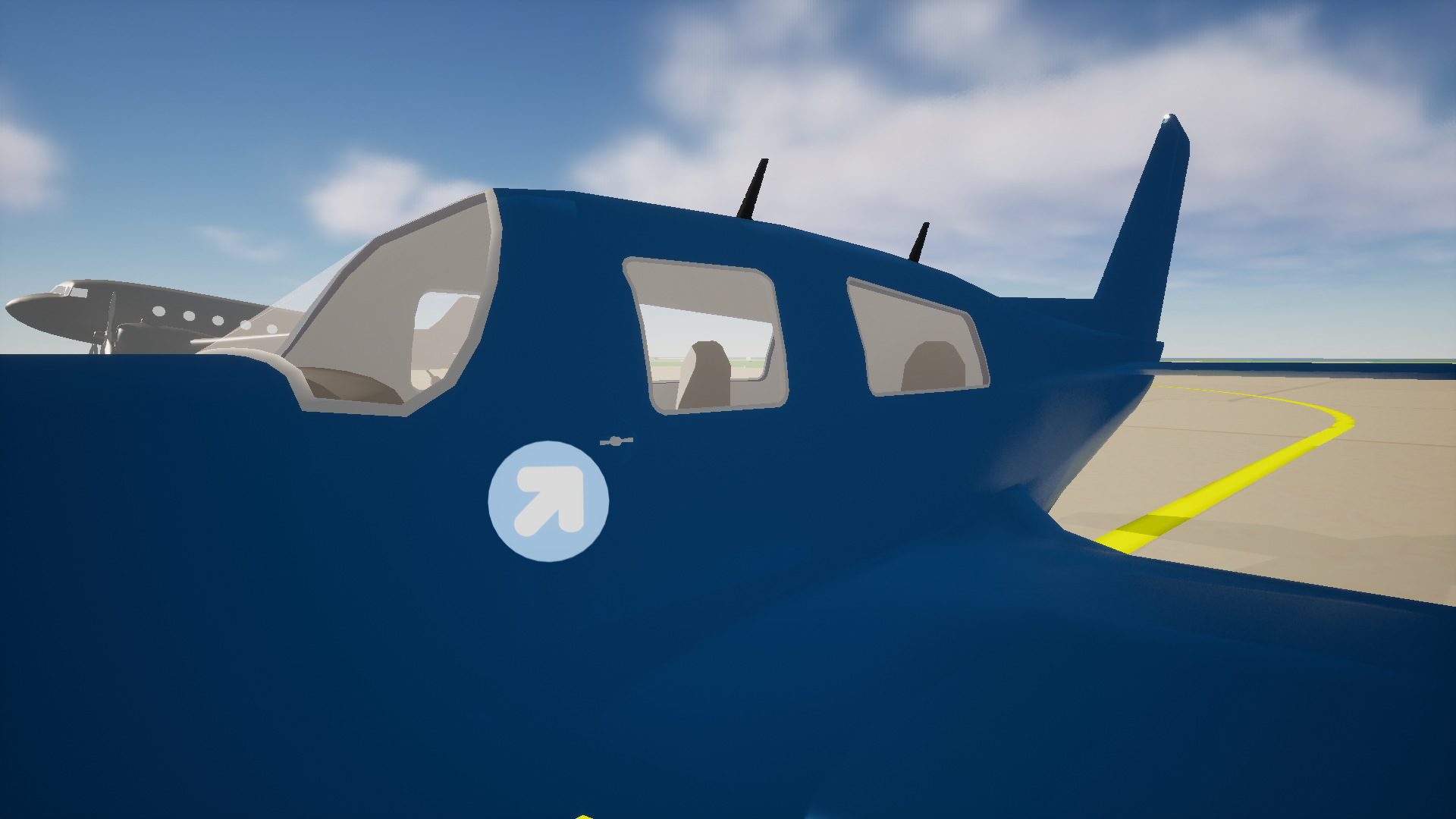 Entering the apron from the terminal, the aircraft that can be operated by players is located at Gate 101. Click on the left side door handle (located below the bottom left corner of the left side door glass) to start piloting the aircraft, and still use the right mouse button to rotate the field of view here.
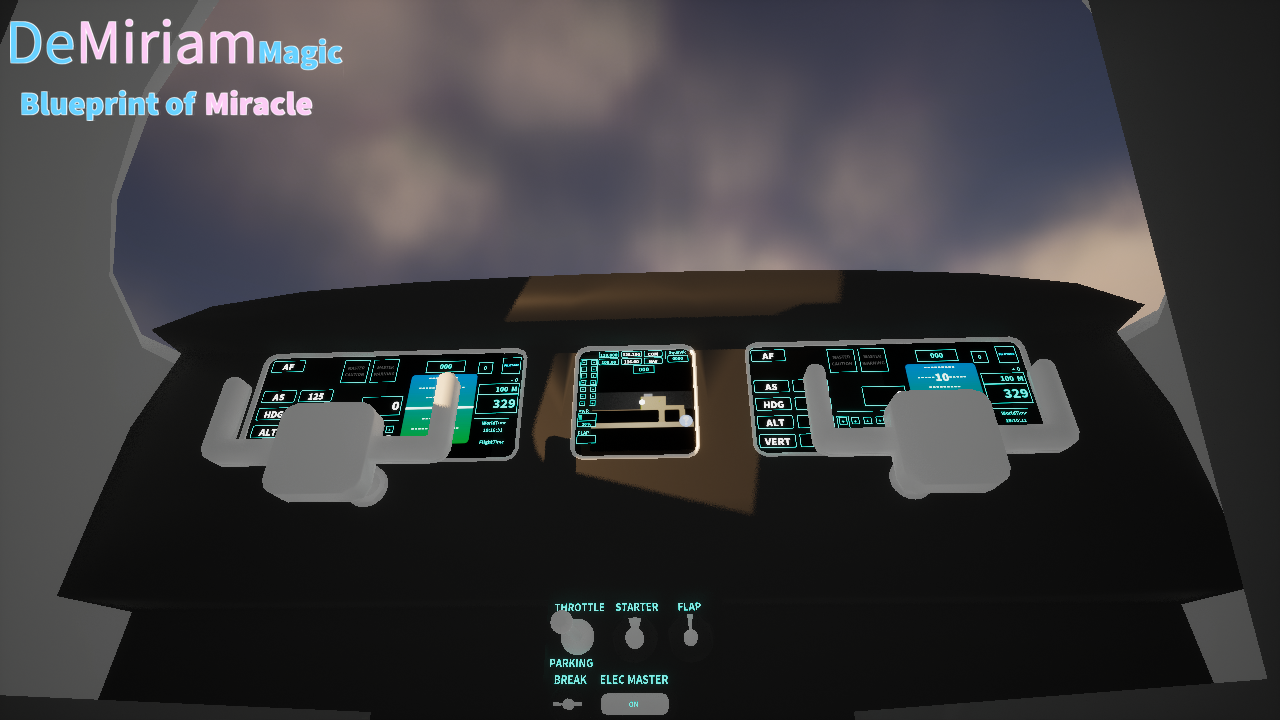 Rotate the field of view to the middle position of the aircraft's driving area, click ELEC MASTER to turn on the power, all screens will be displayed, and then click STARTER to start the engine.
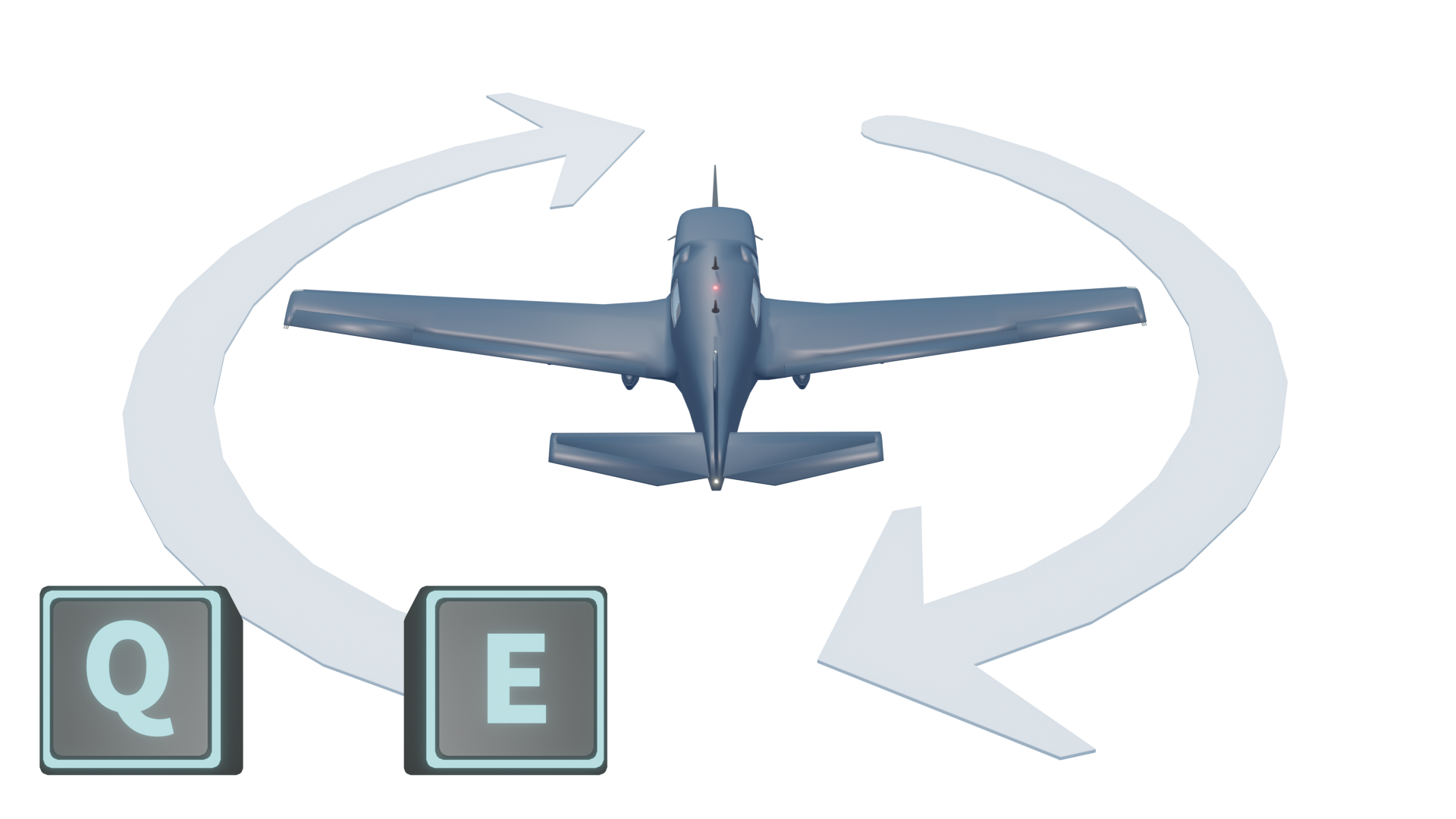 The QE key is used to control the rudder
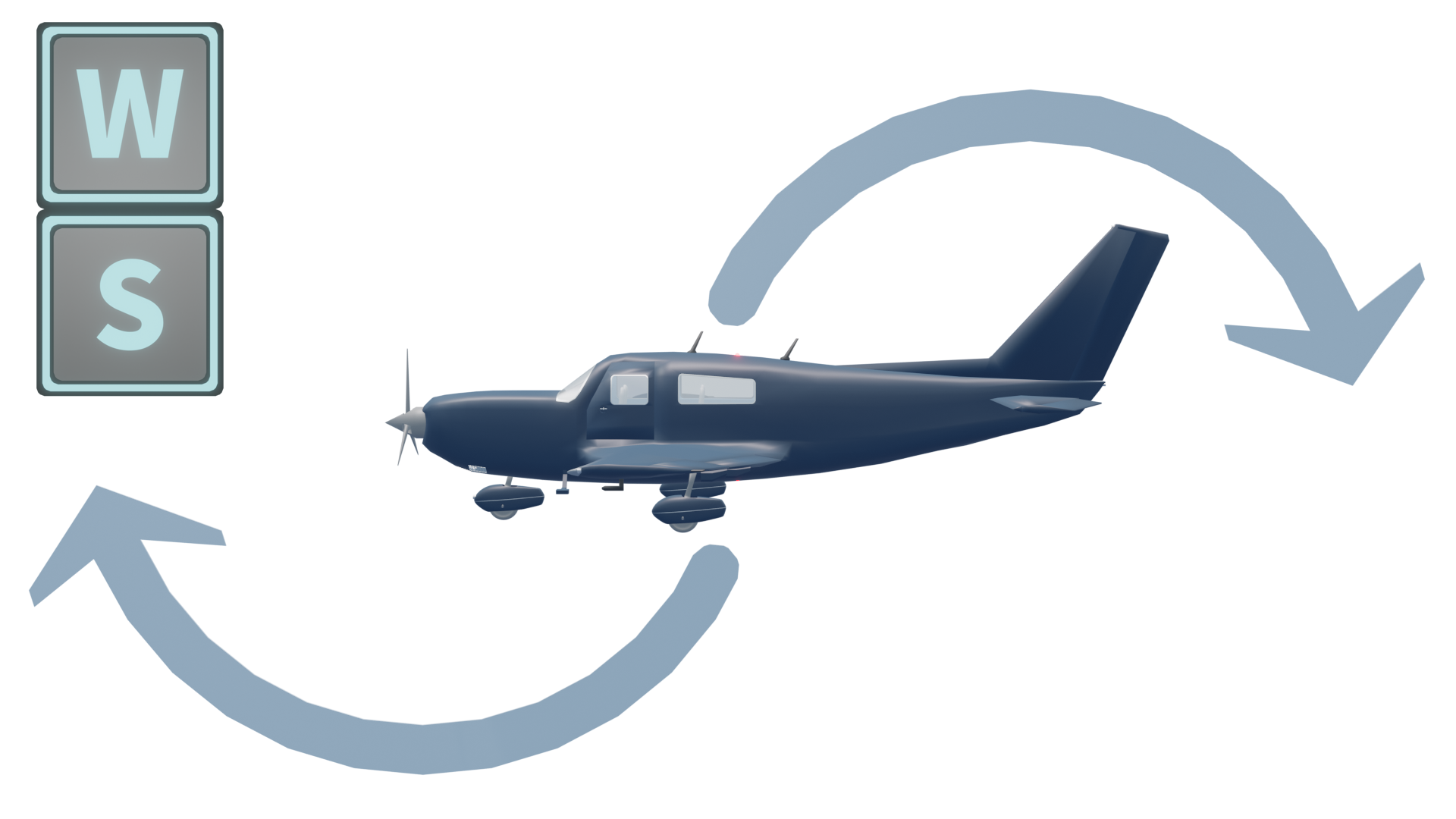 The WS key is used to control the elevator
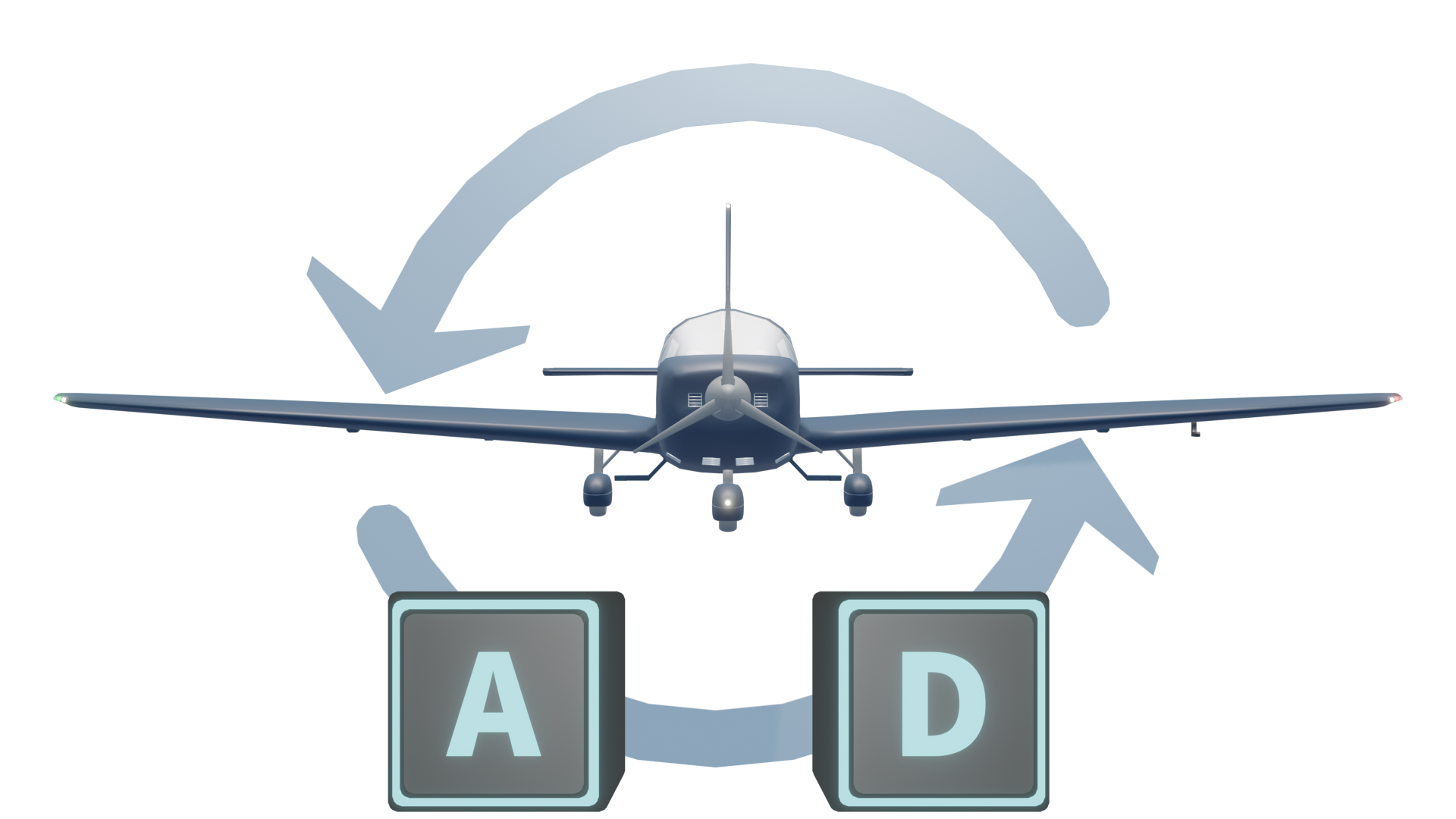 The AD key is used to control the ailerons
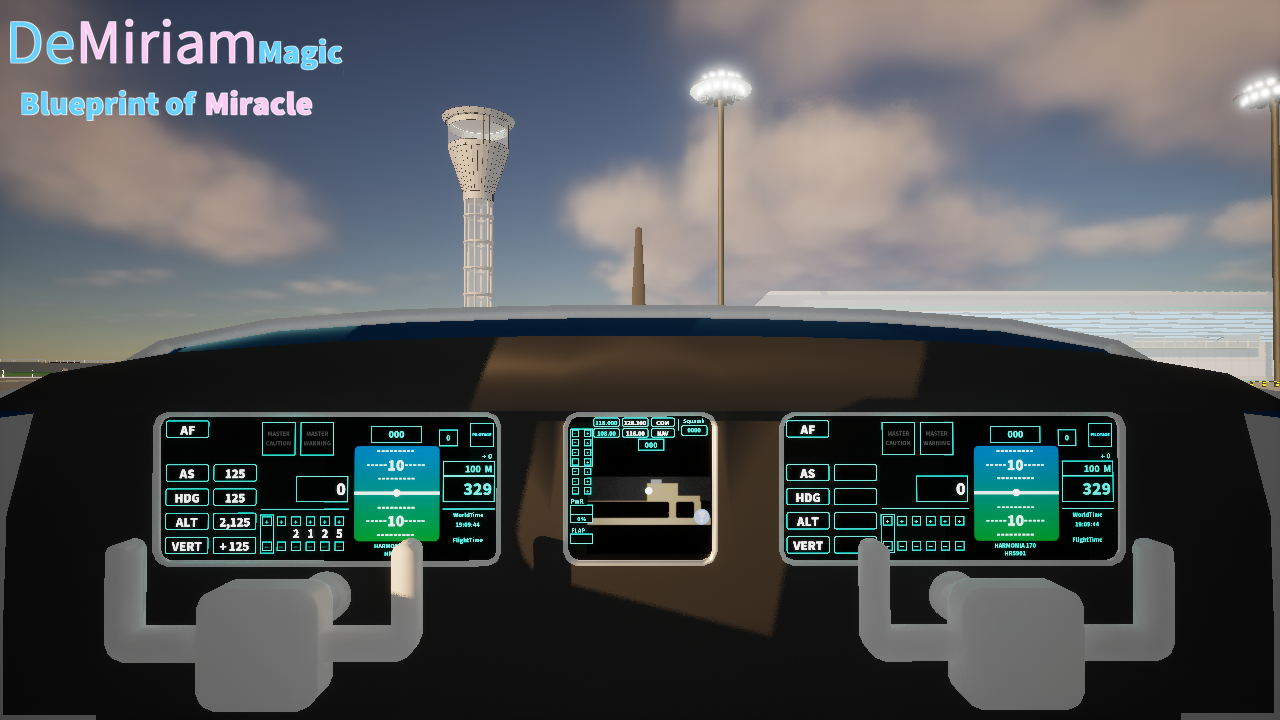 The position of the middle screen that needs attention
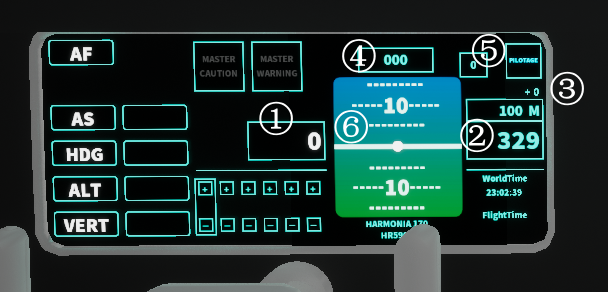 The screens on both sides are completely identical
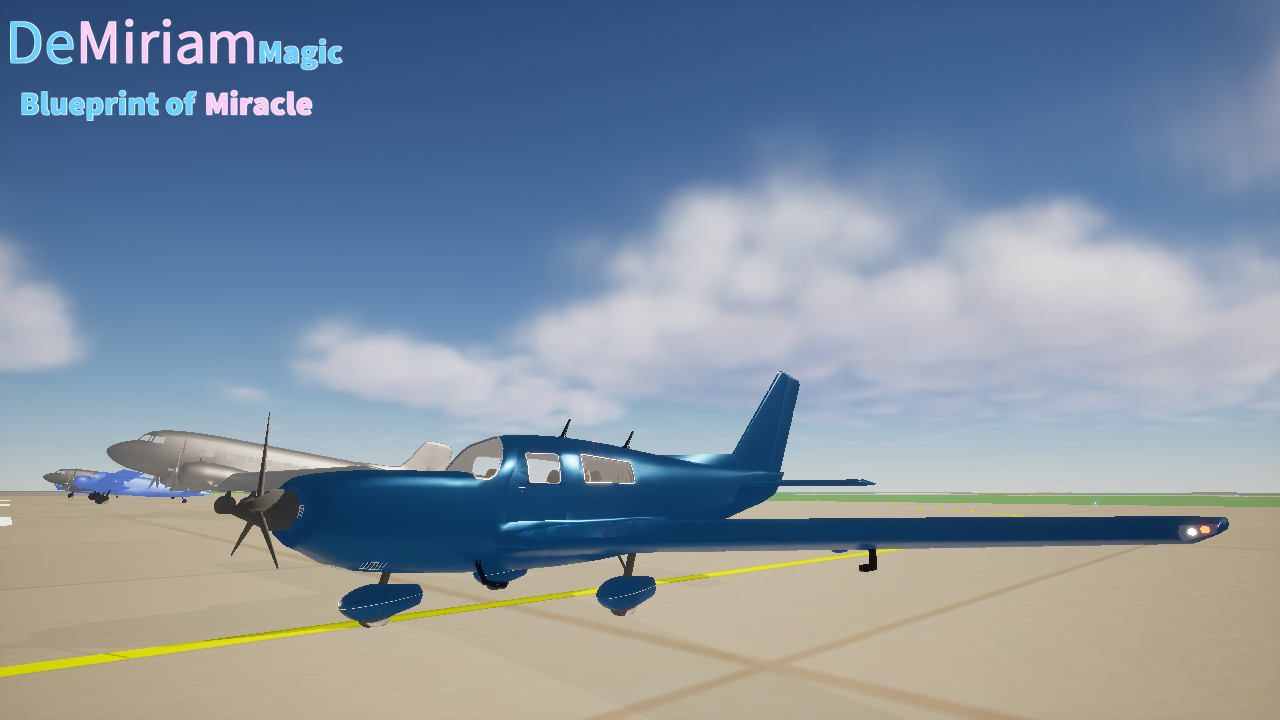 After understanding these, let's start operating the aircraft to complete the flight around the island! By piloting this aircraft, accumulate your own flight time (flight time will become a dependency on certain functions in the future).
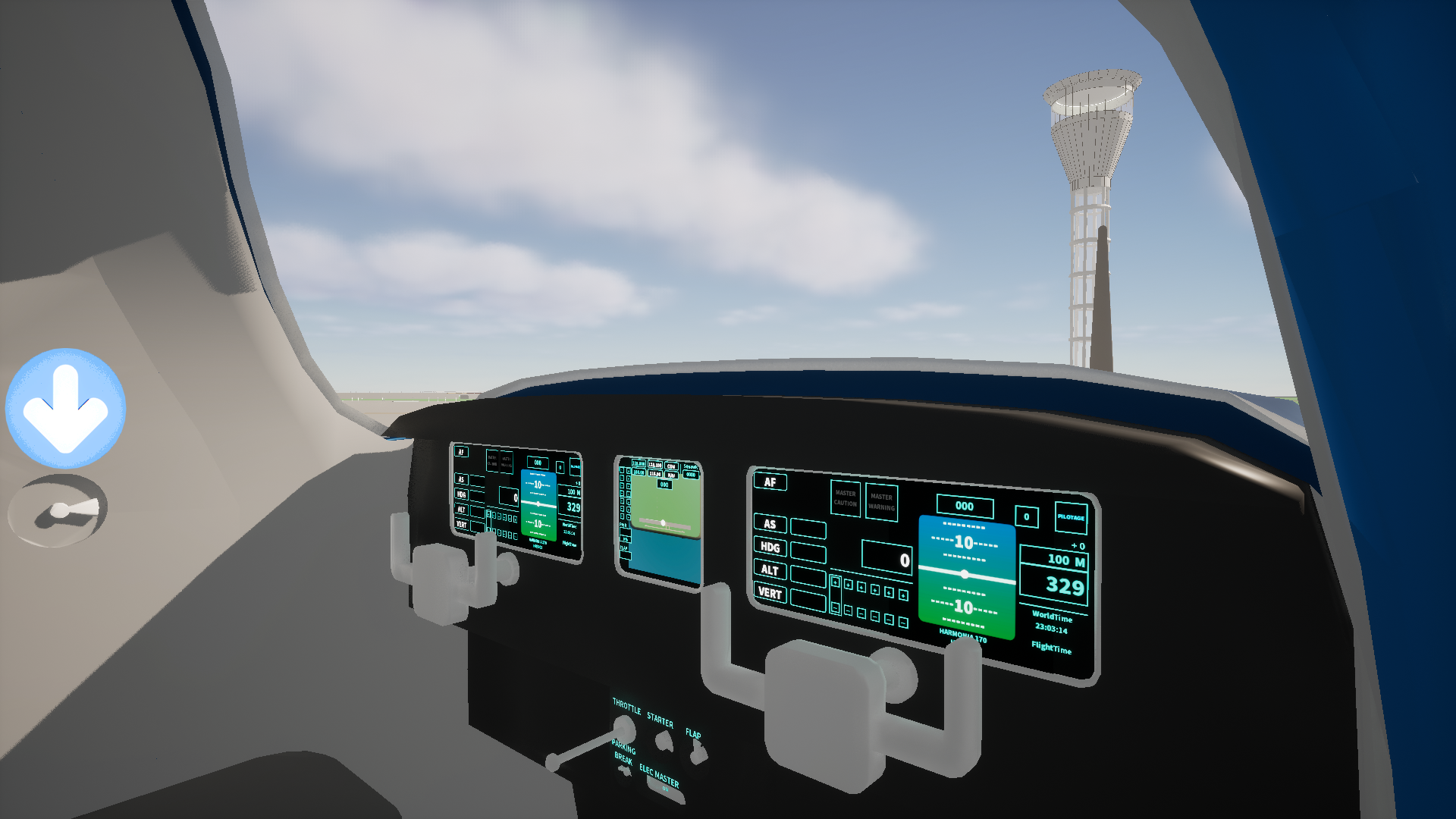 **The latest update within two weeks will update the logic of flight control for easier operation.
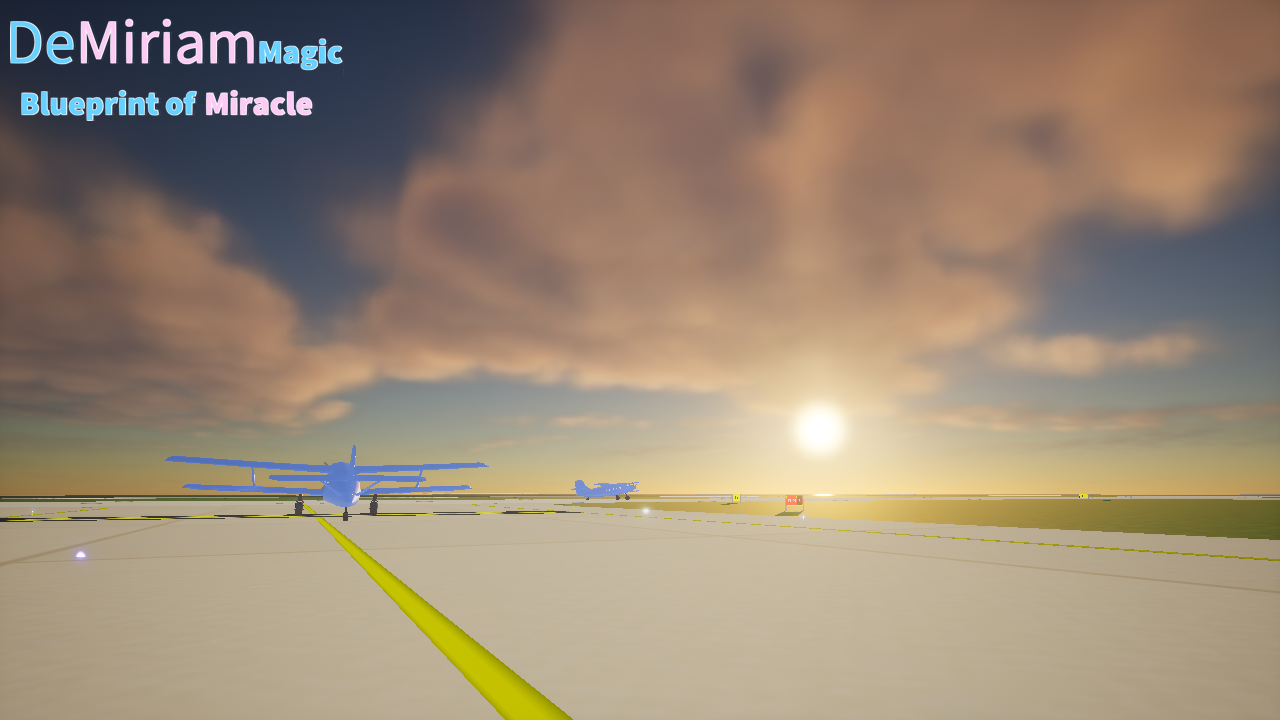 According to the system time, there will be day and night changes, and the current default setting is sunrise at 05:00 and sunset at 20:00.
 Award
Award 0
0


 Loading

