



Install Steam
login
|
language
简体中文 (Simplified Chinese)
繁體中文 (Traditional Chinese)
日本語 (Japanese)
한국어 (Korean)
ไทย (Thai)
Български (Bulgarian)
Čeština (Czech)
Dansk (Danish)
Deutsch (German)
Español - España (Spanish - Spain)
Español - Latinoamérica (Spanish - Latin America)
Ελληνικά (Greek)
Français (French)
Italiano (Italian)
Bahasa Indonesia (Indonesian)
Magyar (Hungarian)
Nederlands (Dutch)
Norsk (Norwegian)
Polski (Polish)
Português (Portuguese - Portugal)
Português - Brasil (Portuguese - Brazil)
Română (Romanian)
Русский (Russian)
Suomi (Finnish)
Svenska (Swedish)
Türkçe (Turkish)
Tiếng Việt (Vietnamese)
Українська (Ukrainian)
Report a translation problem



 Award
Award




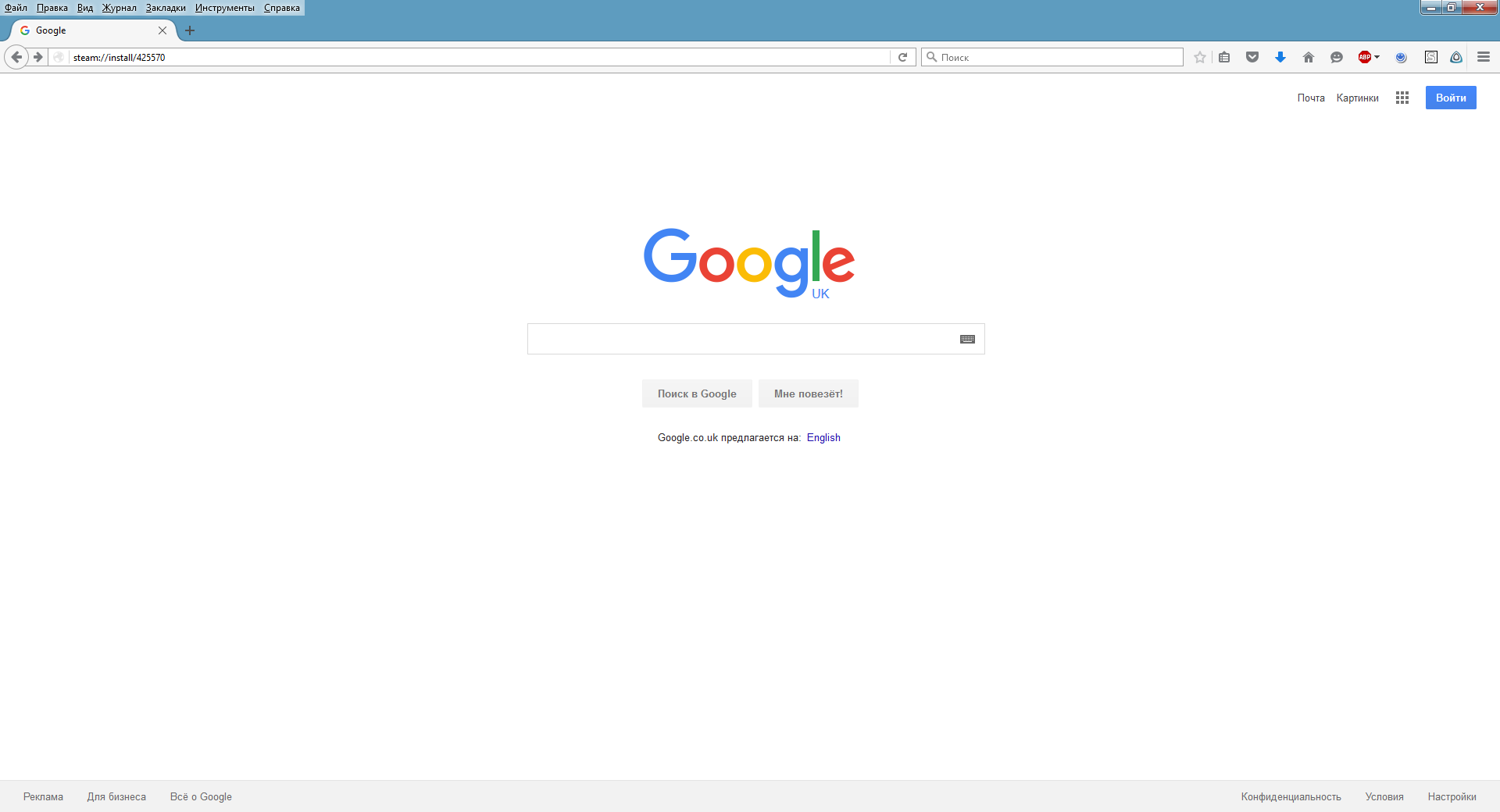
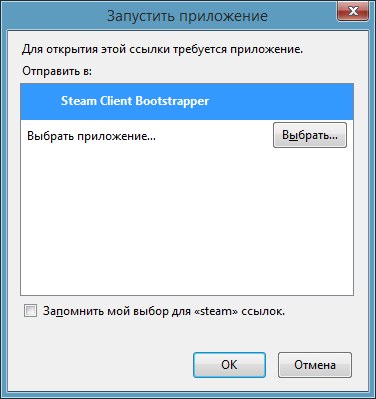


Long go answer, but i figured that it's now only working through Internet Explorer, so try using it instead of Google Chrome, if you still didn't figure that out yourself!
you can also use the Steam.exe (or steam binary on Mac&Linux) in command line (cmd.exe for Windows) and type: Steam.exe steam://rungameid/425570 <ENTER>
That happened to me accidentally on Linux, while I was looking around the game's steamdb-site about all free DLC that could be added. It's cool to see it's much more convenient done your way!
https://steamdb.info/app/425570/info/
bigger artwork: http://cdn.akamai.steamstatic.com/steam/apps/425570/capsule_616x353.jpg